A wedding photographer has finished a busy weekend of ceremonies, and now several albums are waiting for design approval. From Mehendi and Sangeet to the wedding ceremony and reception, every event contains special moments that deserve a thoughtful presentation. Creating every page from scratch can take valuable time, especially when multiple clients are waiting for their albums.
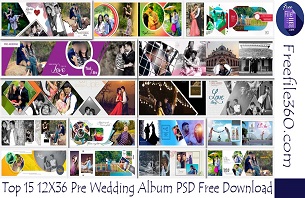
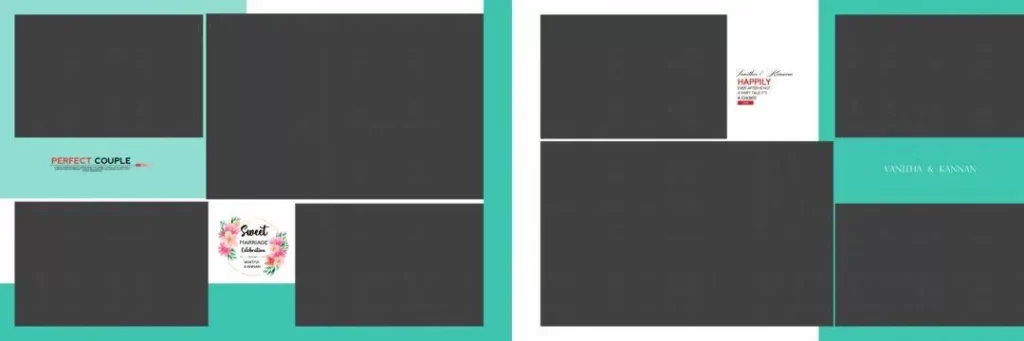
A 12 X 36 Album PSD can help designers organize wedding photographs into a wide album layout. A suitable Photoshop template provides a starting point for arranging portraits, family photographs, couple shots, and ceremony highlights. The actual editing options depend on the structure of the downloaded PSD file.
At Freefile360.com, this topic is relevant to graphic designers, wedding photographers, photo studio owners, and Photoshop users looking for Wedding Album Design resources. Before choosing a template, it is important to understand the format, check its specifications, and confirm whether it suits your client’s album and printing requirements.
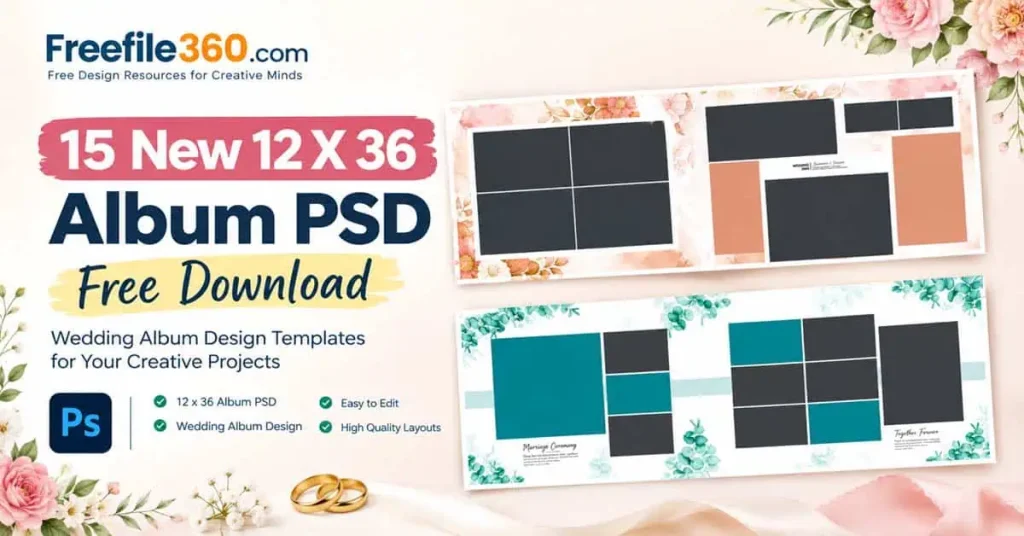
12 X 36 Album PSD
Table of Contents
12 X 36 Album PSD — Understanding the Wide Wedding Album Format
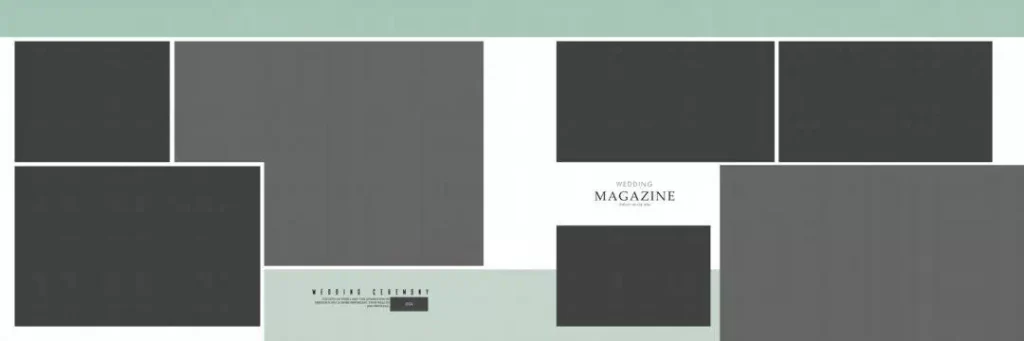
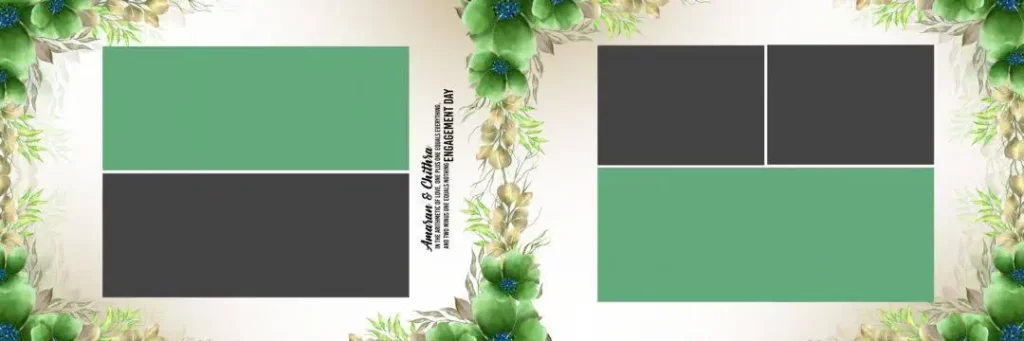
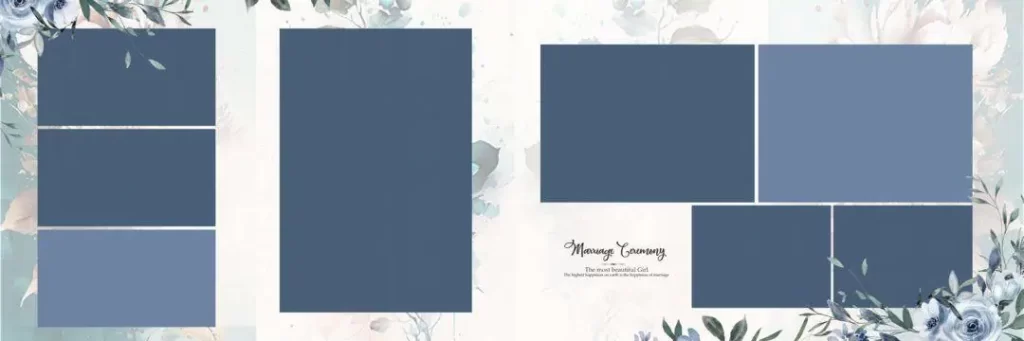
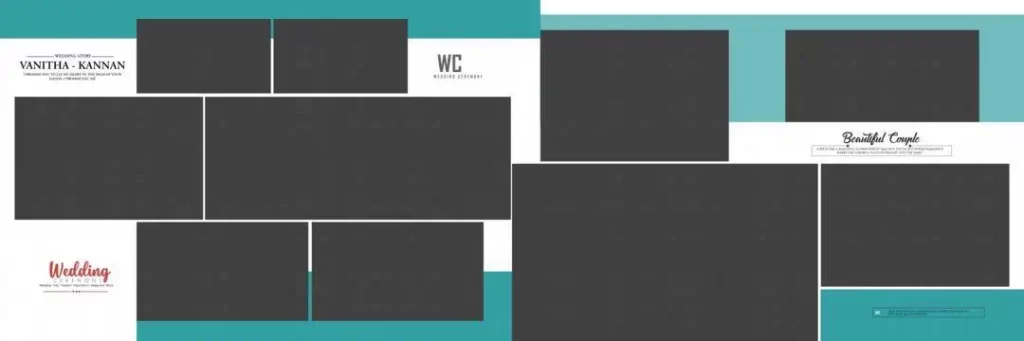
A 12 x 36 Album PSD is a Photoshop document intended for designing a wide album spread with nominal dimensions of 12 by 36 inches, provided the file is configured in inches. It can be used to arrange wedding photographs across a panoramic layout for album production. The actual dimensions, resolution, and editable features must be checked in the individual file.
This format is useful for presenting several related photographs together. For example, a designer might arrange a couple’s portraits across one spread, combine family photographs on another, or create a visual sequence of important wedding moments.
A 12 x 36 Wedding Album PSD may contain photographs, decorative elements, text, backgrounds, or other design components. However, not every PSD includes separate layers or editable photo placeholders. Check the file structure before planning your workflow around those features.
#01
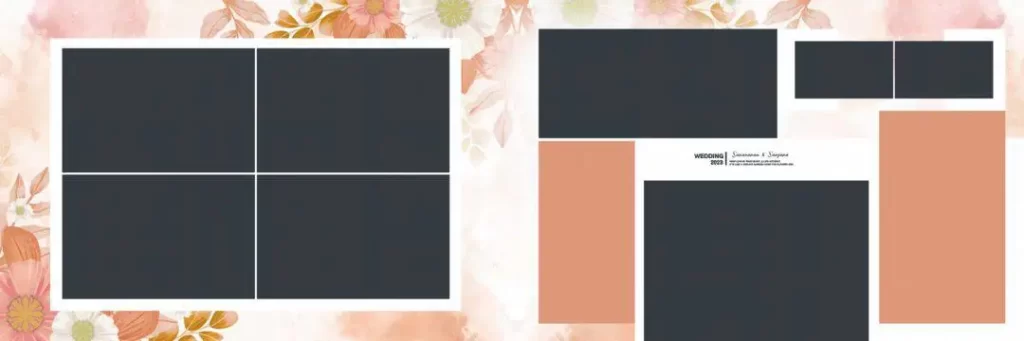
12 X 36 Album PSD
#02
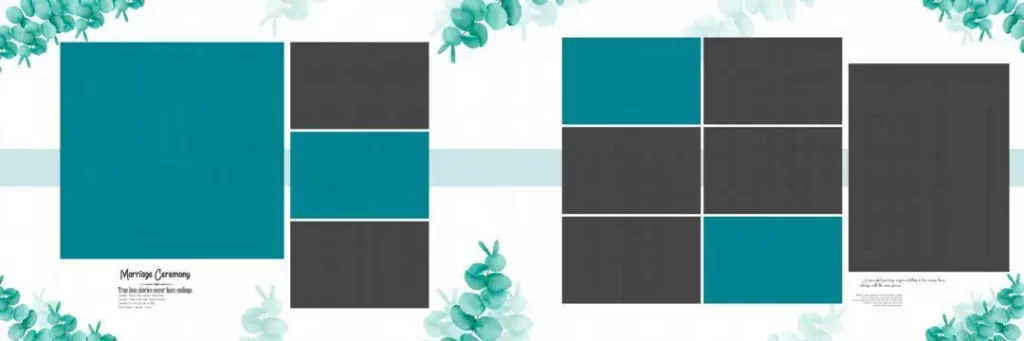
#03
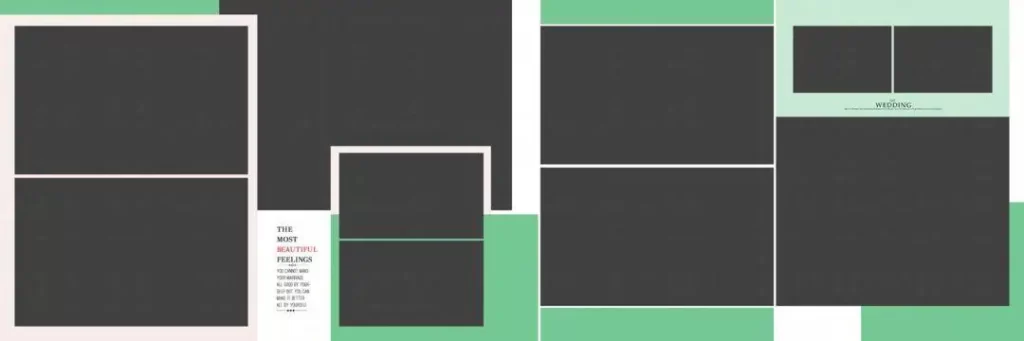
#04
#05

#06

#07
#08
#09
#10

Explore Wedding Album Design Resources on Freefile360.com
Choosing an appropriate template starts with the album’s intended style and production requirements. A traditional Indian Wedding Album may need space for family portraits and group photographs, while a couple-focused design may place greater emphasis on large portraits and balanced compositions.
The title of this article focuses on 15 New 12 x 36 Album PSD Designs. Before publication, the editor should confirm that the linked resource page contains the stated collection and that the download conditions match the article. No download URL, verified file specifications, or license terms have been supplied here.
When evaluating a 12 x 36 Album Design PSD, look for the following details:
- Document dimensions: Confirm whether the file is actually configured for a 12 x 36-inch spread or uses different dimensions.
- Resolution: Check the pixel dimensions and resolution settings before preparing the layout for print.
- Layer structure: Determine whether photographs, text, backgrounds, and decorative elements can be edited separately.
- Software compatibility: Confirm that your image-editing software supports the file and its features.
- License terms: Review the resource’s conditions before using it in paid client projects or redistributing any part of it.
These checks help you choose a template that fits your workflow instead of spending time correcting an unsuitable document.
#11
#12
#13
#14
#15
How to Download and Customize a 12 X 36 Album Design
Follow these six steps when working with a compatible PSD resource.
1. Download the file. Open the verified Freefile360.com resource page and follow its listed download instructions. Check the file format and any access conditions before proceeding.
2. Extract the archive. If the downloaded resource comes as a ZIP file, extract it to a dedicated project folder. Keep the original archive as a backup in case you need to restore the files.
3. Open the PSD. Launch the document in compatible editing software. Check the canvas dimensions, pixel dimensions, resolution, color mode, and available layers before making changes.
4. Replace the photographs. If the template includes Smart Objects or editable photo placeholders, follow their structure to insert the selected images. Otherwise, use the available layers and selection tools to place photographs carefully.
5. Customize the layout. Adjust photo placement, text, colors, and decorative elements to match the client’s preferences. Maintain visual balance and avoid covering important details, such as faces, with borders or embellishments.
6. Prepare the final output. Confirm the printer’s required dimensions, color profile, bleed, and binding allowance. Save an editable PSD copy, then export the final file in the format requested by the album printer.
This workflow applies to compatible PSD templates; the exact editing process will vary with the downloaded file’s structure.
Managing Wedding Album Deadlines Without Rushing Design Quality
Photo studios often handle several projects at once. A client may approve the wedding photographs while another client is still choosing images from the reception. A reusable 12 x 36 Album layout can provide a starting structure, helping designers spend less time building repetitive elements from scratch.
For example, a designer creating an Indian wedding album can group photographs by event, such as Mehendi, Sangeet, the wedding ceremony, and the reception. This makes it easier to maintain a clear visual sequence while giving each spread its own character.
The key is to treat a template as a starting point rather than a finished solution. Review the image selection, adjust spacing, and remove decorative elements that distract from the photographs. A consistent workflow also helps when clients request revisions, since the designer can return to the editable document instead of rebuilding the entire spread.
Practical Tips for Better Wedding Album Results
– Check the actual image detail. A document set to 300 DPI does not automatically make low-resolution photographs suitable for large prints. Review the source images and final pixel dimensions at the intended output size.
– Confirm the printer’s color requirements. Ask whether the album should be supplied in RGB or a specific CMYK profile. Do not convert the document blindly, because color changes can affect skin tones and other important details.
– Allow for bleed and binding. Follow the printer’s specifications for trim, bleed, and the center binding area. Keep faces, text, and other important details away from areas that may be trimmed or hidden.
– Save an editable backup. Preserve the original template and save a separate working PSD. Export a final copy only after checking image placement, spelling, alignment, and the requested file format.
Frequently Asked Questions
Are these 12 X 36 Album PSD resources free to download?
The download conditions have not been verified for this specific collection. Visit the relevant Freefile360.com resource page to confirm whether downloads are free and whether any additional conditions apply.
Which software is needed to edit a 12 x 36 Wedding Album PSD?
Adobe Photoshop supports PSD files. Other compatible image editors may also open them, but some effects, fonts, or advanced features may not transfer correctly. Check compatibility before starting your project.
Can I use these designs for paid client projects?
Commercial use depends on the license attached to the individual resource. Review the applicable terms before using a template in a paid wedding album or delivering modified files to a client.
Why is the 12 x 36 format useful for wedding albums?
Its wide layout can accommodate panoramic compositions and several related photographs across a spread. The final suitability depends on the album’s physical dimensions, binding method, and printer requirements.
How do I prepare a 12 x 36 Album Design for printing?
Check the document dimensions, image resolution, color profile, bleed, and binding allowance against your printer’s specifications. Proofread the design and export the final file in the requested format.
Conclusion
A 12 X 36 Album PSD can help wedding photographers, album designers, and photo studios develop wide wedding album spreads with a more organized workflow. Selecting a suitable template and checking its dimensions, editability, and print requirements are important steps toward preparing a professional design.
Visit Freefile360.com to explore the relevant wedding album design resources once the correct collection URL has been confirmed. Review the download instructions and license terms, then customize your chosen 12 x 36 Album Design to suit the photographs, client preferences, and album printer’s requirements.