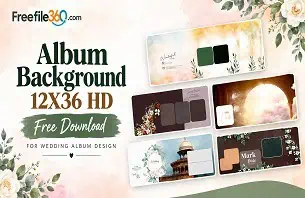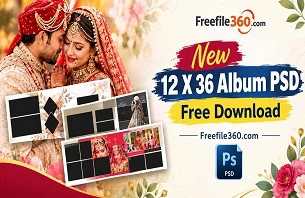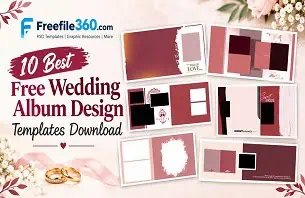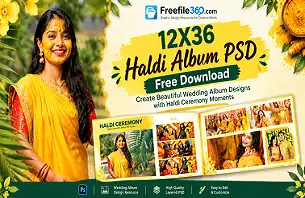
Creating a wedding album can take time, especially when a photo studio has several client projects to complete. Selecting photographs, arranging each page, and keeping the design consistent can become difficult when working under tight deadlines. A suitable Free PSD 12X36 template can provide a starting point for organizing wedding photographs in a wide album layout.
For wedding photographers, graphic designers, and photo studio owners, a reusable Photoshop template can help simplify the layout process. Instead of starting every spread from scratch, designers can work with an existing composition and adjust it to suit the couple’s photographs and preferred style.
Freefile360.com focuses on graphic design resources for creative users. If you are searching for a new PSD 12X36 layout, this guide explains how to evaluate a suitable template, customize it in Photoshop, and prepare the finished design for its intended use.
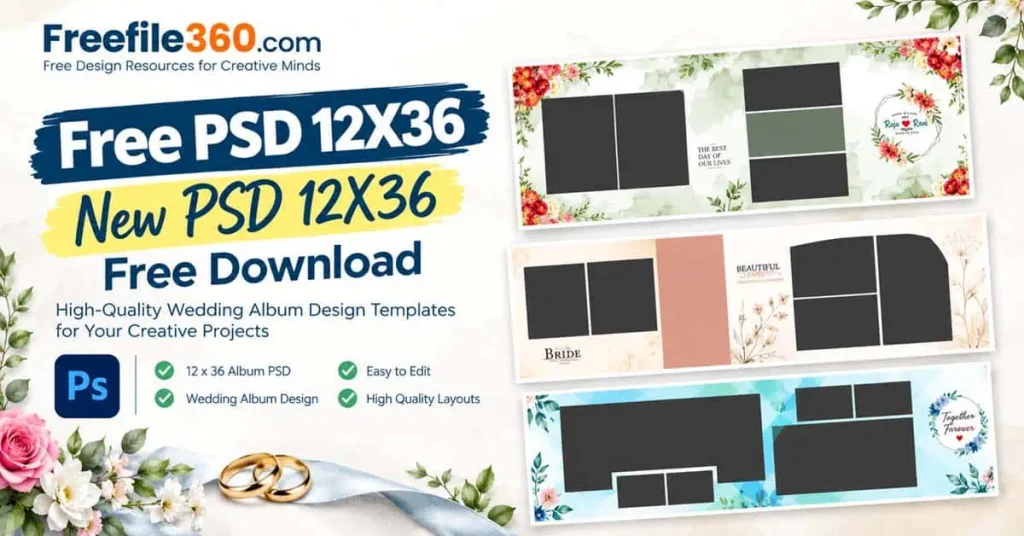
Free PSD 12X36
Table of Contents
Free PSD 12X36 — Understanding the Wedding Album Format
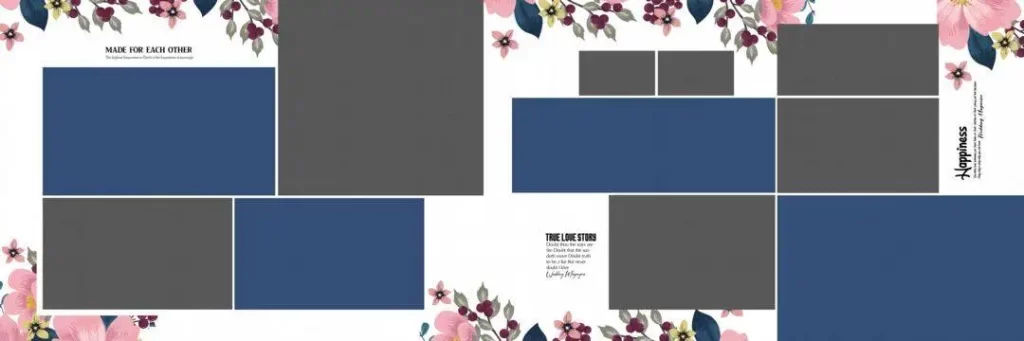
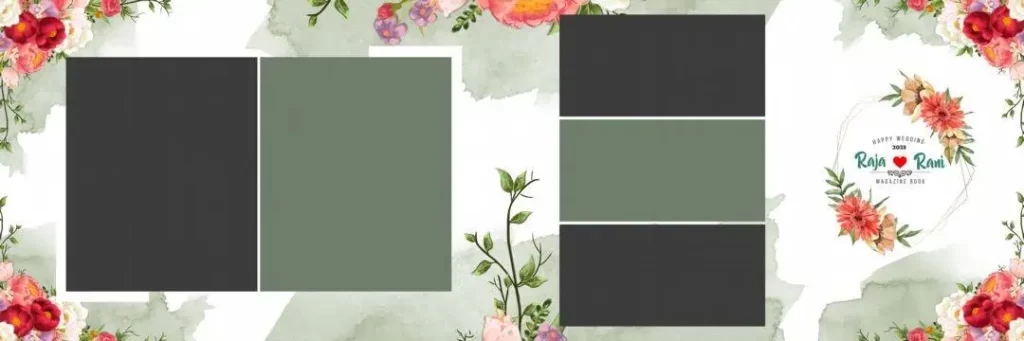
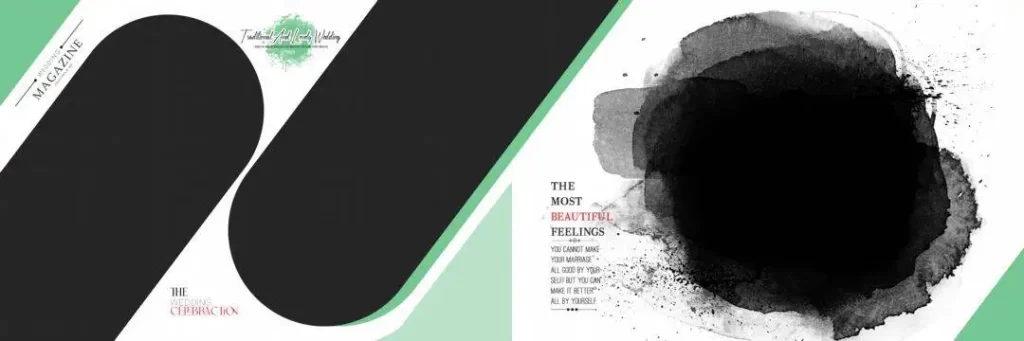
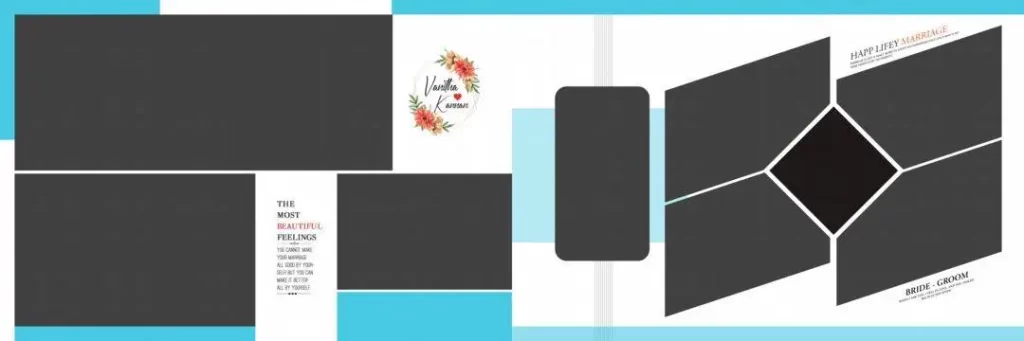
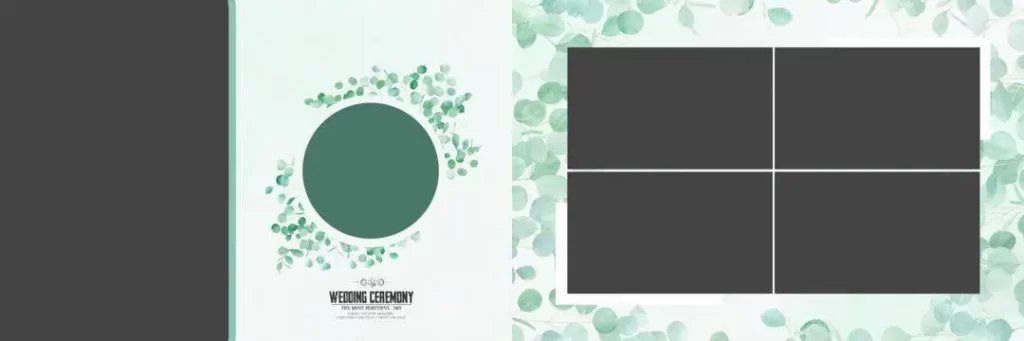
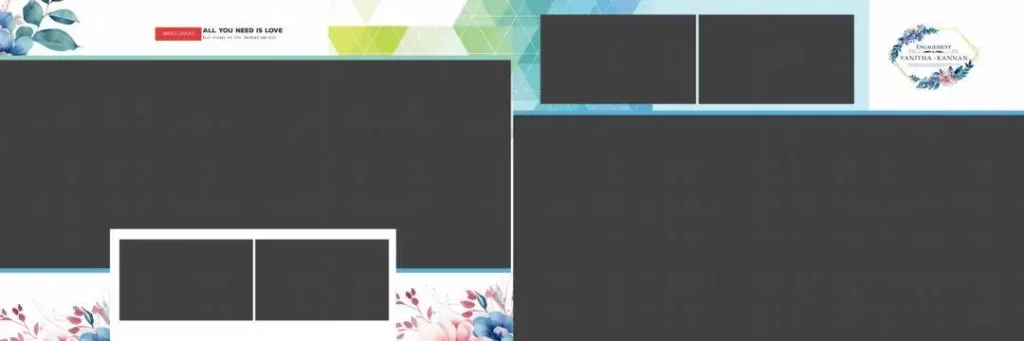
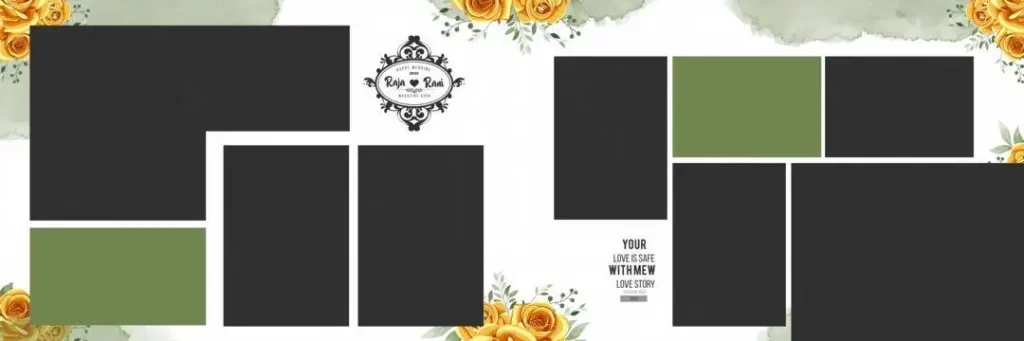
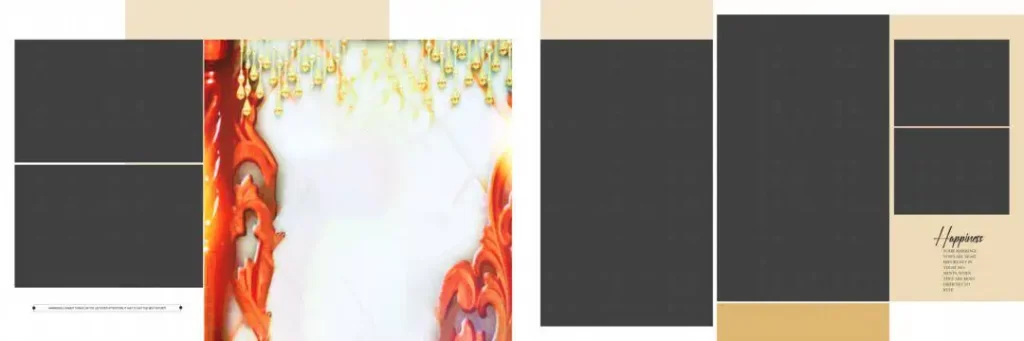
A Free PSD 12X36 is a Photoshop Document template intended for a 12-by-36-inch album layout, provided the file’s actual dimensions confirm that format. It can serve as a starting point for arranging wedding photographs, decorative elements, and text across a wide composition.
The 12×36 format is commonly associated with wide wedding album spreads. It offers room for large couple portraits, family photographs, and ceremony highlights. However, designers should confirm whether a particular file represents a complete spread or an individual page before editing or printing it.
PSD files can preserve editable layers, but the available editing options depend on how each template was created. Some files may include separate photo placeholders and decorative elements, while others may use a flattened composition. Always inspect the document before planning your workflow around specific features.
#01
#02
#03
#04
#05

#06
Free PSD 12X36
#07

#08
#09
#10
Finding a Suitable 12×36 Album PSD on Freefile360.com
When searching for a new PSD 12X36 design, focus on layouts that suit your photographs, album theme, and editing requirements. A suitable composition should provide enough space for important images without making the page look crowded.
Freefile360.com is the destination for this article’s graphic design resource content. Visit the relevant resource page, when available, to review the preview, file format, dimensions, download instructions, and usage conditions.
Search phrases such as 12 * 36 album PSD, 12×36 album design PSD, and 12×36 PSD free download can help you describe the type of resource you want to find. You may also encounter the phrase 12×36 PSD free when searching for downloadable templates.
However, a search phrase or page title does not confirm that a file is available, free to download, editable, or suitable for commercial work. Check the individual resource details before proceeding. Since no specific download URL or verified file specifications have been supplied for this article, confirm those details before publishing a direct download link.
How to Download and Edit a 12×36 PSD Template
Once you have located a suitable resource, follow these steps to customize it for a wedding album project.
1. Download the file. Open the relevant Freefile360.com resource page and follow its listed download instructions. Confirm that the file is available and check its format before downloading.
2. Extract the archive. If the downloaded resource is supplied as a ZIP file, extract it using a suitable archive utility. Review the extracted folder for the PSD file, fonts, images, or other included assets.
3. Open the PSD in Photoshop. Open the document in Adobe Photoshop or compatible software. Check its canvas dimensions, pixel dimensions, resolution setting, color mode, and layer organization before making changes.
4. Replace the photographs. Locate the available image layers or Smart Objects, if included. Replace sample images with the selected wedding photographs and adjust their position and cropping. If the file is flattened, some elements may not be independently editable.
5. Customize the layout. Adjust text, colors, backgrounds, and decorative elements where the document allows. Keep the bride and groom’s important moments prominent, and maintain a consistent style throughout the album.
6. Prepare the final output. Confirm the printer’s requirements for dimensions, image detail, color profile, bleed, and binding margins. Save an editable PSD copy and export the final design in the format requested by the printing provider.
These steps provide a general workflow. The exact process will depend on the selected template and the software used.
Managing Album Projects When Deadlines Are Tight
A busy photo studio may receive hundreds of wedding photographs that need to be organized into a coherent album. Planning the layout before detailed editing can reduce repetitive work and help prevent important moments from being overlooked.
Start by grouping photographs into categories such as Mehendi, Sangeet, Baraat, wedding ceremony, family portraits, and reception. Select the strongest photographs for prominent positions, then arrange supporting images around them.
A reusable 12×36 Album Design PSD can provide a consistent starting structure for multiple spreads. Nevertheless, avoid using exactly the same composition on every page. Alternate large portraits, smaller supporting photographs, and balanced decorative layouts to maintain visual interest.
Prepare the photographs and confirm the client’s preferences before making detailed adjustments. This helps reduce unnecessary revisions and makes better use of the time available. A template should speed up routine tasks while leaving room for thoughtful design decisions.
Practical Tips for Better Wedding Album Results
– Check the actual image detail. Make sure photographs contain enough pixel information for their intended print size. Changing a resolution setting alone cannot restore missing detail.
– Confirm the printer’s color requirements. Ask whether the printing provider needs a particular color profile or color mode. Do not assume every PSD is configured for print production.
– Protect the binding area. Keep faces, important text, and key details away from the center fold. Follow the printer’s specified bleed and trim measurements.
– Keep an editable backup. Save the original template and a separate working copy. This makes revisions easier and protects your starting design.
Frequently Asked Questions
Are Free PSD 12X36 templates always free to download?
Not necessarily. Download conditions depend on the individual resource. Check the relevant Freefile360.com page for availability, access requirements, and any applicable terms.
Which software can open a 12×36 PSD?
Adobe Photoshop is a common option. Other applications may open PSD files, but compatibility with layers, effects, fonts, and Smart Objects can vary.
Can I use a 12×36 album PSD for paid client projects?
That depends on the file’s license. Review the applicable terms and confirm that commercial use is permitted before using the design in a paid wedding album.
What makes the 12×36 format useful for wedding albums?
Its wide layout provides space for large portraits and supporting photographs across a spread. The final composition should account for the album’s binding and printing requirements.
How do I prepare a 12×36 PSD for printing?
Confirm the final dimensions, image detail, color profile, bleed, and binding margins with your printer. Export the finished design using the specifications provided by the printing service.
Conclusion
A suitable Free PSD 12X36 Template can help wedding photographers, album designers, and photo studio owners organize photographs into attractive album spreads. By choosing an appropriate layout and customizing it carefully, you can create a design that reflects the couple’s story while keeping your workflow organized.
Visit Freefile360.com to explore relevant wedding album design resources. Review each file’s specifications, download conditions, and license before use. Whether you are looking for a new PSD 12X36 or a 12×36 album PSD, prioritize a layout that fits your photographs and intended output.
Get More: