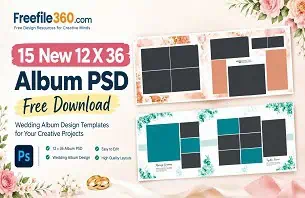
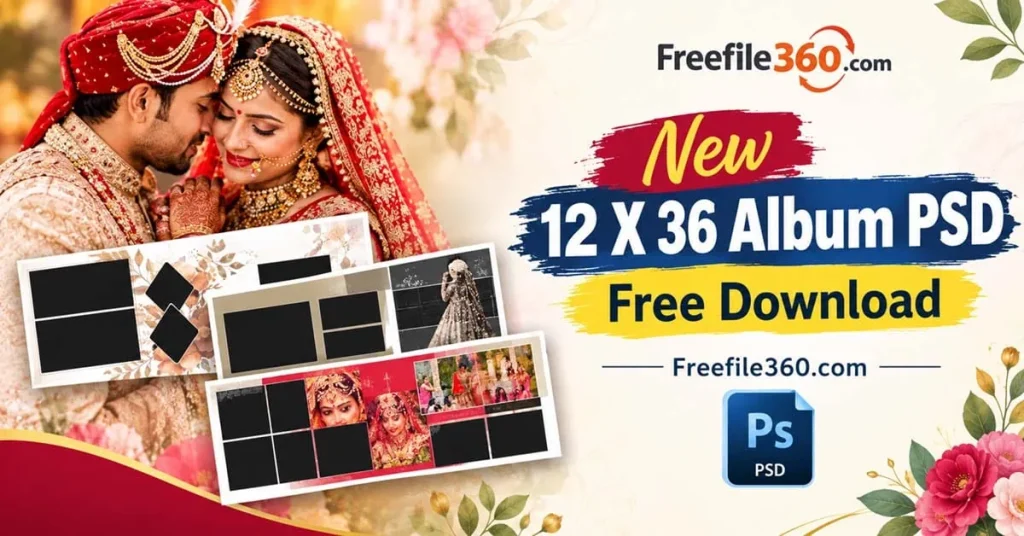
Wedding album designers often work with tight deadlines, especially during busy Indian wedding seasons. Arranging photographs, balancing colors, and creating an attractive layout for every spread can take considerable time. A suitable New 12 X 36 Album PSD can provide a useful starting point for organizing wedding photographs into a coordinated album design.
The 12 x 36 format is commonly used for panoramic wedding album spreads. It offers space to combine portraits, family photographs, ceremony highlights, and decorative elements in a single composition. The final result depends on the document setup, image selection, and printing requirements.
Freefile360.com focuses on graphic design resources and Wedding Album Design topics for Photoshop users, photographers, and photo studio owners. This article explains how to evaluate a suitable PSD template, customize the layout, and prepare your Wedding Album Design for production.
New 12 X 36 Album PSD
Table of Contents
New 12 X 36 Album PSD — Understanding the Panoramic Layout
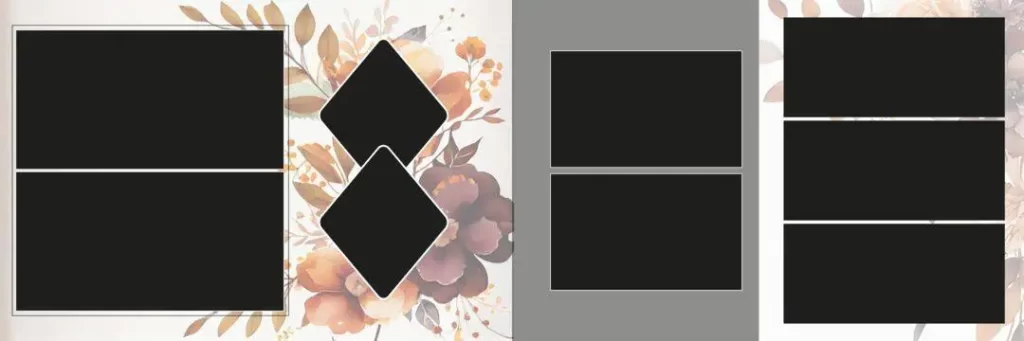
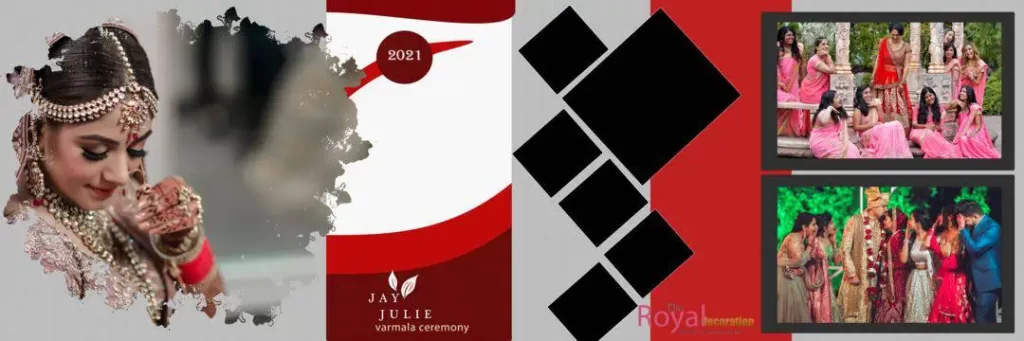
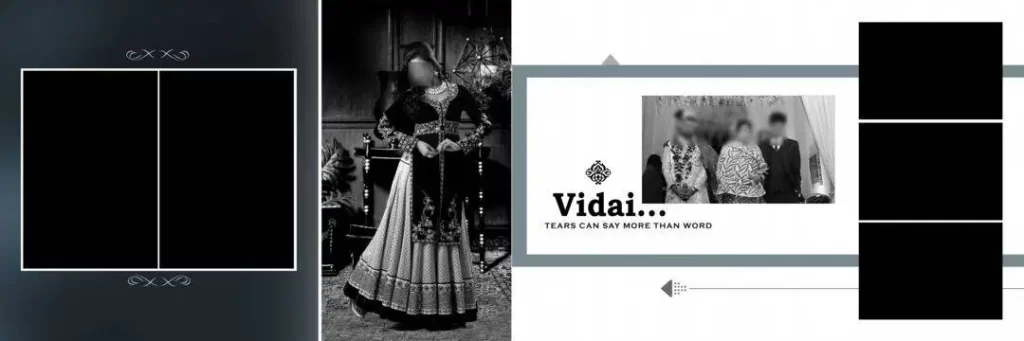
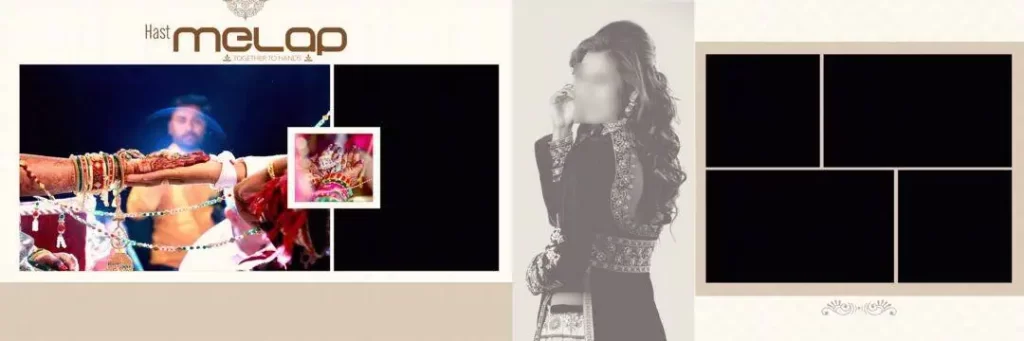
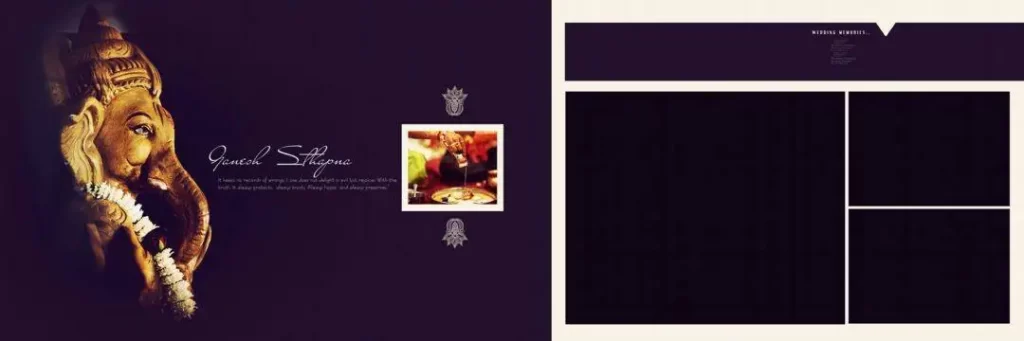
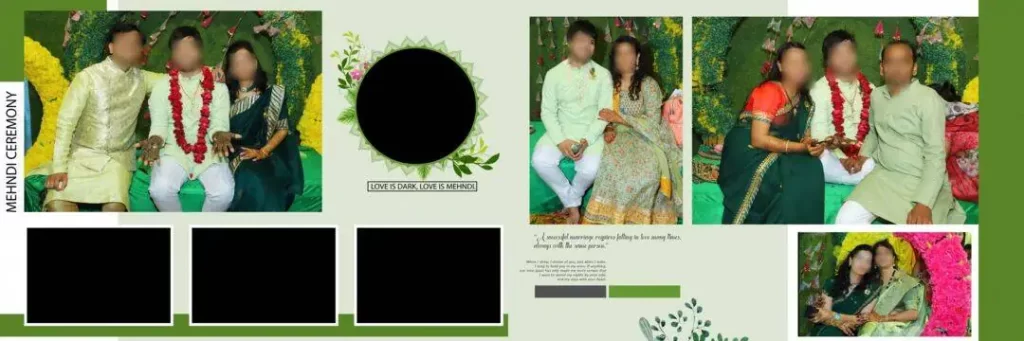
A 12 X 36 Album PSD is a Photoshop document intended for designing a wide wedding album spread, typically associated with a 12-by-36-inch finished format. It can help designers arrange multiple photographs across a horizontal composition, subject to the actual dimensions and structure of the downloaded file.
This format is useful for Indian wedding albums because a wide spread can accommodate a main couple portrait alongside smaller photographs from the Mehendi, Sangeet, wedding ceremony, or reception. Designers can create a visual sequence that tells the story of an event rather than presenting unrelated photographs.
A PSD file may contain separate layers for photographs, text, backgrounds, borders, and decorative elements. However, the actual editing options depend on how the file was created. Always inspect the layer panel and document properties before assuming that a template is fully editable or ready for printing.
#01
#02
New 12 X 36 Album PSD
#03
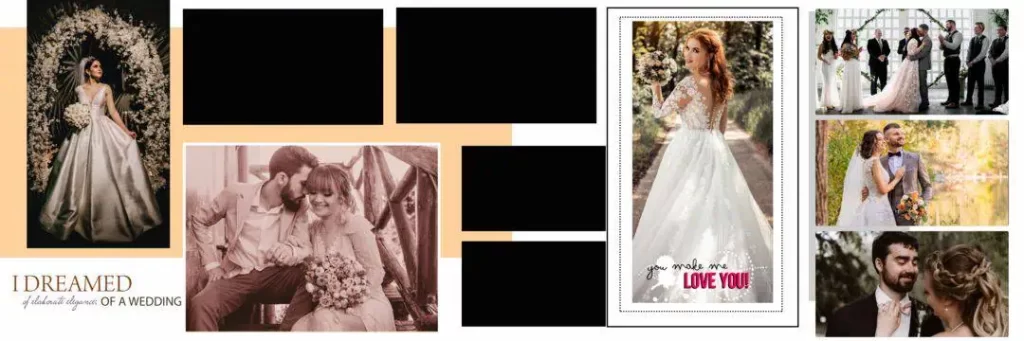
#04
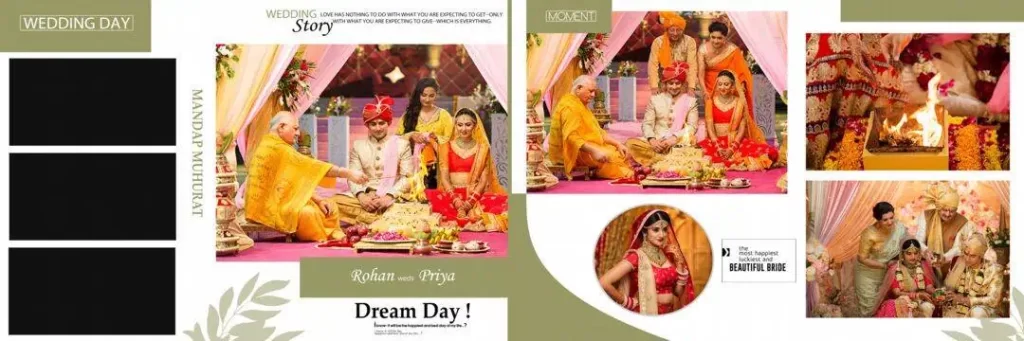
#05
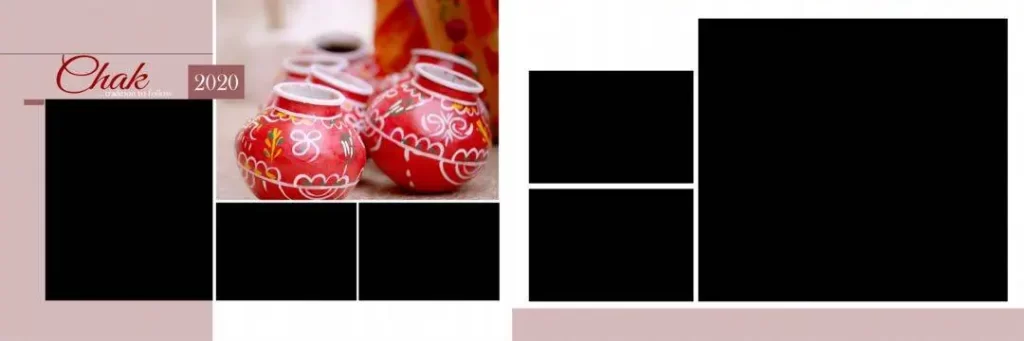
#06
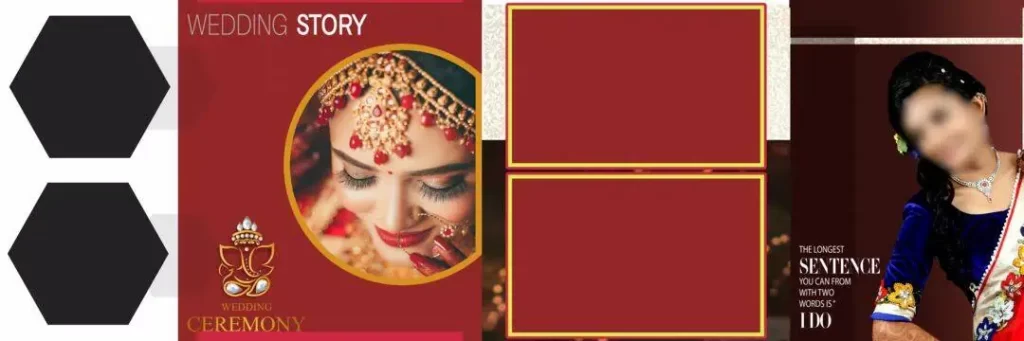
#07

#08
New 12 X 36 Album PSD
#09
#10

Exploring 12 X 36 Wedding Album Design Resources on Freefile360.com
When evaluating a 12 x 36 Wedding Album PSD, focus on whether the layout suits the photographs and the album’s intended style. Some projects need a clean arrangement with a few large portraits, while others benefit from several smaller photographs that tell the story of the wedding day.
Freefile360.com is the intended destination for this article’s design-resource audience. However, no specific download-page URL, verified collection details, or individual file specifications were supplied for this article. The availability of 16 downloadable templates, their formats, and their download conditions should therefore be confirmed by the editor before publication.
Look for a 12×36 Album Design PSD that matches your project requirements. Check whether the file includes editable layers, how photographs are replaced, and whether decorative elements can be customized. Also review the resource’s license before using it for paid client projects or redistributing any part of the design.
#11
#12

#13
#14
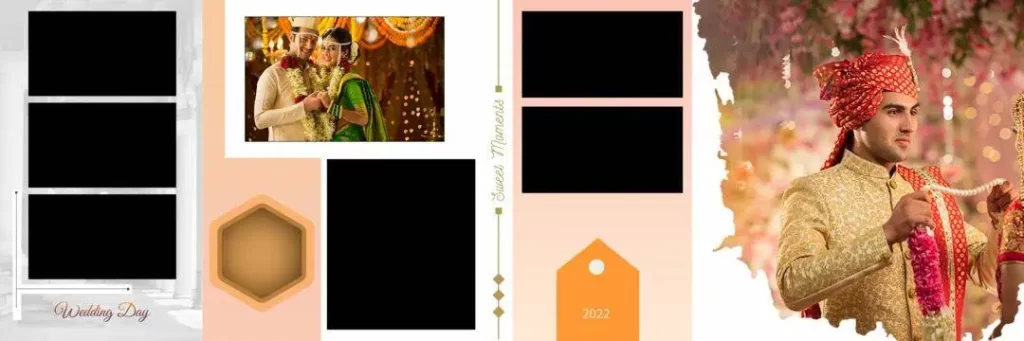
#15
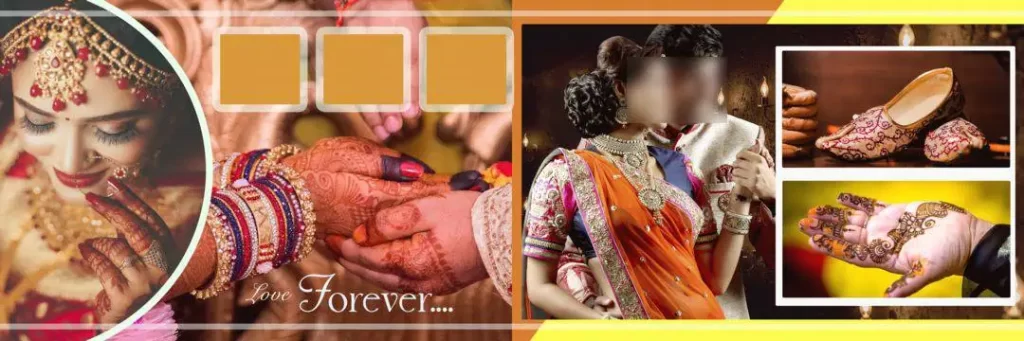
New 12 X 36 Album PSD
#16
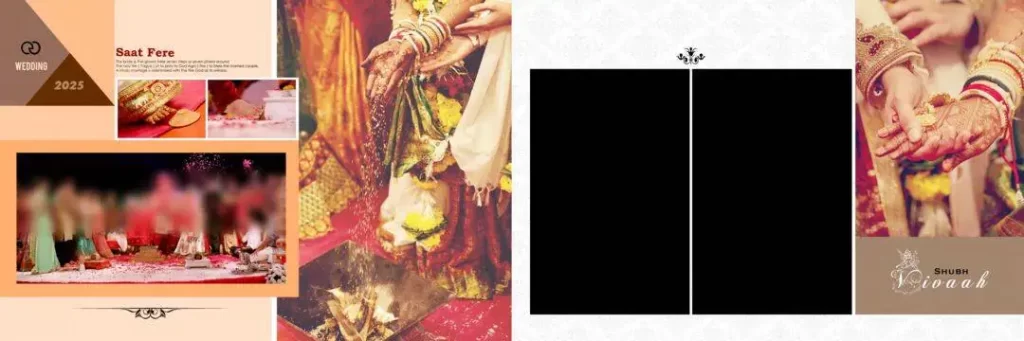
How to Edit a 12 X 36 Album PSD in Photoshop
Follow these six steps to customize a wedding album layout for your project.
1. Download the selected file. Visit the confirmed resource page on Freefile360.com and follow its listed download instructions. Verify the file name and format before proceeding.
2. Extract the archive. If the download is supplied as a ZIP file, extract it using a compatible archive utility. Keep the original archive as a backup.
3. Open the PSD in Photoshop. Open the document and inspect its dimensions, resolution, color mode, and layer panel. Confirm that the file matches your intended album format.
4. Replace the photographs. If the template uses Smart Objects, open the relevant Smart Object to replace its image. Otherwise, use the available layers or image-replacement method. Preserve the original proportions to avoid distorted portraits.
5. Customize the design. Adjust text, colors, borders, backgrounds, and photograph placement where the file allows editing. Keep important faces clear and maintain a consistent visual style across the spread.
6. Prepare the final output. Confirm the printer’s required dimensions, resolution, color profile, bleed, and binding allowance. Save an editable PSD copy, then export the requested delivery format using the print provider’s specifications.
Building Better Wedding Album Layouts Through Design Practice
Working with a 12 X 36 Album Design PSD can also help developing designers understand photo composition and visual hierarchy. By examining an editable template, you can learn how photographs of different sizes work together and how spacing guides the viewer through a wedding story.
For example, a spread might place a prominent couple portrait near the center, with smaller images showing family celebrations and wedding rituals around it. This arrangement can create a natural visual sequence, but the best composition depends on the photographs and the client’s preferences.
Use each project as an opportunity to improve your Photoshop skills. Practice aligning images, balancing empty space, managing layers, and applying consistent typography. These techniques are useful beyond wedding albums and can also support other photo studio design tasks.
Practical Tips for Better Album Design Results
- Check the actual image resolution. Use photographs with enough pixel detail for their final printed size. Enlarging a low-resolution image does not restore missing detail.
- Confirm color settings with the printer. Ask whether the printer requires a specific ICC profile or CMYK workflow. Do not convert color modes without checking the production requirements.
- Allow for binding and bleed. Keep faces, names, and other important details away from the binding area. Set bleed according to the printer’s instructions rather than assuming one measurement fits every album.
- Keep an editable backup. Save the working PSD separately from the final exported file. This makes later revisions easier if the client requests changes to photographs, names, or layout elements.
Frequently Asked Questions
Are these PSD resources free to download?
The availability and pricing of individual resources must be confirmed on the relevant download page. Check the listed conditions before assuming a particular template is free.
Which software is needed to edit a 12 X 36 Album PSD?
Adobe Photoshop supports PSD files. Compatibility with other graphics editors depends on the software and the features used in the document. Some effects, fonts, or Smart Objects may not transfer perfectly.
Can I use a wedding album PSD for paid client projects?
Commercial use depends on the individual resource’s license. Review its terms for client work, modification, attribution, and redistribution before using the design in a paid project.
Why is the 12 X 36 format useful for wedding albums?
Its wide layout can accommodate panoramic compositions and multiple wedding photographs. Confirm the actual document dimensions and whether the measurement describes a complete spread or another layout configuration.
How can I prepare a 12 X 36 album design for printing?
Check the final dimensions, image resolution, color requirements, bleed, and binding margins with your album printer. Export the file in the requested format and review the output before submitting it.
Conclusion
A New 12 X 36 Album PSD can help wedding photographers, graphic designers, and photo studio owners organize wedding photographs into an attractive panoramic layout. Careful image selection, balanced composition, and accurate print preparation remain essential for a successful Wedding Album Design.
Visit Freefile360.com to look for relevant Wedding Album Design resources and review the details of any available download. Choose a suitable template, confirm its editing options and license, and customize the layout to match your client’s requirements.
Get More: