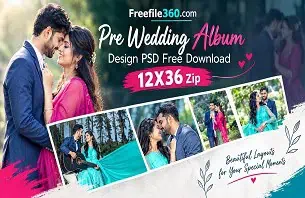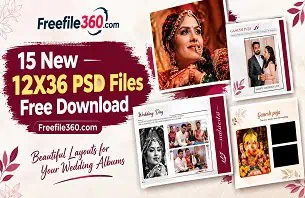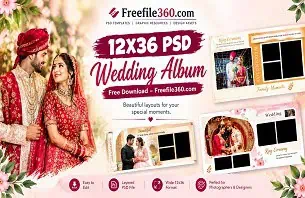
A wedding album project can become time-consuming when a photographer has hundreds of images to organize and a client is waiting for the final design. Choosing the right album format and creating a balanced layout are important steps in delivering a professional presentation.
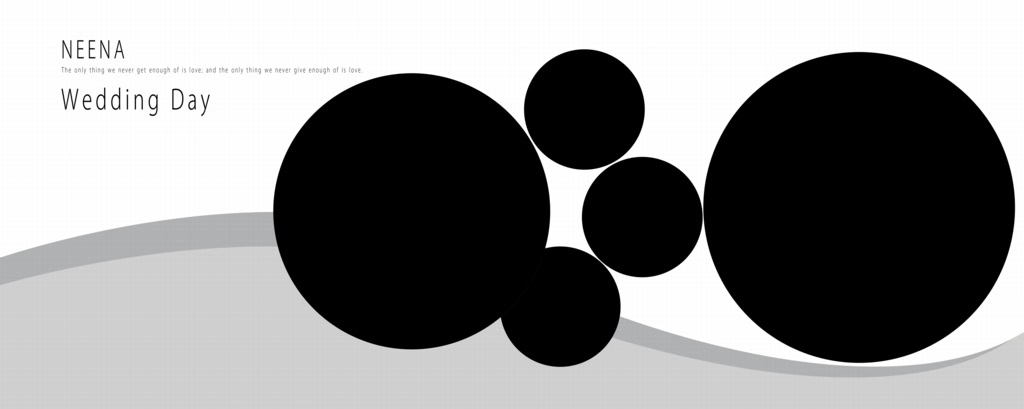
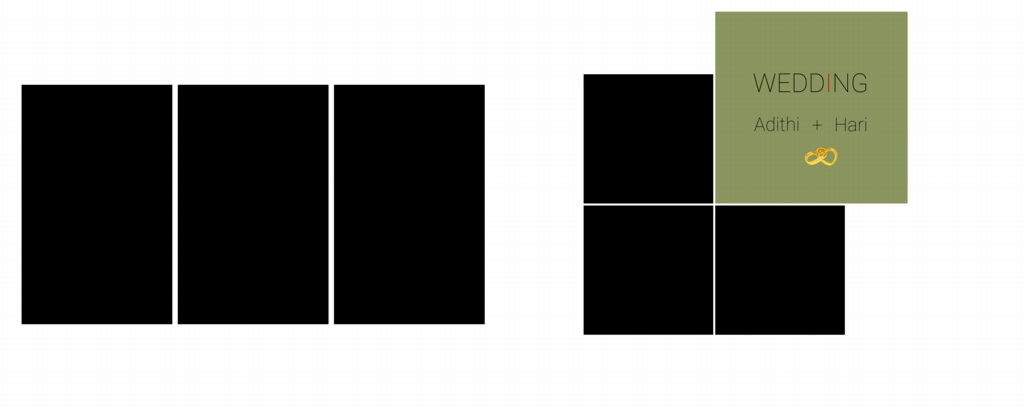
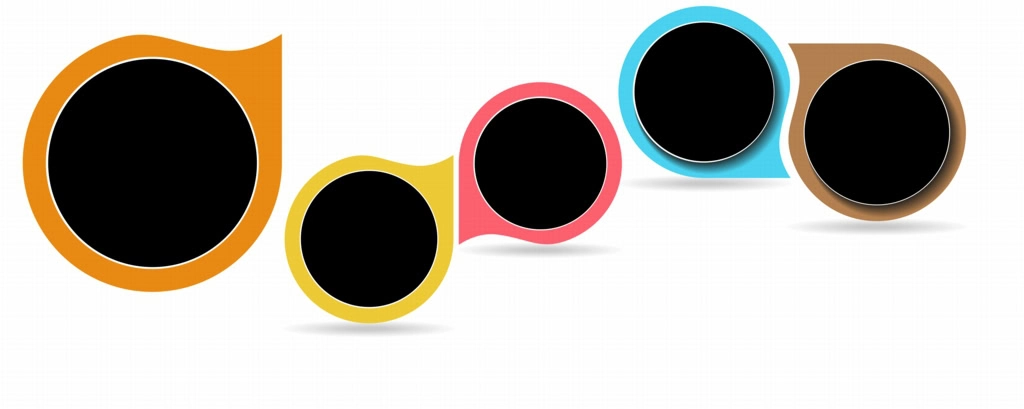
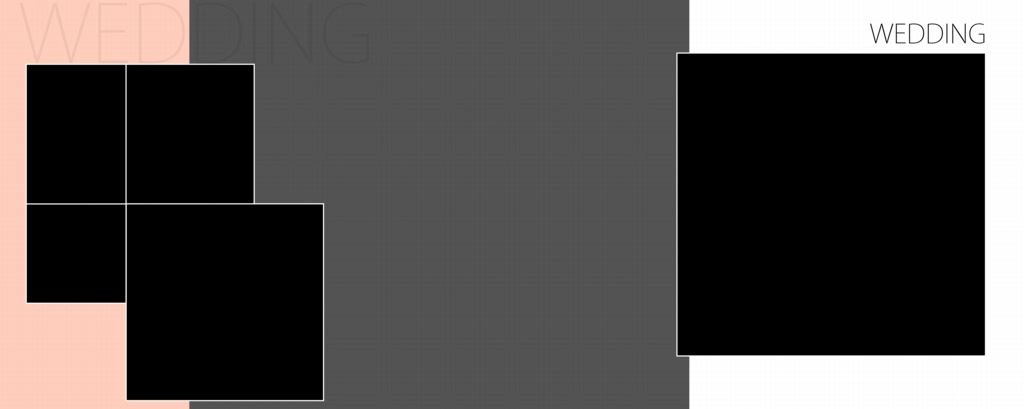
A 12X30 Album Design offers a wide horizontal canvas for arranging wedding photographs across a two-page spread. This format can be useful for displaying couple portraits, family photographs, and important wedding moments in a connected visual story.
For designers and photo studio owners looking for creative layout ideas, Freefile360.com is a resource for exploring Wedding Album Design PSD content. Before selecting a template, it is important to understand the format, check the available file details, and plan how the photographs will fit into the layout.
12X30 Album Design
Table of Contents
12X30 Album Design — Understanding the Wide Wedding Album Format
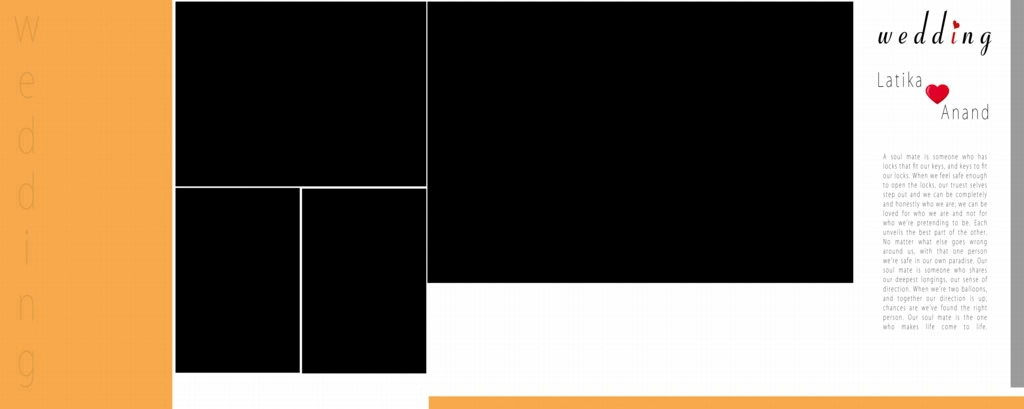
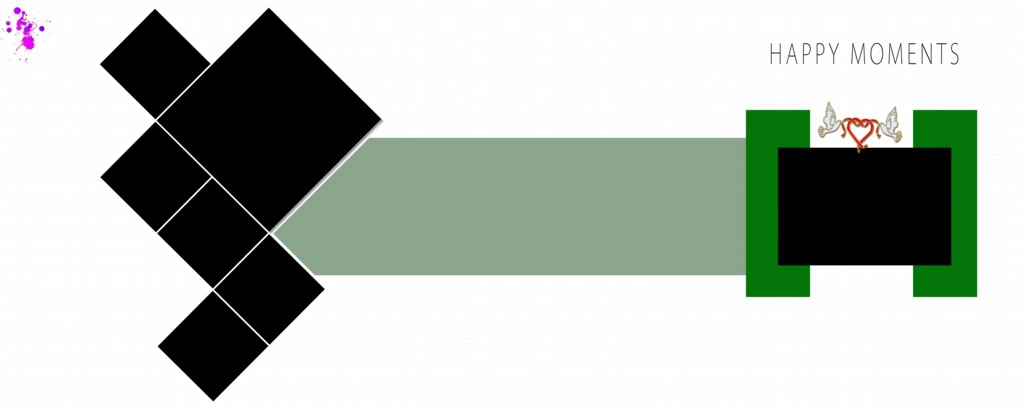
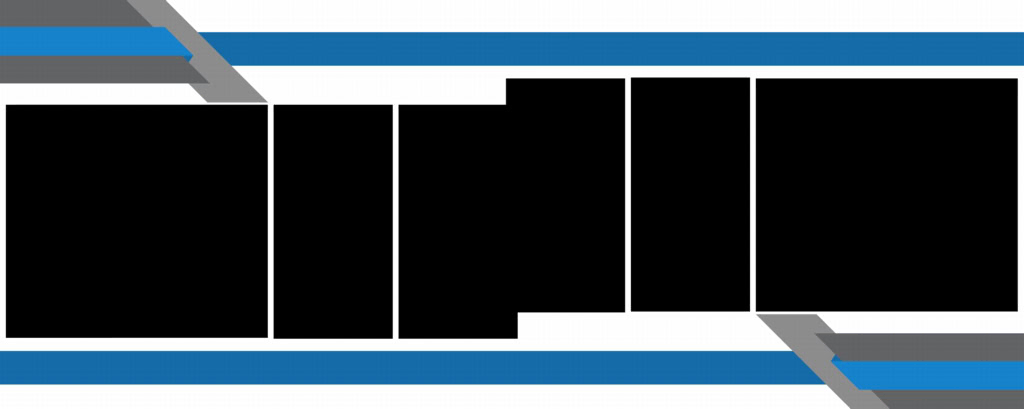
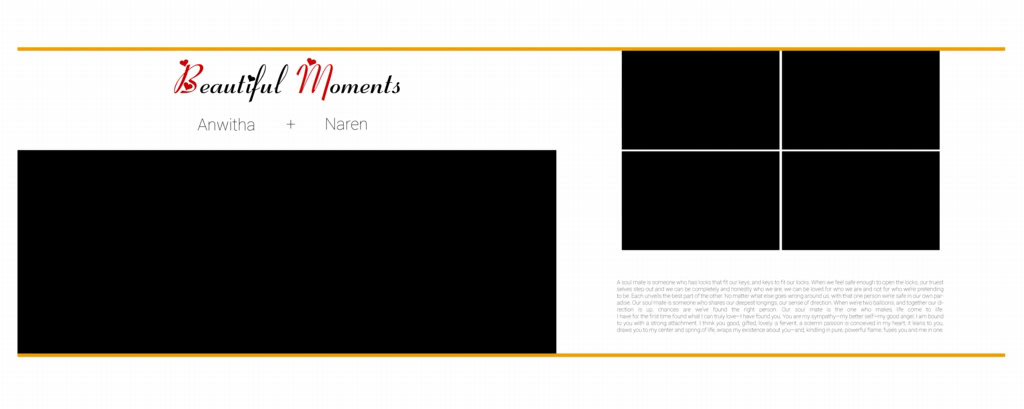
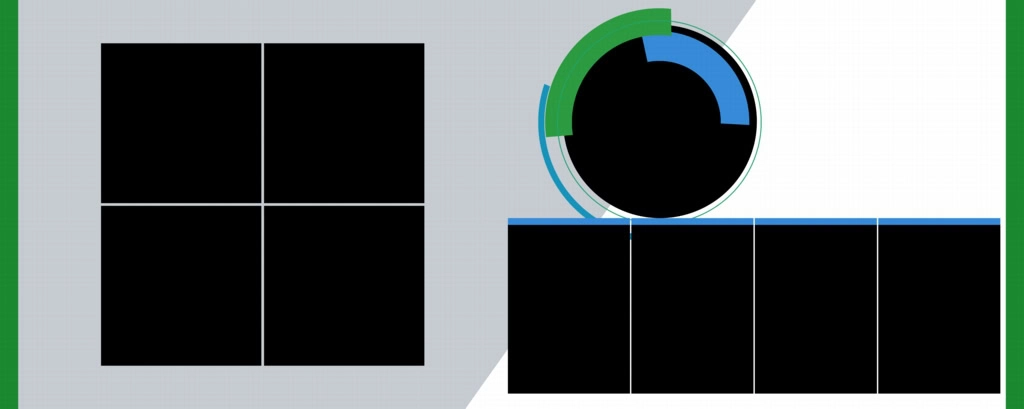
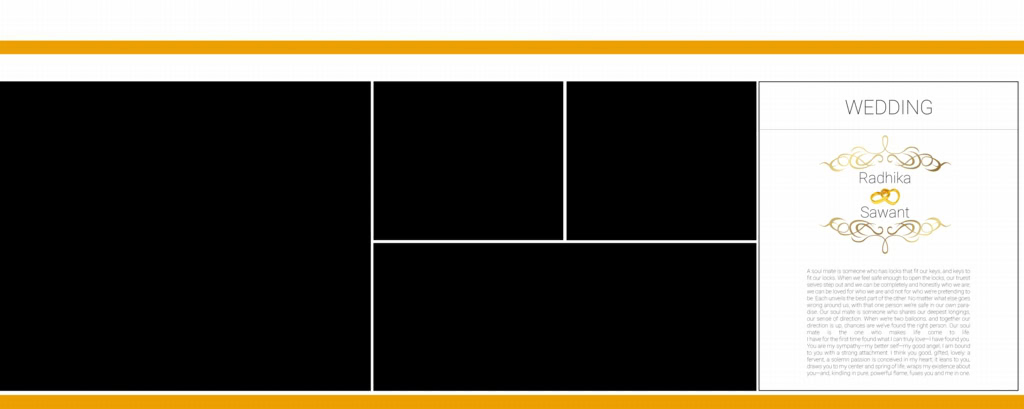
A 12X30 Album Design is a horizontal wedding album layout intended for a wide page or spread measuring 12 inches by 30 inches, when those dimensions are confirmed for the specific resource. It provides a broad canvas for combining photographs, backgrounds, decorative elements, and text.
This format can work well for Indian wedding photography, where a single spread may need to show several moments from a ceremony. For example, a designer may arrange the couple’s portraits alongside photographs from the Mehendi, Sangeet, or wedding reception.
The wide layout also gives designers room to create visual balance. A large photograph can serve as the main focus, while smaller images provide supporting details. However, the final arrangement should depend on the actual album dimensions, binding method, and printer requirements.
#01
#02
#03
#04

#05
#06

Get More: 20 Best Engagement Album Design PSD Free Download.
#07

#08

#09

#10

Explore 12X30 Wedding Album Design Resources on Freefile360.com
A suitable Wedding Album Template can help designers plan their compositions and reduce repetitive layout work. Freefile360.com provides a place to explore graphic design resources, including Wedding Album Design content.
When looking for a 12×30 album PSD, check the resource page carefully. The available file format, document dimensions, resolution, layer structure, and software compatibility should be confirmed before downloading or beginning a client project.
Designers searching for 12×30 album design PSD free download or PSD wedding album templates free download should also review the download conditions. A downloadable file may have specific usage restrictions, and free access does not automatically mean that commercial use is permitted.
The collection or resource page should be treated as the source for the actual file details. If a particular template’s specifications or license terms are not listed, confirm them before using the design for a paid wedding album.
#11
#12

#13
#14

#15
#16

#17

#18
#19

#20

How to Download and Customize a 12X30 Album Design
A Wedding Album PSD can be a useful starting point for a new project. Follow these steps to access and customize a suitable resource while keeping the final album ready for review.
1. Step 1: Find and download the resource. Visit the relevant Freefile360.com resource page and review the available details. Follow the download instructions provided on that page. Confirm the file format before proceeding.
2. Step 2: Extract the archive. If the downloaded resource is provided as a ZIP file, extract it using a suitable archive utility. Check the extracted folder for the PSD file, previews, and any included instructions.
3. Step 3: Open the PSD in Photoshop. Open the file in compatible editing software. Check the document dimensions, resolution, and available layers. Confirm that the document matches the intended album format before adding photographs.
4. Step 4: Replace the photographs. Add the selected wedding images to the layout. If the PSD uses Smart Objects, follow the available structure to replace the images. Otherwise, use the appropriate image layers or placement method supported by the file.
5. Step 5: Customize the design. Adjust image placement, text, colors, and decorative elements to match the client’s preferences. Maintain a clear visual hierarchy and avoid overcrowding the wide spread with too many photographs.
6. Step 6: Prepare the final output. Review the complete design at the intended dimensions. Check image detail, color settings, and the printer’s required export format. Save an editable backup before exporting the final file.
#21

#22
#23

#24

#25
Managing Album Projects Under Tight Studio Deadlines
Wedding photographers often need to organize a large number of photographs before beginning album design. A clear workflow can help reduce unnecessary editing and make the project easier to manage.
Start by sorting the images into groups based on the wedding events. For example, photographs from the Baraat, ceremony, couple portraits, and reception can be organized into separate folders. This makes it easier to select images that belong together on a spread.
When working with a 12X30 Album Design, plan the visual flow before placing every photograph. Use the strongest images as focal points and arrange supporting photographs around them. A consistent approach to spacing, image alignment, and color balance can help the album feel connected from one spread to the next.
Reusable design resources can also help with repetitive tasks. However, a template should not replace thoughtful photo selection. The final layout should reflect the client’s story rather than simply filling every available space.
Practical Tips for Better 12X30 Album Design Results
- Check the actual document dimensions. Confirm that the file matches the required album size. Do not assume every 12X30 PSD uses the same document setup.
- Use photographs with sufficient detail. A high resolution setting cannot restore missing image detail. Choose photographs that can support the intended print size.
- Confirm the printer’s requirements. Ask about color profiles, bleed margins, binding areas, and export formats before preparing the final album.
- Keep an editable backup. Save the working PSD separately from the exported file so that future client changes can be made without rebuilding the layout.
Frequently Asked Questions
1. Are 12X30 album design PSD resources free to download?
Download conditions depend on the individual resource. Check the Freefile360.com page for available download details. Do not assume that every file is free or that free downloads include commercial usage rights.
2. Which software is needed to edit a 12X30 album PSD?
Adobe Photoshop is commonly used to edit PSD files. Software compatibility may vary depending on the file structure and features used in the design. Check the resource details before opening the file.
3. Can I use a 12X30 wedding album design for paid client projects?
Commercial use depends on the applicable license. Review the individual resource’s terms before using it for a paid wedding photography project, client album, or other commercial purpose.
4. Why is the 12X30 format useful for wedding albums?
The wide layout provides space for combining large photographs with supporting images. It can be useful for showcasing wedding ceremonies, couple portraits, and other important moments across a connected visual spread.
5. How can I prepare a 12X30 album design for printing?
Confirm the final document dimensions, image resolution, color profile, bleed, and binding requirements with your album printer. Export the file using the format and settings recommended by the printing service.
Conclusion
A well-planned 12X30 Album Design can help wedding photographers and album designers present memorable moments in a balanced, wide layout. Choosing suitable photographs, maintaining consistent spacing, and checking the document specifications are important parts of creating a wedding album that meets client expectations.
Explore the wedding album design resources available on Freefile360.com to find a suitable starting point for your next project. If you are searching for a 12×30 album PSD or free wedding album design templates, review the individual resource details, download conditions, and licensing information before using the file.
Get More: