Wedding album designers often face a common problem: too many photographs and too little time to create attractive layouts. A photo studio may have several wedding projects waiting for editing, with clients expecting a polished album that captures every important moment. Building each page from scratch can make the process slower.
Searching for 12X36 PSD Files Free Download can help designers find a suitable starting point for their album projects. A Photoshop design template can make it easier to arrange photographs, create balanced compositions, and maintain a consistent appearance across an album.
Freefile360.com focuses on graphic design resources for Photoshop users, wedding photographers, and album designers. This article explains the 12×36 album PSD format, how to customize a suitable design, and what to check before preparing your wedding album for printing.
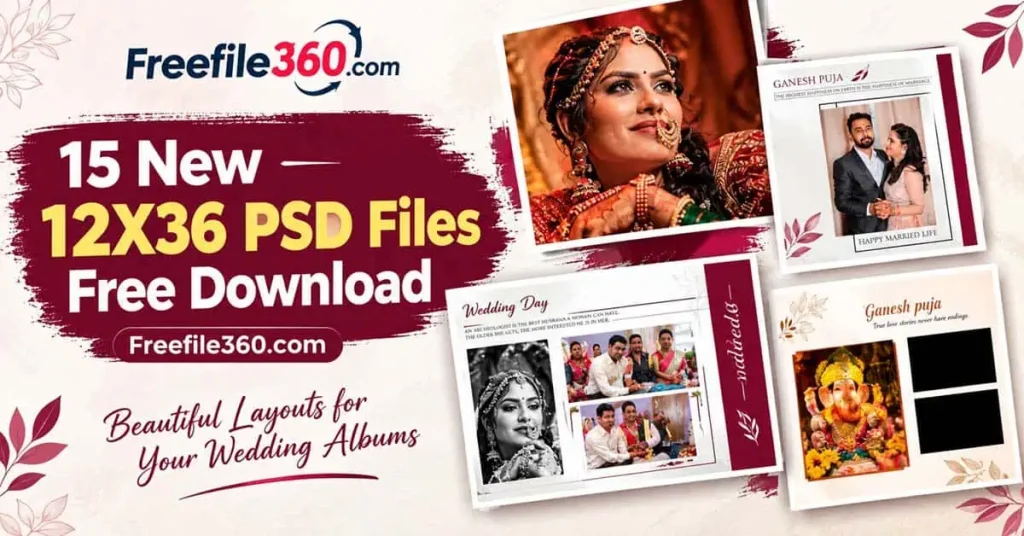
12X36 PSD Files Free Download
Table of Contents
12X36 PSD Files Free Download for Wedding Album Layouts
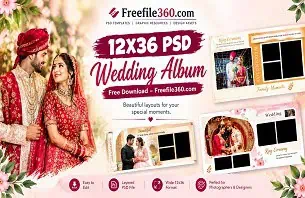
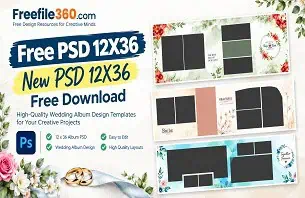
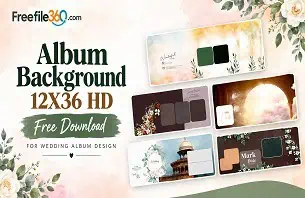
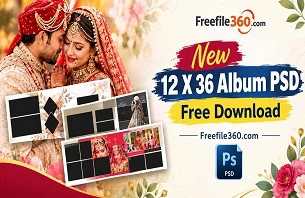
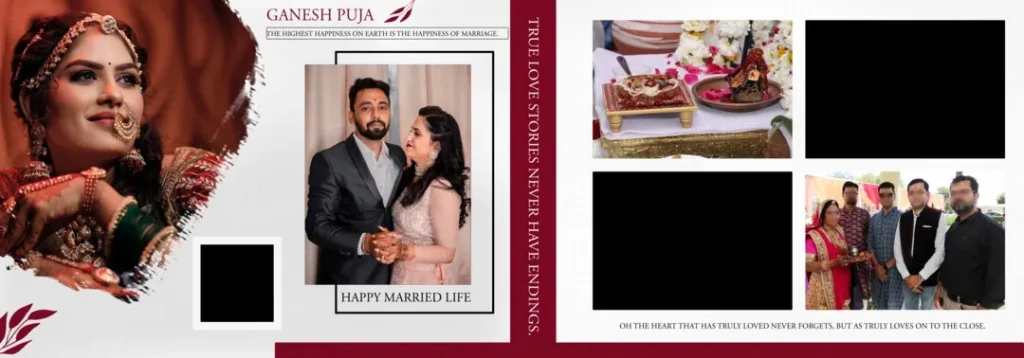
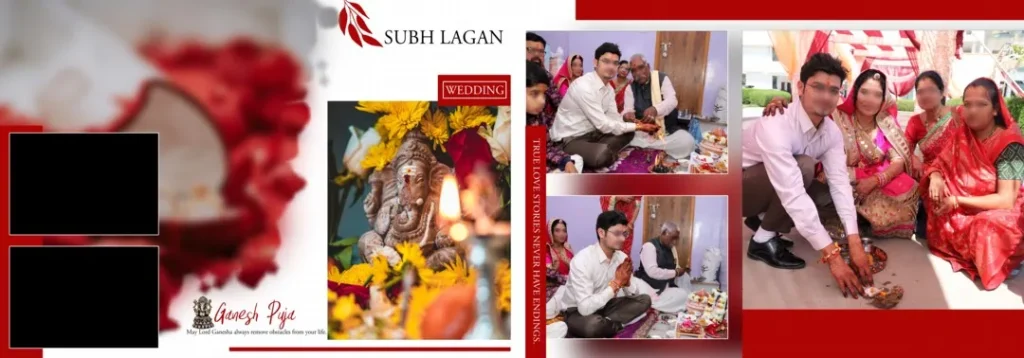
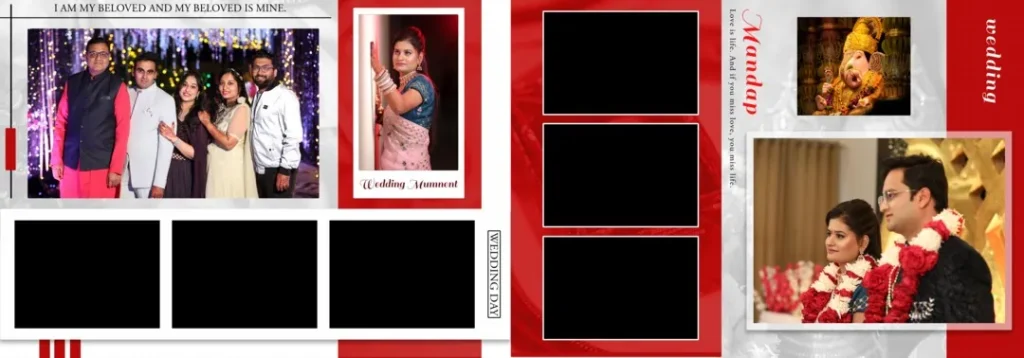
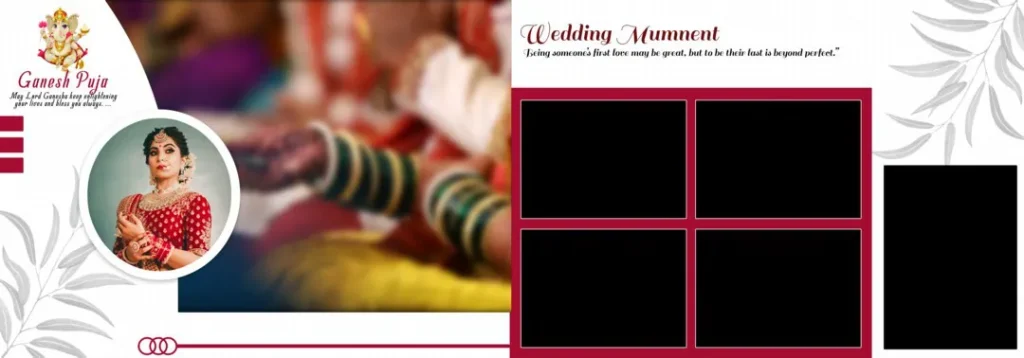
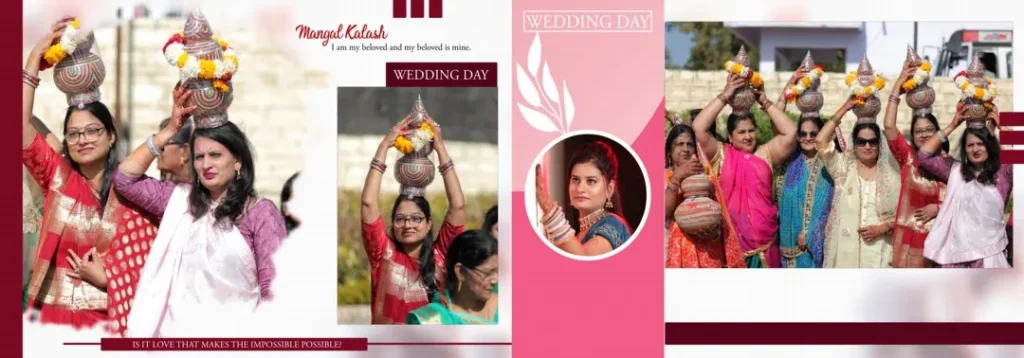
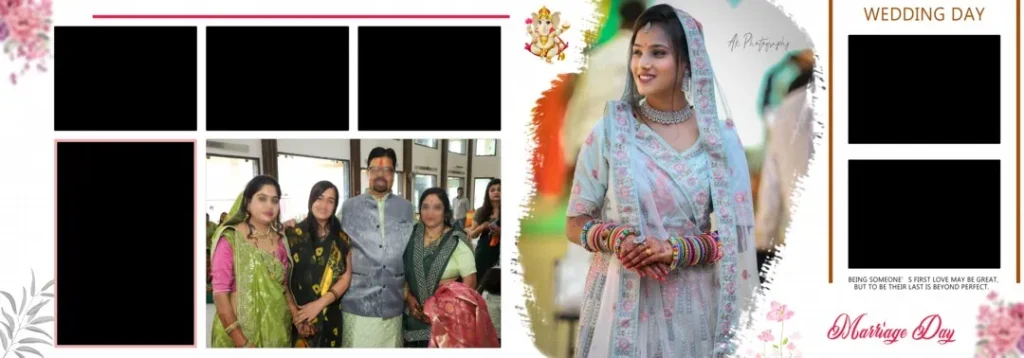
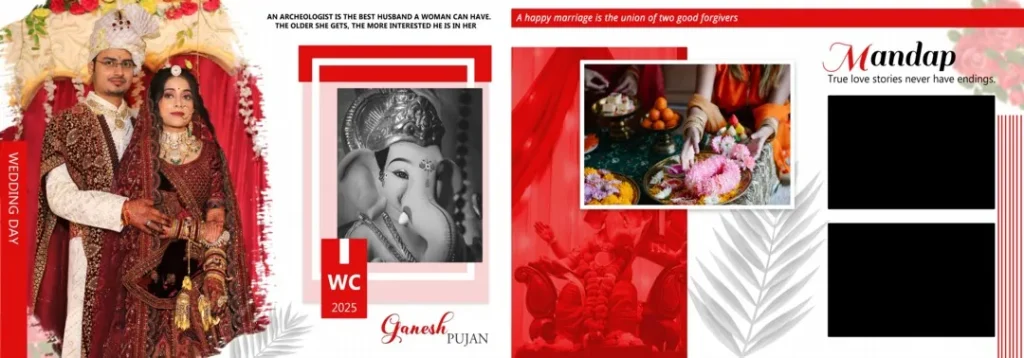
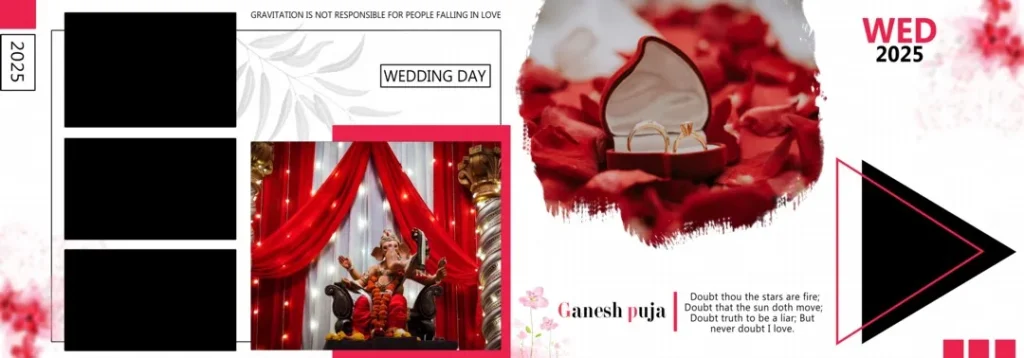
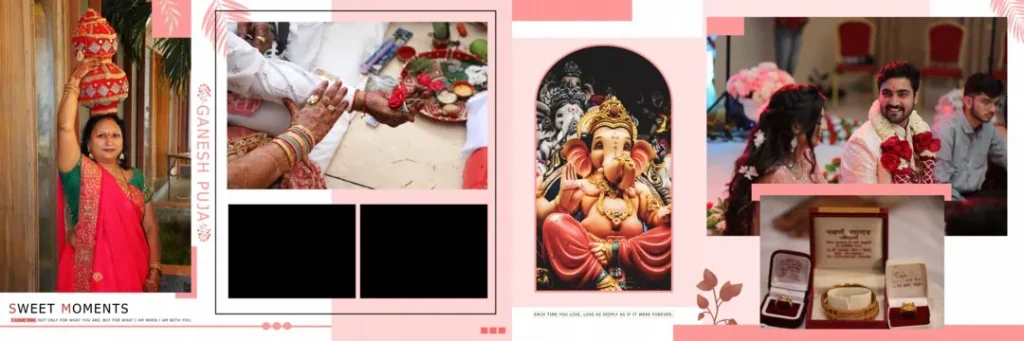
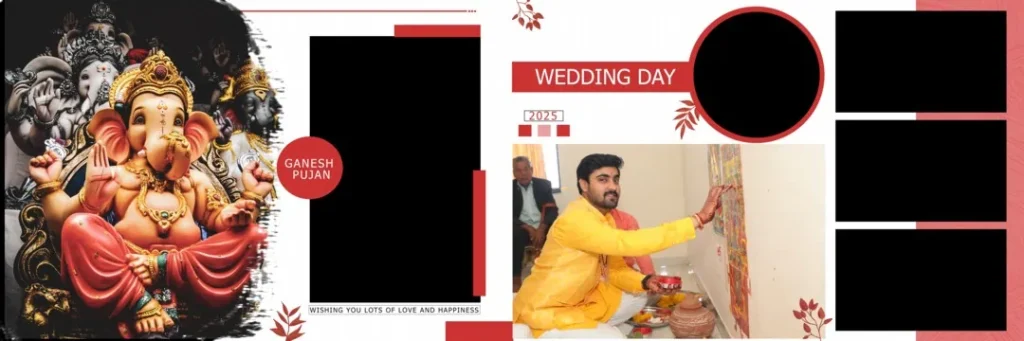
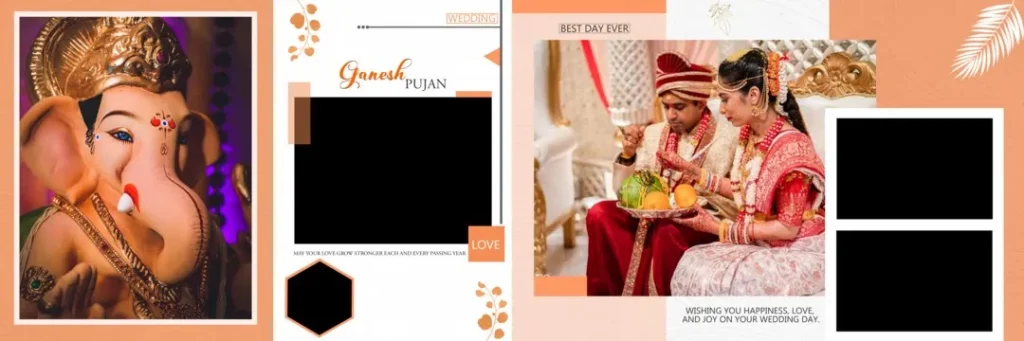
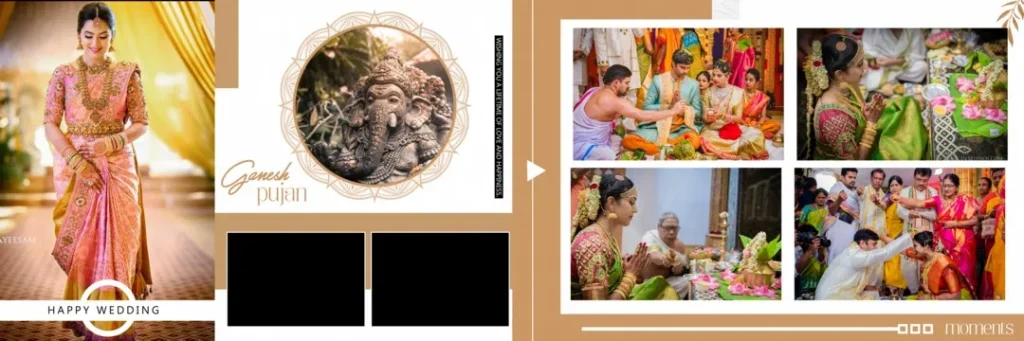
12X36 PSD files are Photoshop documents used to create wide wedding album layouts. A 12×36-inch design is commonly used as a two-page spread, giving designers a broad horizontal space for arranging wedding photographs. The actual dimensions and layout structure depend on the individual file.
A 12 x 36 album PSD can be useful for presenting a sequence of wedding photographs in a connected composition. For example, a designer might use a wide spread to show the bride’s entrance, the groom’s reaction, or important moments from a wedding ceremony.
The PSD format allows designers to work with images and other elements in Photoshop. Depending on the file structure, users may be able to edit separate layers, replace photographs, adjust text, and change decorative elements. Not every PSD includes the same editing features, so checking the document before use is important.
#01
#02
#03
12X36 PSD Files Free Download
#04
#05

#06
#07

#08
#09
#10
Finding a Suitable 12×36 Album Design on Freefile360.com
The right 12×36 Album Design depends on the photographs, client preferences, and intended album style. Some wedding spreads need space for a large portrait, while others may require a balanced arrangement of several images from the Mehendi, Sangeet, or reception.
When exploring Wedding Album Design resources on Freefile360.com, review the information provided with each resource. Check whether the file is supplied in PSD format and whether its dimensions, resolution, layer structure, and software requirements are clearly stated.
A 12×36 Album Design PSD can provide a starting point for a customized album, but the final composition should suit the photographs. Avoid choosing a layout only because it contains many image spaces. A smaller number of well-selected photographs can often communicate the wedding story more clearly.
Designers searching for PSD 12X36 Free Download should also review the resource’s download conditions and license information. Free access does not automatically mean that a design can be used for every commercial purpose.
#11
12X36 PSD Files Free Download
#12
#13

#14
#15
How to Edit a 12×36 Album PSD in Photoshop
After selecting a suitable design, follow these six steps to customize the layout for your wedding album project.
1. Download the file. Visit the relevant Freefile360.com resource page and follow its download instructions. Confirm that the available file matches your intended design and editing requirements.
2. Extract the archive. If the resource is provided as a ZIP file, extract it using your computer’s archive utility. Keep the original archive as a backup in case you need to access it again.
3. Open the PSD document. Launch Photoshop and open the file. Check the document dimensions, resolution, and color mode before making changes. Confirm that the layout is suitable for your album project.
4. Replace the photographs. Use the available image layers or Smart Objects, if supported by the document, to insert your selected wedding photographs. Check the crop and placement of every image.
5. Customize the design. Adjust text, colors, image positions, and decorative elements according to the client’s requirements. Keep the composition balanced and ensure that important faces are not hidden by overlapping elements.
6. Prepare the final output. Review the document dimensions, resolution, color profile, and print margins. Save an editable PSD copy, then export the final design in the format requested by your album printer.
Learning Photoshop Techniques Through Wedding Album Templates
A PSD template can be more than a shortcut for completing a client project. It can also help new designers understand how photographs are arranged in a professional-looking composition.
When studying a 12×36 album PSD, pay attention to the relationship between large and small photographs. A main image can establish the focus of a spread, while supporting images add details from the event. This approach can be useful when designing an Indian Wedding Album with photographs from several ceremonies.
If the file contains editable layers, examine how the elements are organized. Look at image placement, spacing, text alignment, and decorative details. These observations can help you understand how a layout is built and how to make your own design decisions.
However, do not assume that every PSD file contains organized layers or Smart Objects. The available features depend on the actual resource. A template should be treated as a learning reference and a starting point, not a replacement for thoughtful photo selection and creative judgment.
Practical Tips for Better 12×36 Wedding Album Designs
- Check image resolution before printing. A high resolution setting does not add missing image detail. Use photographs with enough original pixel information for the final album size.
- Follow the printer’s color requirements. Confirm whether the album printer expects RGB or CMYK files and which color profile should be used.
- Keep important details away from the binding. Faces, text, and key wedding moments should not be placed too close to the center fold. Follow the printer’s specified bleed and safe-area requirements.
- Save an editable backup. Keep the original PSD and your customized version separately. This makes it easier to handle client revisions without rebuilding the complete design.
Frequently Asked Questions
Are 12X36 PSD files free to download?
Availability and download conditions depend on the individual resource. Check the relevant Freefile360.com page for current access instructions and any applicable terms.
Which software is required to edit a 12×36 album PSD?
Adobe Photoshop is commonly used to edit PSD files. Compatibility with other applications depends on the document’s features and the software’s PSD support.
Can I use a 12×36 album design PSD for paid client work?
Commercial use depends on the resource’s license. Review the applicable terms before using the design in a paid wedding album or redistributing the customized file.
Why is the 12×36 album format useful for wedding photography?
Its wide layout can support connected two-page compositions, panoramic photographs, and visual storytelling across wedding ceremonies.
How do I prepare a 12×36 PSD file for album printing?
Check the document dimensions, image resolution, color profile, bleed, and binding requirements with your album printer. Export the final file using the printer’s preferred settings.
Conclusion
12X36 PSD Files Free Download is a useful search for wedding photographers, graphic designers, and photo studio owners looking for a starting point for their album projects. A suitable 12×36 album PSD can help organize photographs, maintain a consistent visual style, and reduce repetitive layout work while leaving room for creative customization.
Explore the relevant wedding album design resources on Freefile360.com to find a layout that fits your project. Review the file specifications and license terms, customize the design in Photoshop, and prepare the final album according to your client’s requirements.
Get More: