When you are starting a Wedding Album Design, one of the biggest challenges is arranging multiple photographs in a way that looks attractive and tells a story. A good layout should balance images, decorative elements, colors, and space without making the page look crowded. For new designers, creating every page from scratch can take a lot of time.
Free Wedding Album Templates are useful for photographers, Photoshop designers, and photo studio owners who want a starting point for creating attractive wedding albums. Reusable layouts can help organize wedding photos and simplify the design process for different ceremonies, including Mehendi, Sangeet, wedding rituals, and reception moments.
At Freefile360.com, designers can explore Wedding Album Design resources and creative ideas for their next project. Whether you are working on a client’s album or practicing Photoshop, choosing a suitable layout can help you plan your pages and make the final album more consistent.
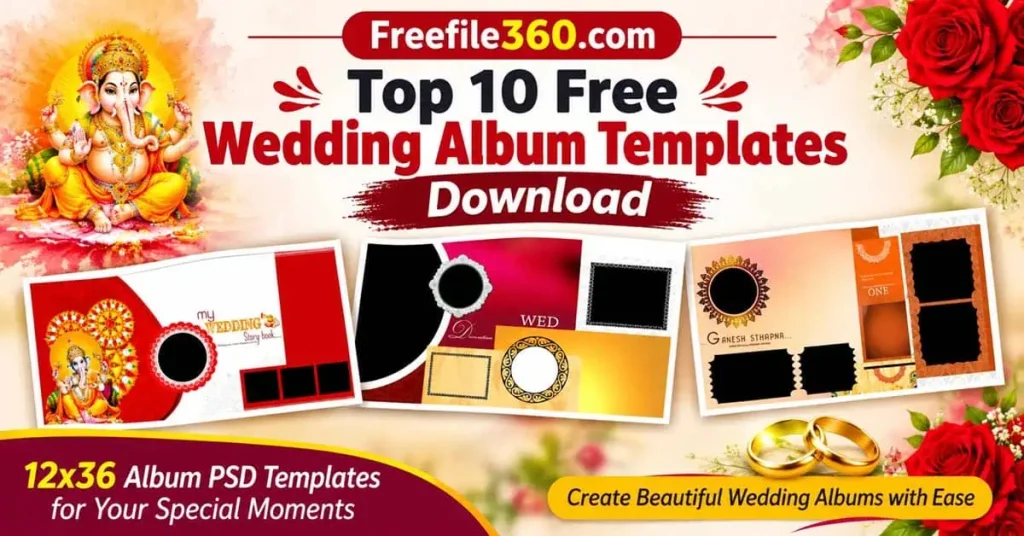
Free Wedding Album Templates
Table of Contents
Free Wedding Album Templates and Their Uses
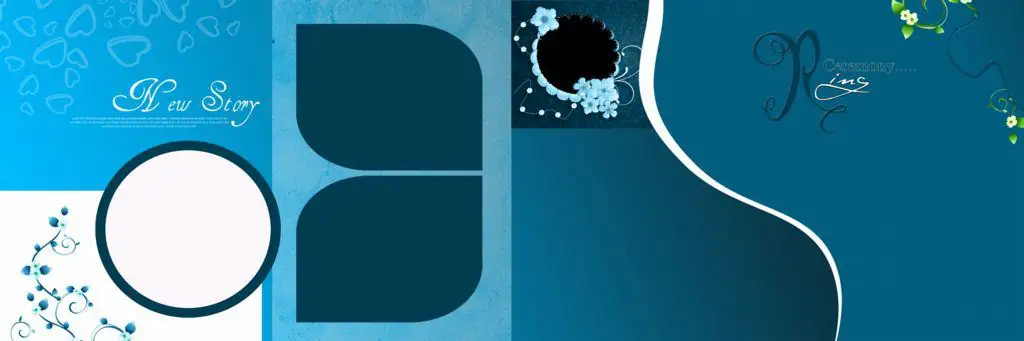
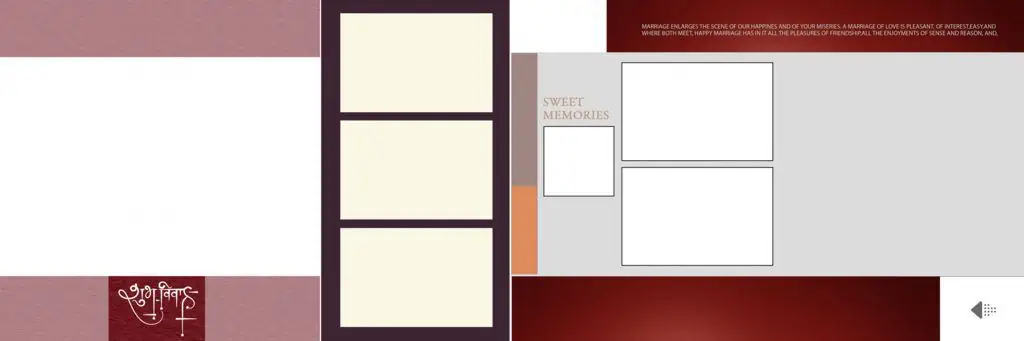
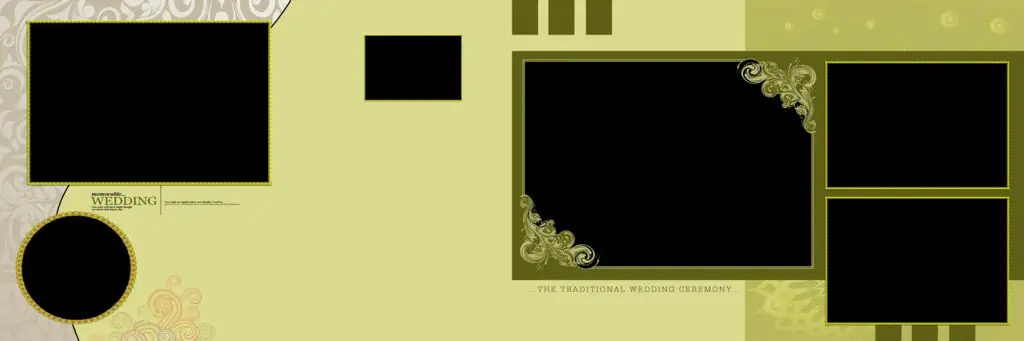
Free Wedding Album Templates are pre-designed page layouts used to arrange wedding photographs, text, backgrounds, and decorative elements into an album. They help designers create consistent pages while reducing the time required to build each composition manually. Depending on the file, a template may offer editable elements or a fixed layout that needs additional customization.
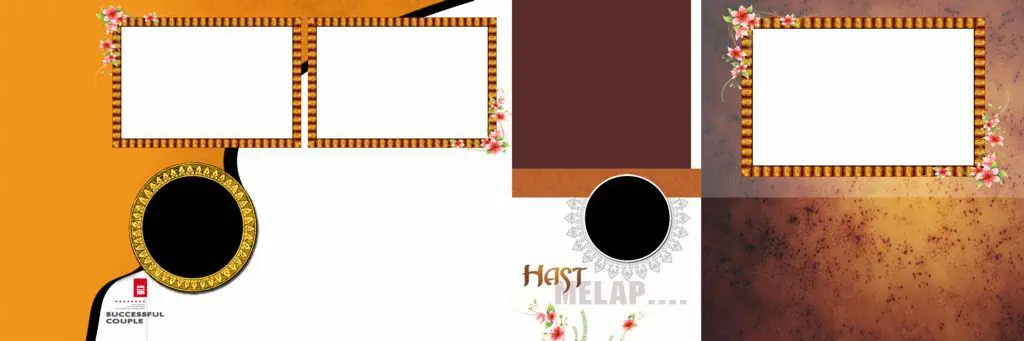
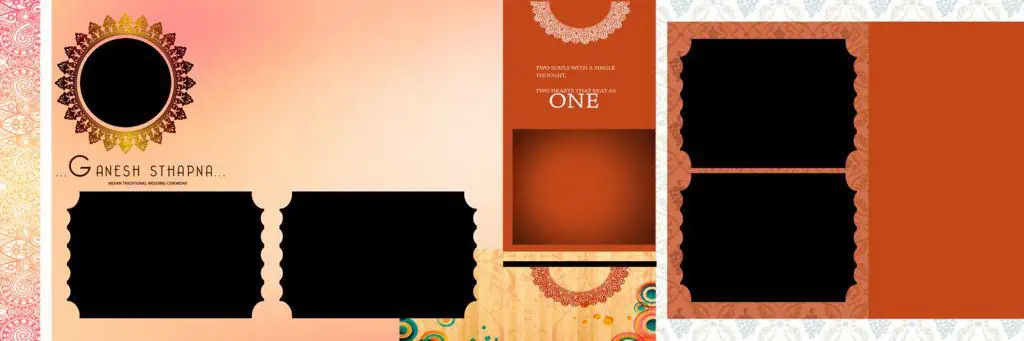
Wedding Album Designs are often created in different sizes and styles to suit album printing requirements. Some pages focus on a single large photograph, while others use several images to show different moments from the same event. Choosing the right layout depends on the photographs, the story you want to tell, and the final album format.
Photoshop users can adapt available layouts by changing images, adjusting colors, adding names or dates, and moving decorative elements. However, the editing options depend on the actual structure of the downloaded file.
#01

Free Wedding Album Templates
#02
#03

#04
#05

#06
#07
#08

Get More: Pre Wedding Album Templates Free Download – Freefile360.com.
#09

#10
Explore Wedding Album Designs on Freefile360.com
A Wedding Album should feel connected from the first page to the last. Consistent colors, balanced photo placement, and suitable backgrounds help create a professional appearance. Freefile360.com is intended for designers looking for graphic resources, PSD templates, Wedding Album Designs, and creative material for their projects.
When exploring Wedding Album Design Templates, consider how the layout will work with your photographs. Indian weddings often include a wide range of moments, from candid family pictures and Mehendi ceremonies to the Baraat, wedding rituals, and reception portraits. A flexible design can make it easier to arrange these photographs without repeating the same composition on every page.
The available file details may vary by resource. Before downloading, check the actual file format, canvas dimensions, resolution, layers, and software compatibility. Do not assume that every template is editable or ready for printing without checking its specifications.
How to Download and Customize Wedding Album Templates
Follow these steps to use a wedding album template in your design workflow.
1. Download the resource: Visit the relevant resource page on Freefile360.com, if available, and follow its download instructions. Confirm the file details before downloading.
2. Extract the archive: If the file comes in ZIP format, extract it using a compatible archive tool. Check the extracted folders for PSD files, preview images, or instructions.
3. Open the file in Photoshop: Open the PSD file in Adobe Photoshop or compatible software. Check the canvas dimensions, resolution, color mode, and available layers before editing.
4. Replace photographs: Add your selected wedding pictures to the layout. If the file uses Smart Objects, you may be able to replace images through them. Otherwise, use the available layers and clipping masks where supported.
5. Customize the design: Adjust backgrounds, text, colors, photo placement, and decorative elements. Make sure the design matches the wedding theme and does not overpower the photographs.
6. Prepare the final output: Check the page dimensions, resolution, color profile, bleed, and binding-safe area according to your album printer’s specifications. Save an editable copy and export the final file in the format requested by the printer.
Learn Better Album Composition by Studying PSD Layouts
For a new Photoshop designer, Wedding Album Templates can also serve as learning material. Instead of only replacing photographs, take time to study how the layout is constructed. Notice how the designer uses negative space, image sizes, visual balance, and alignment to guide the viewer’s attention.
Try to understand why one photo is larger than another and how decorative elements support the overall theme. A wedding portrait may need more space, while smaller photographs can be arranged to show family moments or ceremony details. Studying these choices can improve your photo composition skills.
You can also experiment with the same photographs in different layouts. Try a minimal design, a collage-style arrangement, and a more traditional wedding background. Comparing these versions will help you develop your own design approach instead of relying on one template for every project.
Practical Tips for Better Wedding Album Designs
- Check photo quality before placing images. Use photographs with enough pixel detail for the intended print size. Changing the DPI setting alone cannot restore missing image detail.
- Keep the design balanced. Avoid placing too many photographs, frames, or decorations on a single page. A clear composition is easier to view and feels more polished.
- Confirm printing requirements. Ask the album printer about color mode, bleed, trim size, gutter, and safe margins before preparing final pages.
- Keep editable backups. Save your working PSD separately from the final exported file so you can make corrections later without rebuilding the design.
Frequently Asked Questions
Are these wedding album templates free to download?
Download availability and conditions depend on the individual resource page. Check the download instructions on Freefile360.com to confirm whether a particular file is available free and whether any conditions apply.
Which software is needed to edit wedding album PSD templates?
Adobe Photoshop is commonly used to edit PSD files. Other compatible applications may open some PSDs, but layer effects, fonts, masks, and Smart Objects may not work exactly the same way.
Can I use wedding album templates for paid client projects?
Commercial use depends on the license of the specific resource. Review the applicable terms before using any downloaded design in a paid wedding album or client project.
Why should I use wedding album templates for Photoshop?
Templates provide a layout starting point for arranging photographs, backgrounds, and text. They can help reduce repetitive work and give designers more time to focus on photo selection and creative adjustments.
How can I prepare a wedding album template for printing?
Confirm the album size and printer requirements first. Check image resolution, color profile, bleed, binding margins, and final export settings. Follow the printer’s specifications rather than relying on default Photoshop settings.
Conclusion
Free Wedding Album Templates can be a helpful resource for wedding photographers, photo studios, and graphic designers who want to create attractive album layouts without starting every page from scratch. By selecting suitable designs, replacing photographs carefully, and customizing colors and composition, you can create albums that suit different wedding themes and client preferences.
Explore Wedding Album Design resources on Freefile360.com to find inspiration for your next project. Choose a suitable template, check its specifications and license, and customize it to create a memorable album for your client.
Get More: