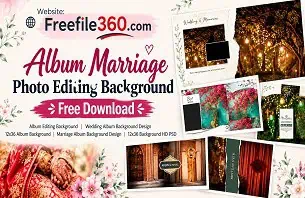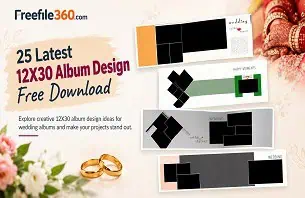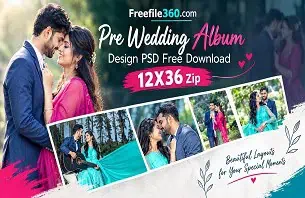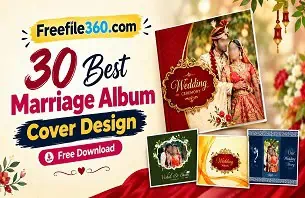
Wedding album designing is an important part of wedding photography. After capturing beautiful moments from engagement ceremonies, Mehendi, Sangeet, wedding rituals, and receptions, the next challenge is arranging those photographs into an attractive album. A well-designed layout helps preserve these memories and gives the final album a professional appearance.
For new graphic designers and photo studio owners, creating every page from scratch can take considerable time. Choosing a suitable Wedding Album Design free download resource can provide useful layout inspiration and help simplify the designing process.
At Freefile360.com, Wedding Album Design resources are intended for creative users looking for ideas and graphic design materials. Whether you are learning Photoshop or working on a client album, understanding layout composition, photo placement, and design customization can help you create attractive wedding albums.
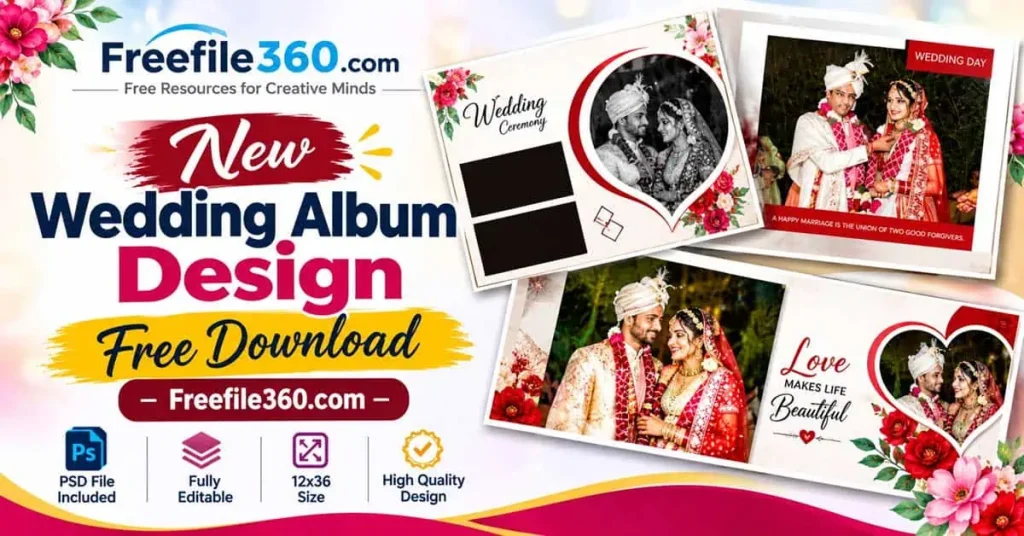
Wedding Album Design Free Download
Table of Contents
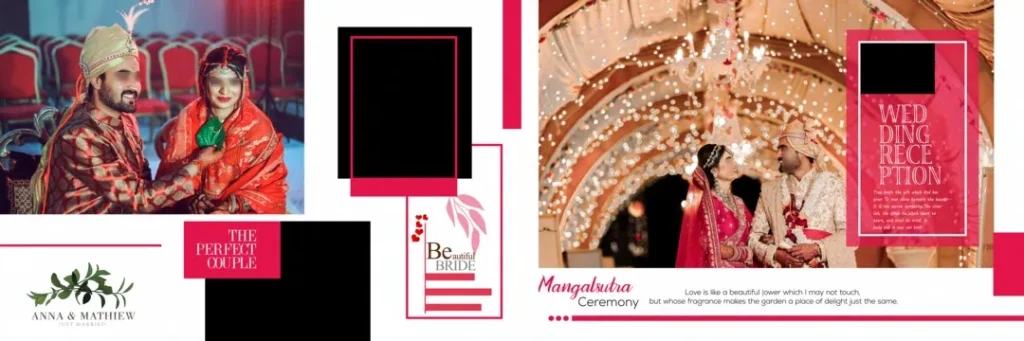
Wedding Album Design Free Download – Understanding 12×36 Album Layouts
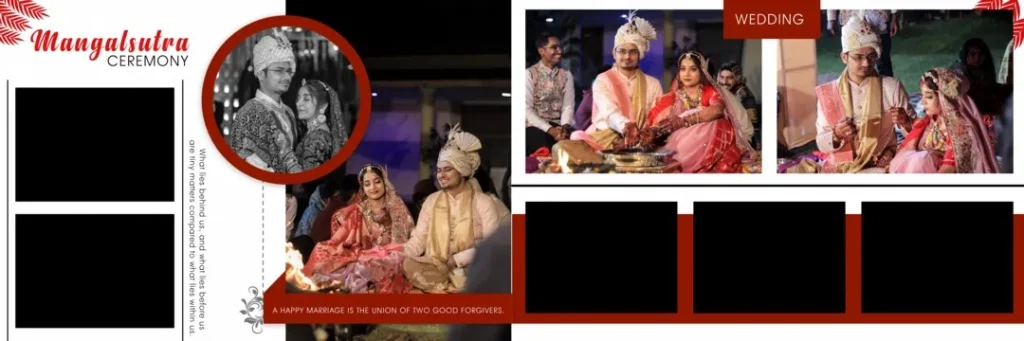
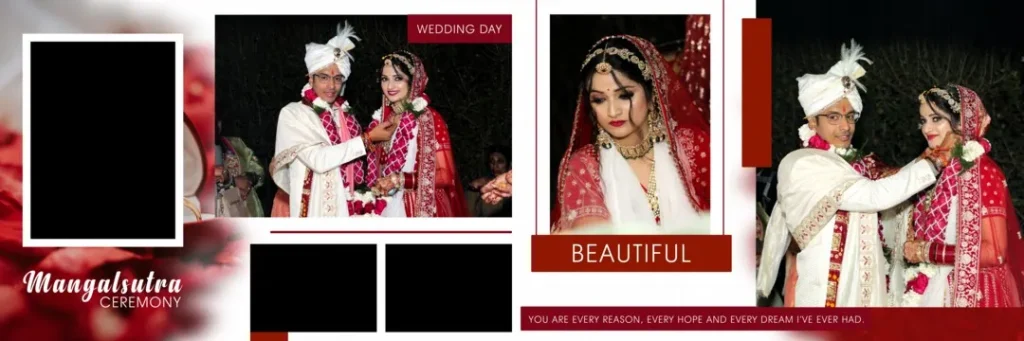
A Wedding Album Design is a creative arrangement of photographs, backgrounds, decorative elements, and text that presents wedding memories in an organized visual format. A 12×36 layout is a wide album spread commonly used for panoramic wedding album presentations.
These layouts allow designers to combine multiple photographs on a single spread. They can include couple portraits, family photographs, wedding rituals, decorative backgrounds, and personalized text. The final appearance depends on the photographs selected and the design elements used.
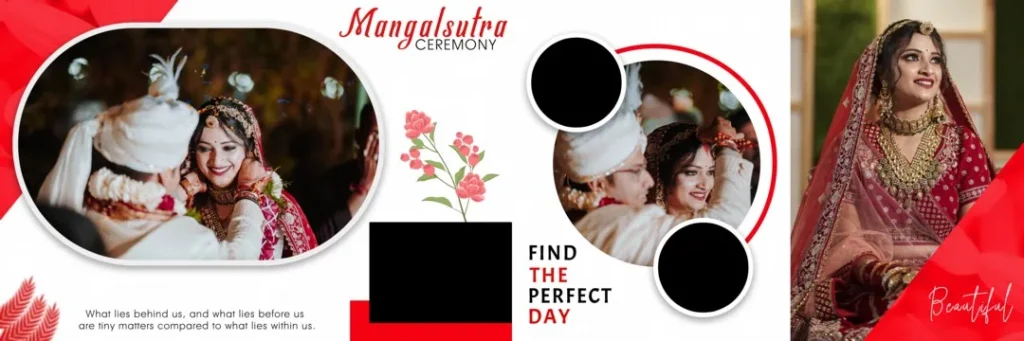
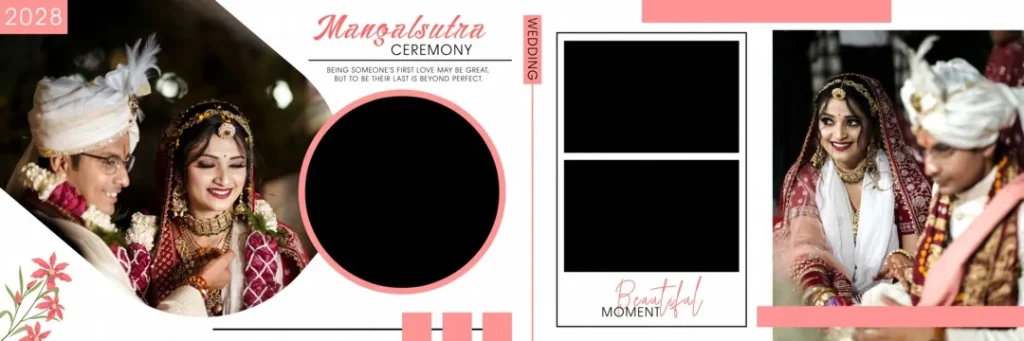
For Indian Wedding Albums, Creative Wedding Album Design often combines traditional colors, floral decorations, cultural patterns, and modern photo compositions. Designers can use these elements to create layouts for different wedding occasions.
A suitable Photoshop template can also provide a starting point for arranging photographs. However, the actual editing options depend on the structure and features of the individual PSD file.
#01
#02
Wedding Album Design Free Download
#03
#04
#05
#06
Get More: Top 15 12X36 Pre Wedding Album PSD Free Download.
#07
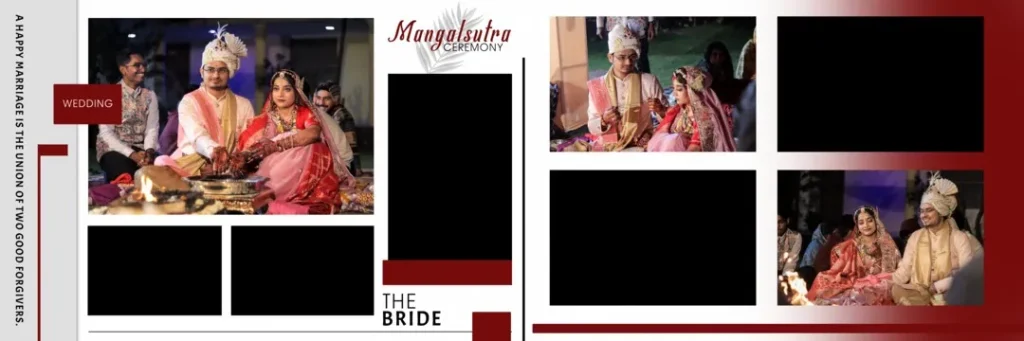
#08
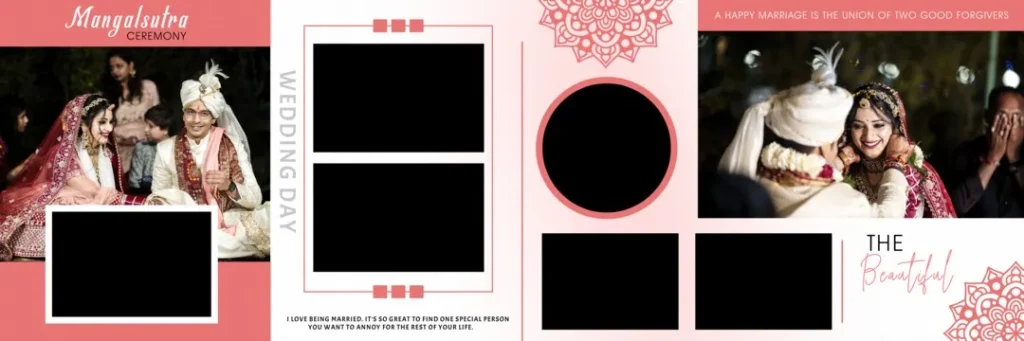
#09
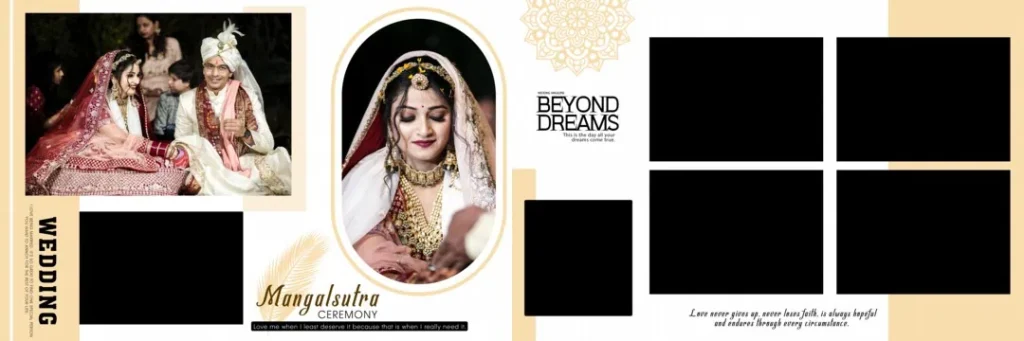
Wedding Album Design Free Download
#10
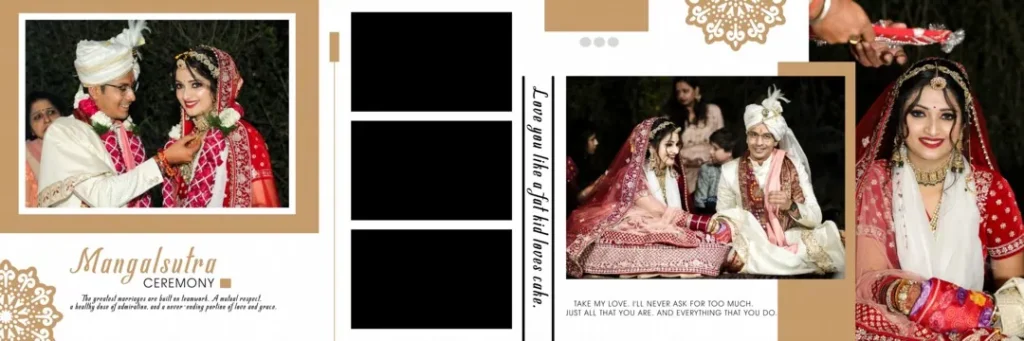
Explore Wedding Album Design Resources on Freefile360.com
Freefile360.com focuses on graphic design resources, including wedding album designs and Photoshop-related creative materials. Designers looking for a new design wedding album can explore the available resources for inspiration and suitable design options.
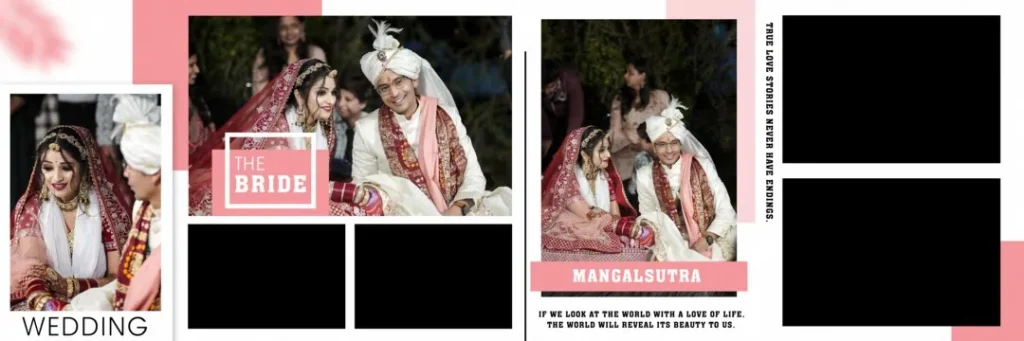
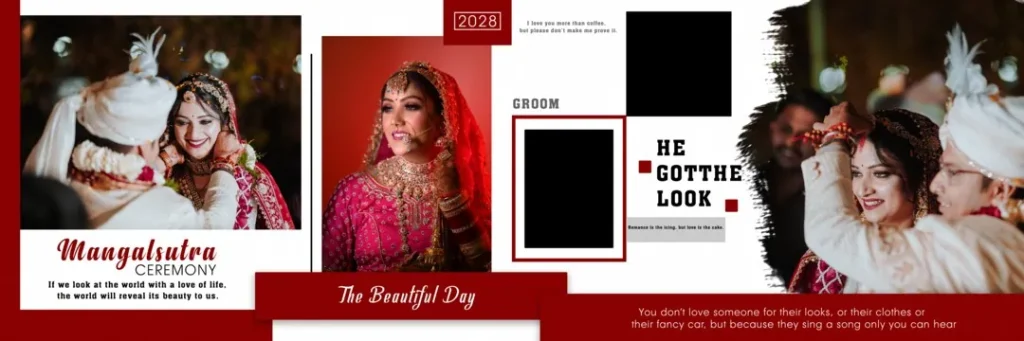
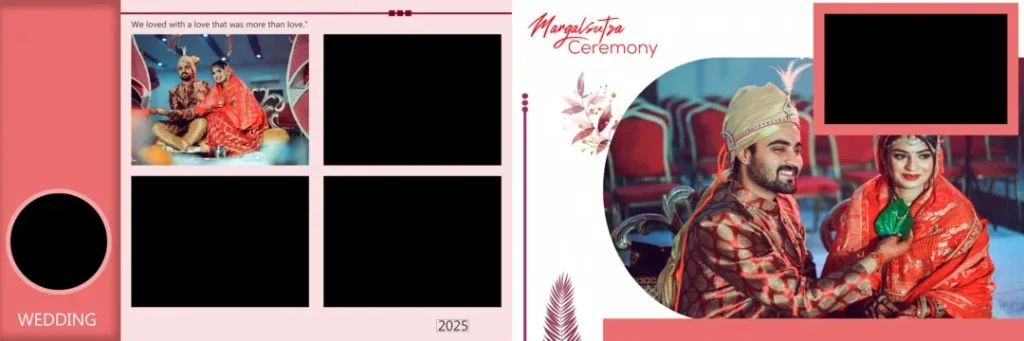
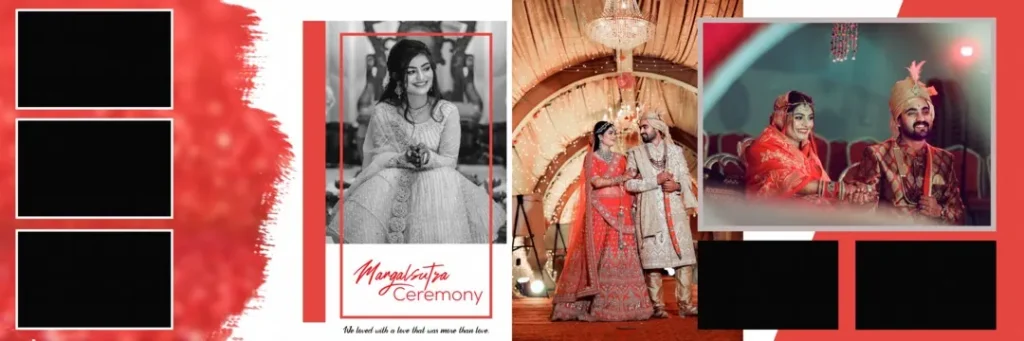
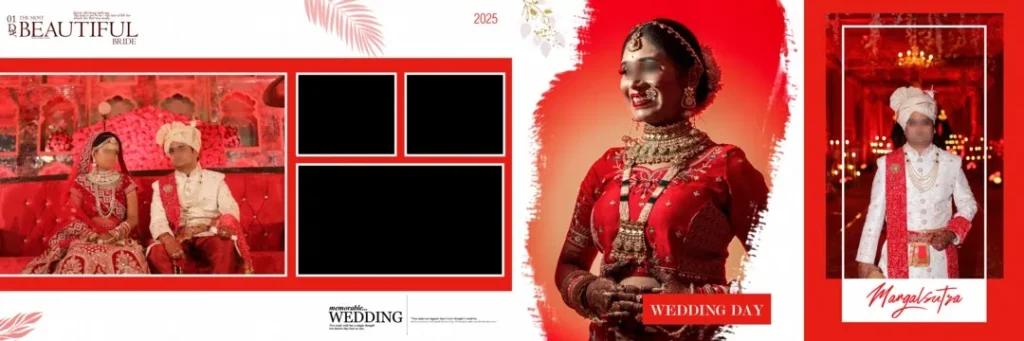
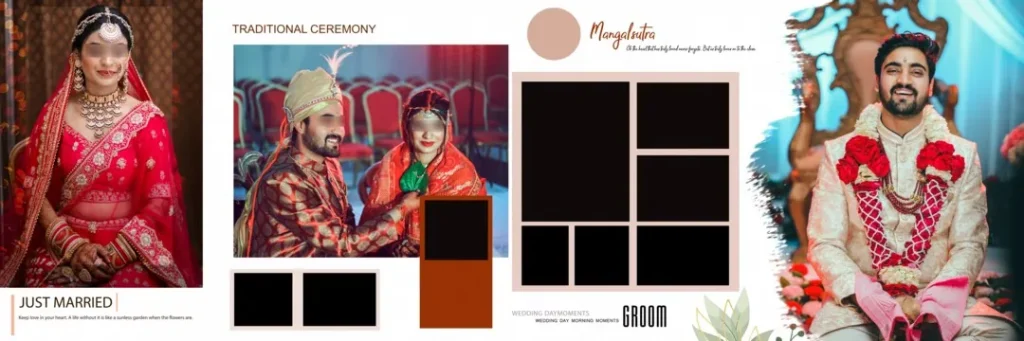
The wedding album examples accompanying this topic demonstrate different visual approaches, including:
- Traditional wedding compositions: Couple portraits with wedding attire, garlands, and decorative backgrounds.
- Floral album layouts: Colorful flowers and artistic elements surrounding wedding photographs.
- Modern couple presentations: Large photographs combined with smaller supporting images.
- Romantic photo arrangements: Heart-shaped frames and creative photo compositions.
- Reception album designs: Attractive layouts featuring couple portraits and event photographs.
These examples can help designers understand how different compositions work across a wedding album.
Before downloading any particular resource, check its individual listing for the available file format, dimensions, resolution, editing features, and download conditions. These specifications should not be assumed from a preview image alone.
#11
#12
#13
Wedding Album Design Free Download
#14
#15
How to Download and Customize Wedding Album Designs
Once you find a suitable design resource, follow these steps to prepare it for your project.
- Find the relevant resource: Visit Freefile360.com and explore the wedding album design category. Open the individual resource page and follow the download instructions if a downloadable file is provided.
- Extract the downloaded archive: If the resource comes as a ZIP file, extract it using compatible archive software. Check the extracted folder for PSD files, preview images, fonts, and any included instructions.
- Open the design in Photoshop: Open the PSD file in Adobe Photoshop or compatible software. Check the document dimensions, resolution, color mode, and available layers before making changes.
- Replace the sample photographs: If the template contains editable image layers or Smart Objects, use the available editing method to insert your client’s wedding photographs. Adjust cropping and positioning to maintain a balanced composition.
- Customize the layout: Edit names, wedding dates, background colors, decorative elements, and text according to the client’s preferences. Maintain a consistent visual style throughout the album.
- Prepare the final design: Review every page for missing photographs, spelling mistakes, alignment issues, and image quality. Confirm the printer’s required dimensions, color profile, bleed, and export format before sending the design for printing.
Learning Photoshop Through Wedding Album Layouts
For beginners, studying an existing album layout is a useful way to understand graphic design techniques. Instead of placing photographs randomly, observe how professional-looking compositions balance large portraits, supporting images, backgrounds, and decorative elements.
Pay attention to the visual hierarchy. The main wedding photograph should usually receive more attention than smaller supporting images. Similarly, text should remain readable without distracting from the couple’s photographs.
A 12×36 wedding album design also provides an opportunity to learn panoramic composition. Designers need to consider how photographs connect across the two pages and how the center binding may affect important details.
Experimenting with different layouts can improve your understanding of photo composition, layer organization, typography, and color combinations. These skills are useful when creating customized albums for different clients.
Practical Tips for Better Wedding Album Designs
Before completing a wedding album project, keep these points in mind:
- Check image resolution: Use photographs with sufficient original detail for the final print dimensions. Increasing the DPI setting alone cannot restore missing image detail.
- Maintain color consistency: Check the printer’s preferred color profile and export requirements before final delivery. RGB and CMYK results can differ.
- Consider binding and bleed areas: Keep faces, important text, and other essential elements away from the center binding and trimming boundaries. Follow the printer’s specifications.
- Keep an editable backup: Save the original working PSD separately before exporting the final album. This makes future corrections and client revisions easier.
Small checks during the design process can help prevent common problems during album printing.
Frequently Asked Questions
1. Are wedding album designs free to download?
Download conditions depend on the individual resource. Check the relevant Freefile360.com listing to confirm whether a particular design is available without payment and whether any conditions apply.
2. Which software is needed to edit wedding album PSD files?
Adobe Photoshop is commonly used for PSD editing. Other compatible applications may also open PSD files, although some layers or effects may not work exactly as expected.
3. Can I use downloaded wedding album designs for paid client projects?
Commercial usage depends on the individual resource’s license. Always review the applicable terms before using a downloaded design in a paid wedding photography project.
4. Why is the 12×36 format useful for wedding albums?
The 12×36 format provides a wide panoramic spread, allowing designers to combine couple portraits, ceremony photographs, and decorative elements across two connected pages.
5. How can I prepare a wedding album design for printing?
Check the document dimensions, photograph resolution, color profile, bleed, and binding margins. Export the final file according to the album printer’s specifications.
Conclusion
Choosing a suitable Wedding Album Design Free Download resource can help photographers, studio owners, and graphic designers explore creative layouts for wedding photography projects. From traditional Indian wedding compositions to modern panoramic arrangements, the right design approach can make an album more visually appealing and meaningful.
Explore the wedding album design resources on Freefile360.com to find creative inspiration for your next project. Practice different photo arrangements, experiment with new design wedding album styles, and customize your layouts according to each client’s requirements.
Get More: