A wedding album project often comes with tight deadlines. After receiving hundreds of photographs from a wedding photographer, an album designer must select the best pictures, arrange them beautifully, and create layouts that reflect the importance of the occasion. A suitable background can make this process easier and improve the overall presentation.
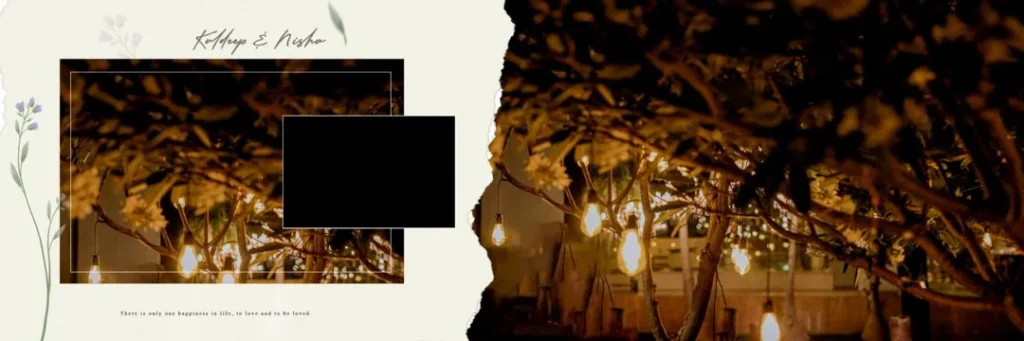
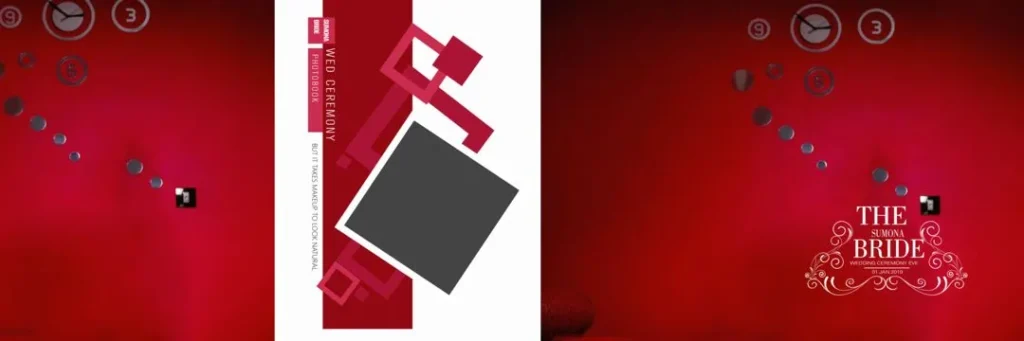
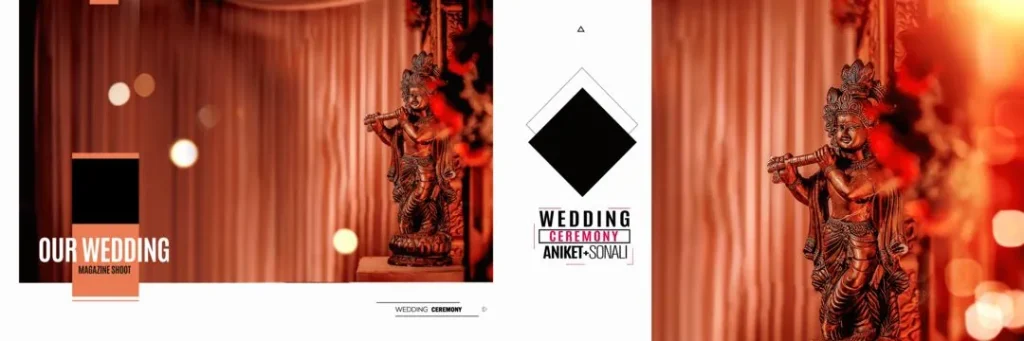
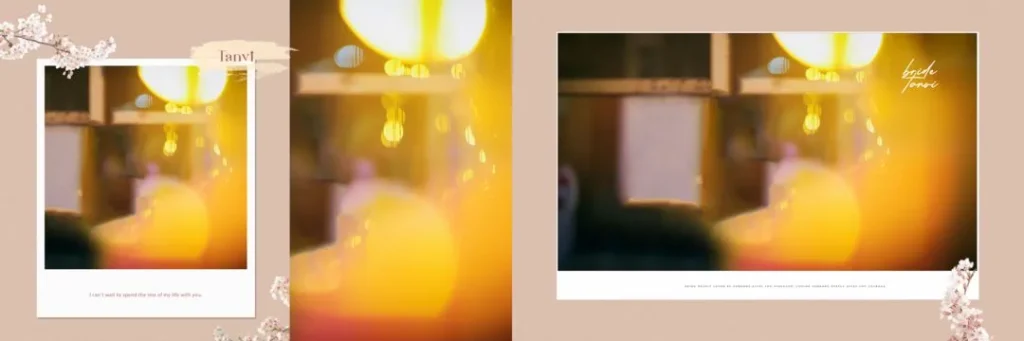
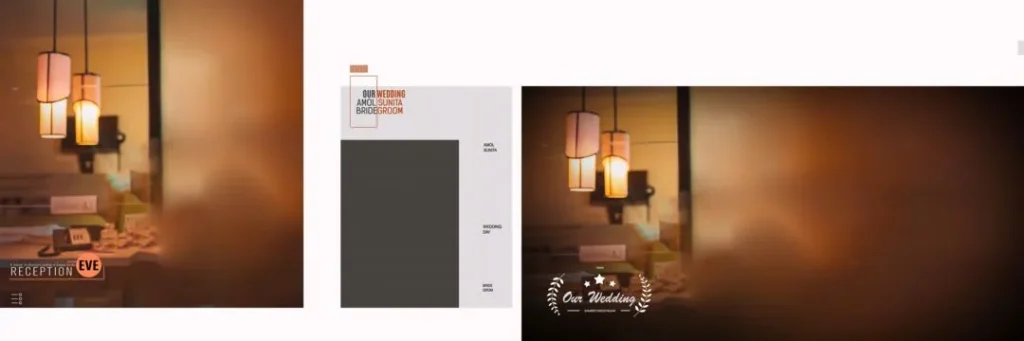
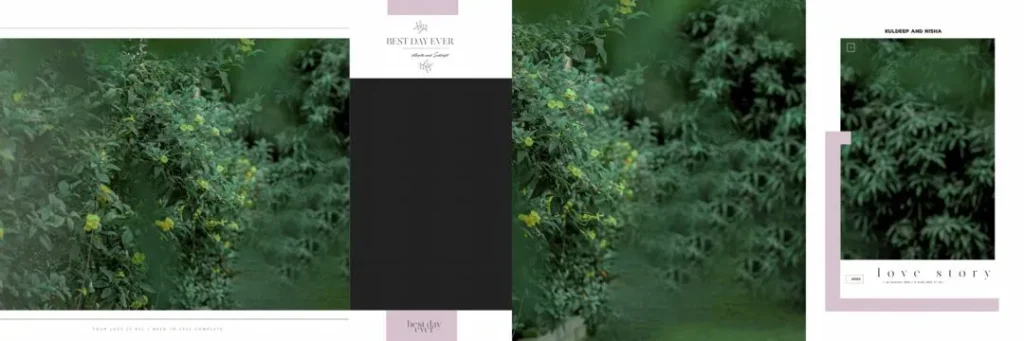
An Album Marriage Photo Editing Background is a useful design resource for creating attractive wedding album pages in Photoshop. It helps designers build visually balanced compositions for wedding portraits, couple photographs, family pictures, and memorable ceremony moments. Choosing a suitable background also helps maintain a consistent appearance throughout the album.
At Freefile360.com, designers and photo studio owners can explore graphic design resources related to wedding album creation. Whether you are preparing an album for a Mehendi ceremony, Sangeet night, Baraat, or wedding reception, understanding background selection and customization can help you create more appealing designs.
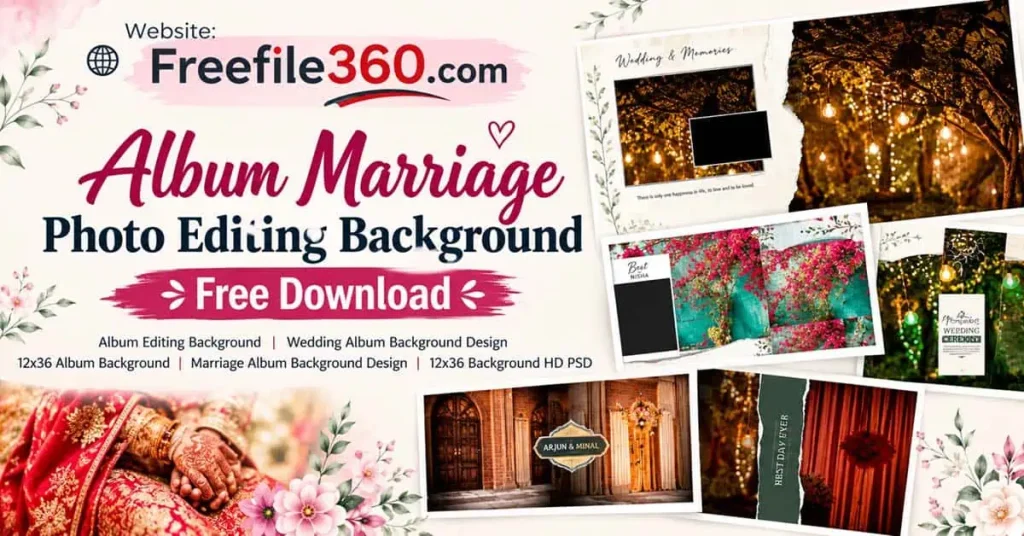
Album Marriage Photo Editing Background
Table of Contents
Album Marriage Photo Editing Background and Its Uses
An Album Marriage Photo Editing Background is a decorative digital design used as the base for arranging wedding photographs in an album layout. It provides a visual setting for couple portraits, family pictures, and wedding memories while helping create a coordinated album presentation.
These backgrounds are useful for wedding photographers, graphic designers, and Photoshop users who regularly prepare marriage albums. Depending on the design, a background may include decorative patterns, floral elements, artistic textures, colour combinations, or open areas for placing photographs.
The choice of background depends on the photographs and the wedding theme. For example, a traditional Indian wedding album may look attractive with rich colours and decorative details, while a modern couple portrait may suit a cleaner composition with subtle design elements.
Designers should also consider the final album size before selecting a background. A 12×36 album background is commonly associated with wide-format album layouts, but the actual document dimensions and pixel resolution should always be checked before editing.
#01
#02

Album Marriage Photo Editing Background
#03
#04
#05
Get More: 20 Latest Karizma Album Background PSD Free Download.
#06
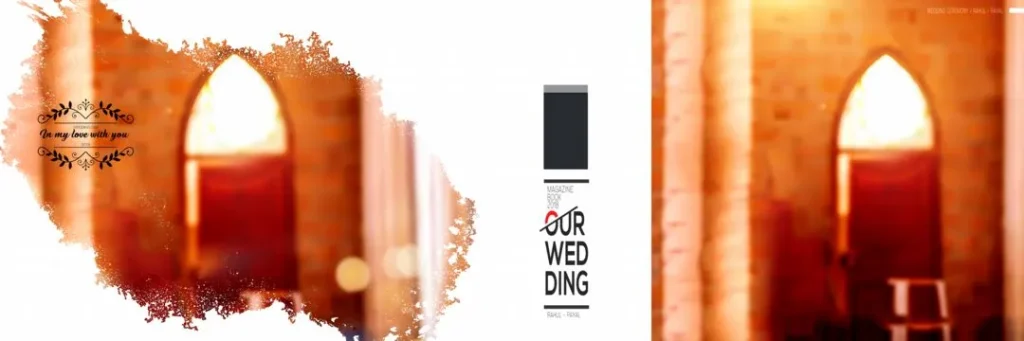
#07
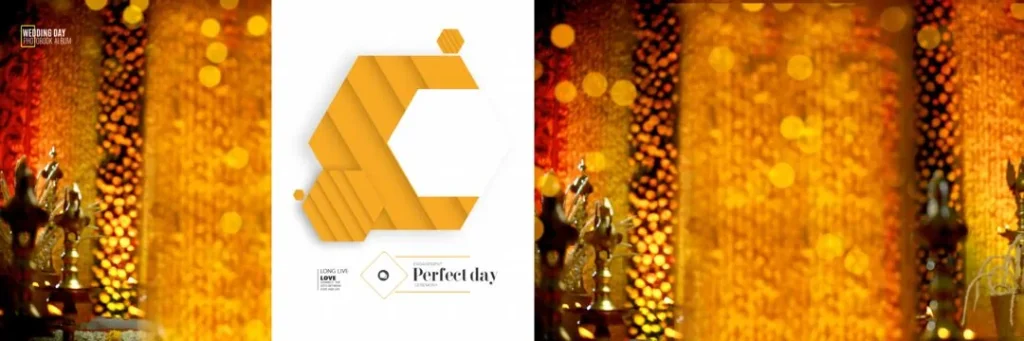
#08
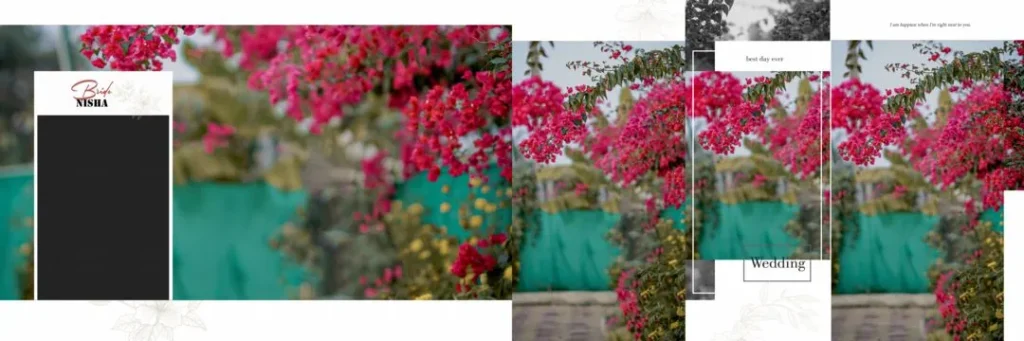
#09
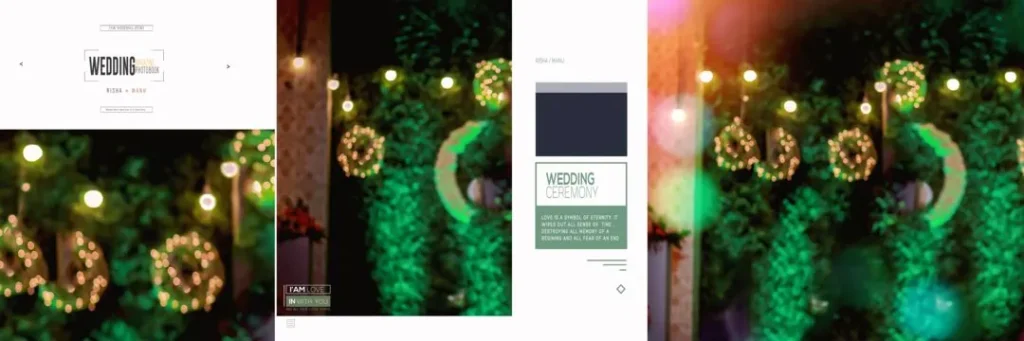
#10
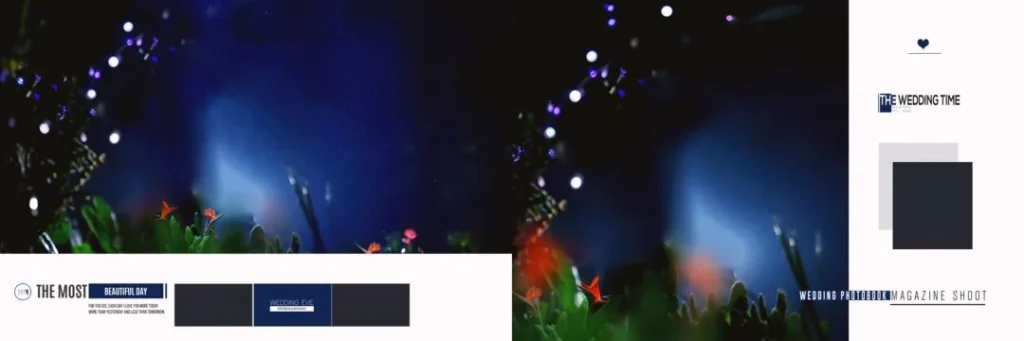
Explore Wedding Album Background Designs on Freefile360.com
Finding a suitable background is an important part of wedding album editing. A well-selected design can provide a consistent visual foundation for photographs without distracting viewers from the people and moments being presented.
Freefile360.com focuses on graphic design resources, including wedding album designs, Photoshop backgrounds, and PSD-related creative materials. Its Wedding Album Design category is relevant to designers looking for resources to support their creative projects.
When exploring an Album Marriage Photo Editing Background, consider the following points:
- Layout suitability: Check whether the background has enough space for your selected wedding photographs.
- Visual style: Choose colours and decorative elements that complement the wedding theme.
- Document dimensions: Confirm whether the background matches your intended album format.
- Editing compatibility: Check the available file format and software requirements before downloading.
- Print requirements: Confirm the dimensions, resolution, and colour settings with your album printer.
The specific download URL, file specifications, and license information have not been provided for this article. Therefore, readers should check the individual Freefile360.com resource page for confirmed download instructions, available formats, and usage conditions before proceeding.
#11
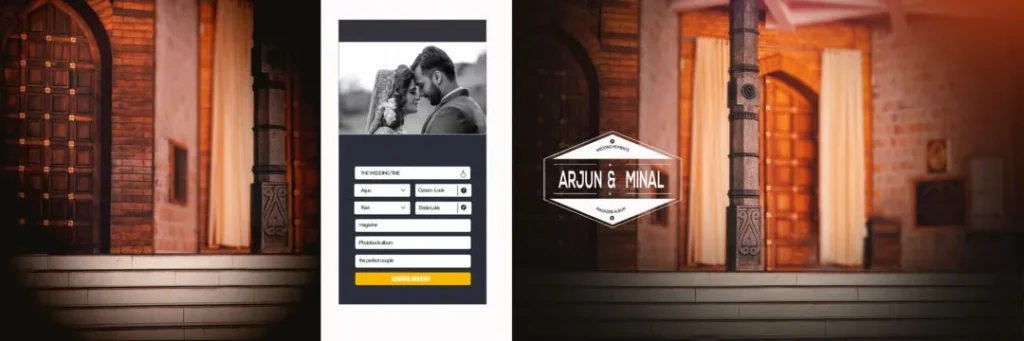
#12
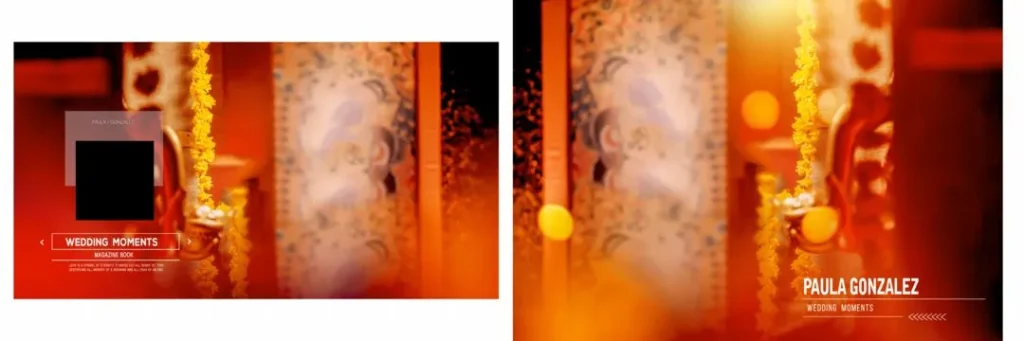
#13
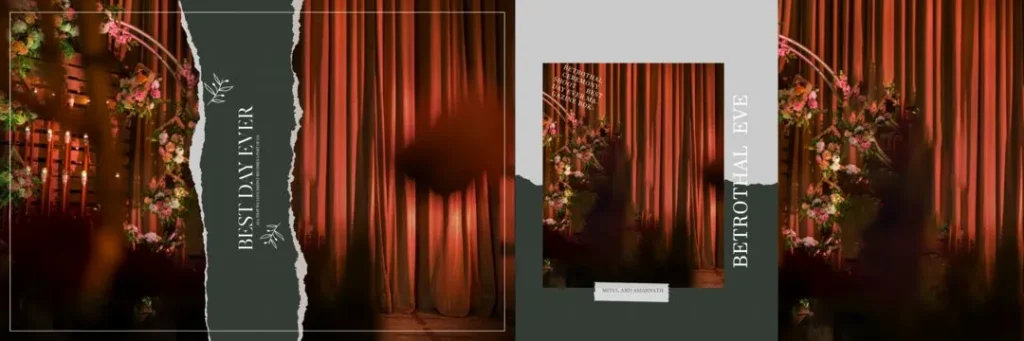
Album Marriage Photo Editing Background
#14
#15
How to Edit a Marriage Album Background in Photoshop
After selecting a suitable Wedding Album Background, the next step is to customize it according to the photographs and album requirements. Follow this general workflow.
1. Download the background file. Visit the relevant resource page on Freefile360.com when its download link is available. Follow the instructions displayed on that page and check the file format before downloading.
2. Extract the downloaded archive. If the resource is supplied as a ZIP file, extract it using a suitable archive utility. Keep the original compressed file as a backup in case you need it again.
3. Open the file in Photoshop. Open the downloaded design in compatible editing software. Check the document dimensions, pixel size, resolution setting, and colour mode before making changes.
4. Replace the photographs. Add your selected wedding images to the composition. If the PSD contains editable layers or Smart Objects, use the available editing options. Otherwise, place photographs manually and adjust their positions.
5. Customize the design. Adjust colours, text, decorative elements, and image placement to match the client’s preferences. Maintain enough visual space so that photographs remain the main focus of the album page.
6. Prepare the final output. Review the complete layout, check image detail, and confirm the printer’s requirements for bleed, binding margins, colour profile, and export format. Save an editable PSD copy before creating the final output.
These steps provide a general Photoshop workflow. The actual editing options will depend on the structure and features of the downloaded file.
Managing Wedding Album Deadlines Without Compromising Design
Wedding album designers often handle several projects at the same time. A single client may request photographs from different ceremonies, including engagement, Haldi, Mehendi, Sangeet, wedding rituals, and reception celebrations. Each event may have a different visual style.
Using suitable Wedding Album Background Design resources can help organize these photographs into a consistent presentation. Instead of creating every background from scratch, designers can begin with an appropriate design and customize it according to the project.
A practical approach is to organize photographs before opening Photoshop. Separate images into folders based on the ceremony, family group, couple portraits, and important moments. This makes photo selection easier and reduces the time spent searching for images during editing.
Designers should also maintain consistent spacing, colour balance, and typography across album pages. For a 12×36 background HD PSD project, check that the document dimensions match the printer’s specifications rather than assuming that the file is automatically suitable for printing.
Good preparation helps studios manage client revisions while maintaining a professional and organized workflow.
Practical Tips for Better Wedding Album Background Editing
A beautiful background is only one part of a successful wedding album. The final result also depends on image quality, composition, and correct print preparation.
– Check image resolution carefully. Use photographs with sufficient pixel detail for the intended print size. A document set to 300 DPI cannot restore detail missing from a low-resolution photograph.
– Confirm the colour profile. Ask your album printer whether RGB or CMYK files are required. Different printing workflows may have different colour requirements.
– Allow space for binding and bleed. Keep important faces, text, and decorative elements away from areas that may be trimmed or hidden during album binding.
– Maintain an editable backup. Save your working PSD file separately before exporting the final JPEG or TIFF version. This makes future corrections easier.
– Avoid overcrowding the layout. Give important photographs enough space and avoid adding too many decorative elements around the main subjects.
– Match the background to the photographs. Choose colours and textures that complement the clothing, lighting, and overall wedding theme.
Following these practices can help create balanced album pages that are easier to review and prepare for printing.
Frequently Asked Questions
1. Are Album Marriage Photo Editing Background files free to download?
Download availability and conditions depend on the individual resource page. Check Freefile360.com for the applicable download instructions before assuming that a particular file is available without payment.
2. Which software is needed to edit wedding album backgrounds?
Adobe Photoshop is commonly used for editing PSD backgrounds. Software compatibility depends on the actual file format and features included in the downloaded resource.
3. Can I use wedding album backgrounds for paid client projects?
Commercial usage depends on the individual file’s license. Always review the applicable usage terms before including a downloaded design in a paid wedding album project.
4. Why is a 12×36 album background useful for wedding photography?
A 12×36 layout provides a wide canvas for arranging multiple photographs, couple portraits, and ceremony moments across a wedding album spread.
5. How can I prepare a marriage album background for printing?
Check the document dimensions, image resolution, colour profile, bleed, and binding margins. Follow the printing requirements provided by your album production service.
Conclusion
A suitable Album Marriage Photo Editing Background can help wedding photographers, album designers, and photo studio owners create attractive and organized wedding album layouts. Choosing the right composition, maintaining image quality, and understanding Photoshop editing techniques are important parts of the process. The right wedding album background design should complement the photographs rather than overpower them.
Explore the wedding album design resources available on Freefile360.com to find creative materials for your next project. Check the individual resource details, download conditions, and license information before using any design in client work. With careful customization and proper print preparation, you can create wedding albums that preserve special memories in a beautiful presentation.
Get More: