Pre-Wedding Photography is an important part of many Indian wedding celebrations. Couples often want to preserve their favourite moments in a beautifully designed album before the wedding day. For photographers and album designers, arranging these pictures into an attractive layout requires good photo selection, creative composition, and careful editing.
Finding the right Pre Wedding Photography Album Design can make this process easier. A suitable PSD template can provide a starting point for arranging romantic couple portraits, outdoor photographs, traditional outfits, and memorable candid moments. Designers can then adjust the layout according to the photographs and the couple’s preferences.
At Freefile360.com, designers and Photoshop users can explore Wedding Album Design resources and creative ideas for their projects. This article explains how Pre-Wedding Album layouts work, what to consider when selecting a PSD resource, and how to prepare a 12×36 Album Design for professional use.
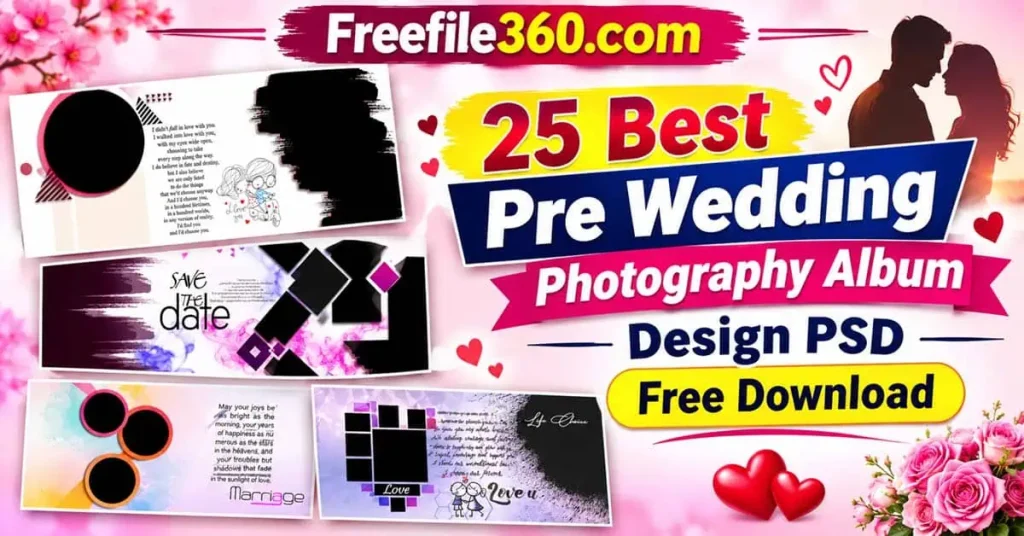
Pre Wedding Photography Album Design
Table of Contents
Pre Wedding Photography Album Design for Creative Wedding Memories
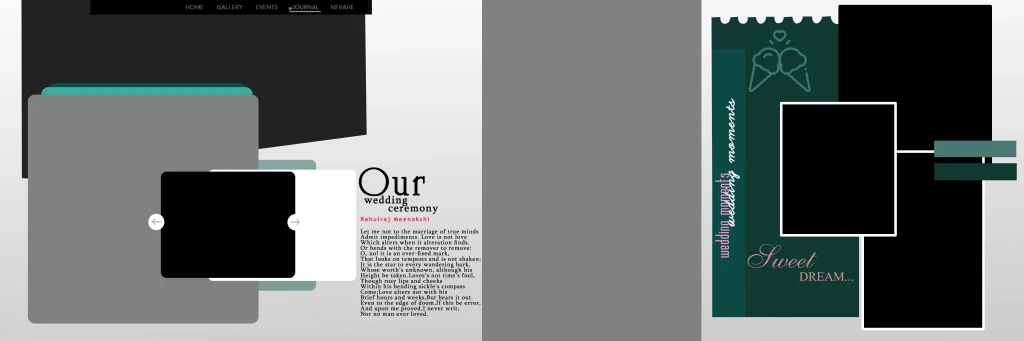
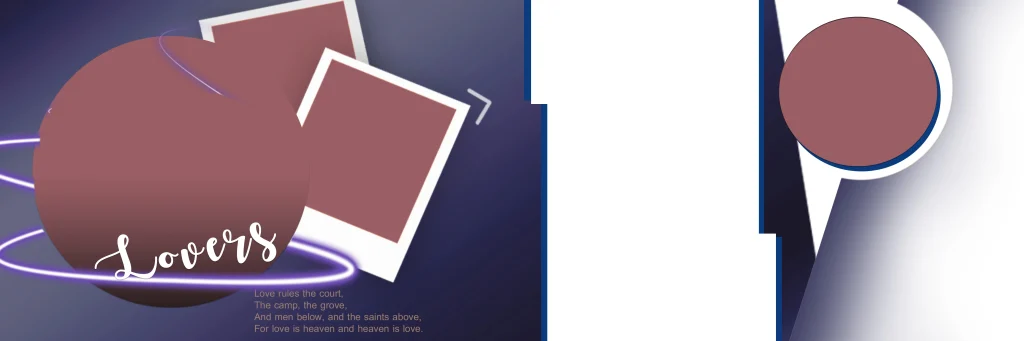
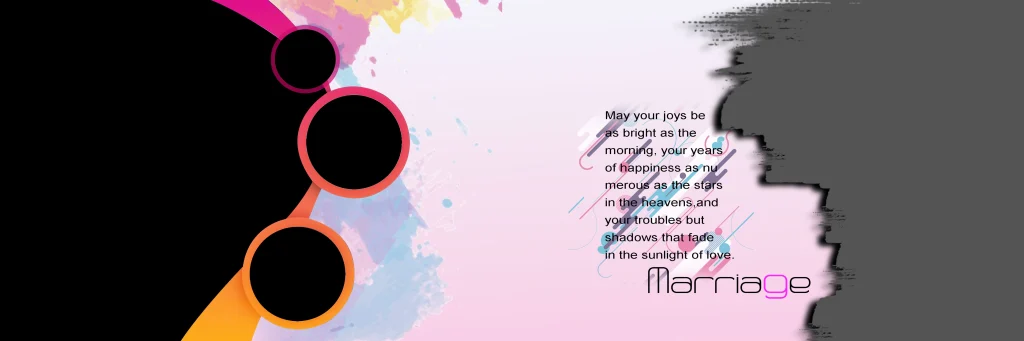
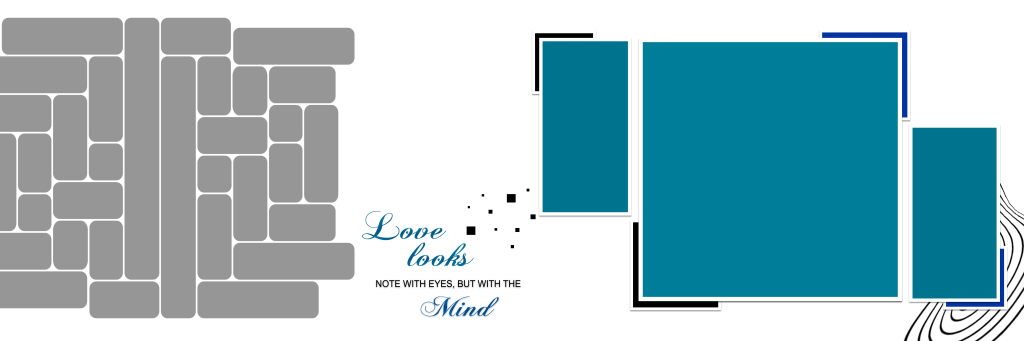
Pre Wedding Photography Album Design refers to the arrangement of a couple’s pre-wedding photographs into attractive album pages. These designs help present romantic portraits, location shoots, candid moments, and themed photography in an organized visual story. They can be created using Photoshop templates or custom page layouts.
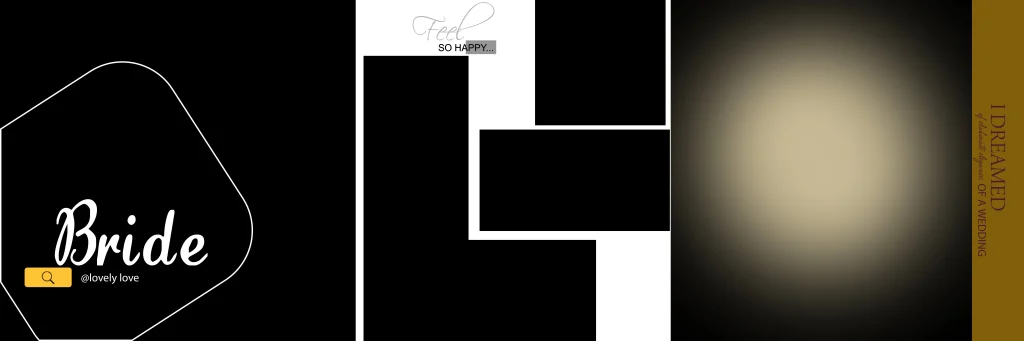
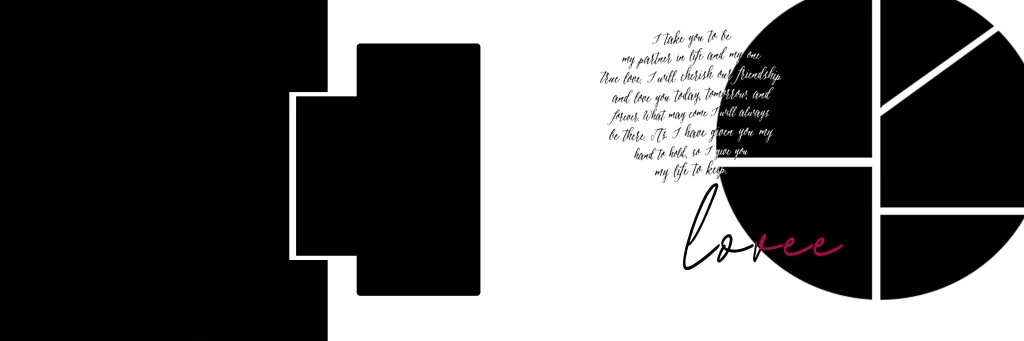
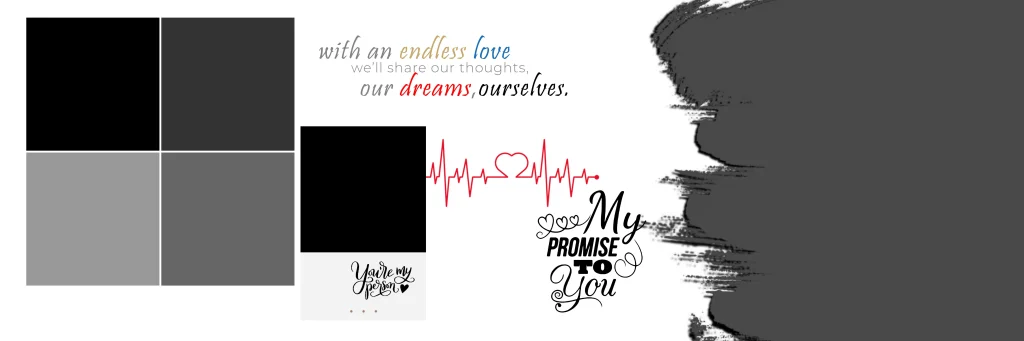
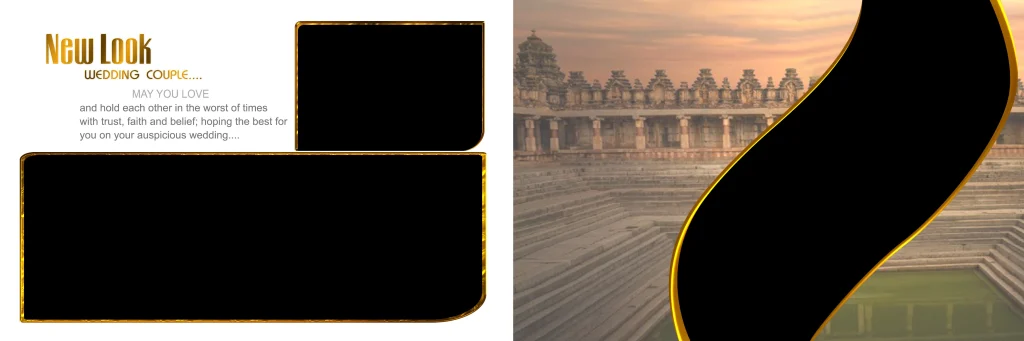
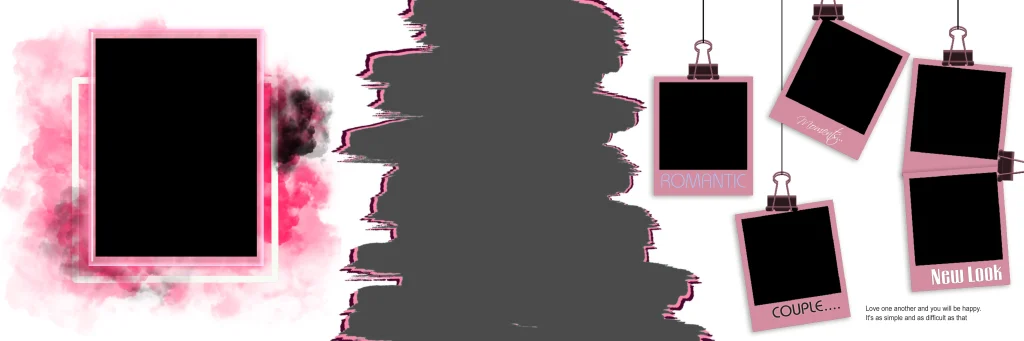
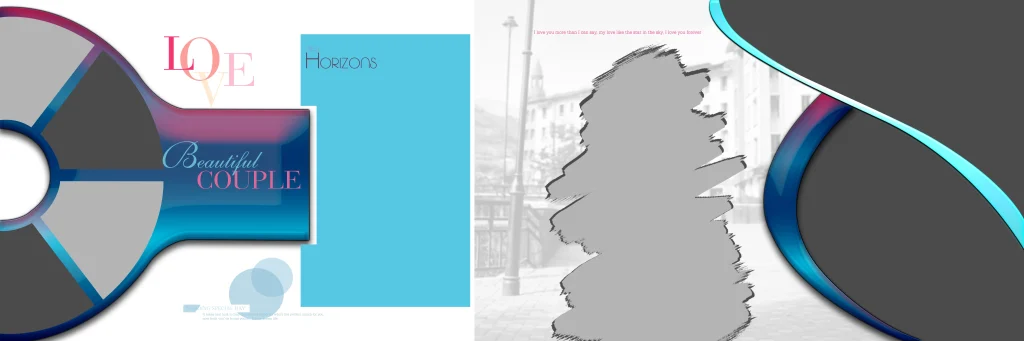
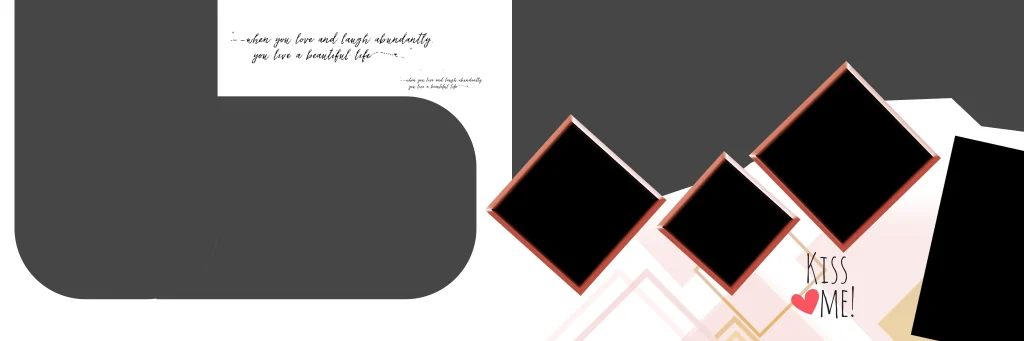
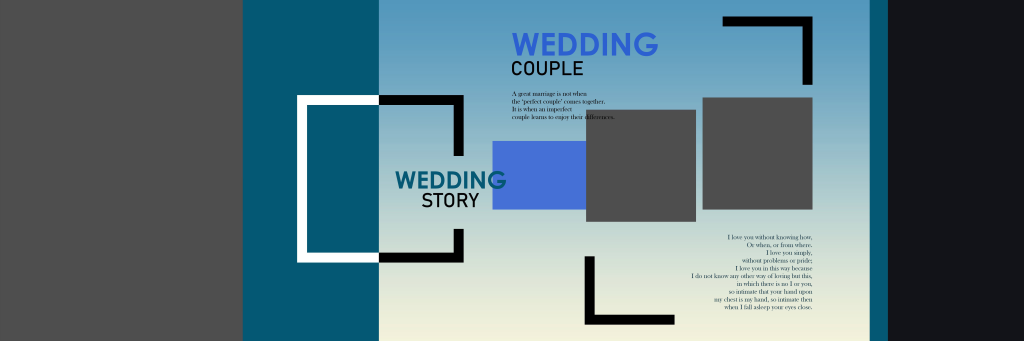
A Pre Wedding Album 12×36 format is a popular layout option to consider for panoramic album spreads. Its wide canvas provides space for combining multiple photographs while maintaining a balanced composition.
Designers can experiment with different backgrounds, photo arrangements, decorative elements, and typography. However, the actual editing options depend on the structure of the selected PSD file. Some files may contain separate editable layers, while others may require additional adjustments.
#01

Pre Wedding Photography Album Design
#02
#03
#04
#05

Get More: 30 New Happy Birthday PSD Template Free Download.
#06

#07
#08

Pre Wedding Photography Album Design
#09

#10
Explore Pre Wedding Album Design Resources on Freefile360.com
Choosing an appropriate template is an important part of preparing an attractive wedding album. Freefile360.com focuses on graphic design resources, including Wedding Album Designs, Photoshop backgrounds, and creative PSD materials.
When exploring a Pre Wedding Album Design Free Download resource, check the available preview images before selecting a file. The preview can help you understand the overall composition and decide whether the design matches your client’s photography style.
Look for layouts that can accommodate different types of pre-wedding photographs, such as outdoor couple portraits, traditional poses, close-up images, and scenic backgrounds.
Before downloading, confirm the available file information. The exact dimensions, resolution, file format, layer structure, and software compatibility should be checked on the individual resource page. No specific file specifications or license terms have been provided for this collection.
#11
#12
Get More: 12X36 Hd Karizma Album Background Free Download.
#13

#14

#15
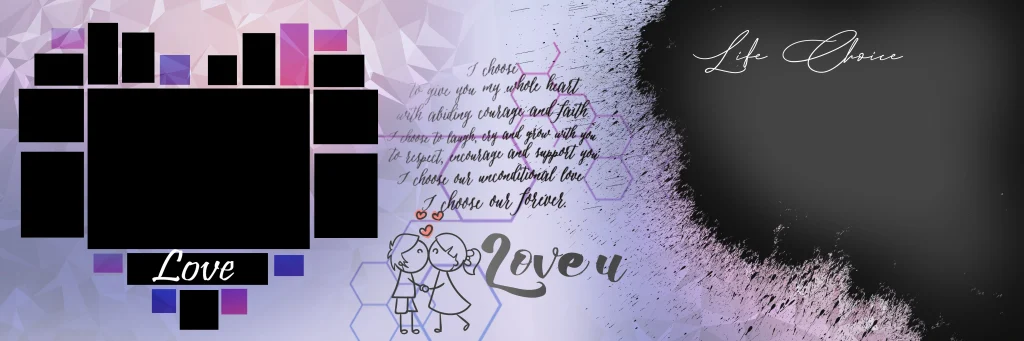
Pre Wedding Photography Album Design
#16
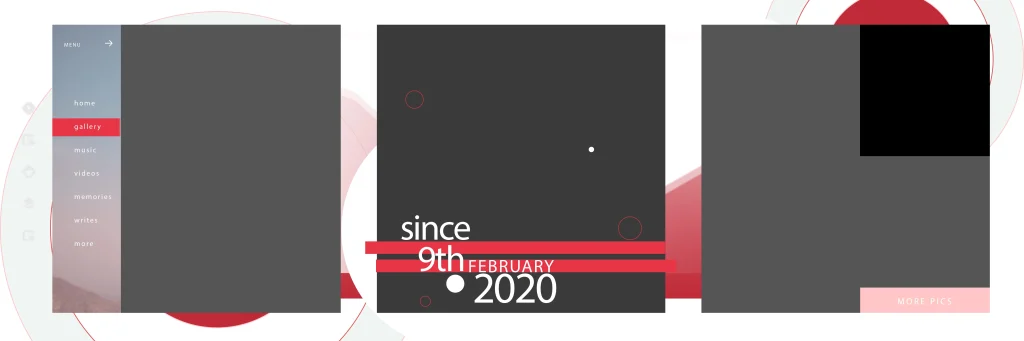
#17
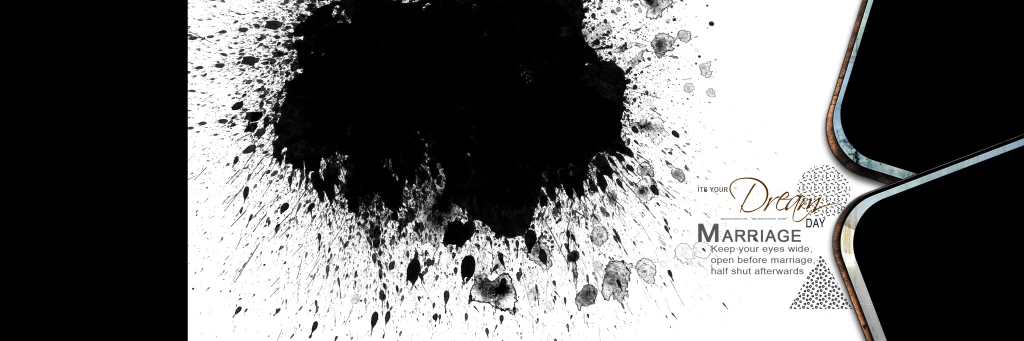
#18
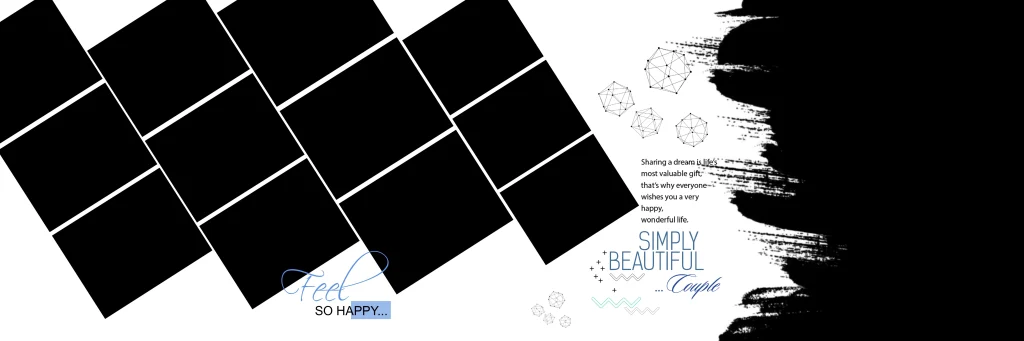
#19
#20
How to Download and Edit a Pre Wedding Album PSD
Follow these steps when a suitable PSD resource is available on its download page.
- Download the PSD Resource: Visit the relevant Freefile360.com resource page and follow the available download instructions. Check the file description before downloading to confirm that it suits your project.
- Extract the Downloaded Archive: If the resource comes in ZIP format, extract it using compatible archive software. Check the extracted folder for the PSD file and any included supporting materials.
- Open the File in Photoshop: Open the PSD in Adobe Photoshop or compatible editing software. Check the document dimensions, resolution, color mode, and available layers before starting your work.
- Replace the Photographs: Add your selected pre-wedding pictures to the layout. If the PSD includes Smart Objects or image placeholder layers, use the available editing method to replace the photographs without disturbing the overall composition.
- Customize the Design: Adjust photo positions, backgrounds, text, colors, and decorative elements according to the couple’s preferences. Maintain consistent spacing and avoid overcrowding the album pages.
- Prepare the Final Output: Review the complete design at the intended printing dimensions. Confirm the printer’s color profile, bleed requirements, binding area, and export format before creating the final file.
#21
Get More: Pre Wedding Album Design 12X36 Sheet Download.
#22
#23

Pre Wedding Photography Album Design
#24
#25

Designing Pre Wedding Albums Around Client Expectations
A Pre-Wedding Album should tell a story rather than simply display a collection of photographs. The arrangement of pictures can help communicate the mood and personality of the couple.
For example, outdoor photographs taken in gardens, mountains, or scenic locations can be arranged with spacious compositions. Traditional portraits may work better with balanced backgrounds and coordinated decorative elements. Mixing wide photographs with close-up portraits can also create visual variety.
When preparing a Pre Wedding Photo Album Design, consider the client’s preferred photography style. Some couples may prefer simple and elegant layouts, while others may enjoy colourful backgrounds and decorative compositions.
A good designer should also pay attention to photo selection. Avoid using several nearly identical poses on the same spread. Instead, combine different expressions, camera angles, and moments to create a more interesting presentation.
Practical Tips for Better Pre Wedding Album Results
- Check Image Resolution: Use photographs with sufficient original pixel detail for the intended printing size. A 300 DPI setting alone cannot improve a low-resolution photograph.
- Maintain Layout Balance: Arrange large and small photographs carefully. Keep important faces away from the centre binding area and avoid unnecessary decorative elements.
- Confirm Printing Requirements: Ask the album printer about document dimensions, CMYK or RGB requirements, bleed margins, and safe areas before final export.
- Keep an Editable Backup: Save the original PSD separately from the final exported file. This makes future changes easier if the client requests adjustments.
Frequently Asked Questions
1. Are Pre Wedding Album Design PSD files free to download?
Download conditions depend on the individual resource page. Check the available download information and any applicable terms before using a file.
2. Which software is required to edit pre-wedding album PSD files?
Adobe Photoshop is commonly used for PSD editing. Compatibility with other image-editing applications depends on the file’s features and structure.
3. Can I use a pre-wedding album PSD for paid client projects?
Commercial use depends on the individual file’s license. Always review the resource terms before including a downloaded design in paid photography or album projects.
4. Why is the 12×36 format useful for pre-wedding albums?
The wide 12×36 layout provides space for panoramic photographs, multiple portraits, and creative photo arrangements across a double-page spread.
5. How can I prepare a pre-wedding album design for printing?
Check the final document dimensions, image resolution, printer colour requirements, bleed margins, and binding area. Export the design using the specifications provided by your album printer.
Conclusion
A well-planned Pre Wedding Photography Album Design helps photographers and designers present a couple’s special moments in an attractive and meaningful way. Choosing suitable layouts, organizing photographs, and maintaining balanced compositions can improve the overall presentation of a wedding album. A carefully customized pre wedding album design 12×36 can also provide a practical format for panoramic photo arrangements.
Visit Freefile360.com to explore Wedding Album Design resources, Photoshop backgrounds, and creative design ideas for your next project. Check the individual resource details and license conditions before downloading and using any PSD file in client work.
Get More: