Wedding album designing can feel challenging when you are starting a new project, especially if you are still learning how to arrange photographs, balance layouts, and create attractive pages. Choosing the correct album size and understanding the PSD editing process can make your work much easier.
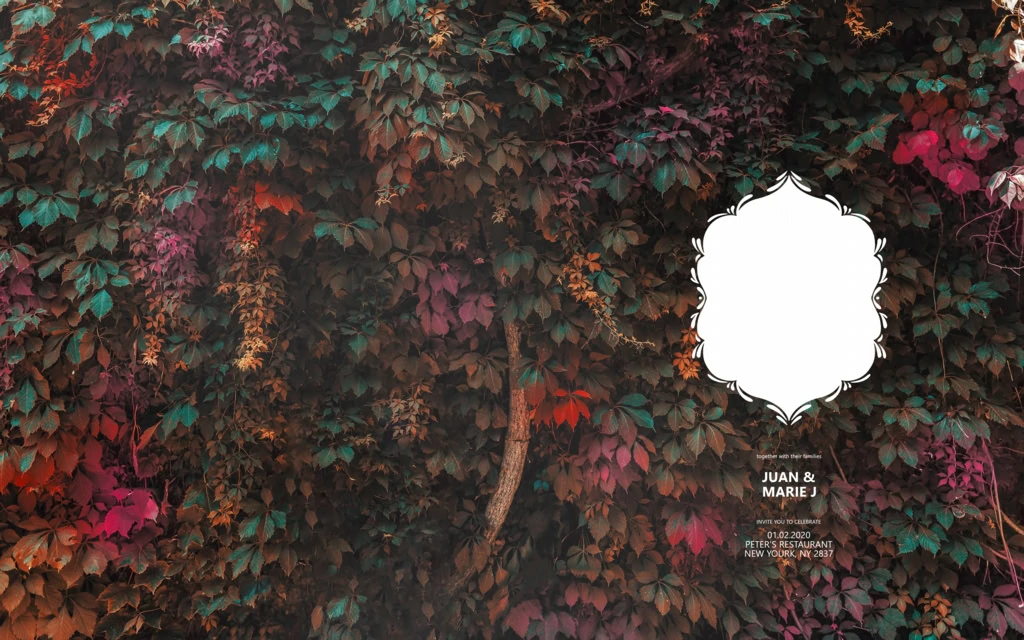
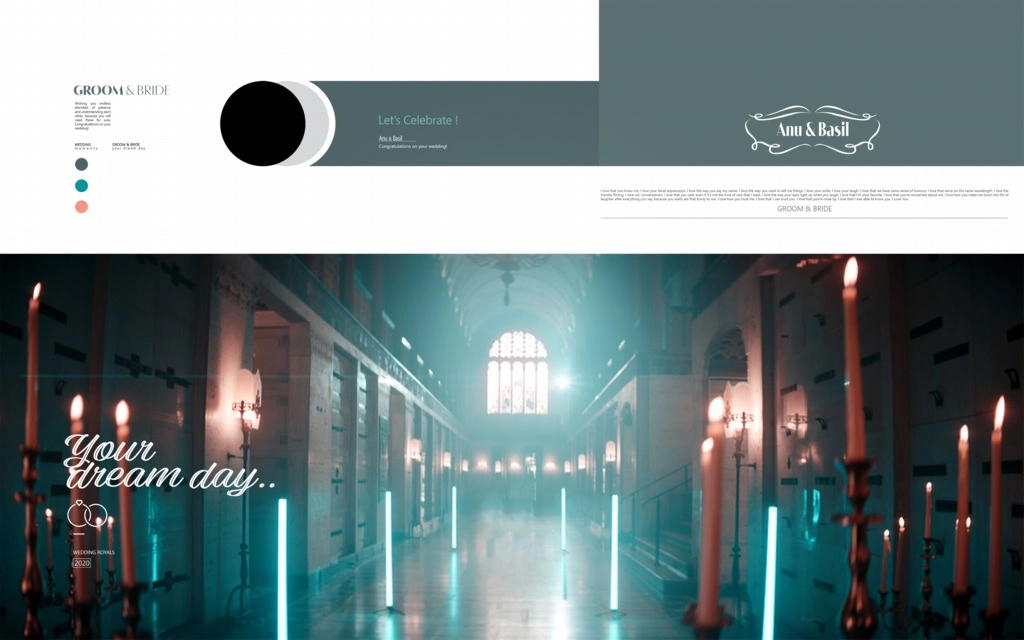
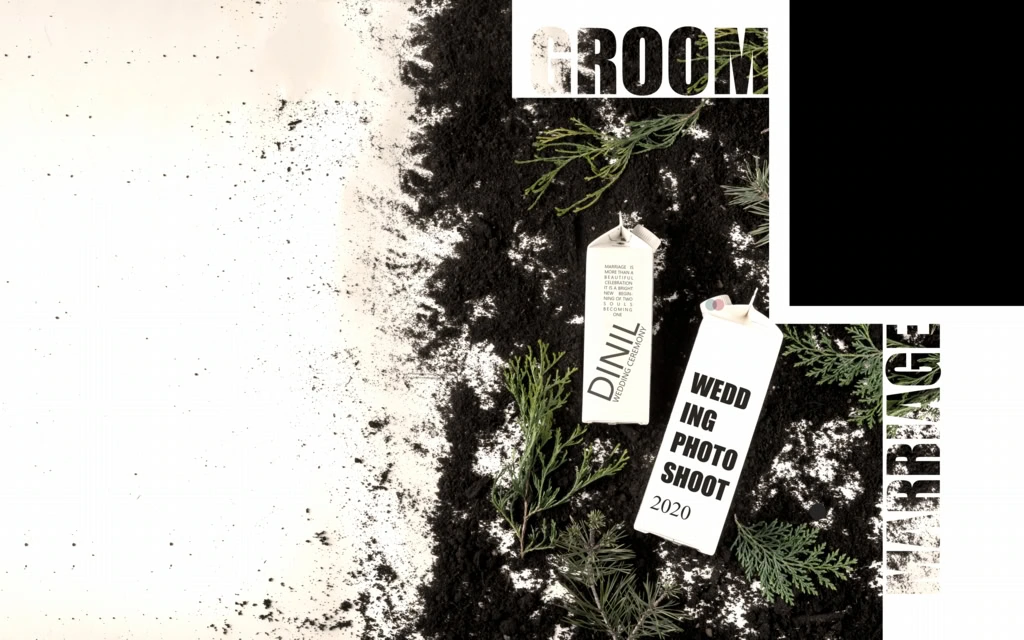
A 15X24 Album is a useful format to consider for wedding photography projects. It provides a wide layout where designers can arrange wedding portraits, family photographs, and memorable moments from different ceremonies. A well-planned design helps present these photographs in an attractive way.
At Freefile360.com, we focus on graphic design resources for photographers, album designers, and Photoshop users. In this article, you will learn about 15×24 Album Design, its uses, the basic editing process, and important points to check before preparing your final album.
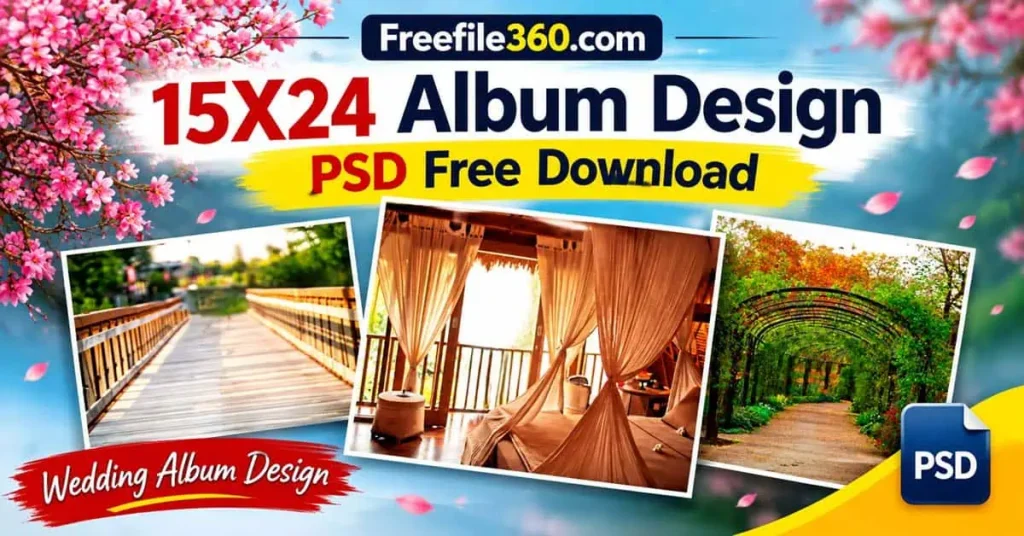
Table of Contents
15X24 Album – Understanding the Wedding Album Format
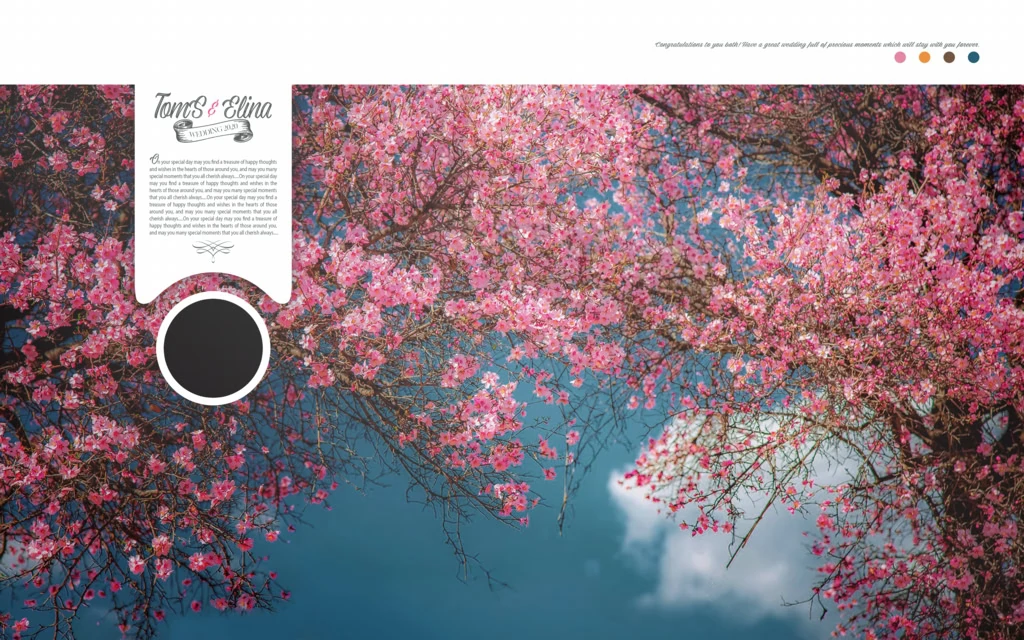
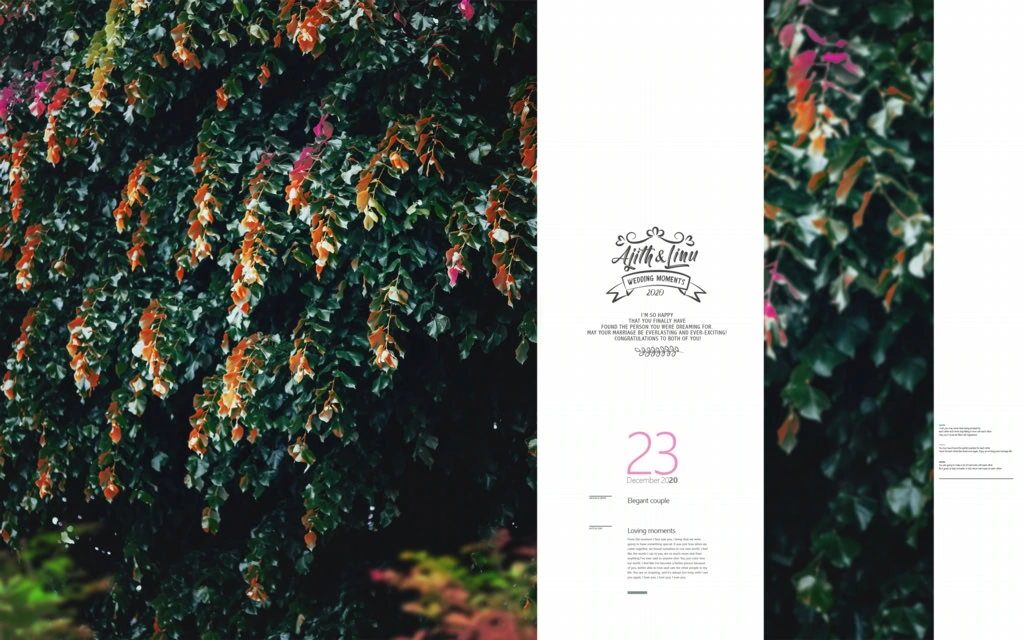
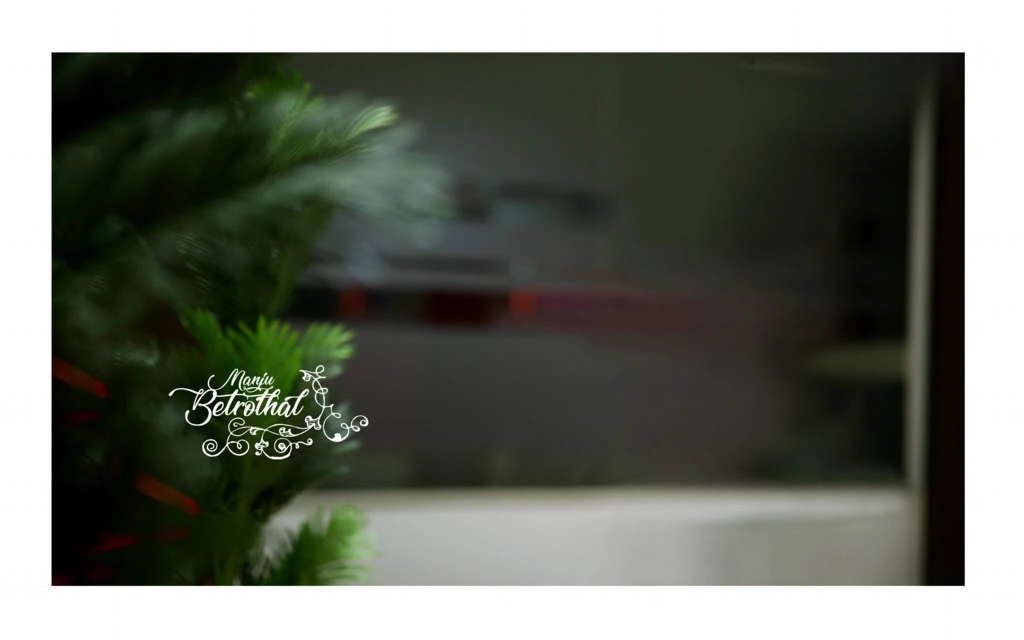
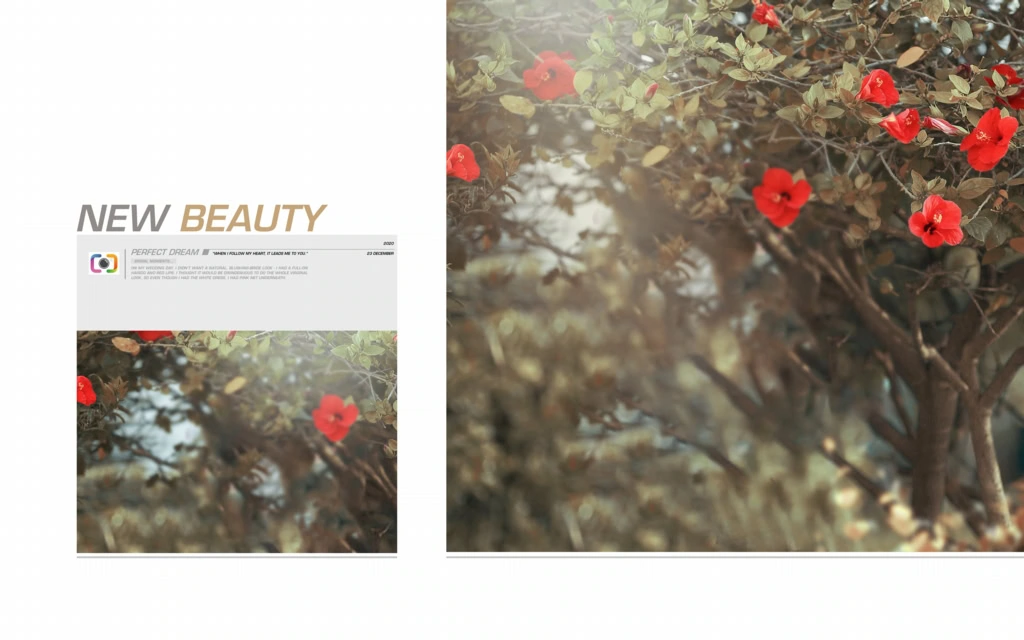
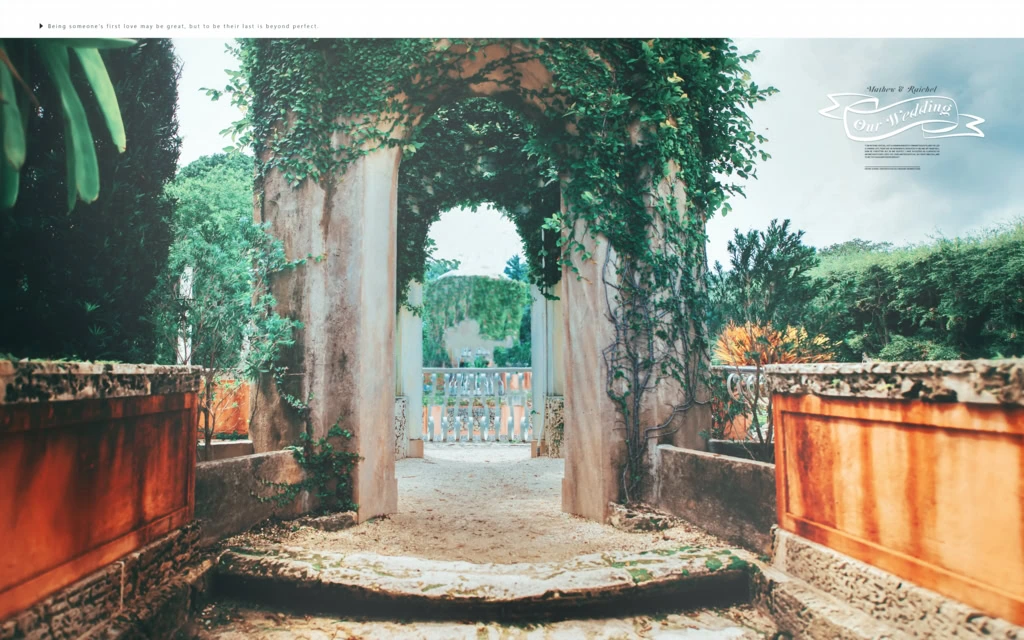
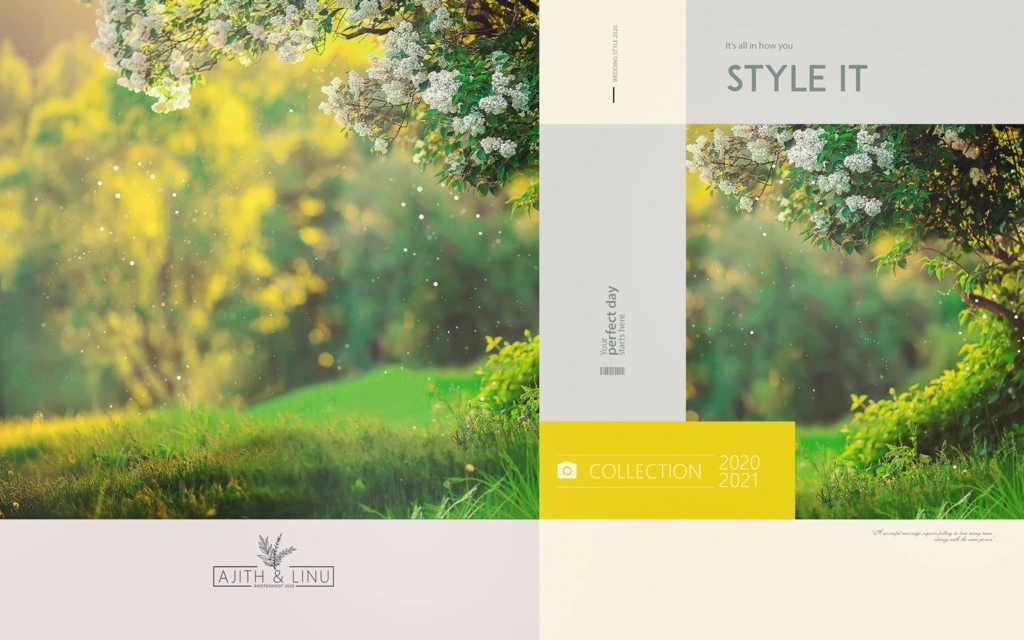
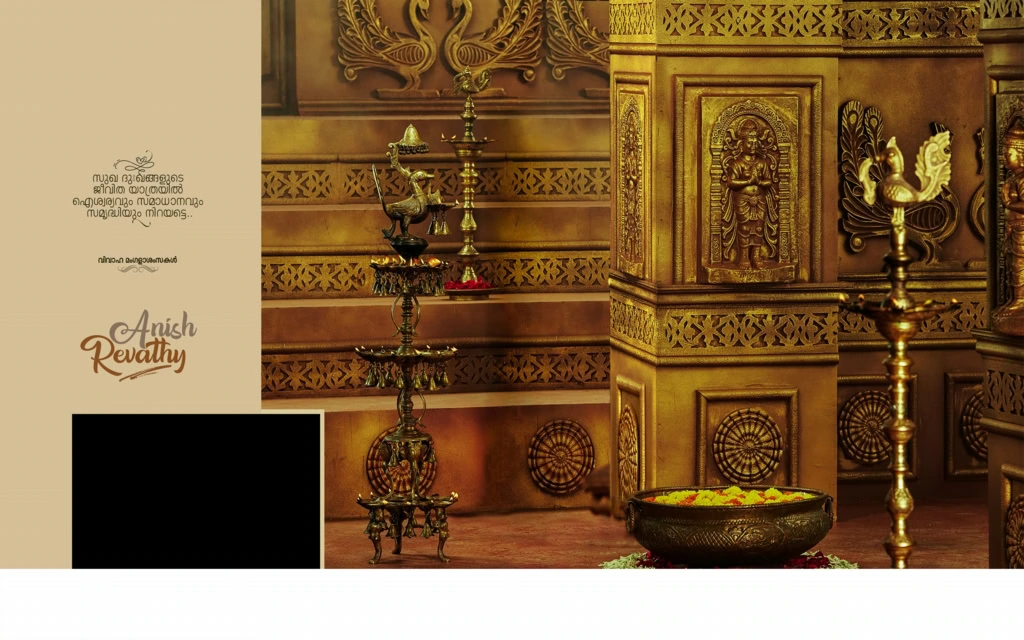
A 15X24 Album is a wedding photo album format with a nominal page or spread size of 15 × 24 inches. It is used as a layout reference when arranging wedding photographs for album production. The exact document setup should always be confirmed with the album printer.
This format gives designers a wide working area for creative photo arrangements. You can plan large wedding portraits, combine multiple photographs, and create balanced compositions for different wedding events.
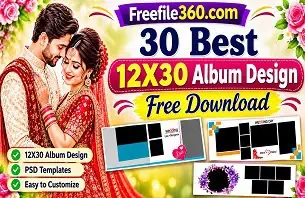
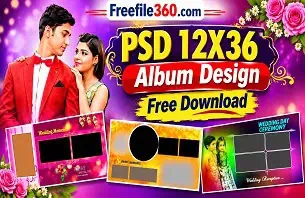
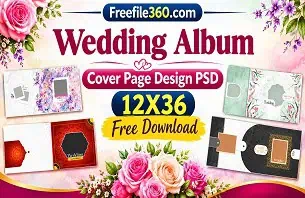
A 15 x 24 Wedding Album Design can include photographs from Haldi, Mehendi, Sangeet, Baraat, wedding rituals, and reception celebrations. The main goal is to arrange the photographs in a way that tells the story of the occasion.
Photoshop PSD files can be useful for this work because they may contain separate editable layers. However, the actual layer structure, document dimensions, resolution, and editing features depend on the individual file.
#01
#02
Get More: 12X18 Birthday PSD Free Download – Freefile360.com.
#03
#04
#05
#06
#07
#08
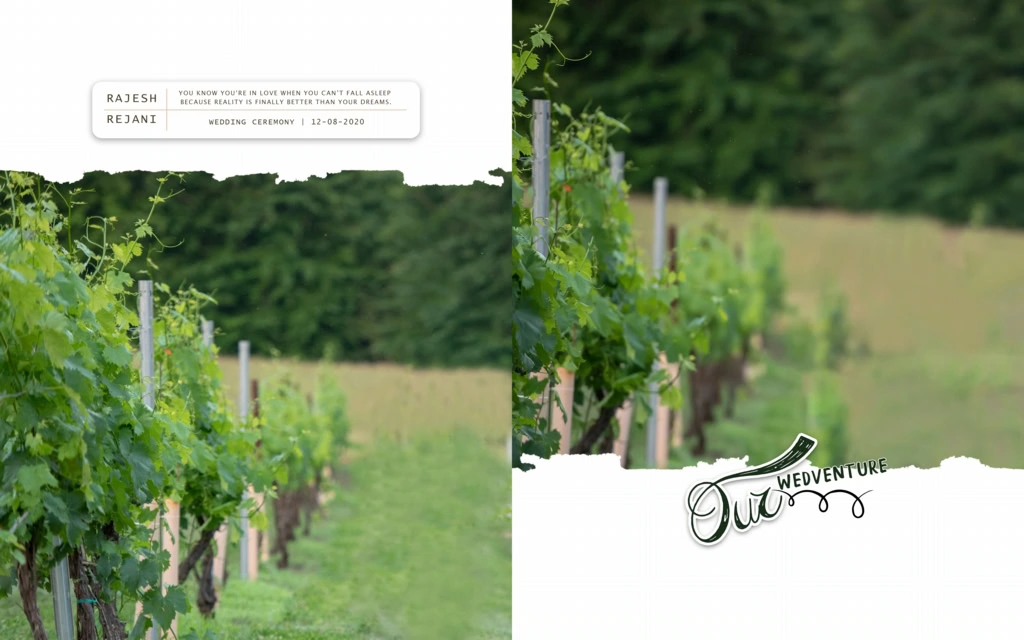
#09
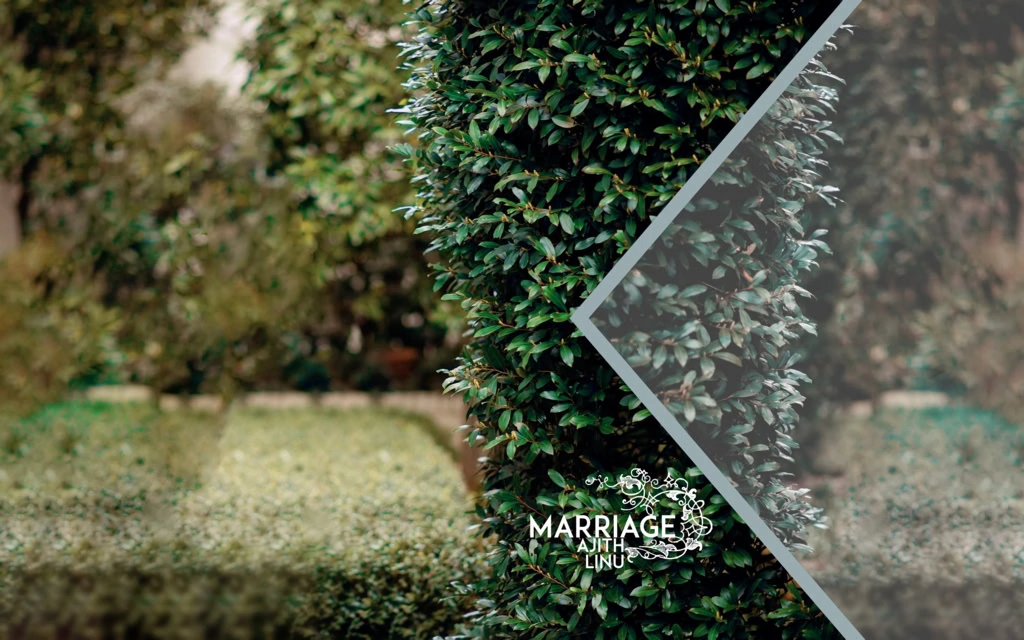
#10
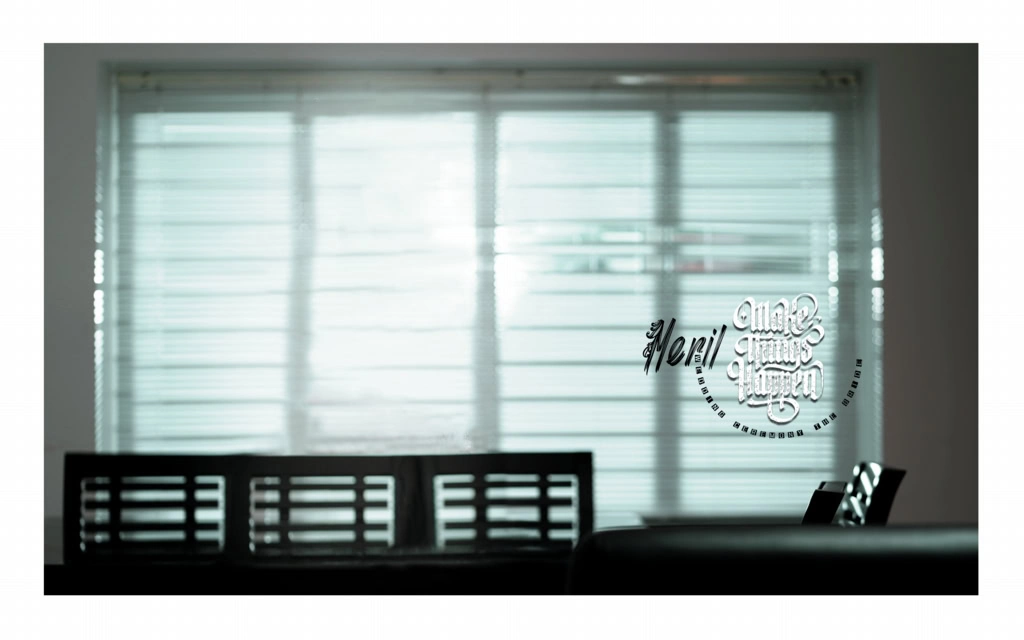
Explore 15X24 Album Design Resources on Freefile360.com
Finding a suitable layout is an important part of starting an album project. A designer may need different arrangements depending on the number of photographs, wedding events, and the client’s preferred presentation style.
Freefile360.com provides a platform focused on graphic design resources, including wedding album design-related content. Readers looking for 15×24 Album Design PSD Free Download resources can explore the relevant website collection and check the available resource details.
Before downloading any PSD resource, check the following information:
- File format: Confirm whether the resource is provided in PSD format or another format.
- Document size: Check whether the dimensions match your required album layout.
- Resolution: Review the image resolution and actual pixel dimensions.
- Editable layers: Check whether photographs, backgrounds, and text can be edited separately.
- License: Read the applicable usage conditions before using the design for commercial client projects.
The exact download URL, file specifications, and license details have not been supplied for this article. Please add the verified resource link and confirm these details before publication.
#11

#12

#13
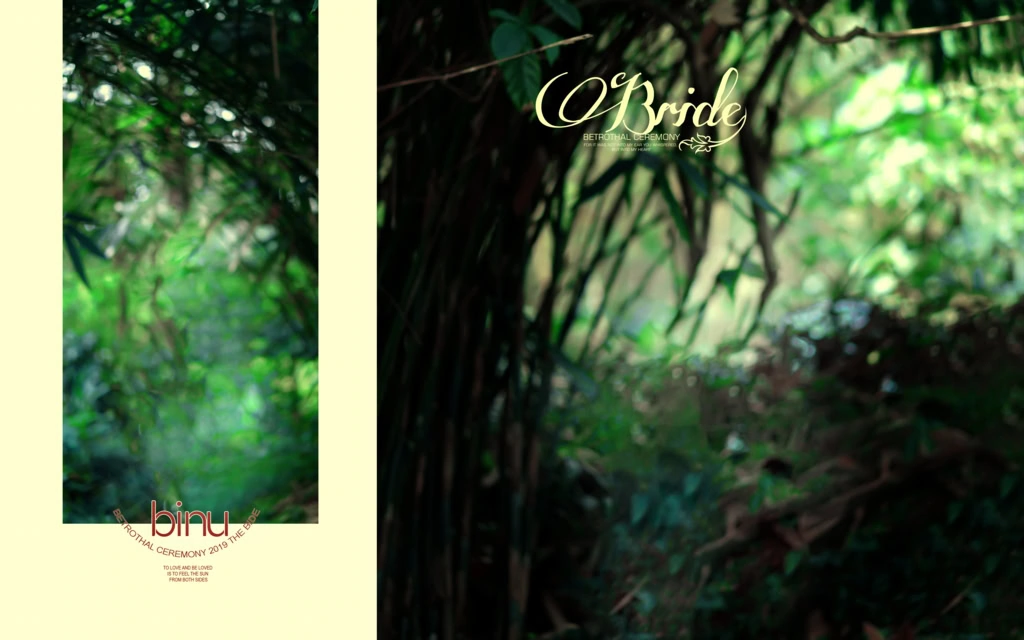
#14
#15
Get More: 20 Latest Karizma Album Background PSD Free Download
#16
#17
#18
#19
#20
How to Download and Edit a 15X24 Album Design PSD
Once you find a suitable resource, follow these steps to prepare your album design.
- Download the PSD File: Visit the relevant resource page on Freefile360.com and follow the available download instructions. Check the file format and description before downloading.
- Extract the Archive: If the downloaded resource comes in ZIP format, extract it using compatible software such as WinRAR or 7-Zip. Locate the PSD file inside the extracted folder.
- Open the File in Photoshop: Launch Adobe Photoshop and open the PSD document. Check its dimensions, resolution, color mode, and available layers before starting your editing work.
- Replace the Photographs: Add your selected wedding photographs to the layout. If the file contains Smart Objects, use their replacement options. Otherwise, work with the available image layers.
- Customize the Design: Adjust text, colors, backgrounds, and photograph positions according to your project. Keep the layout balanced and make sure important details are not hidden near the binding area.
- Prepare the Final Output: Review the complete album, confirm the printer’s required dimensions, resolution, color profile, and bleed settings, then export the document in the requested format.
Learning Photoshop Through 15X24 Album PSD Files
Working with a 15×24 Album PSD can also help new designers improve their Photoshop skills. Instead of creating every page from a blank document, you can study an existing layout to understand how photographs and design elements are arranged.
Pay attention to the relationship between large photographs and smaller supporting images. Notice how spacing, borders, backgrounds, and text contribute to the overall composition. These details can help you understand the basic principles of wedding album design.
You can also practice organizing layers into meaningful groups. For example, keep photographs, decorative elements, and text separate whenever the file structure allows it. This makes future changes easier, especially when a client requests a photograph replacement or a different arrangement.
A useful learning exercise is to recreate one page using your own wedding photographs. Try different compositions while maintaining a consistent visual style throughout the album.
Practical Tips for Better 15X24 Wedding Album Designs
Before sending your completed album for printing, keep these important points in mind:
- Check photograph quality: Use original, high-resolution photographs whenever possible. Increasing the DPI setting cannot restore missing image details.
- Maintain proper spacing: Keep faces, important text, and other essential elements away from the centre binding area.
- Confirm printer requirements: Ask the printing service about bleed margins, colour profiles, document dimensions, and export settings.
- Save an editable backup: Keep your original PSD file separately before exporting the final album. This makes future corrections easier.
Small checks during the design process can prevent unnecessary changes later. Always review the complete album before approving it for printing.
Frequently Asked Questions
1. Are 15X24 Album Design PSD files free to download?
Download conditions depend on the individual resource page. Check the available download information on Freefile360.com before assuming that a particular file is free.
2. Which software is required to edit a 15×24 album PSD?
Adobe Photoshop is the standard software for editing PSD documents. Other applications may offer partial PSD compatibility, but layer support can vary.
3. Can I use a 15X24 wedding album design for paid client projects?
Commercial usage depends on the individual file’s license. Always review the applicable terms before using a resource in paid photography or album-design work.
4. Why is the 15X24 format useful for wedding albums?
Its wide layout provides space for arranging wedding portraits, family photographs, and multiple images from different ceremonies in a balanced composition.
5. What should I check before printing a 15X24 album?
Confirm the final document dimensions, image resolution, colour profile, bleed margins, and binding requirements with your album printing service.
Conclusion
A well-planned 15X24 Album Design can help photographers and graphic designers present wedding memories in an attractive and organized way. Understanding PSD layers, photograph placement, page composition, and print preparation is important for creating a professional-looking wedding album.
If you are searching for 15×24 Album Design PSD resources, explore the relevant collections on Freefile360.com. Check the available file specifications and usage terms, choose a suitable design, and customize it according to your project requirements.
Get More: