A Wedding Album Cover is the first thing people notice when they open or receive a wedding album. Its layout, photographs, typography, and overall appearance help create a memorable presentation of the couple’s special moments. Choosing the right cover format is therefore an important part of album design.
For graphic designers and photo studio owners, a 12X36 layout offers a wide design area for arranging wedding photographs and creating an attractive cover composition. A suitable Wedding Album Cover Page Design PSD 12X36 can provide a useful starting point for preparing customized album artwork.
At Freefile360.com, our focus is on sharing graphic design resources for Photoshop users, wedding photographers, and creative professionals. This article explains the 12X36 cover format, how to customize a PSD design, and what to consider before sending your artwork for printing.
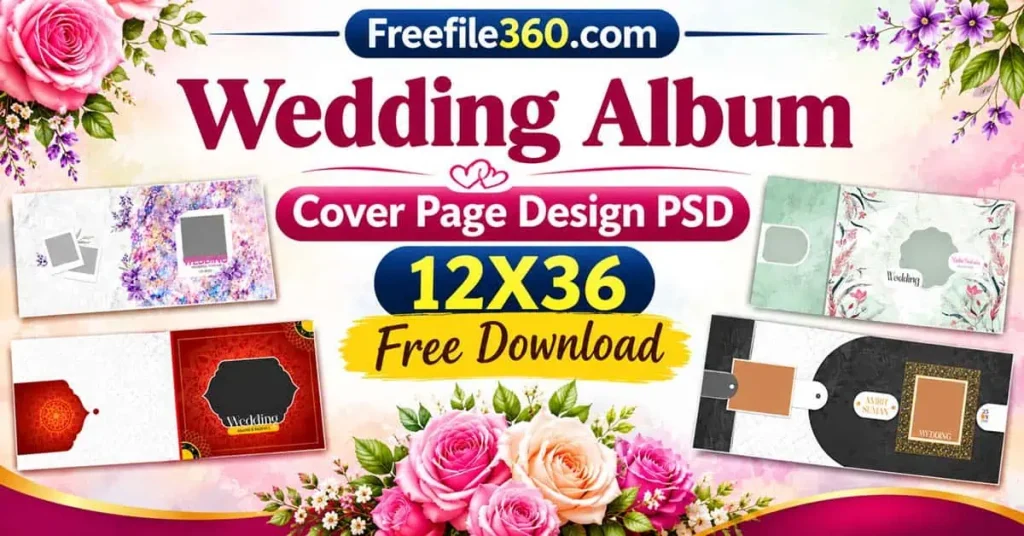
Wedding Album Cover Page Design PSD 12X36
Table of Contents
Wedding Album Cover Page Design PSD 12X36 – Format and Uses
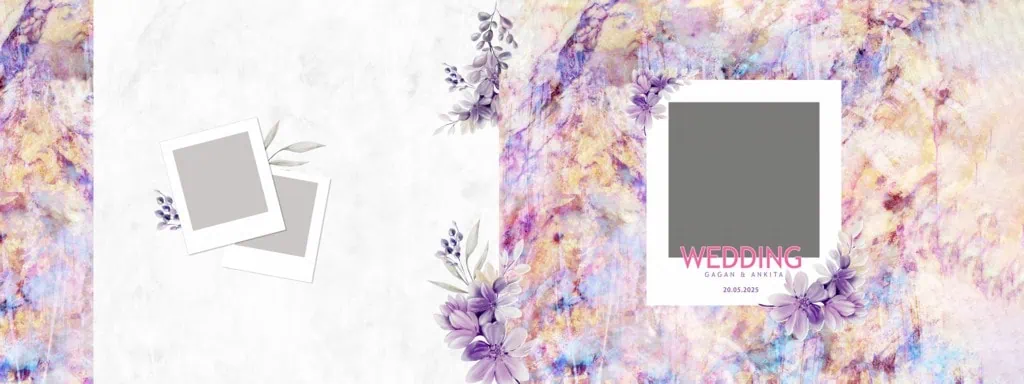
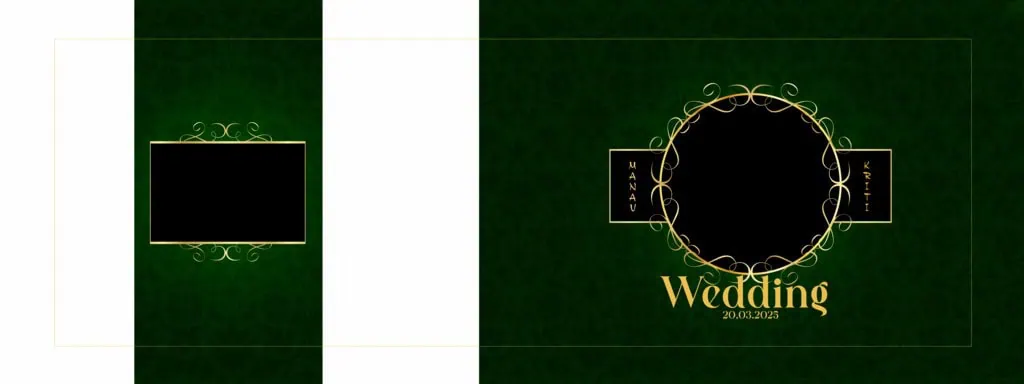
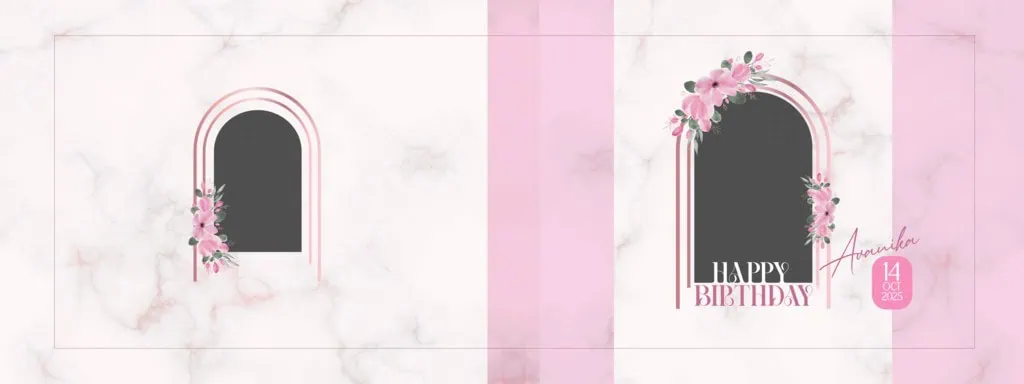
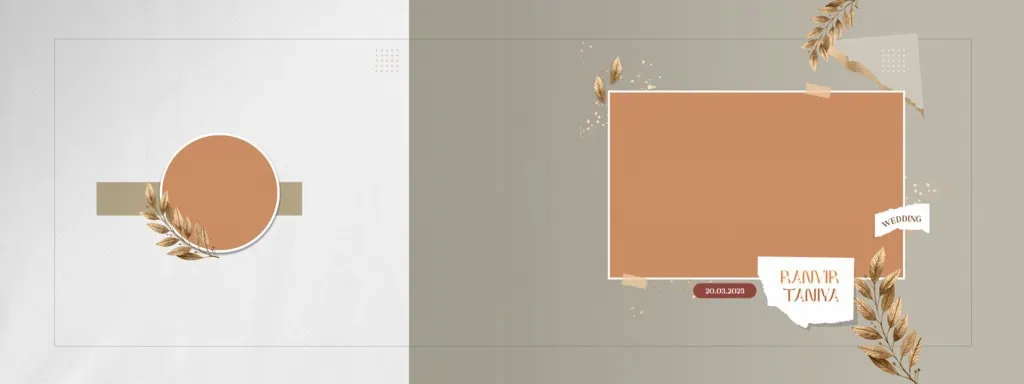
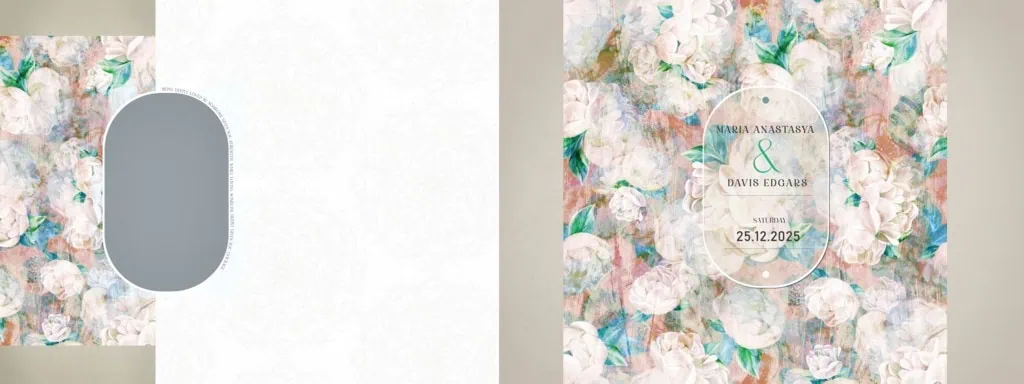
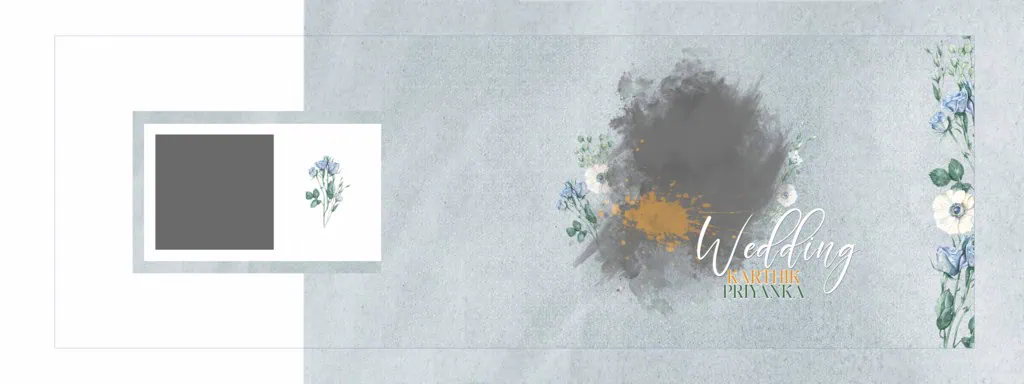
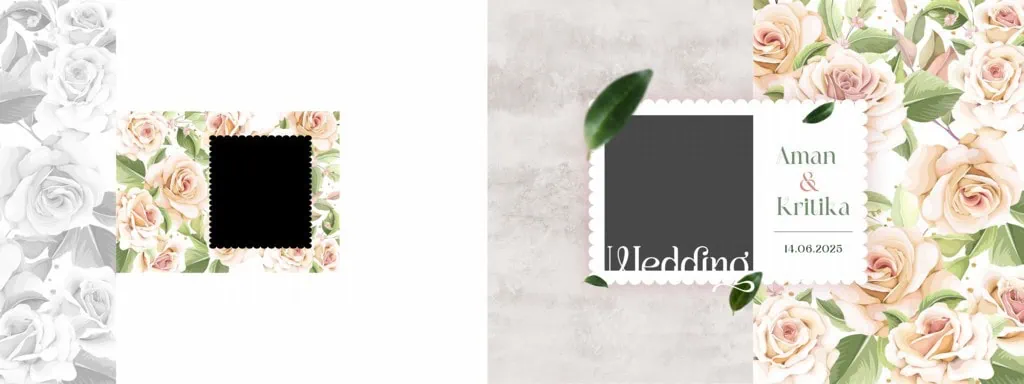
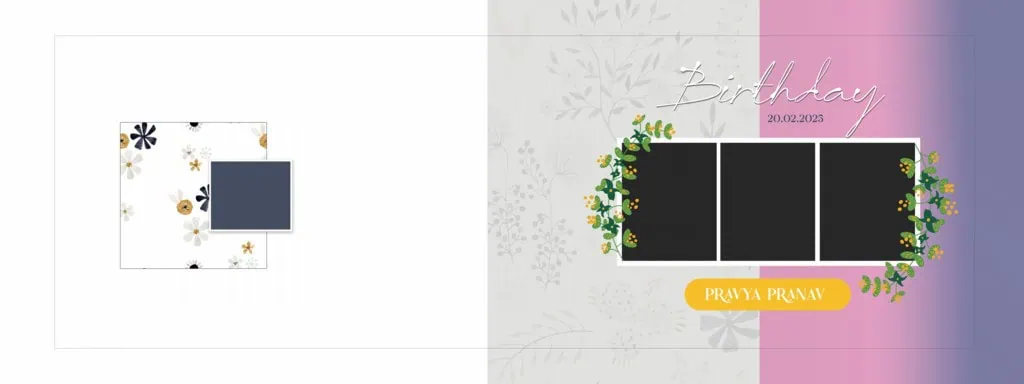
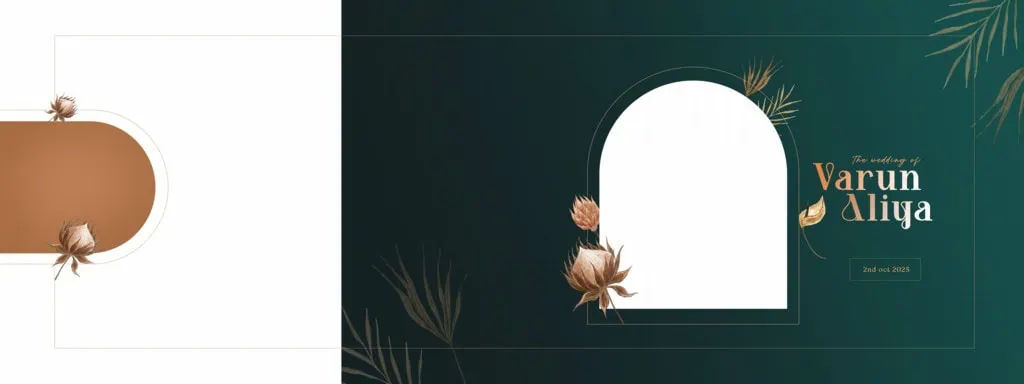
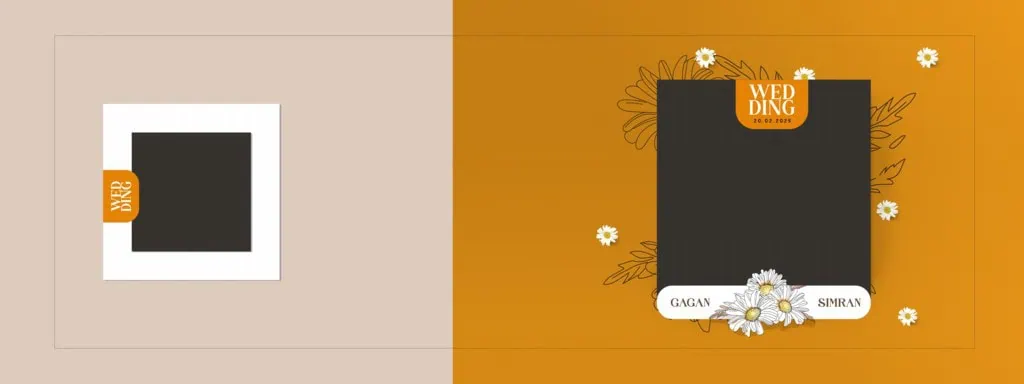
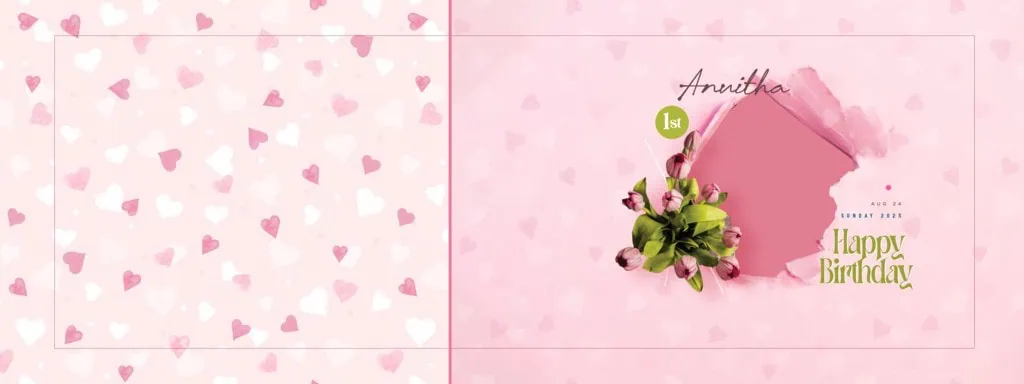
A Wedding Album Cover Page Design PSD 12X36 is a Photoshop design document intended for creating a wide Wedding Album Cover layout. It can be used to arrange couple photographs, wedding details, decorative elements, and text within a single composition, depending on the available file structure.
The 12X36 format is commonly associated with wide wedding album layouts. It gives designers room to balance photographs and visual elements across a horizontal composition. Before editing, always confirm the actual document dimensions and orientation in Photoshop.
A PSD file is Adobe Photoshop’s native document format. Depending on how the creator prepared it, the file may contain separate layers for photographs, backgrounds, text, and decorative elements. This can make customization easier than rebuilding the entire composition from the beginning.
#01
#02
#03
Wedding Album Cover Page Design PSD 12X36
#04
#05

#06
#07
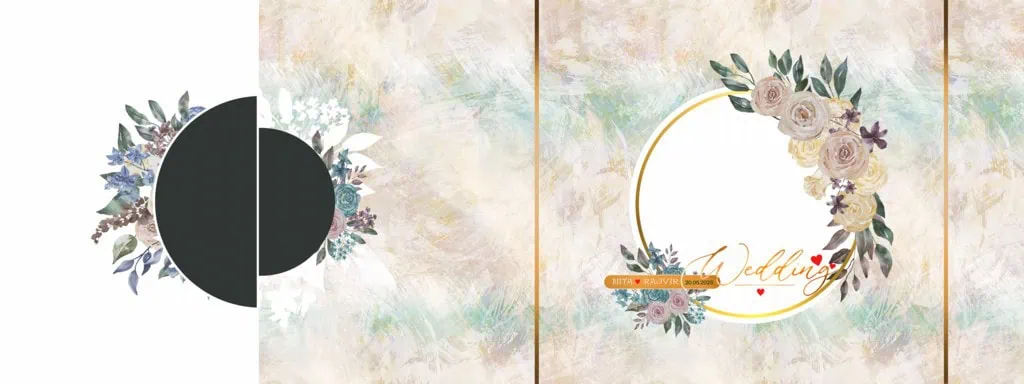
Get More: 12×36 Album Cover Page PSD Free Download – Freefile360.com.
#08
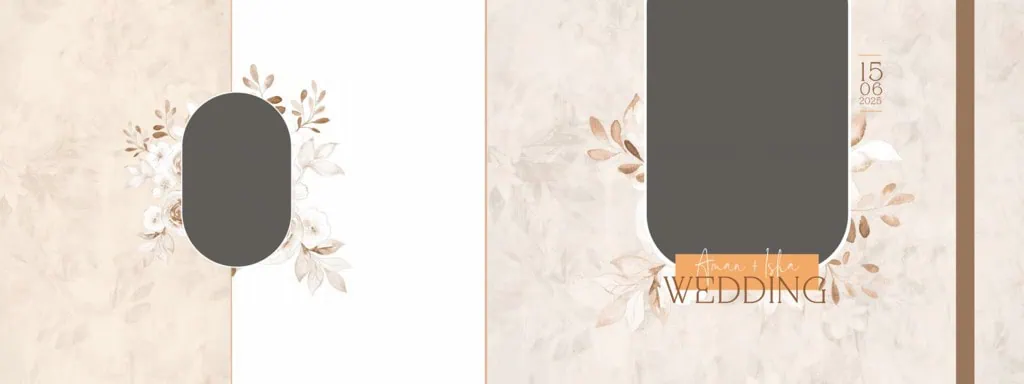
#09
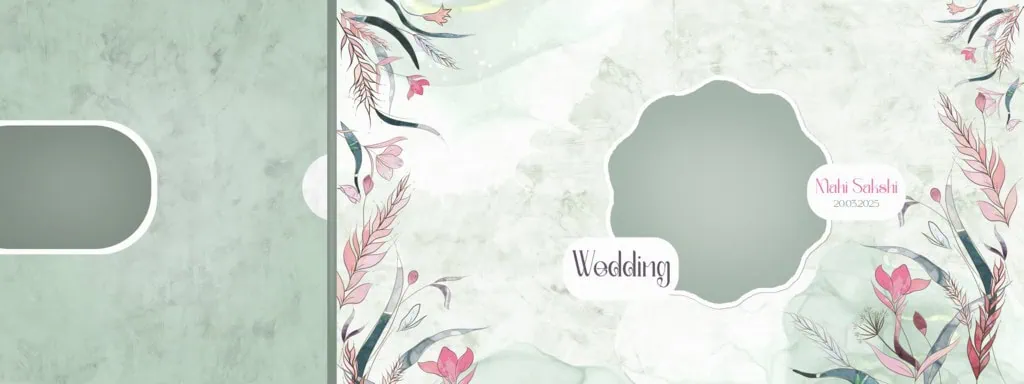
#10
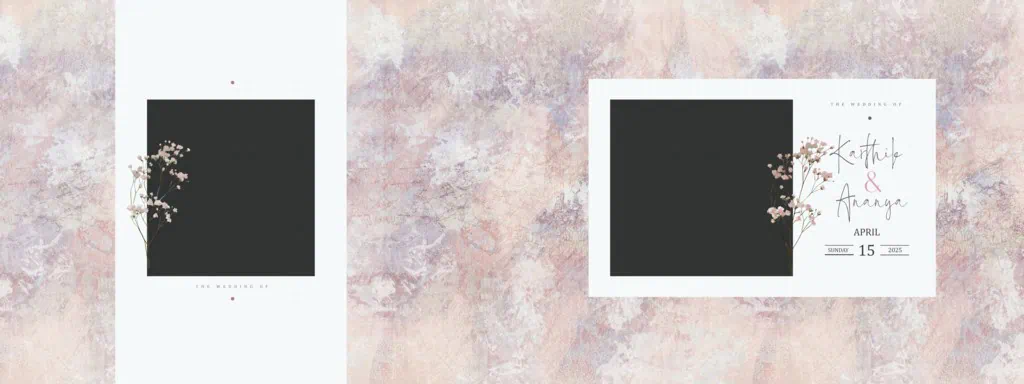
Explore Wedding Album Cover Designs at Freefile360.com
Wedding photographers and album designers often need different cover arrangements for different clients. Some couples prefer a simple photograph-based cover, while others may want decorative backgrounds, elegant typography, or a combination of multiple wedding photographs.
Freefile360.com provides a platform focused on graphic design resources, including Wedding Album Designs, Photoshop backgrounds, and PSD templates. Readers can explore the website for relevant wedding album cover resources.
For this particular 12X36 design, the individual resource page and download link have not been supplied. Please check the relevant Freefile360.com resource page for the actual file, available format, document specifications, and download instructions before publishing.
Before selecting a design, consider:
- Whether the layout suits your client’s wedding photographs.
- Whether the document dimensions match the album printer’s requirements.
- Whether the PSD contains editable layers.
- Whether the included photographs or decorative elements need replacement.
- Whether the resource license permits your intended use.
#11
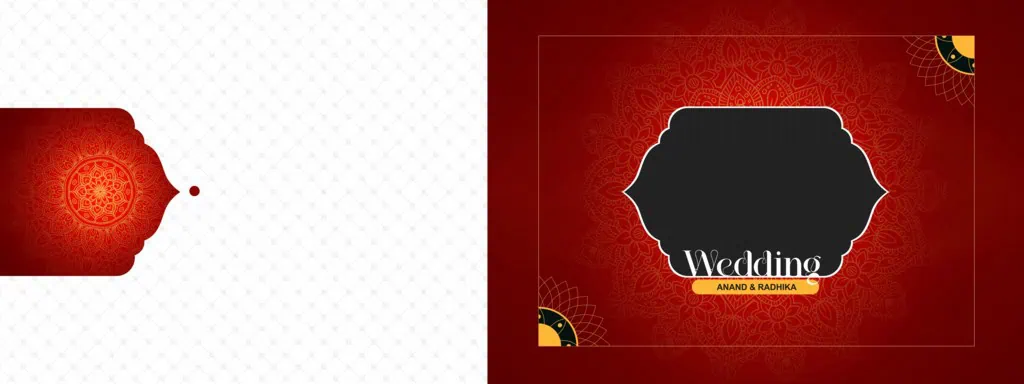
#12
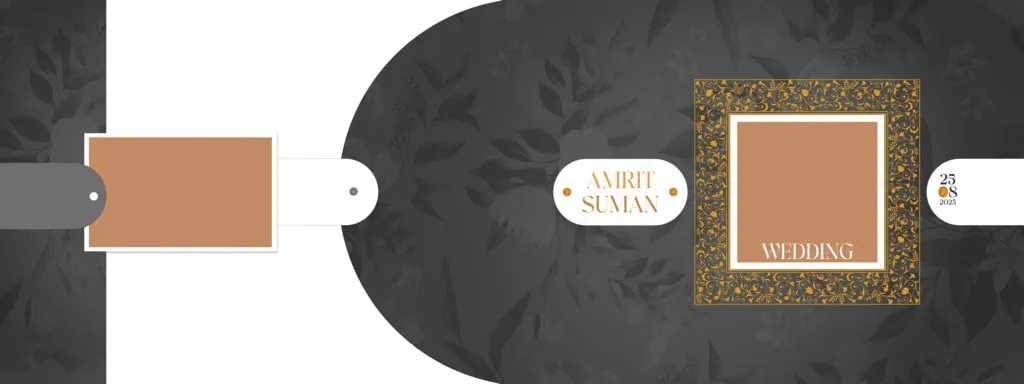
#13
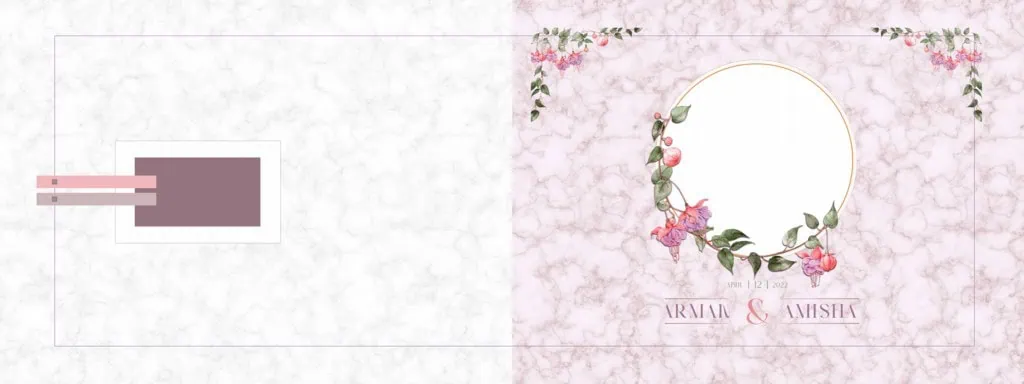
#14
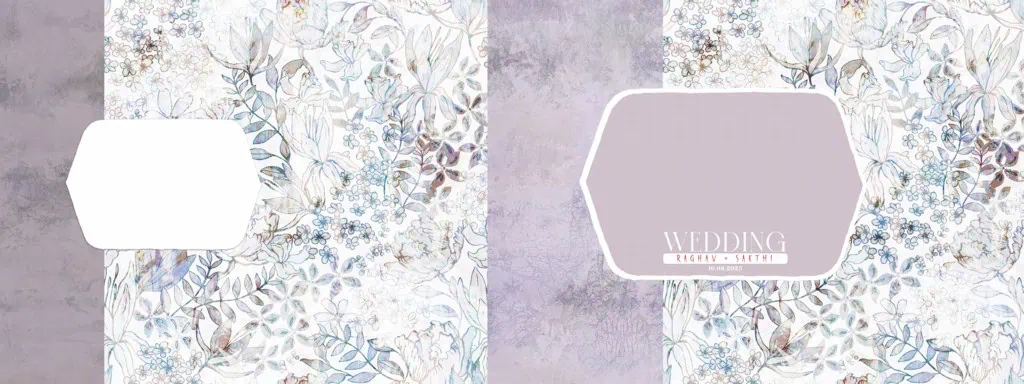
#15
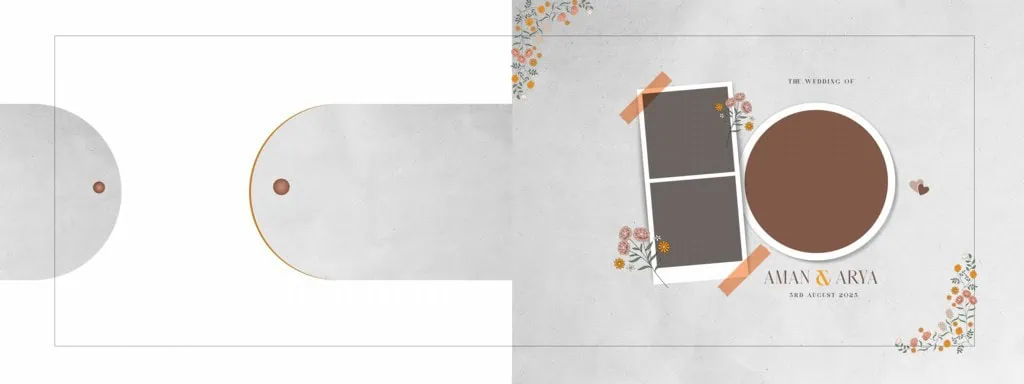
Wedding Album Cover Page Design PSD 12X36
#16
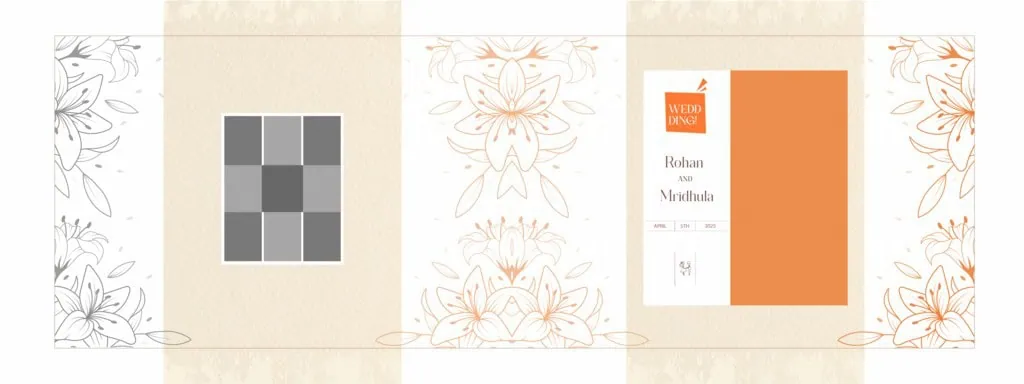
#17
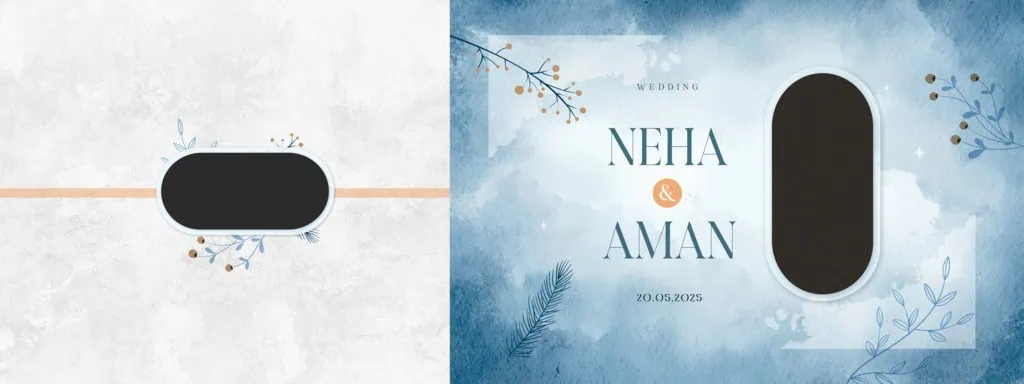
#18
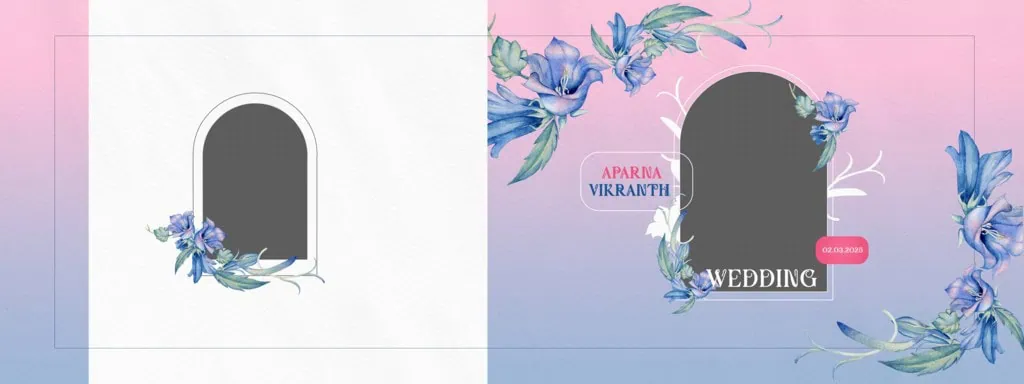
Get More: 20 Best 12×36 Album Cover Page PSD Free Download.
#19
#20
How to Edit a 12X36 Wedding Album Cover Page PSD
Once you have obtained the relevant PSD file, follow these steps to customize the cover for your project.
1. Download the PSD file. Visit the confirmed resource page on Freefile360.com and follow the available download instructions. Check the file format and any usage conditions before proceeding.
2. Extract the archive. If the resource is provided as a ZIP file, extract it using a suitable archive utility. Keep the original downloaded archive as a backup.
3. Open the file in Photoshop. Launch Adobe Photoshop and open the PSD document. Check Image Size, canvas dimensions, resolution, and color mode before editing. Confirm that the document matches your intended album format.
4. Replace the wedding photographs. Identify the photograph layers in the Layers panel. If the document uses Smart Objects, open the relevant Smart Object, replace its image, and save the changes. Otherwise, use the available image-replacement method supported by the file structure.
5. Customize the cover design. Adjust the couple’s photographs, names, wedding date, text styles, colors, and decorative elements. Maintain a balanced composition so that the photographs remain the main focus.
6. Prepare the final output. Review the complete design at full size. Confirm the dimensions, image resolution, color profile, and printer-specified bleed and binding margins. Save an editable PSD backup and export the final artwork in the format requested by your printing service.
#21
Wedding Album Cover Page Design PSD 12X36
#22
#23
#24
#25

Maintaining Print Quality in a 12X36 Wedding Album Cover
A beautiful screen design does not always produce the same result in print. Wedding Album Covers contain important photographs, and small mistakes in image placement, color, or spacing can affect the final presentation.
Start by checking the original photographs. A document set to 300 DPI does not automatically make a low-resolution photograph suitable for large-format printing. The actual pixel dimensions and image detail also matter.
Color management is another important consideration. Photoshop documents may use RGB or CMYK color modes, depending on their intended workflow. Ask the printing service which color profile and export settings it requires instead of converting the document without checking.
Photo composition also plays an important role. Avoid placing faces, names, or important decorative details too close to the binding area. A well-balanced cover should look attractive while allowing enough space for the physical production process.
Practical Tips for Better Wedding Album Cover Results
- Check the document dimensions. Confirm that the PSD canvas matches the printer’s required 12X36 layout before starting your customization.
- Use suitable photographs. Choose clear, high-resolution wedding images with good lighting and natural composition.
- Confirm print requirements. Ask your album printer about color mode, color profile, bleed, and binding margins.
- Keep an editable backup. Save the customized PSD separately before exporting the final JPG, TIFF, or other requested format.
These simple checks can help reduce common design and printing errors.
Frequently Asked Questions
Are Wedding Album Cover Page Design PSD 12X36 files free to download?
Download availability and conditions depend on the individual resource page. Check the relevant Freefile360.com listing for its download instructions and any applicable conditions.
Which software is required to edit a 12X36 cover PSD?
Adobe Photoshop is the primary software for editing PSD documents. Other applications may support PSD files, but layer compatibility and editing features can vary.
Can I use a wedding album cover design for paid client projects?
Commercial use depends on the resource’s license. Always review the applicable usage terms before using a downloaded design in a paid wedding photography or album project.
Why is the 12X36 format useful for wedding album covers?
Its wide horizontal layout provides space for arranging wedding photographs, couple names, and decorative elements in a balanced composition, subject to the actual document dimensions.
How can I prepare a 12X36 cover for printing?
Check the document dimensions, photograph resolution, color profile, and printer-specified bleed and binding margins. Export the artwork using the printing service’s recommended settings.
Conclusion
A well-designed Wedding Album Cover creates an attractive introduction to the memories inside an album. A Wedding Album Cover Page Design PSD 12X36 can help graphic designers and photo studio owners organize photographs, customize cover elements, and prepare artwork for wedding album production. Proper attention to image quality, composition, and printing requirements is equally important.
If you are looking for Wedding Album Cover Design resources, explore Freefile360.com for relevant Photoshop templates, backgrounds, and creative design materials. Check the individual resource details and license conditions before downloading and using a design in your next client project.
Get More: