Creating a Beautiful Maternity Photo Album requires more than selecting attractive photographs. Each page should present the mother’s pregnancy journey through balanced layouts, thoughtful photo placement, and suitable design elements. For Photoshop beginners, preparing every page from scratch can take considerable time.
A Maternity Album Design PSD can help graphic designers and photo studio owners organize pregnancy photographs into attractive album layouts. PSD templates can provide a starting point for arranging images, customizing text, and adjusting visual elements, depending on the file’s actual structure.
At Freefile360.com, readers can explore graphic design resources and find inspiration for different album projects. This article explains how Maternity Album PSD Designs can be used, what to check before downloading, and how to prepare layouts for a professional presentation.

Maternity Album Design PSD
Table of Contents
Maternity Album Design PSD — Understanding the Format and Its Uses
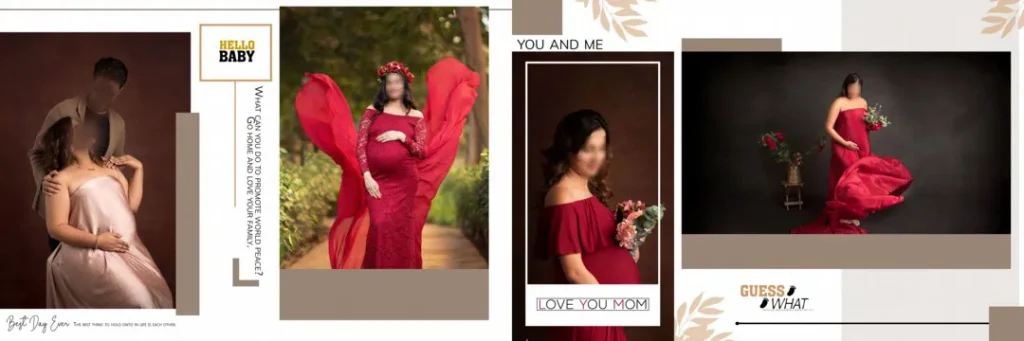
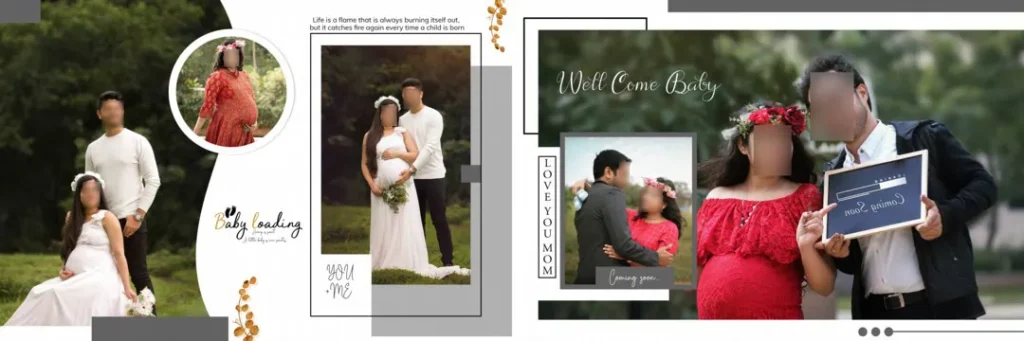
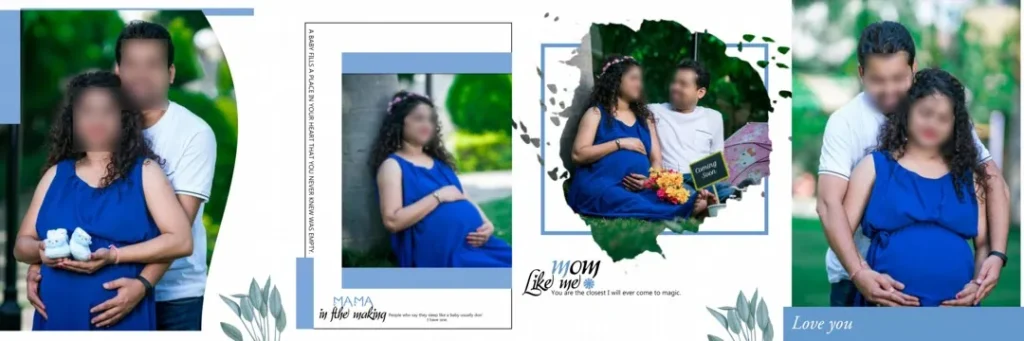
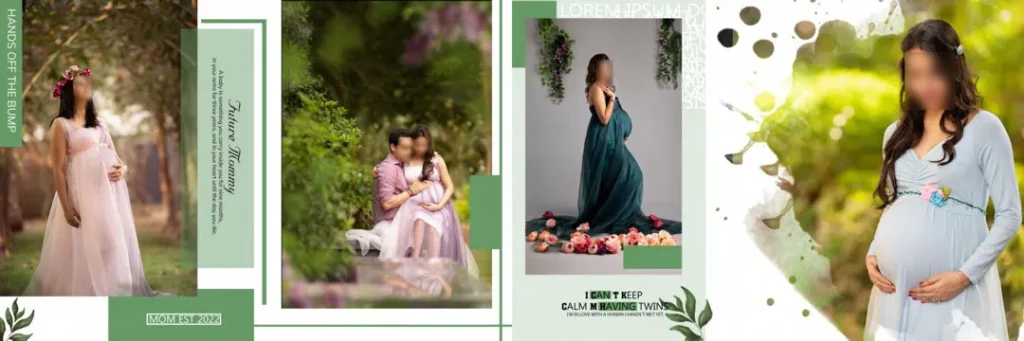
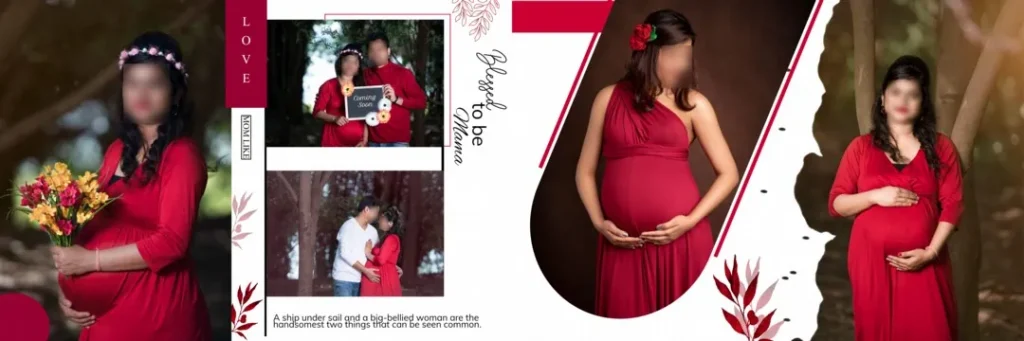
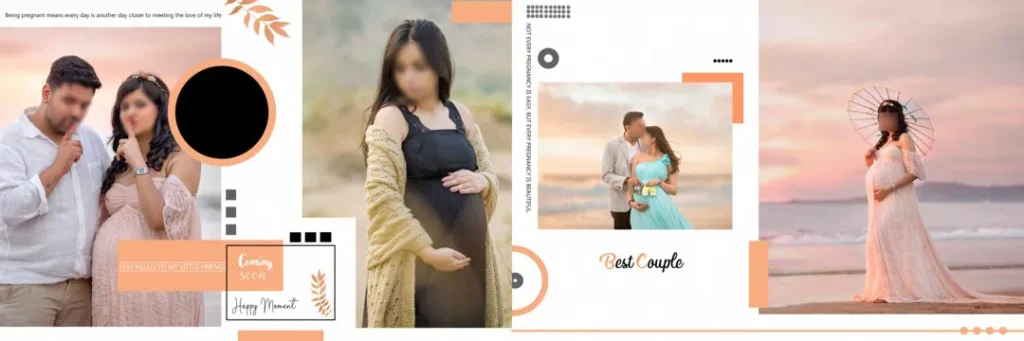
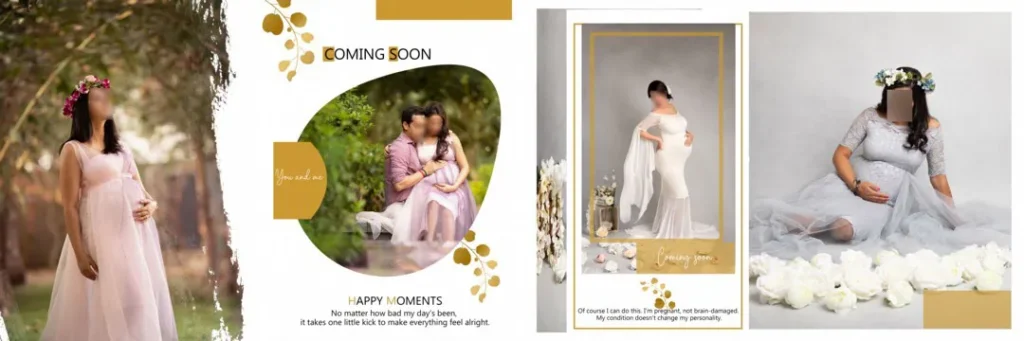
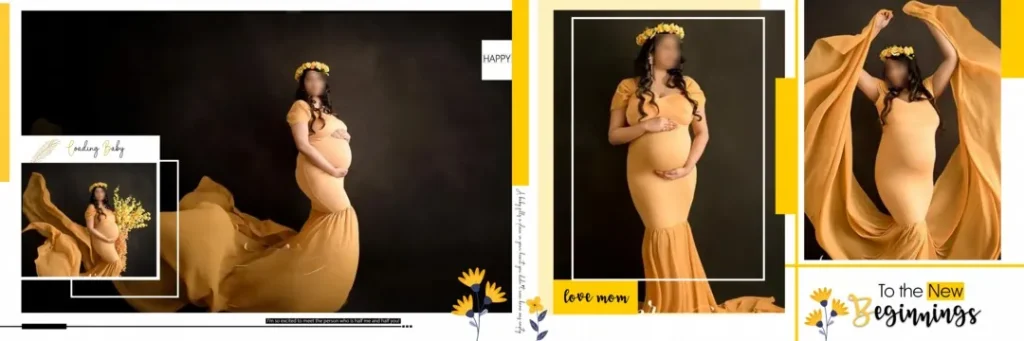
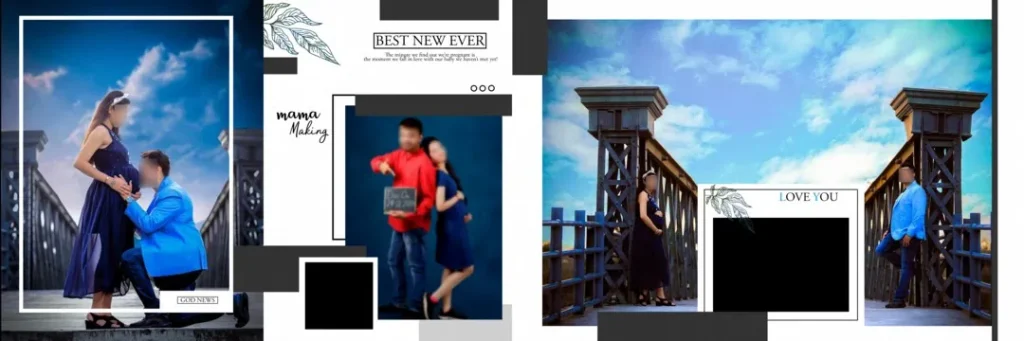
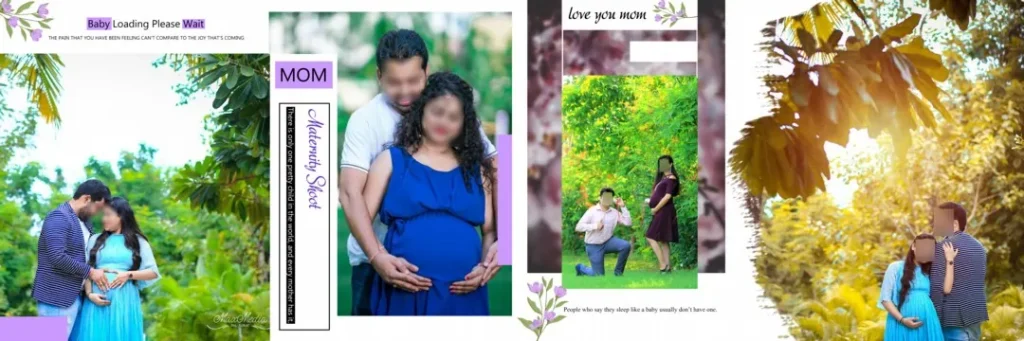
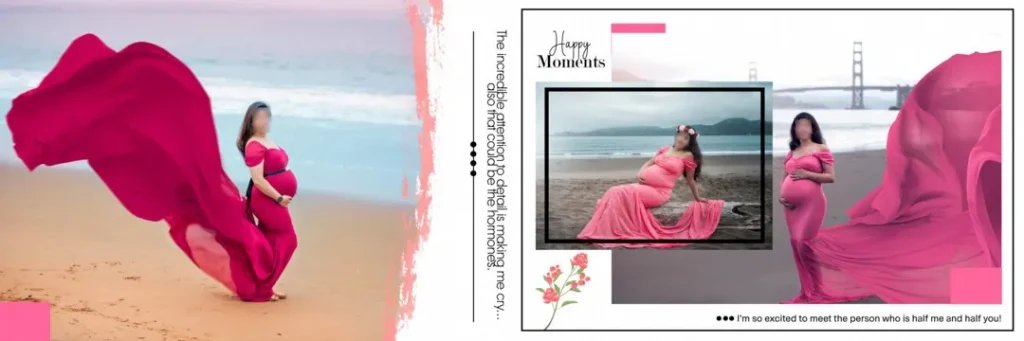
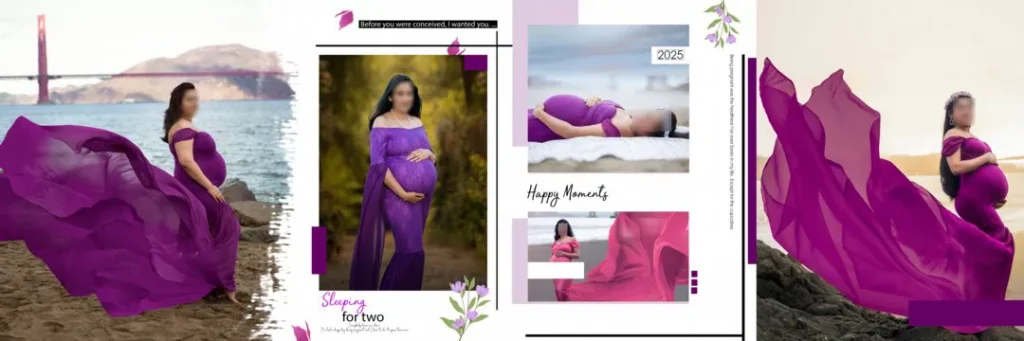
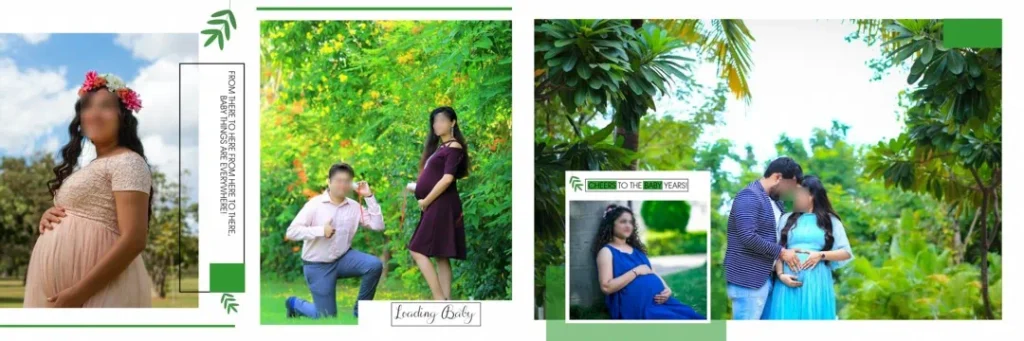
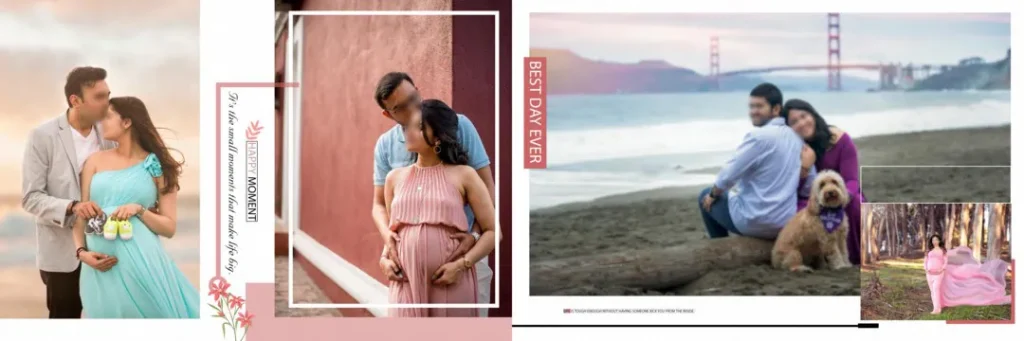
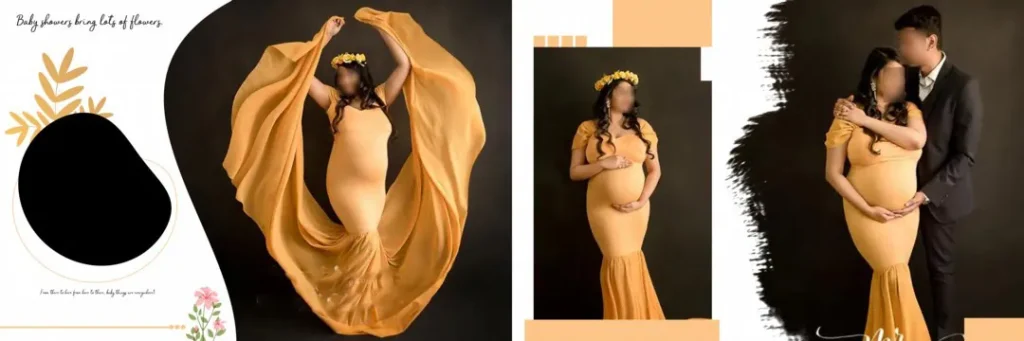
A Maternity Album Design PSD is a Photoshop document intended for creating or editing pregnancy photo album layouts. It can help designers arrange maternity photographs, add decorative elements, and customize page compositions. The available editing options depend on how the original PSD file is organized.
Maternity photography captures a special stage of family life. Album layouts can present different moments, including pregnancy portraits, couple photographs, baby bump photography, and family pictures. A well-planned composition helps these photographs tell a connected visual story.
Designers searching for Maternity Album Design PSD 12×36 can consider panoramic layouts when planning a two-page album spread. However, the actual document dimensions should always be checked before editing because not every PSD file uses the same size.
A Maternity Album PSD may contain different arrangements, backgrounds, text areas, and decorative elements. Before making changes, open the document in compatible software and inspect its available layers.
#01
#02

#03
Get More: 20 Creative Pre Wedding Album Design Free Download.
#04
#05
#06
#07
#08
Get More: 30 Best 12X30 Album Design Free Download – Freefile360.com.
#09

#10
Explore Maternity Album Design Resources on Freefile360.com
Choosing a suitable Maternity Album layout becomes easier when designers understand the purpose of their project. Some photographers need space for large portraits, while others want to arrange several pregnancy photographs on a single spread.
Freefile360.com focuses on graphic design resources, including Album Design materials and Photoshop-related creative content. Readers interested in this topic can explore the relevant Maternity Album Design collection and check the available resource details.
If you are looking for Maternity Album Design PSD Free Download, review the individual resource page for its actual download conditions. Check the file format, document dimensions, resolution, compatibility, and license information before using any downloaded design.
For photographers planning panoramic albums, Maternity Album Design PSD 12×36 Free Download is another relevant search phrase. Confirm that the selected file has the required dimensions instead of assuming that every maternity PSD follows the 12×36 format.
#11
#12
#13

#14
#15
Get More: 30 Best Wedding Album Frame PSD Free Download.
#16

#17
#18
#19
#20

How to Edit a Maternity Album PSD in Photoshop
After selecting a suitable PSD file, follow these steps to customize the layout for your photography project.
- Download the PSD file: Visit the confirmed resource page on Freefile360.com and follow the available download instructions. Check the file format before downloading.
- Extract the archive: If the downloaded resource comes in ZIP format, extract it using a compatible archive utility. Keep the original archive as a backup.
- Open the document: Launch Adobe Photoshop and open the PSD file. Check the canvas dimensions, resolution, color mode, and available layers.
- Replace the photographs: Place your selected maternity photographs into the layout. If the file contains Smart Objects, use the available replacement method. Otherwise, follow the layer structure.
- Customize the design: Adjust text, colors, backgrounds, and photograph positions. Keep the composition balanced and avoid overcrowding the pages with unnecessary decorative elements.
- Prepare the final output: Review image quality, page dimensions, color settings, and printer requirements. Save an editable PSD copy and export the final version in the format requested by the printing service.
#21
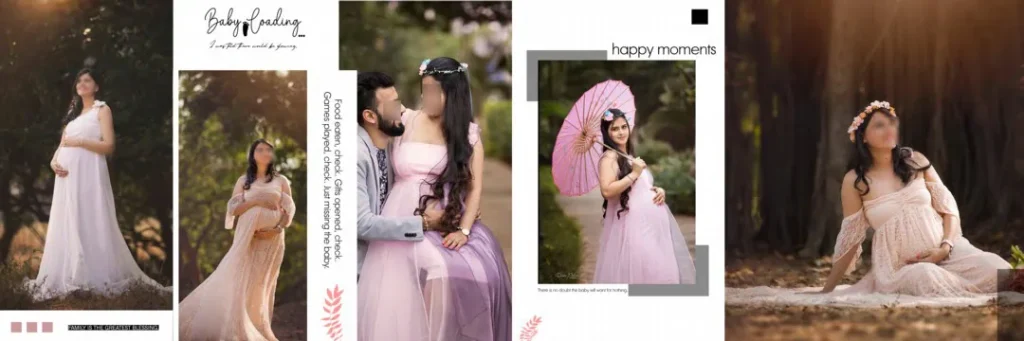
Get More: 12×36 Album Cover Page PSD Free Download – Freefile360.com.
#22

#23
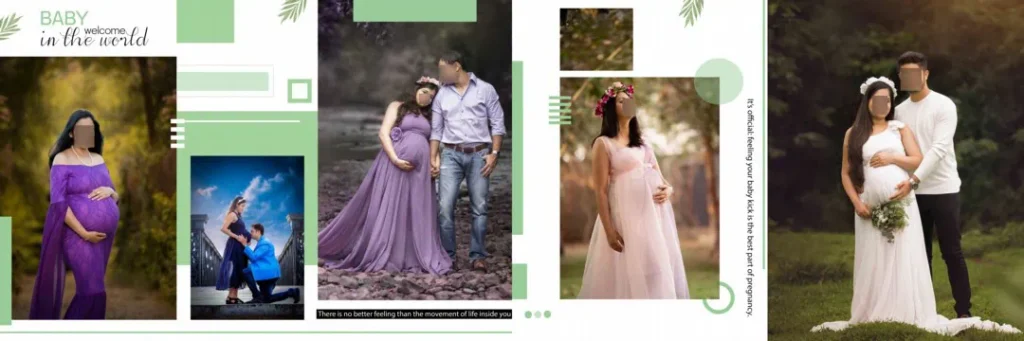
#24
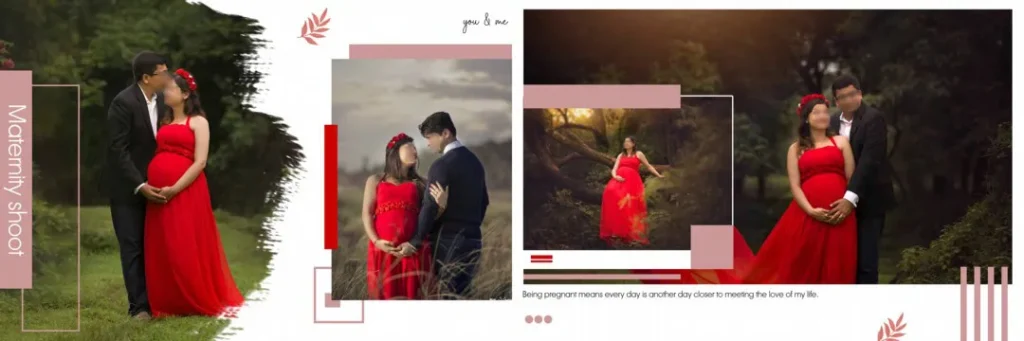
#25
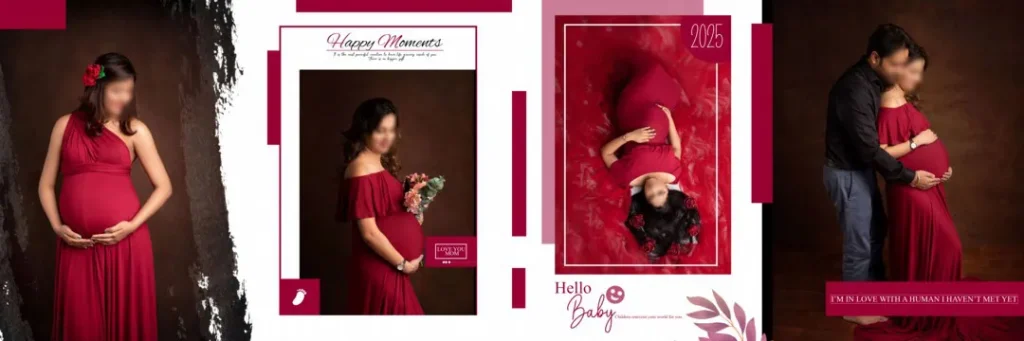
Learning Better Album Composition Through Maternity Photography
Working with maternity album layouts can also help beginners improve their Photoshop skills. Studying an existing composition provides an opportunity to understand how photographs, backgrounds, typography, and decorative elements work together.
One useful approach is to organize photographs according to the story you want to present. For example, a maternity album may begin with individual portraits, continue with couple photographs, and include family moments towards the end. This arrangement creates a natural flow across the pages.
When exploring pregnancy photo album ideas, consider the mood of the photographs before choosing colors and backgrounds. Soft tones may complement gentle portraits, while simple layouts can give larger photographs more attention.
Designers should also pay attention to spacing and alignment. Consistent margins, readable text, and balanced image placement can make a layout easier to view. These small decisions are important when preparing an album for a client.
Practical Tips for Better Maternity Album Designs
- Choose photographs carefully: Select clear, well-exposed maternity photographs that suit the available image spaces.
- Check document dimensions: Confirm the actual page size and resolution before beginning the editing process.
- Maintain visual balance: Avoid placing too many photographs or decorative elements on one page.
- Prepare files for printing: Confirm bleed, binding margins, and color-profile requirements with the album printer before exporting.
Frequently Asked Questions
1. What is a Maternity Album Design PSD?
It is a Photoshop document used to create or edit pregnancy photo album layouts. Its editable features depend on the layers and elements included in the original file.
2. Can I download maternity album PSD files for free?
Download conditions depend on the individual resource. Check the relevant Freefile360.com page to confirm availability and any applicable requirements.
3. Which software is needed to edit maternity album PSD files?
Adobe Photoshop is commonly used to edit PSD documents. Compatibility with other software depends on the features and structure of the particular file.
4. Can I use maternity album designs for paid client projects?
Commercial usage depends on the resource’s license. Always review the individual license terms before using a downloaded design in paid photography projects.
5. What should I check before printing a maternity album?
Check the document dimensions, image resolution, color profile, bleed margins, and binding requirements. Follow the printing service’s specifications before exporting the final pages.
Conclusion
A well-organized Maternity Album Design PSD can provide a useful starting point for creating attractive pregnancy photo albums. By selecting suitable photographs, adjusting the layout, and checking the document settings, designers can prepare personalized album pages for different photography projects.
Explore the Maternity Album Design resources on Freefile360.com for creative inspiration and Photoshop-related design materials. Whether you are a beginner or an experienced album designer, understanding the editing process can help you create more balanced layouts. You can also explore Maternity Album PSD resources and compare their dimensions and licensing details before choosing a suitable design.
Get More: