A bride’s wedding album is more than a collection of photographs. It captures the emotions, beauty, and special moments of one of the most important days of her life. When a photographer receives a large collection of bridal photographs, arranging them into an attractive album can take considerable time.
Choosing the right Bride Album Design makes this process easier. A well-planned layout helps designers present bridal portraits, traditional outfits, jewellery details, Mehendi moments, and wedding ceremonies in an organized and attractive way. It also allows photographers to create albums that match their clients’ expectations.
At Freefile360.com, we focus on sharing useful graphic design resources for photographers, album designers, and Photoshop users. This article explains what to look for in bride album layouts, how to work with PSD templates, and how to prepare a customized design for printing.
Table of Contents
Bride Album Design – Understanding the Layout and Its Purpose
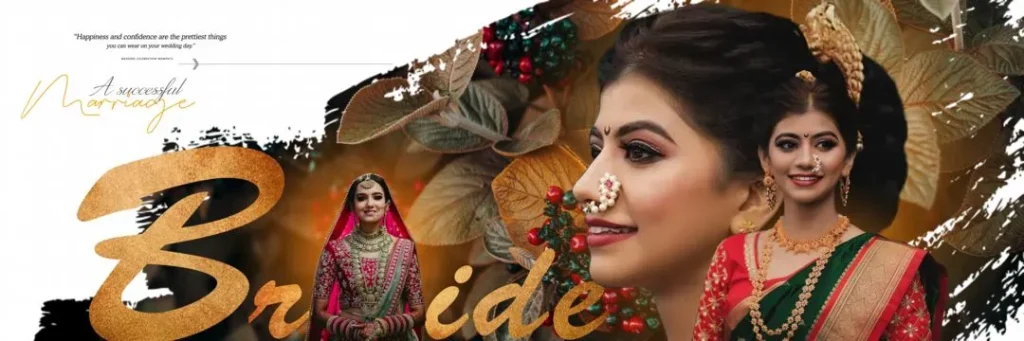
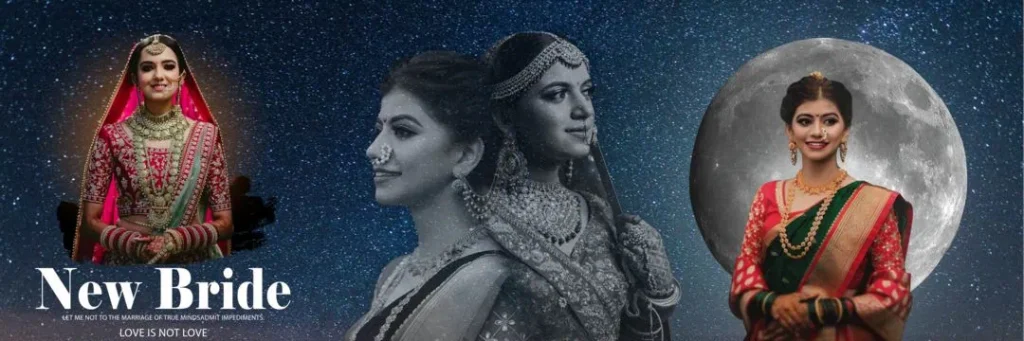
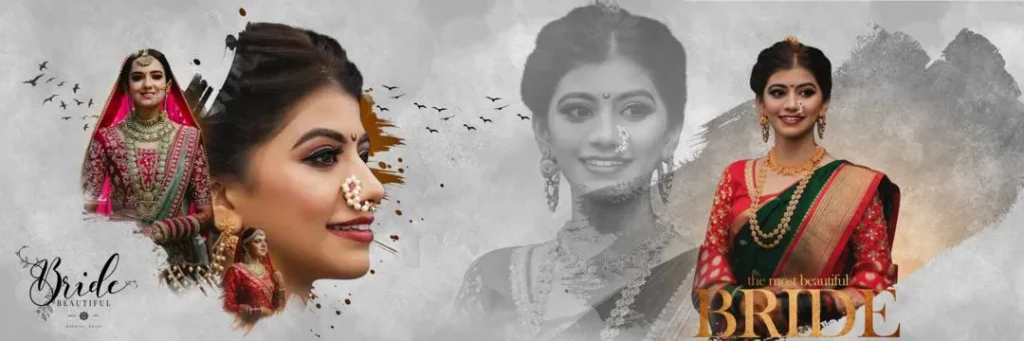
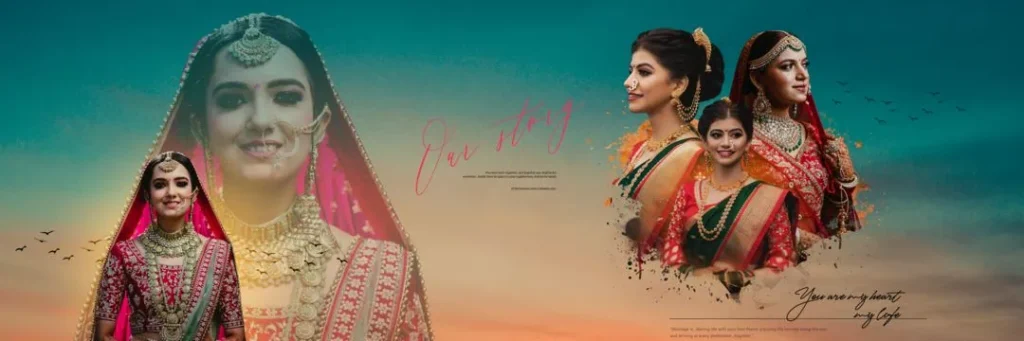
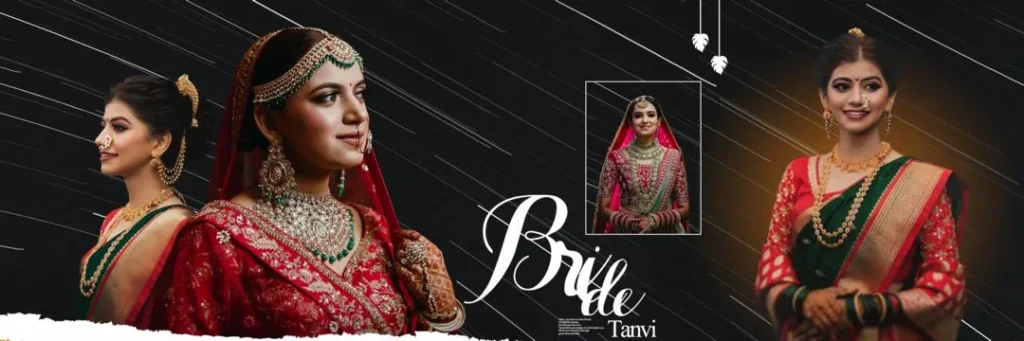
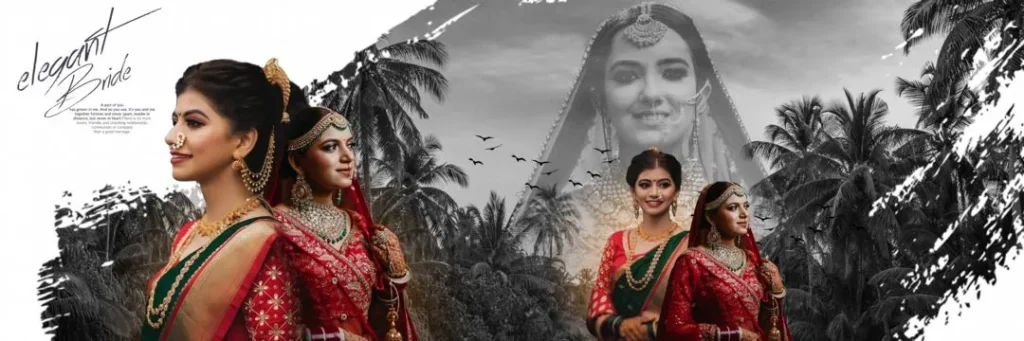
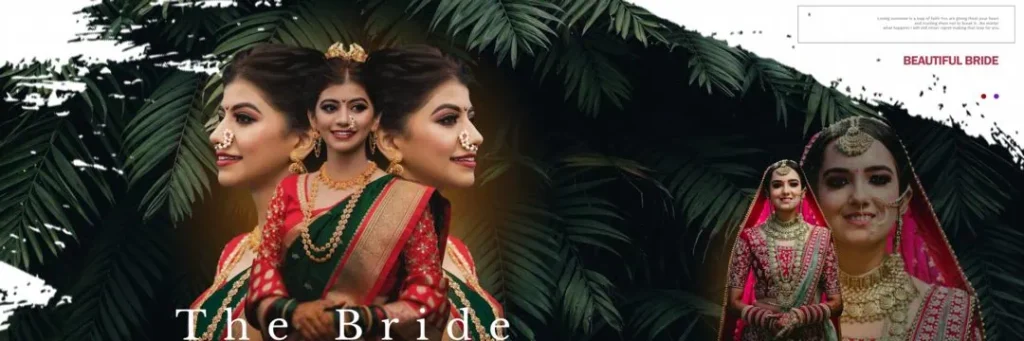
Bride Album Design refers to a specially arranged photo album layout created to showcase a bride’s wedding photographs. It combines portraits, decorative elements, backgrounds, and photo placements to present bridal memories in a visually balanced format.
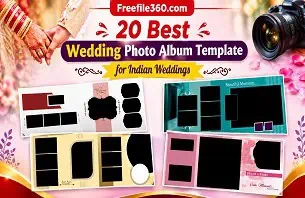
These designs are commonly used for Indian Wedding Albums, where photographers capture different bridal moments, including Haldi, Mehendi, bridal makeup, wedding rituals, and reception photography. A suitable layout helps bring these photographs together while maintaining a consistent visual style.
A Bride Album Design PSD can be useful for Photoshop users who want to customize an existing layout instead of creating every page from the beginning. However, editing possibilities depend on the actual PSD file structure. Some files may contain separate layers, while others may have merged elements.
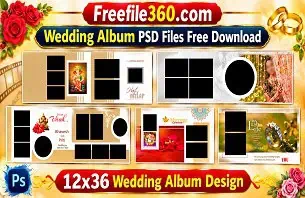
The popular 12×36 Album Design format is also worth considering for photographers working with panoramic wedding album layouts. Always check the actual document dimensions before starting your project.
#01

#02
#03
Get More: Birthday Album Design Templates PSD Free Download.
#04
#05
#06

#07
#08
#09
Get More: 16X24 Album Design PSD Free Download – Freefile360.com.
#10
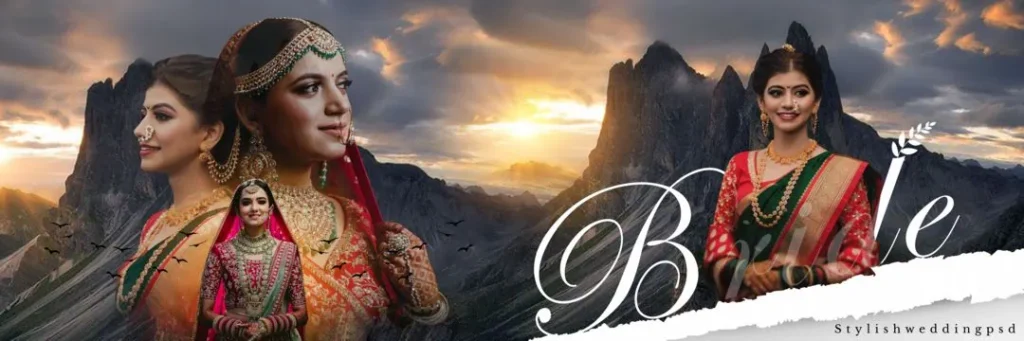
Explore Bride Wedding Album Design Resources on Freefile360.com
Finding a suitable layout is an important part of creating a Beautiful Bridal Album. Different clients have different preferences. Some prefer traditional wedding decorations, while others like simple backgrounds with larger photographs.
Freefile360.com provides a platform for discovering graphic design resources, including Wedding Album Design materials. Readers looking for a Bride Photo Album layout can explore the relevant collection and select a design that suits their project.
Before downloading or using any particular resource, check its individual details. The supplied brief does not include a confirmed download URL, file count, PSD specifications, dimensions, or licensing information. Therefore, these details should be verified on the actual resource page before publication or use.
When selecting a layout, consider the following points:
- Photo arrangement: Check whether the layout provides suitable space for bridal portraits and full-length photographs.
- Design appearance: Choose a style that complements the bride’s clothing, jewellery, and photography.
- Document dimensions: Confirm whether the file matches your required album size, including 12×36 inches if that is your printing format.
- Editing flexibility: Check whether photographs, text, and decorative elements can be edited separately.
- File compatibility: Confirm the available format and the software required to open it.
How to Download and Customize a Bride Album Design PSD
Once you find a suitable resource, follow these steps to prepare it for your Wedding Album project.
- Download the Design File: Visit the relevant Bride Album Design resource page on Freefile360.com. Follow the available download instructions and check the file format before downloading. Use only the download option confirmed on the page.
- Extract the ZIP Archive: If the downloaded resource comes in ZIP format, extract it using software such as WinRAR or 7-Zip. Check the extracted folder for the actual design files and any included instructions.
- Open the PSD in Photoshop: Launch Adobe Photoshop and open the PSD file. Check the document dimensions, resolution, color mode, and available layers before making changes. Confirm that the file matches your intended album format.
- Replace the Bridal Photographs: Add the selected wedding photographs to the layout. If the PSD contains Smart Objects, use the available Smart Object editing process. Otherwise, replace images using the existing layers or appropriate selection tools.
- Customize the Design: Adjust photo placement, background colors, text, and decorative elements according to the client’s preferences. Keep important facial details visible and avoid placing important content too close to the binding area.
- Prepare the Final Output: Review every page at an appropriate zoom level. Check image quality, document dimensions, bleed margins, and the printer’s required color profile. Save an editable PSD backup and export the final file in the format requested by the printing service.
Creating a Bride Album That Matches Client Expectations
A bridal album should reflect the personality and preferences of the bride. Some clients want traditional layouts featuring decorative frames and rich backgrounds, while others prefer clean compositions that give more attention to the photographs.
For example, a bridal portrait wearing a red lehenga may look attractive against a complementary background. Similarly, photographs showing jewellery, makeup, and wedding accessories can be arranged together to create a dedicated bridal preparation section.
When working on a 12×36 Album Design, photo placement becomes especially important. A wide layout provides room for multiple photographs, but placing too many images on one page can make the composition look crowded.
Discuss the preferred design style with the client before completing the album. Ask which photographs should receive more attention and whether they prefer traditional or modern arrangements. These small decisions can make the final Bride Photo Album more personal and meaningful.
Practical Tips for Better Bride Album Design Results
Use these practical suggestions when customizing Wedding Album layouts:
- Check the original image quality: Use high-quality photographs and confirm their actual pixel dimensions. A 300 DPI document setting cannot restore detail missing from a low-resolution image.
- Maintain consistent colors: Choose background colors that complement bridal clothing, jewellery, and the overall wedding photography style. Check the printer’s preferred RGB or CMYK requirements before exporting.
- Keep binding space in mind: Avoid placing faces, text, or important decorative details near the center binding area. Confirm the required bleed and safe margins with the album printer.
- Save an editable backup: Keep the original PSD and save your customized version separately. This makes future corrections easier if the client requests changes.
Frequently Asked Questions
1. Are Bride Album Design PSD files free to download?
Download conditions depend on the individual resource. Check the Freefile360.com resource page for its available download terms before assuming that a particular file is free.
2. Which software is needed to edit a Bride Album Design PSD?
Adobe Photoshop is commonly used for editing PSD files. Software compatibility and available editing features depend on the file structure and version requirements.
3. Can I use Bride Wedding Album Design files for paid client projects?
Commercial usage depends on the individual file’s license. Always review the applicable terms before using a downloaded design in paid photography or album projects.
4. Why is the 12×36 album design format useful for bridal photographs?
The 12×36 format provides a wide panoramic layout that can accommodate multiple photographs. It is useful for creating balanced wedding album spreads when the printer supports these dimensions.
5. How can I maintain good print quality in a bride photo album?
Use high-resolution original photographs, confirm the document dimensions, check the printer’s color requirements, and maintain suitable bleed and binding margins before exporting.
Conclusion
A carefully planned Bride Album Design helps photographers and graphic designers present bridal photographs in an attractive and organized way. Choosing suitable layouts, maintaining photo quality, and making thoughtful customization decisions are important parts of creating a memorable Wedding Album. A Bride Album Design PSD can also help reduce repetitive layout work when its editing features suit the project.
If you are looking for Wedding Album Design resources, explore the relevant collection on Freefile360.com. Check the available file details, download conditions, and license information before using a design. Choose a suitable Bride Wedding Album Design and customize it according to your client’s photography and printing requirements.
Get More: