A wedding photographer has finished capturing hundreds of beautiful moments, from the Mehendi ceremony and Sangeet night to the wedding rituals and reception. Now comes another important task: arranging those photographs into an attractive album that the couple will enjoy for years. A well-planned layout can make this process easier and improve the final presentation.
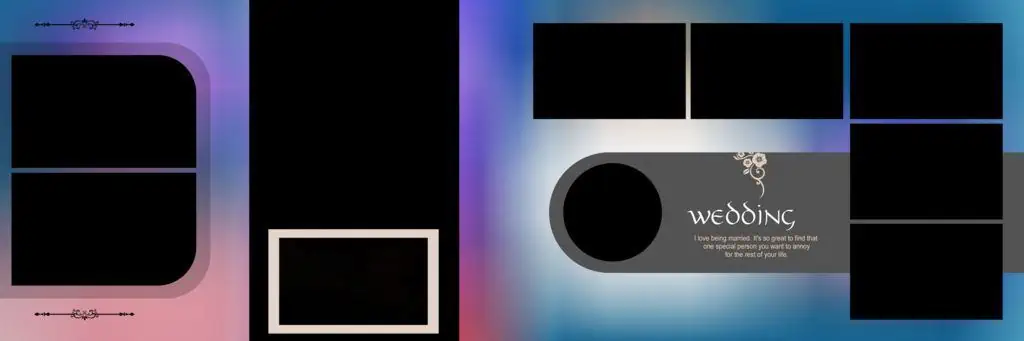
A Wedding Photo Album Template gives designers a starting point for arranging wedding photographs, adding decorative elements, and creating balanced page compositions. Instead of designing every page from scratch, photographers and Photoshop designers can work with an existing layout and customize it according to the client’s preferences.
At Freefile360.com, designers can explore graphic design resource ideas related to Wedding Album Design. Whether you are a professional album designer or a beginner learning Photoshop, understanding different Wedding Album Layouts can help you choose a suitable design approach for your next project.
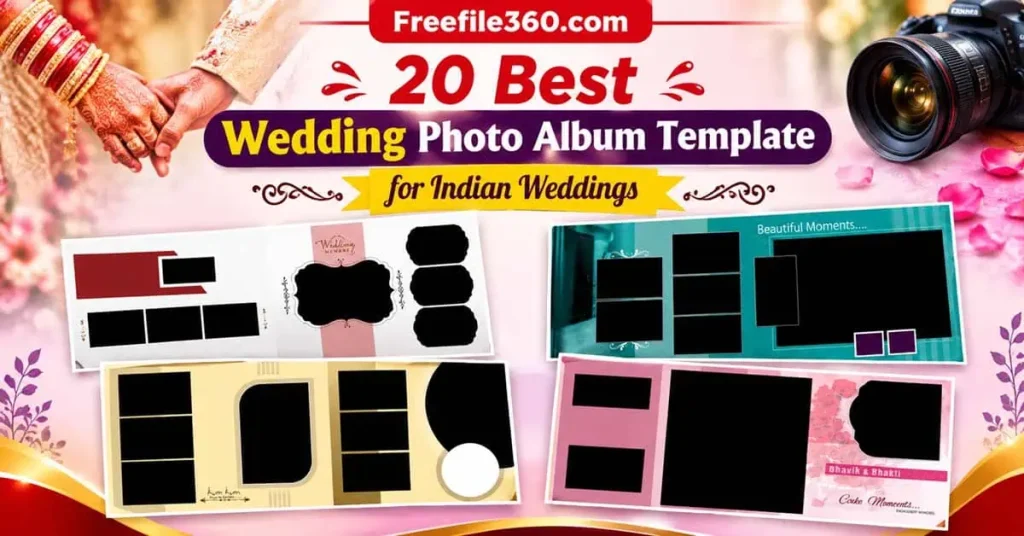
Wedding Photo Album Template
Table of Contents
Wedding Photo Album Template — Understanding the Design Format
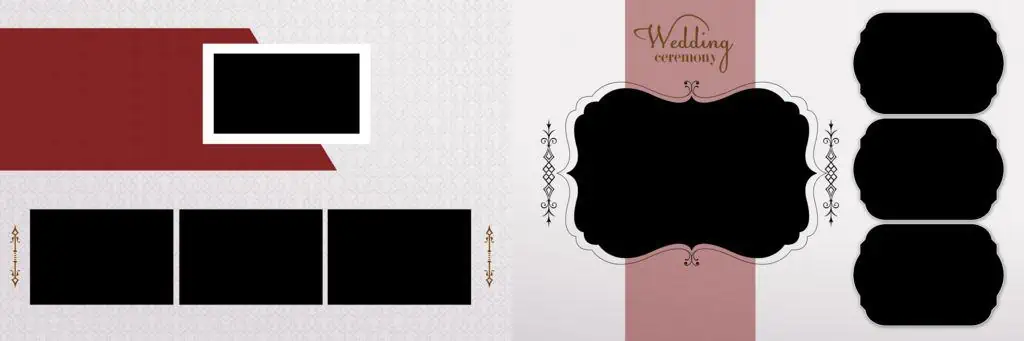
A Wedding Photo Album Template is a pre-designed page layout used to arrange photographs, text, and decorative elements in a Wedding Album. It helps designers create consistent compositions while allowing customization according to the wedding theme and client’s requirements.
These templates can be created in different formats, including PSD, depending on the resource. Photoshop-based designs may contain editable layers, backgrounds, photo placeholders, and decorative elements. However, the actual editing options depend on the structure of each individual file.
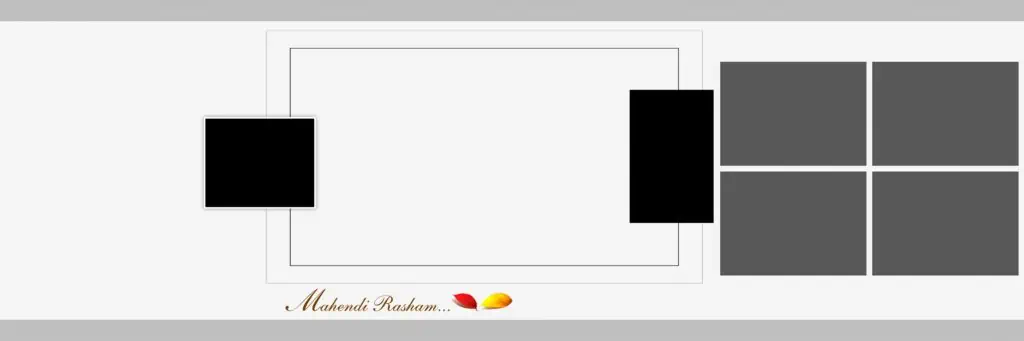
Indian weddings include several ceremonies, and each event has its own visual character. A designer may prefer colorful layouts for Mehendi photographs, elegant compositions for wedding rituals, and modern arrangements for reception pictures.
Choosing suitable Wedding Album Templates also helps maintain consistency across different album pages. Designers should consider the number of photographs, available space, page dimensions, and overall visual balance before selecting a layout.
#01
#02
#03
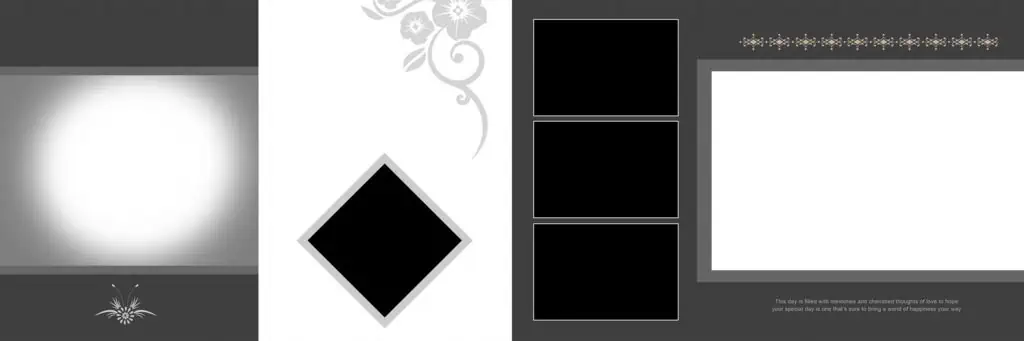
Wedding Photo Album Template
#04
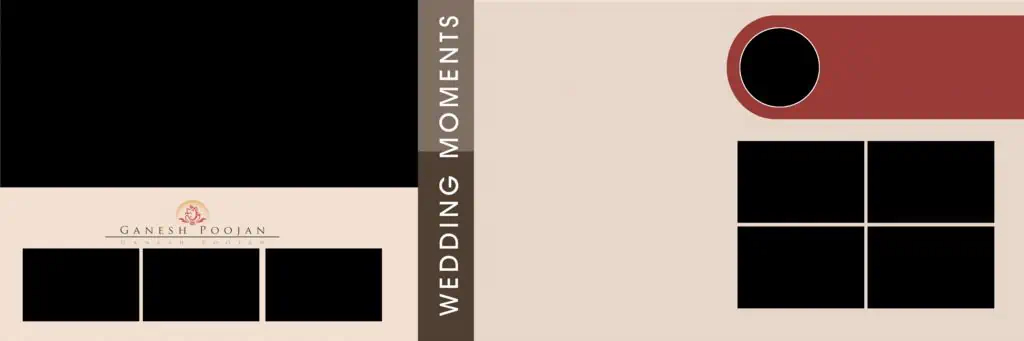
Get More: 12X36 Album DM Templates PSD Free Download – Freefile360.
#05

#06

#07

Wedding Photo Album Template
#08
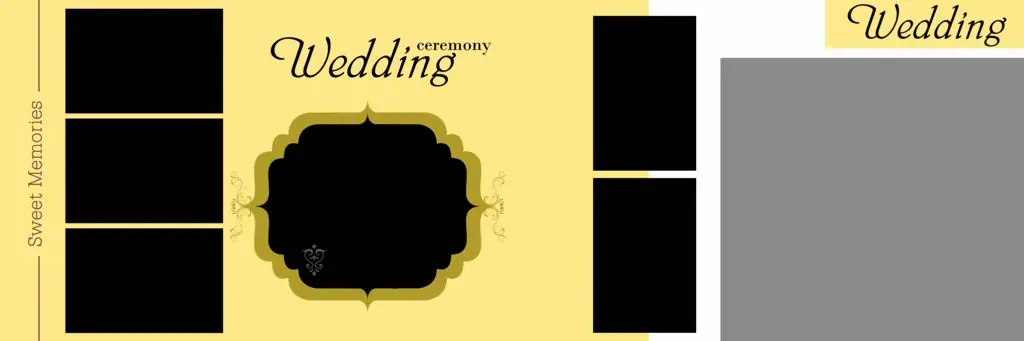
#09

#10
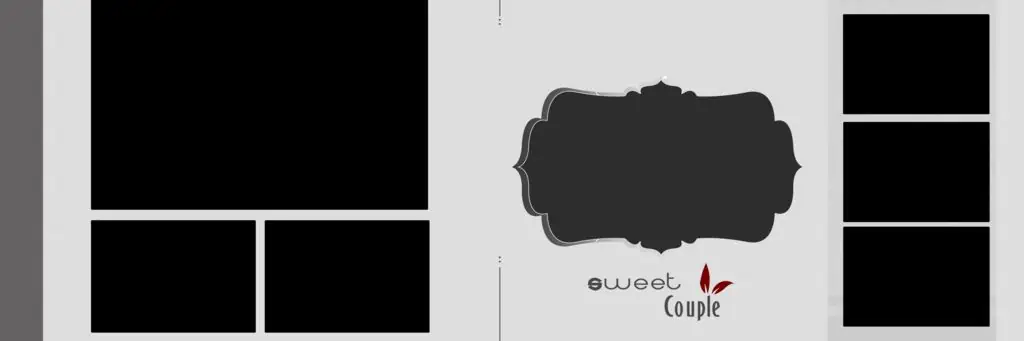
Explore Wedding Album Design Resources on Freefile360.com
Freefile360.com focuses on graphic design resources, including Wedding Album Designs, PSD templates, Photoshop backgrounds, and other creative materials.
When exploring Free PSD Templates for Wedding Album projects, look for layouts that match the client’s photography style and album requirements. Some projects may need traditional Indian wedding decorations, while others may look better with simple backgrounds and clean photo arrangements.
Before selecting a Wedding Album Design Template, check the resource information carefully. Confirm the available file format, document dimensions, resolution, layer structure, and software compatibility. These details are important because not every PSD file has the same editing features.
If you are searching for the Best Wedding Album Design 12×36 PSD Templates, remember that the correct document size depends on the album printer’s specifications and the final binding method.
Visit Freefile360.com and explore the available Wedding Album Design PSD resources to find a suitable starting point for your creative project. Check each resource page for its download instructions and applicable usage terms.
#11
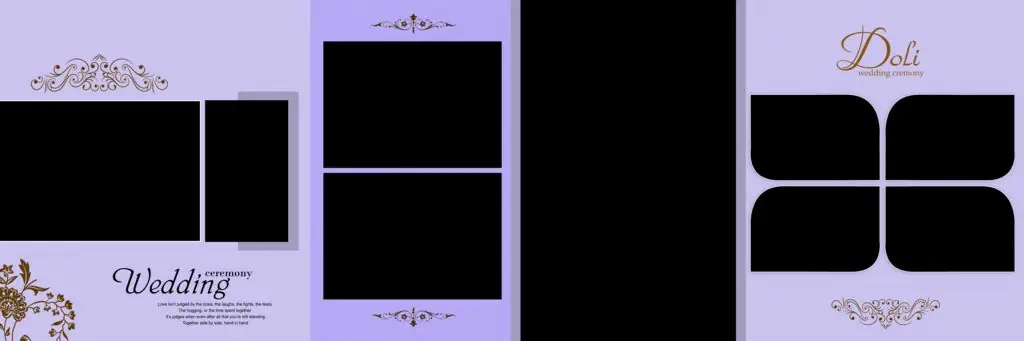
Wedding Photo Album Template
#12
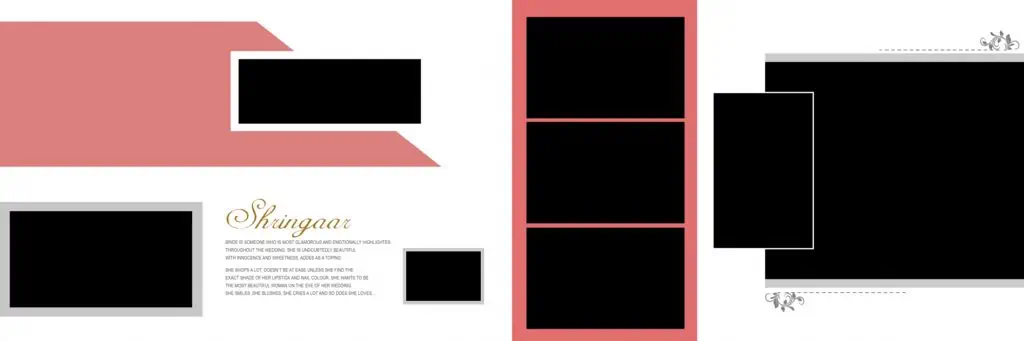
Get More: 10 Latest Bride Album Design PSD Free Download – Freepsd360.
#13

#14

#15

#16
#17
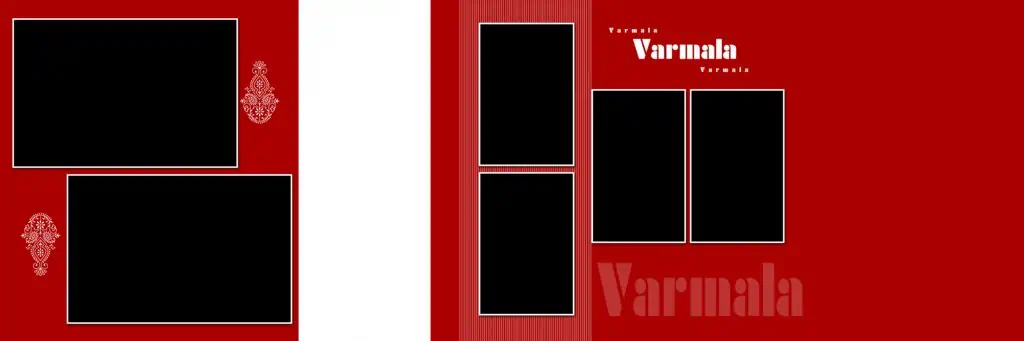
Get More: 50 Best Indian Wedding Album Design Templates Free Download.
#18
#19

#20

How to Download and Customize Wedding Album PSD Templates
Once you have selected a suitable design, follow these steps to prepare it for your Wedding Album project.
- Download the Template: Visit the relevant resource page on Freefile360.com, if available, and follow its download instructions. Check the file description before downloading.
- Extract the Archive: If the downloaded resource comes in ZIP format, extract it using compatible archive software. Keep the original downloaded file as a backup.
- Open the PSD File: Open the Photoshop document in compatible editing software. Check the document dimensions, resolution, color mode, and available layers before making changes.
- Replace Wedding Photographs: Add the client’s selected photographs to the layout. If the PSD includes Smart Objects or photo placeholders, use the available editing method. Otherwise, place images manually in the appropriate layers.
- Customize the Design: Adjust text, colors, backgrounds, and decorative elements according to the wedding theme. Keep the photographs as the main focus and avoid overcrowding the pages.
- Prepare the Final Output: Check the final document size, image quality, color profile, bleed, and binding margins. Save an editable PSD backup and export the finished design according to the printing studio’s requirements.
Managing Wedding Album Projects Under Tight Deadlines
Wedding photographers and album designers often work with large collections of photographs. A single wedding may include images from several ceremonies, family portraits, group photographs, and special moments. Organizing everything before starting the design can save valuable time.
Reusable PSD Wedding Photo Album Design Templates can provide a useful starting point for repetitive layout tasks. Instead of creating every background and decorative element again, designers can focus on selecting photographs and arranging them according to the client’s story.
Another helpful approach is to divide the album into sections. For example, keep Mehendi, Haldi, Sangeet, wedding rituals, and reception photographs in separate groups. This makes it easier to maintain a logical sequence and avoid mixing important moments.
When working with multiple client projects, organize photographs and PSD files into clearly named folders. Save different versions of the design so that requested changes can be made without losing earlier work.
Practical Tips for Better Wedding Album Designs
- Check Image Resolution: Use photographs with sufficient pixel detail for the final printed dimensions. A 300 DPI document setting cannot create missing image detail.
- Confirm Printer Requirements: Ask the printing studio about the required color mode, ICC profile, file format, and export settings before final delivery.
- Allow Binding and Bleed Space: Keep important faces, text, and decorative elements away from the binding area. Follow the printer’s specified bleed and safe margins.
- Maintain an Editable Backup: Save the original Photoshop document separately before exporting the final album. This makes future corrections and client revisions easier.
Frequently Asked Questions
1. Are wedding photo album templates free to download?
Download conditions depend on the individual resource. Check the relevant Freefile360.com download page to confirm whether a particular template is free or subject to other conditions.
2. Which software is needed to edit wedding album PSD templates?
Adobe Photoshop is commonly used for PSD editing. Other compatible applications may also open PSD files, but some features and layer effects may not work identically.
3. Can I use wedding album designs for paid client projects?
Commercial use depends on the individual resource’s license. Always review its usage terms before using a template in a paid photography or album-design project.
4. What makes a 12×36 PSD wedding album design useful?
A 12×36-inch layout can be suitable for panoramic wedding album spreads when supported by the printer. Always confirm the final document size and binding requirements before designing.
5. How can I prepare a wedding album PSD for printing?
Check document dimensions, photograph quality, color settings, bleed, and binding margins. Export the final file using the format and specifications requested by the printing studio.
Conclusion
A suitable Wedding Photo Album Template can help photographers, studio owners, and graphic designers organize wedding photographs into attractive and consistent album layouts. Choosing the right Wedding Album Design Templates also makes customization and project management more convenient.
Explore the Wedding Album Design PSD resources on Freefile360.com to find creative starting points for your next project. Check the individual file specifications and licensing conditions before downloading and using any design for client work.
Get More: