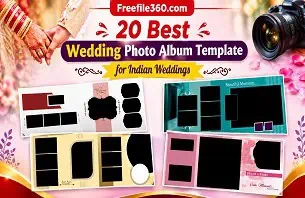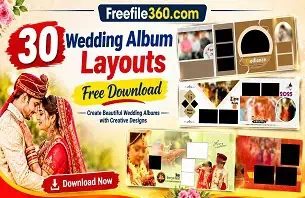
A wedding photographer has finished capturing the Mehendi, Sangeet, wedding ceremony, and reception. Now comes another important task: arranging hundreds of photographs into an attractive wedding album. With client deadlines approaching, creating every page from scratch can take valuable time.
An Album PSD 12X36 Free Download can be a useful starting point for designers who want to prepare attractive wedding album layouts in Photoshop. A suitable PSD template can help organize photographs, create balanced compositions, and maintain a consistent visual style throughout an album.
At Freefile360.com, this article explores the 12X36 Wedding Album format, how to work with PSD templates, and what to check before downloading or printing a design. Whether you manage a photo studio or work as an independent graphic designer, understanding the file specifications can help you make better design decisions.
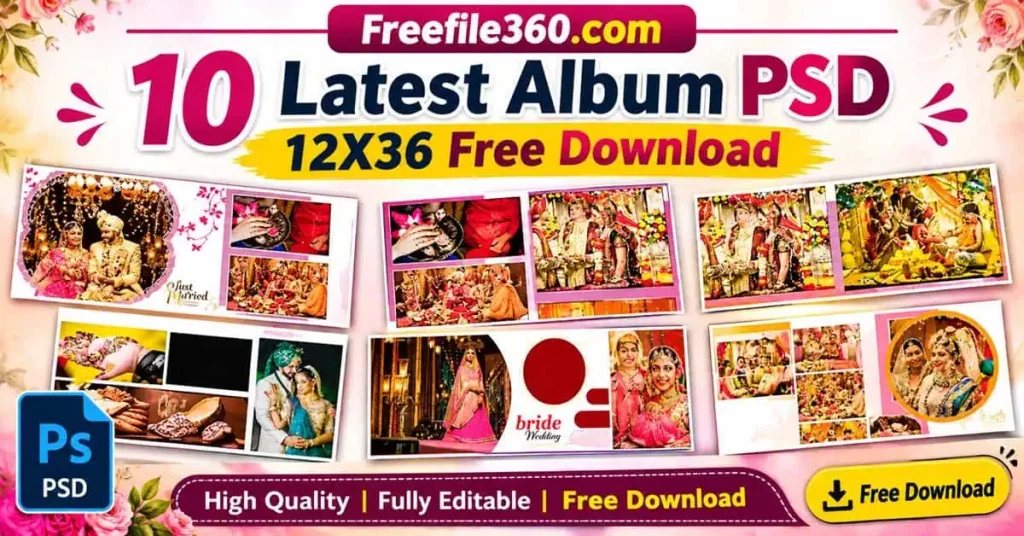
Album PSD 12X36 Free Download
Table of Contents
Album PSD 12X36 Free Download — Understanding the Wedding Album Format
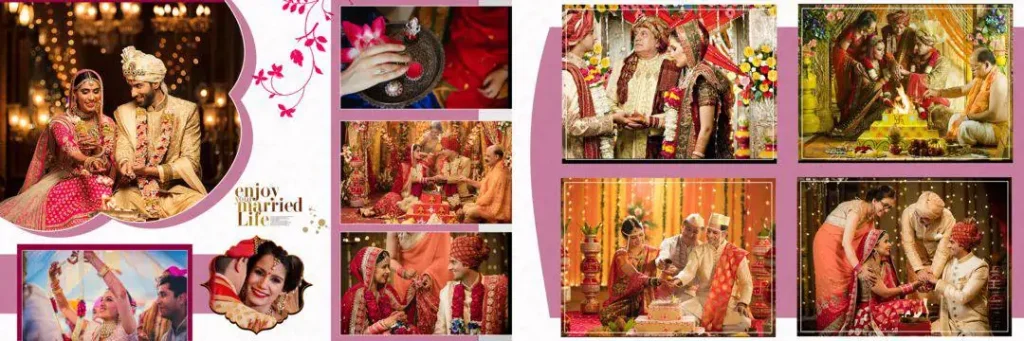
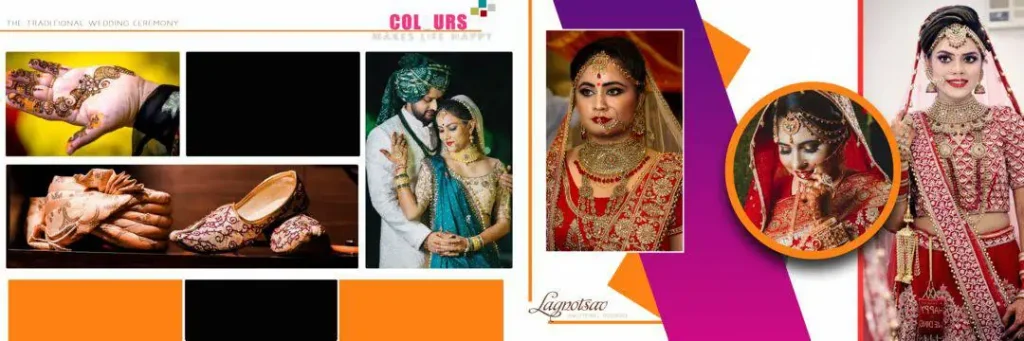
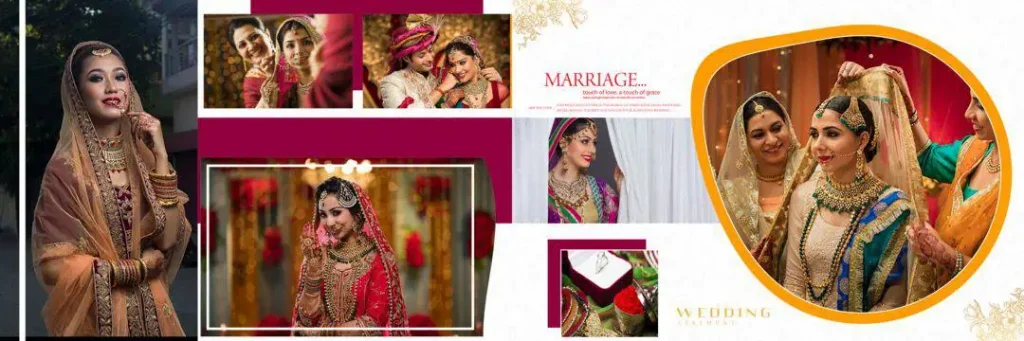
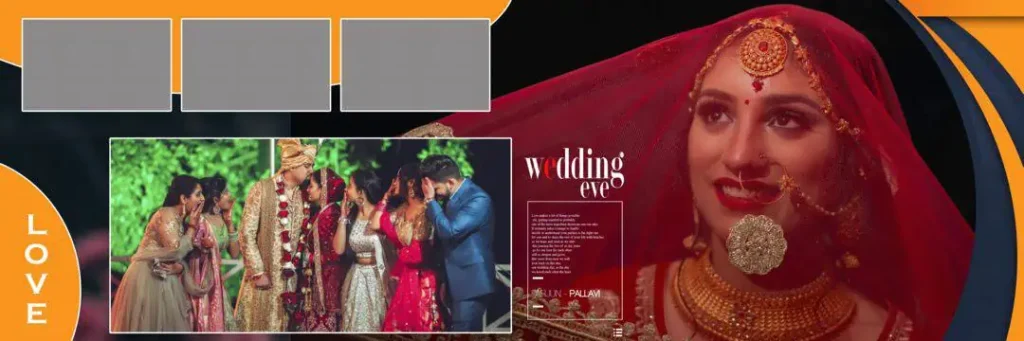
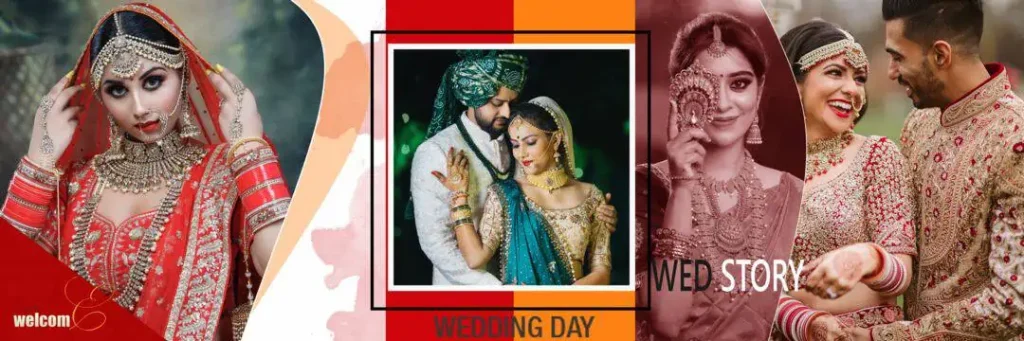
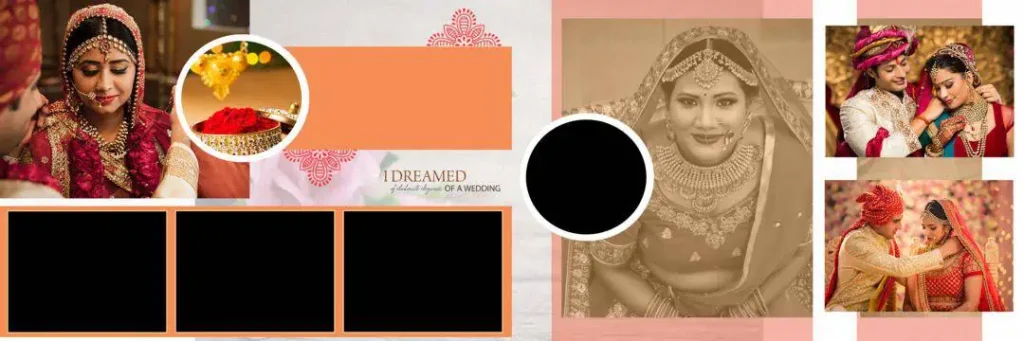
A 12X36 Album PSD is a Photoshop document designed for creating wedding album spreads in a wide 12-by-36-inch layout. It is commonly associated with panoramic wedding album pages that combine multiple photographs, decorative elements, and text.
This format is useful for wedding photographers, photo studio owners, and album designers who need to arrange several photographs across a wide page. Depending on its structure, a PSD template may contain separate layers for photographs, backgrounds, text, and decorative elements.
The main benefit of using a 12×36 Album Design PSD is having a prepared layout to customize instead of building the entire composition from the beginning. However, the actual editing options depend on the individual file.
Before selecting a template, check its document dimensions, pixel resolution, color mode, layer structure, and compatibility with your Photoshop version.
#01
Album PSD 12X36 Free Download
#02
Get More: Wedding Card Design Background Free Download – Freefile360.
#03
#04

Album PSD 12X36 Free Download
#05

#06

Get More: 18 X 24 Wedding Album Design PSD Free Download – Freefile360.com.
#07
#08
#09

Album PSD 12X36 Free Download
#10
Explore Wedding Album Design Resources on Freefile360.com
Finding a suitable 12 x 36 Album Design PSD Free Download can help reduce repetitive design work, especially when a studio handles several wedding projects each month.
Freefile360.com focuses on graphic design resources, including PSD templates and Wedding Album Design materials. Readers looking for a Wedding Album PSD 12X36 Free Download should check the relevant resource page for the available files and download instructions.
The exact number of templates, file sizes, resolutions, and editing features should be confirmed on the individual download page. Not every PSD document includes editable photo placeholders, Smart Objects, or separate background layers.
When comparing a 12 * 36 Album PSD with other album formats, consider the intended printing size and the number of photographs you need to include. A suitable layout should support the story of the wedding rather than simply accommodate as many images as possible.
Before using any downloaded resource for paid client work, review its license conditions. Free downloading does not automatically mean unrestricted commercial usage.
How to Download and Customize a 12X36 Album PSD
Follow these six steps to work with a suitable Wedding Album Template.
- Download the PSD file: Visit the relevant Freefile360.com resource page, if available, and follow its published download instructions. Check the file description before downloading to confirm that it matches your intended album format.
- Extract the archive: If the downloaded resource comes in ZIP format, extract it using a compatible archive utility. Keep the original compressed file as a backup in case you need it again.
- Open the document in Photoshop: Open the PSD file using a compatible version of Adobe Photoshop. Check Image Size, canvas dimensions, resolution, and color mode before making changes.
- Replace the photographs: Examine the Layers panel to understand how images are arranged. If the document contains Smart Objects, use the provided editing method. Otherwise, replace photographs using the available layers and selection tools.
- Customize the layout: Adjust photographs, text, colors, and decorative elements to match the wedding theme. For example, use coordinated colors and balanced image placement for Mehendi and reception pages.
- Prepare the final output: Check the final dimensions, image detail, color profile, and printer requirements. Confirm bleed and binding allowances before exporting the completed design in the format requested by your album printer.
Following this process can make a 12×36 Album PSD Free Download more useful in a professional studio workflow.
Managing Wedding Album Deadlines Without Sacrificing Design Quality
Wedding Album projects often involve large photo collections and several rounds of client feedback. Designers may need to create separate sections for pre-wedding photography, traditional ceremonies, family portraits, and reception celebrations.
A reusable layout can reduce repetitive placement work. Instead of starting with a blank canvas, designers can focus on selecting suitable photographs and arranging them in a meaningful sequence.
For example, a panoramic spread could feature a main wedding photograph in the center, supported by smaller photographs showing important moments from the ceremony. This creates a visual connection between the images.
When exploring New Album PSD Files Free Download options, remember that a template is a starting point, not a finished client design. Adjust spacing, typography, and photograph selection to suit each wedding.
Organizing PSD files into folders by client name, wedding date, and album section can also make revisions easier. Save separate working and final versions to avoid losing important editing changes.
Practical Tips for Better 12X36 Wedding Album Designs
- Check image resolution carefully. A document marked 300 DPI does not automatically contain high-quality photographs. Make sure the original images have enough pixel detail for their final printed size.
- Confirm the printer’s color requirements. Ask whether the album printer requires RGB or CMYK files and follow its recommended export settings.
- Allow space for binding and bleed. Keep important faces, text, and other details away from the center binding area and confirm the required bleed margins with the printer.
- Maintain an editable backup. Save the original PSD with its available layers before exporting the final album. This makes future corrections and client revisions easier.
Frequently Asked Questions
1. Are Album PSD 12X36 files free to download?
Download conditions depend on the individual resource page. Check the listed access requirements and any applicable payment or registration conditions before downloading.
2. Which software is needed to edit a 12X36 album PSD?
Adobe Photoshop is the standard software for editing PSD documents. Compatibility with alternative applications depends on their PSD support and the features used in the original file.
3. Can I use downloaded wedding album PSD designs for paid client projects?
Commercial usage depends on the individual resource license. Always review the license terms before using a downloaded template in paid wedding photography or studio projects.
4. Why is the 12X36 format useful for wedding albums?
Its wide panoramic layout provides space for multiple photographs across a single spread. It is useful for showcasing wedding ceremonies, group photographs, and important moments together.
5. How can I prepare a 12X36 PSD for album printing?
Confirm the document dimensions, image resolution, color profile, bleed, and binding requirements with your printer. Export the final design using the specifications provided by the printing service.
Conclusion
A suitable Album PSD 12X36 Free Download can help wedding photographers, graphic designers, and photo studios organize their creative work more efficiently. Understanding document dimensions, image quality, editing options, and printing requirements is essential for producing a well-organized Wedding Album.
Explore the relevant Wedding Album Design resources on Freefile360.com to find a suitable 12×36 Album Design PSD for your next project. Check the available file details and license conditions before downloading and using any template for client work.
Get More: