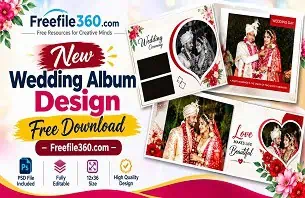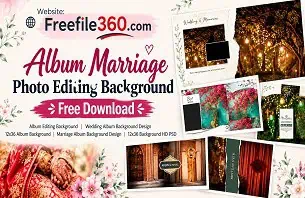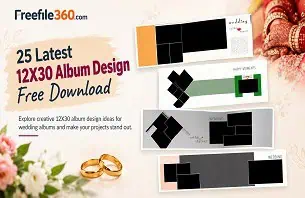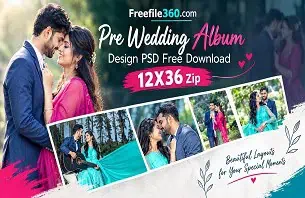
A wedding photographer may have hundreds of beautiful bridal photographs, but arranging them into an attractive album takes careful planning. From getting-ready moments to the bridal entry, every photograph deserves a layout that highlights the emotion and beauty of the occasion.
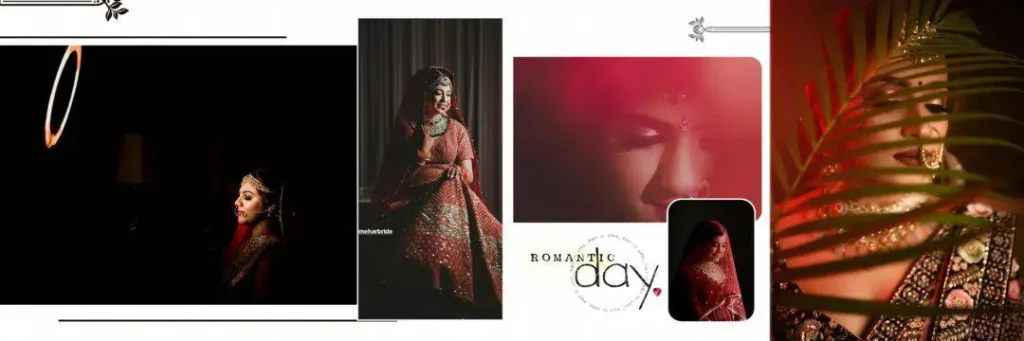
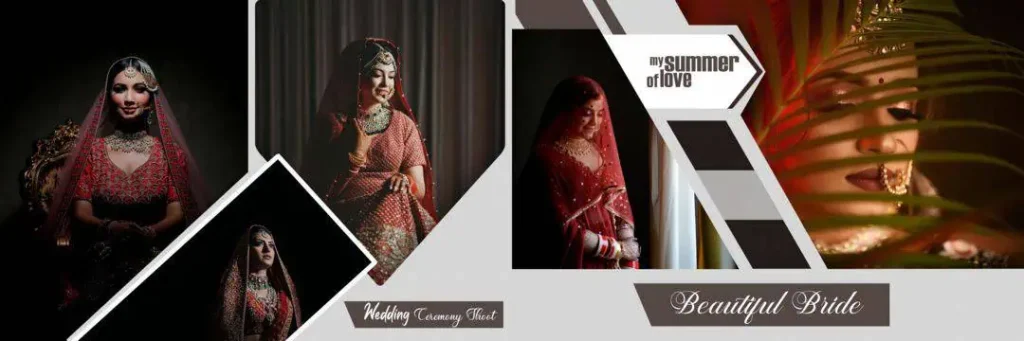
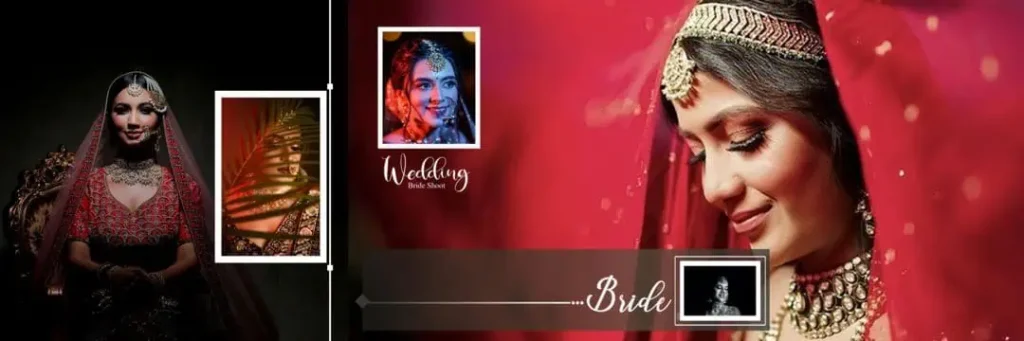
Choosing the right Bride Wedding Album Design can make this process easier for photographers, graphic designers, and photo studio owners. A well-planned layout helps present bridal portraits, traditional jewellery, makeup details, and wedding moments in an organized way.
At Freefile360.com, designers can explore wedding album design resources and find creative inspiration for their projects. In this article, we will discuss bridal album layouts, Photoshop customization, and important tips for preparing designs for album printing.
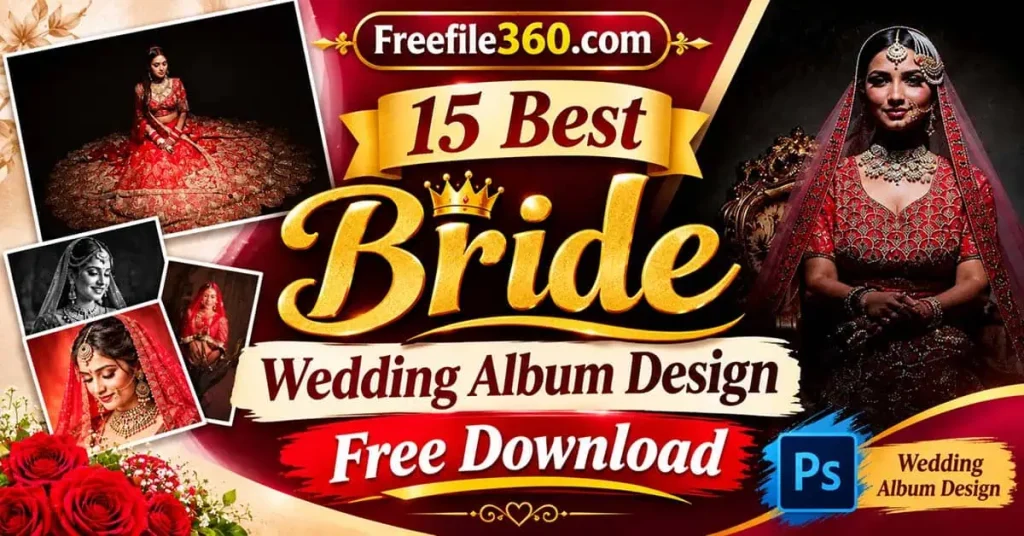
Bride Wedding Album Design
Table of Contents
Bride Wedding Album Design — Creative Layouts for Bridal Photography
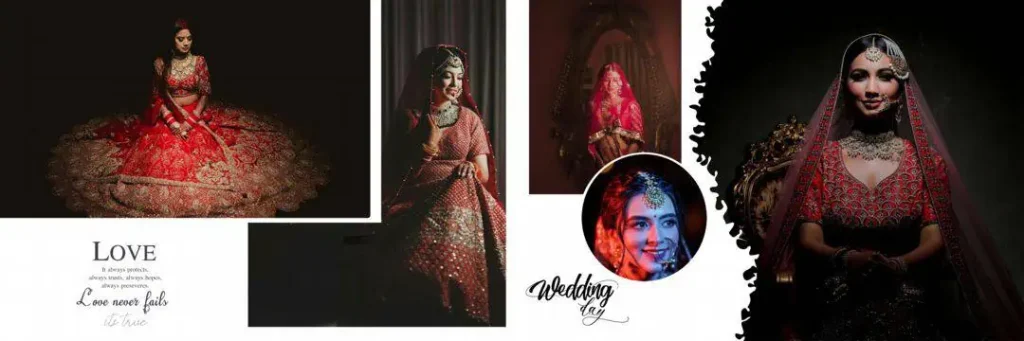
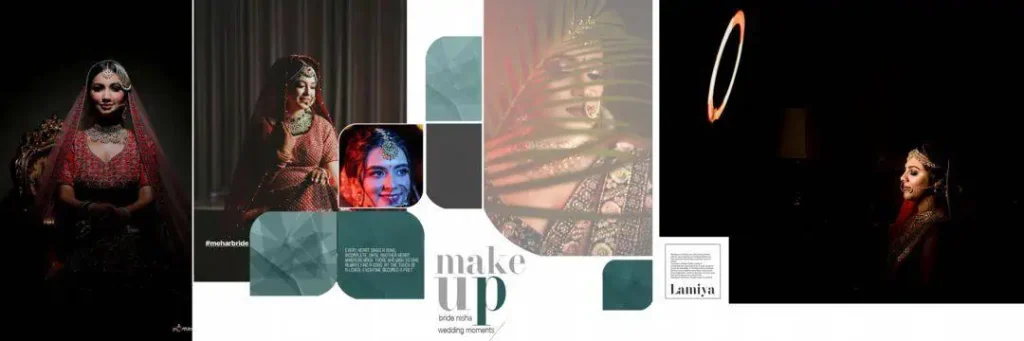
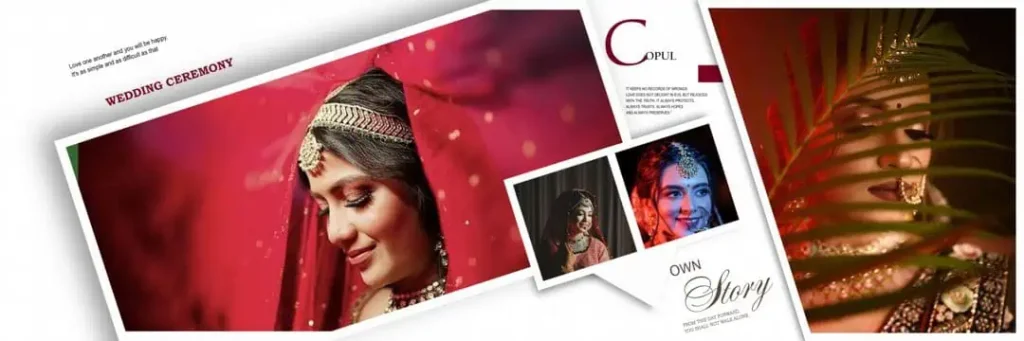
A Bride Wedding Album Design is a photo layout created to arrange and present a bride’s wedding photographs in an attractive and meaningful way. It combines bridal portraits, decorative elements, backgrounds, and text to create a visual story of the wedding.
These layouts are useful for wedding photographers, album designers, and photo studios that create customized albums for clients. Depending on the available template, designers can adjust photograph placement, colors, typography, and decorative elements.
Bridal album design is especially important for Indian weddings because ceremonies such as Mehendi, Haldi, Sangeet, and the wedding reception produce many different types of photographs. A consistent design style helps connect these moments throughout the album.
Designers can also explore different formats, including 12×36 wedding album design layouts, depending on the album dimensions required by the printing studio.
#01
#02
#03
#04
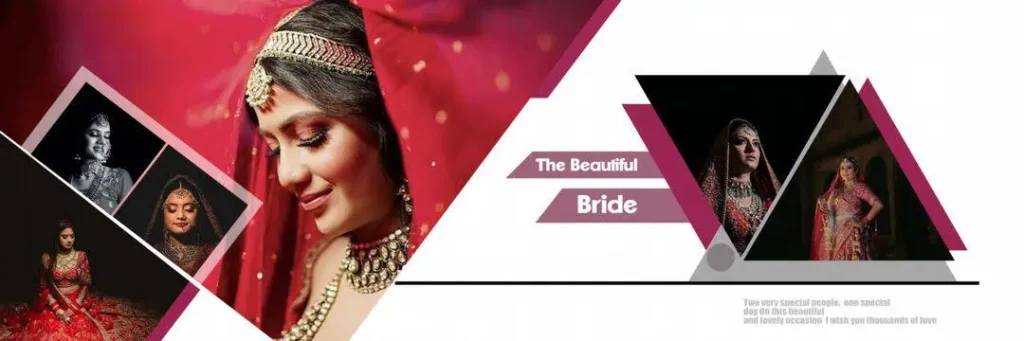
Bride Wedding Album Design
#05
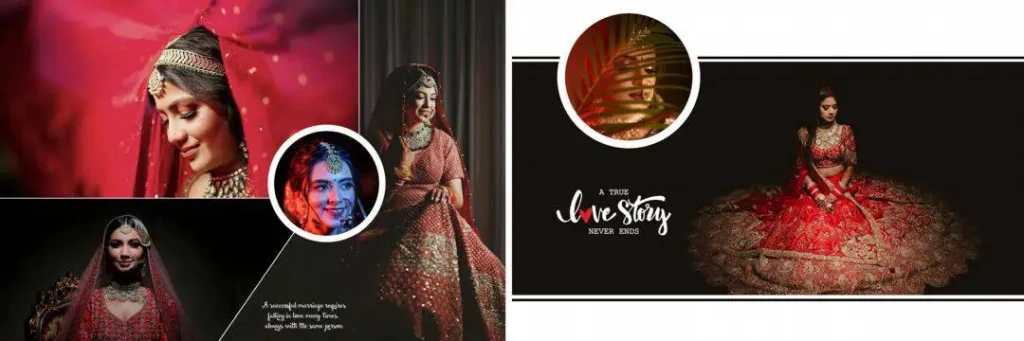
#06
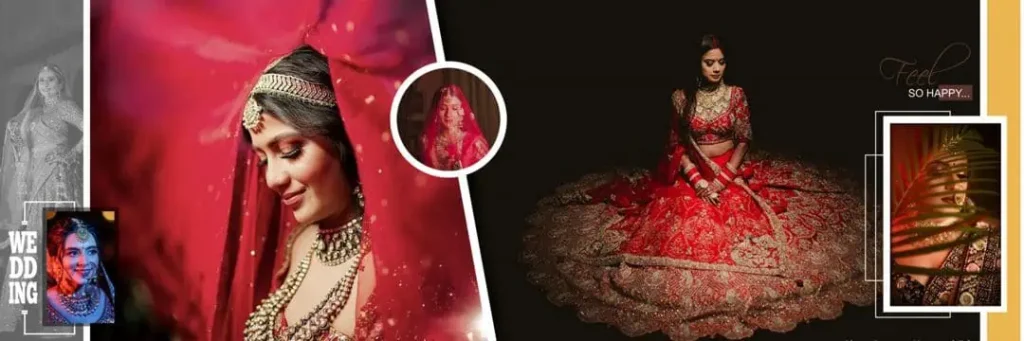
#07
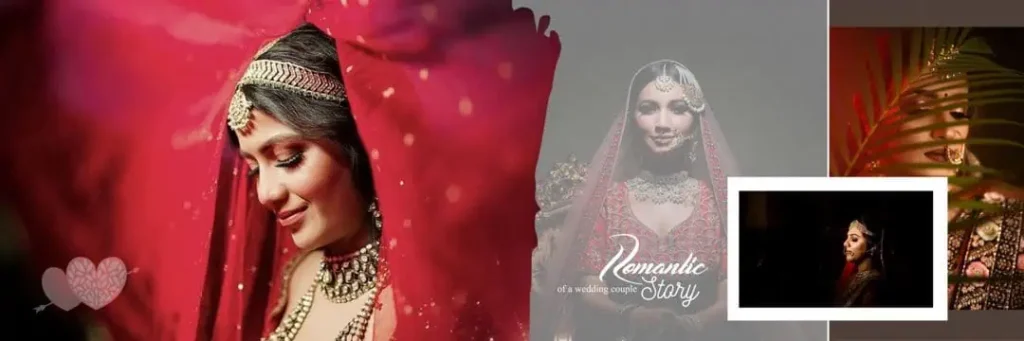
Get More: 30 New Happy Birthday PSD Template Free Download.
#08

#09
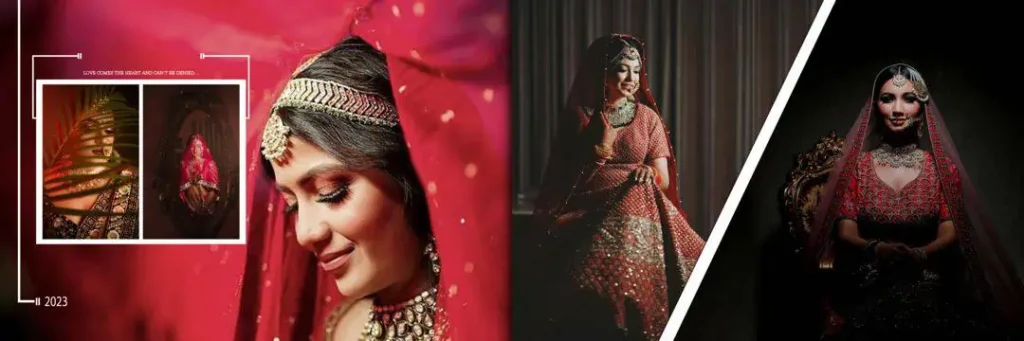
#10
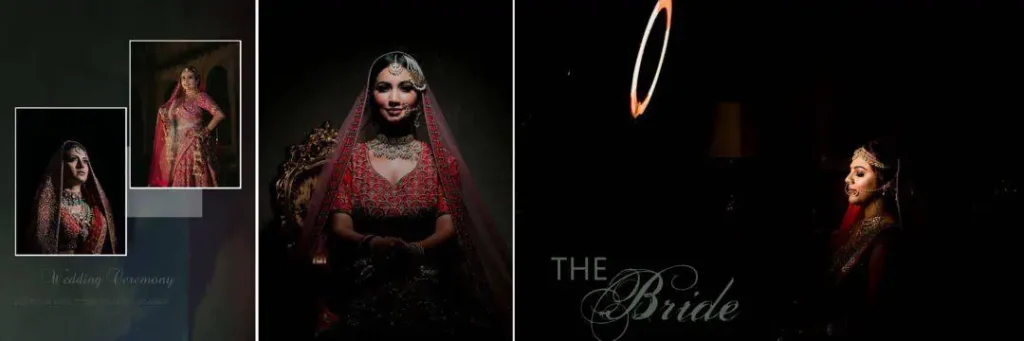
Explore Bride Album Design Resources on Freefile360.com
A beautiful bridal album does not always require creating every page from the beginning. Using an appropriate Photoshop template can provide a starting point for arranging photographs and developing a consistent visual style.
Freefile360.com focuses on graphic design resources, including wedding album designs and Photoshop-related creative materials. Visitors looking for bride album design inspiration can explore the relevant Wedding Album Design PSD category.
When selecting a design, consider the following points:
- Bridal photograph placement: Choose layouts that provide suitable space for close-up portraits and full-length bridal photographs.
- Color combinations: Select colors that complement the bride’s outfit, jewellery, and wedding photography.
- Decorative elements: Use floral decorations, traditional patterns, and elegant backgrounds where they suit the photographs.
- Page consistency: Maintain a similar visual style throughout the album instead of using unrelated designs on every page.
The exact file count, dimensions, resolution, and available editing features depend on the individual resource. Check the details on the relevant download page before choosing a template.
#11
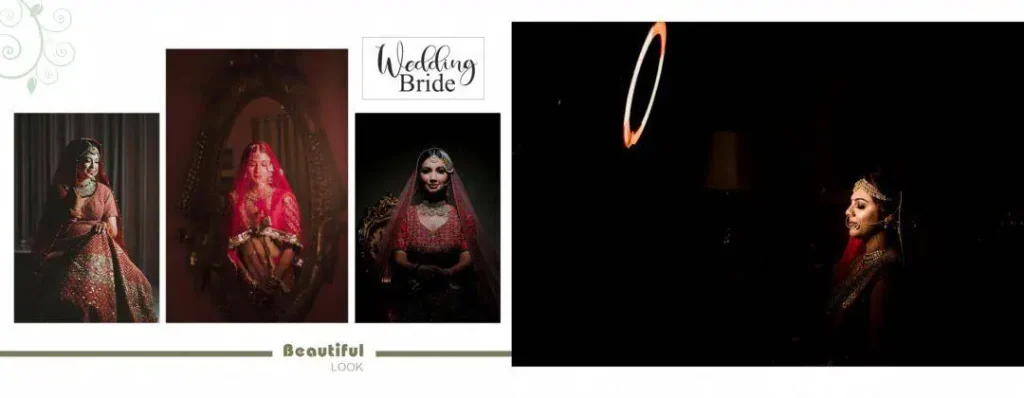
#12
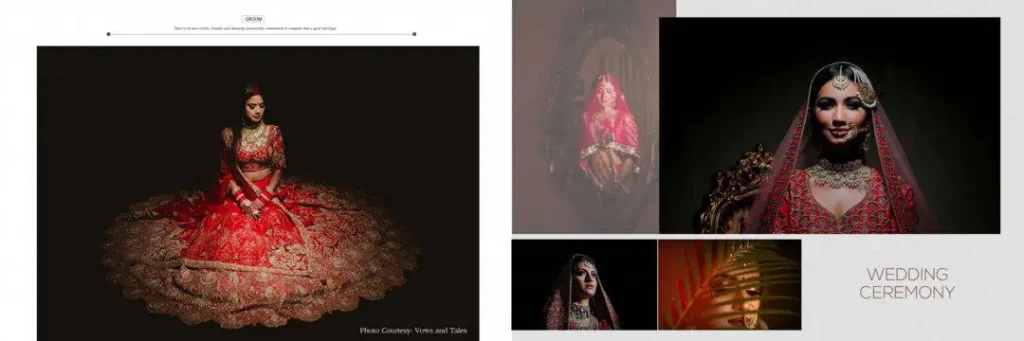
#13
#14
#15
How to Download and Edit a Bride Wedding Album Design in Photoshop
Once you have selected a suitable template, follow these steps to customize it for your wedding album project.
1. Download the design file: Visit the relevant resource page on Freefile360.com, check the available file information, and follow the provided download instructions.
2. Extract the ZIP archive: If the downloaded resource comes in ZIP format, extract it using compatible archive software. Check the extracted folder for the actual design files.
3. Open the PSD file: Launch Adobe Photoshop and open the PSD file if one is included. Check the document dimensions, resolution, and layer structure before editing.
4. Replace the bridal photographs: Add your client’s wedding photographs to the appropriate positions. If the template contains Smart Objects, use them where available. Otherwise, replace images using the available layers.
5. Customize the layout: Adjust the background, text, colors, photo placement, and decorative elements according to the client’s requirements. Keep the bride’s photographs as the main focus.
6. Prepare the final output: Check the document size, image resolution, color profile, and printer-specific bleed requirements. Save an editable PSD backup and export the final file in the format requested by the album printer.
Following this process helps keep the editing workflow organized and reduces avoidable mistakes before printing.
Save Time When Creating Professional Bridal Albums
Wedding album designers often work with tight delivery schedules, especially during busy wedding seasons. Creating every page from scratch can take considerable time when a project contains photographs from multiple ceremonies.
A suitable Photoshop template can provide a useful starting point. Instead of building the entire composition manually, designers can focus on selecting photographs, adjusting layouts, and creating a consistent visual presentation.
For example, a bride’s getting-ready portraits may work well in a different composition from her wedding ceremony photographs. Makeup details, jewellery shots, candid expressions, and traditional bridal portraits can each have their own visual treatment.
Designers searching for the Latest Wedding Album Design styles should also consider the client’s preferences rather than following every decorative trend. A clean layout with balanced spacing can sometimes present bridal photography more effectively than a page filled with unnecessary elements.
The same approach works for Karizma Album Design projects, where maintaining visual consistency across the complete album is important.
Practical Tips for Better Bridal Album Design Results
Before sending your finished wedding album design for printing, keep these important points in mind:
- Check photograph resolution: Use photographs with sufficient original pixel detail for the final print dimensions. A 300 DPI setting alone cannot restore missing image detail.
- Maintain color consistency: Ask the printing studio about its preferred color profile and follow its export requirements.
- Consider binding and bleed areas: Keep important faces, text, and decorative details away from trimming and binding areas. Follow the printer’s exact specifications.
- Keep an editable backup: Save your original PSD file before exporting the final album pages. This makes future corrections easier.
These small checks can help reduce production problems and improve the overall presentation of the finished album.
Frequently Asked Questions
1. Are bride wedding album designs free to download?
Download conditions depend on the individual resource page. Check the availability, download instructions, and applicable terms before downloading a particular design.
2. Which software is required to edit bridal album PSD files?
Adobe Photoshop is commonly used for editing PSD files. Check the file’s compatibility and version requirements before opening it in your editing software.
3. Can I use bridal album designs for paid client projects?
Commercial usage depends on the individual resource’s license. Always review the applicable terms before using a downloaded design in paid photography or album projects.
4. What makes a bride album design different from a regular wedding album layout?
A bride album design focuses mainly on bridal portraits, makeup, jewellery, outfits, and special wedding moments. Its layouts are planned to highlight the bride’s photographs.
5. How do I prepare a 12×36 wedding album design for printing?
Confirm the final document dimensions, image resolution, color profile, bleed, and binding requirements with your printing studio before exporting the pages.
Conclusion
A well-designed bridal album helps photographers present wedding memories in an attractive and organized way. Choosing a suitable bride wedding album design can make Photoshop editing easier while providing creative flexibility for different bridal photography projects.
If you are a graphic designer, wedding photographer, or photo studio owner, explore the Wedding Album Design PSD collection on Freefile360.com for relevant creative resources. Choose a suitable bridal album design, customize it according to your client’s photographs, and check the printing requirements before final delivery.
Get More: