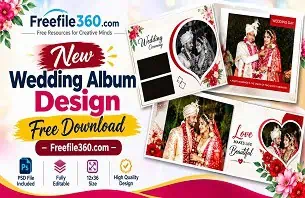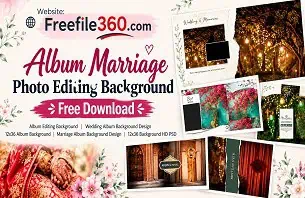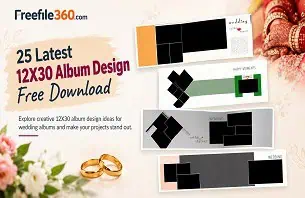
When a wedding photographer needs to deliver an album after the wedding, creating an attractive layout within a short deadline can be challenging. Choosing the right photos, arranging them neatly, and maintaining a consistent style across every page takes careful planning. A suitable New Wedding Album Design can help designers organize wedding memories into a beautiful visual story.
For graphic designers, photo studio owners, and wedding photographers, a 12×36-inch album layout offers a wide canvas for combining portraits, couple photographs, family moments, and wedding ceremonies. The right arrangement can make important photographs stand out without making the page look crowded.
Freefile360.com focuses on graphic design resources and creative assets for Photoshop users. If you are looking for Wedding Album Design inspiration or a suitable PSD template, this guide explains how to select, customize, and prepare a 12×36 layout for your project.
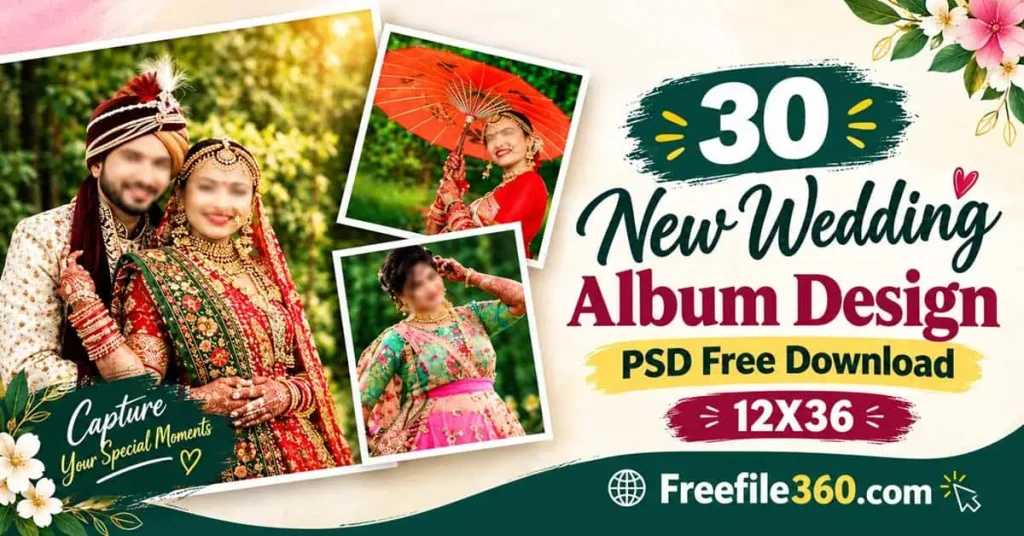
New Wedding Album Design
Table of Contents
New Wedding Album Design — Understanding the 12×36 Album Format
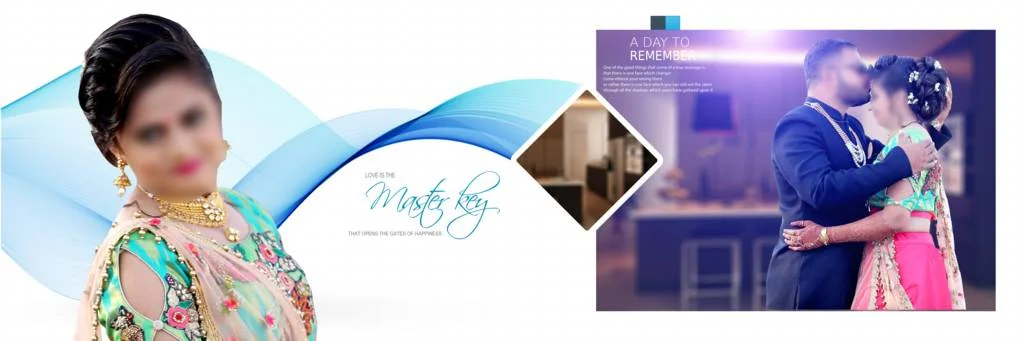
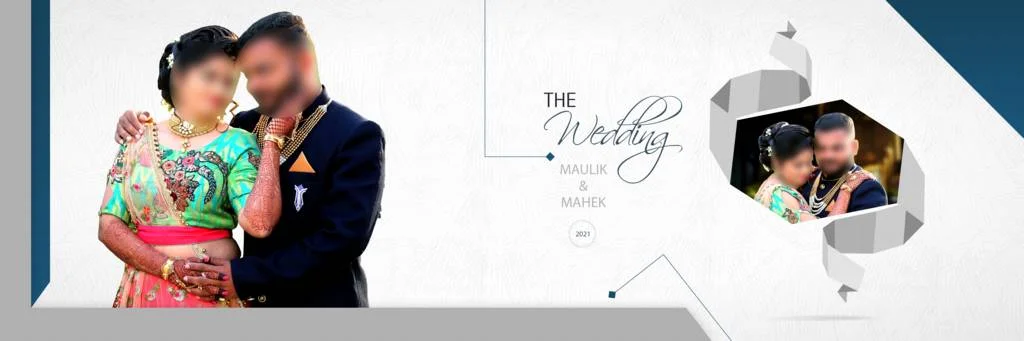
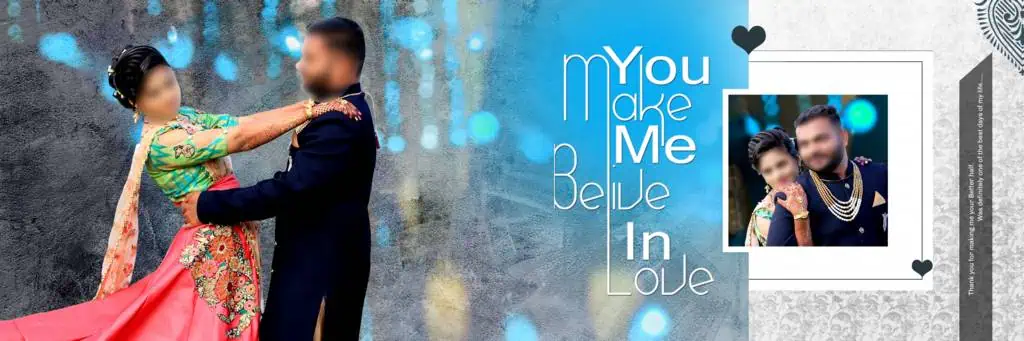
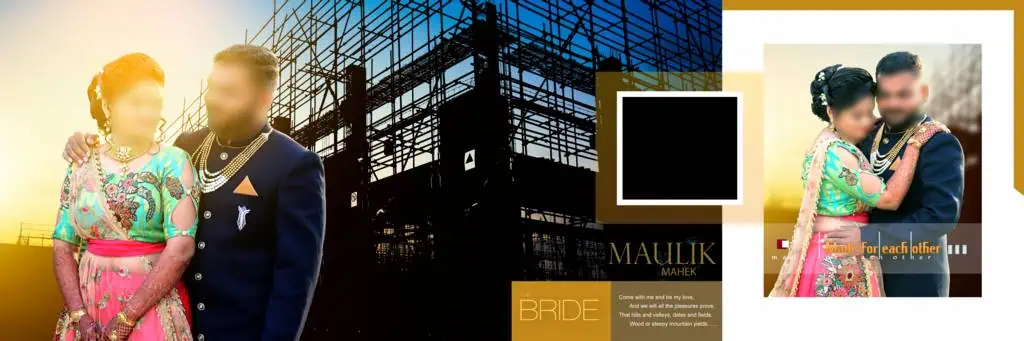
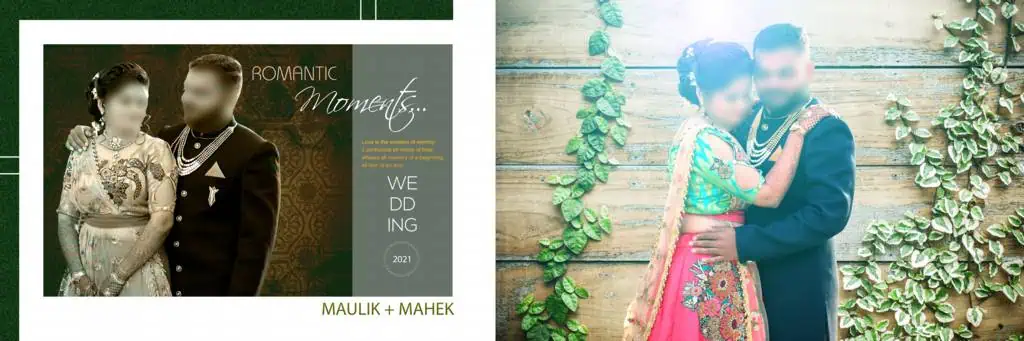
A New Wedding Album Design in 12×36 format is a wide album layout intended for wedding photographs and related visual elements. The format is commonly used to arrange multiple photographs across a two-page spread, depending on the album’s binding and printing requirements.
A 12×36-inch spread measures 12 inches in height and 36 inches in width. However, designers should confirm whether a particular template represents a complete spread, an individual page, or another document setup before editing or sending it for printing.
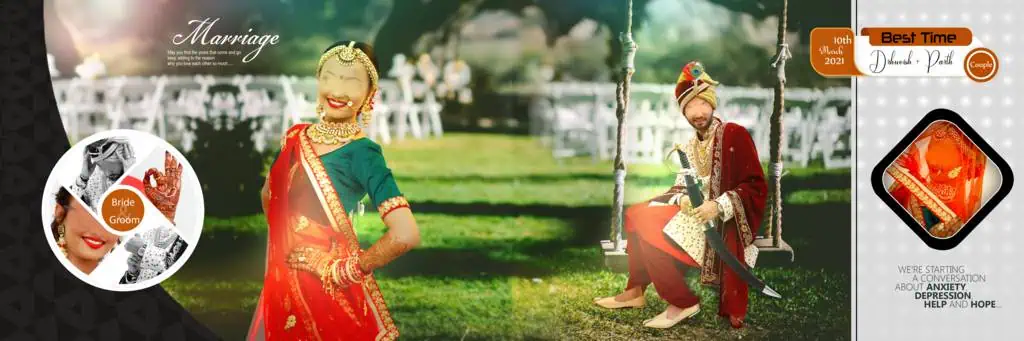
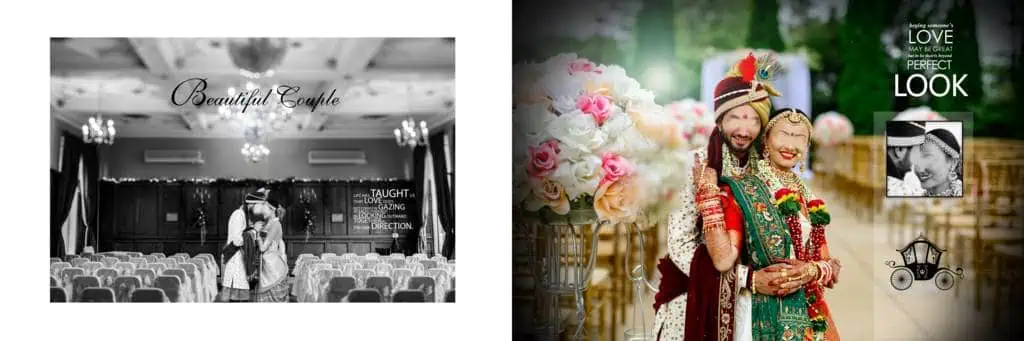
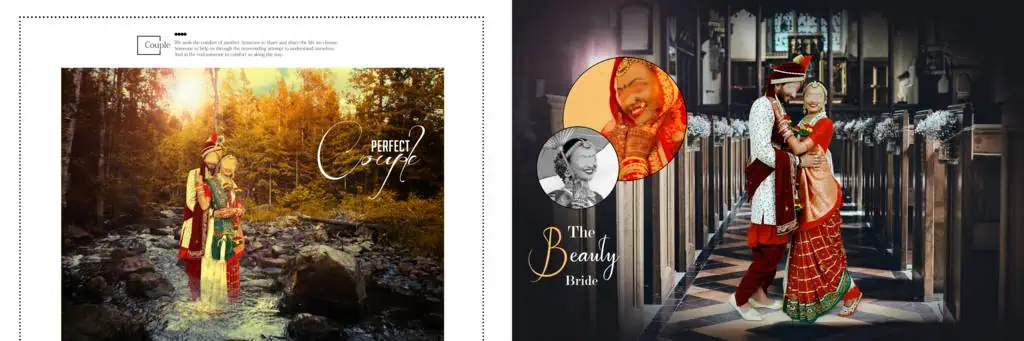
A suitable Wedding Album Design balances photographs, decorative elements, text, and empty space. Some layouts focus on a large couple portrait, while others arrange several photographs from events such as the Mehendi, Sangeet, Baraat, wedding ceremony, and reception.
PSD templates can make this process easier when they contain editable layers. The actual editing options depend on the file structure, so check the template before assuming that every element can be changed independently.
#01

#02

#03
#04

#05

New Wedding Album Design
#06

#07

#08
Get More: 20 New Pre Wedding Album Design PSD – Freefile360.com.
#09

#10
Explore Wedding Album Design Resources on Freefile360.com
When searching for a New 12×36 Album Design, choose a layout that matches the photographs and the couple’s preferred style. A collection of suitable templates can provide starting points for traditional wedding albums, modern portrait arrangements, and decorative page compositions.
Freefile360.com is a resource destination for people interested in PSD templates, wedding album designs, and other graphic design materials. Before selecting a particular file, review its individual resource page to confirm its availability, download instructions, file format, dimensions, and licensing conditions.
The phrase 12 X 36 Album Design can also help describe the intended layout when organizing your design searches. However, a template’s title alone does not confirm its exact document dimensions or print readiness.
If you find a suitable design, consider the number of photographs you need to include, the album’s overall theme, and the space required for binding. A template should support the photographs rather than force every image into an unsuitable arrangement.
#11
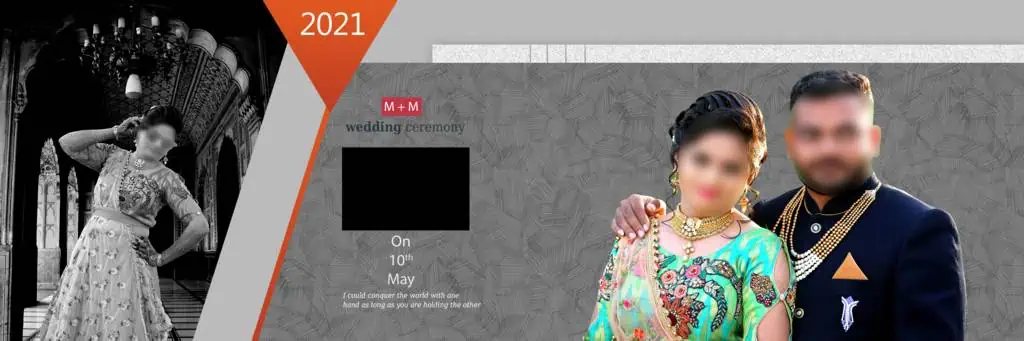
#12
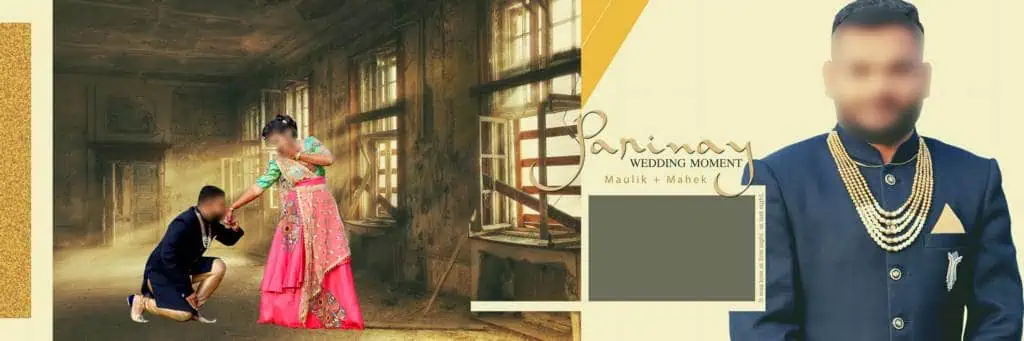
New Wedding Album Design
#13

#14
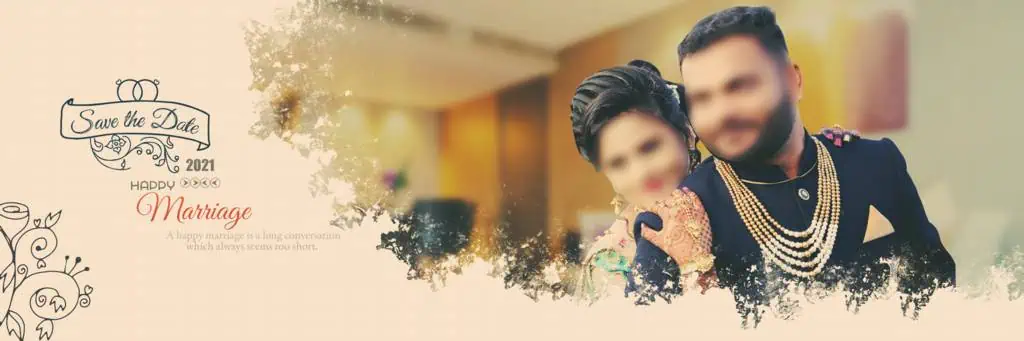
#15
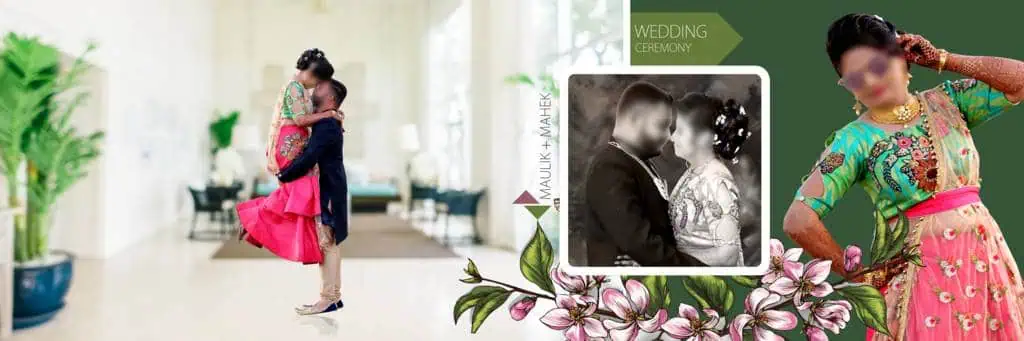
#16
#17
Get More: PSD Wedding Album Design Free Download – Freefile360.com.
#18
#19
#20
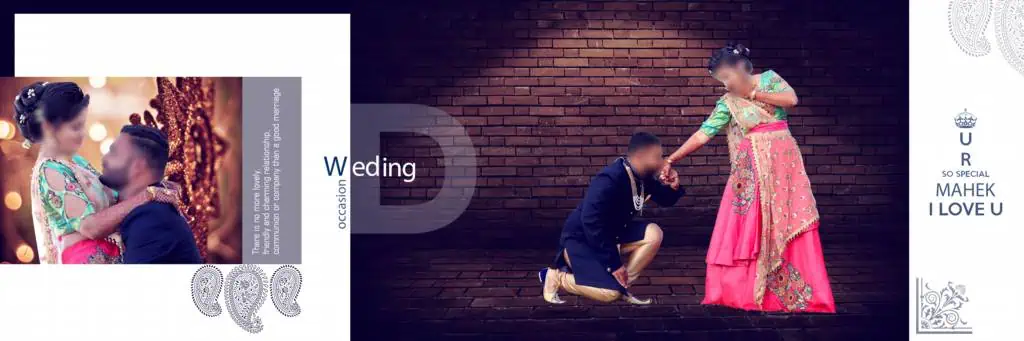
How to Download and Customize a 12×36 Wedding Album PSD
Follow these steps when a compatible PSD template is available on the relevant resource page.
1. Find the appropriate resource. Visit Freefile360.com and search for the relevant Wedding Album Design. Open the individual resource page and follow its listed download instructions. Confirm that the file is actually available before proceeding.
2. Extract the downloaded archive. If the resource comes as a ZIP file, extract it using a suitable archive utility. Check the extracted folder for the PSD file and any accompanying instructions or assets.
3. Open the PSD in compatible software. Launch Adobe Photoshop or another application that supports the file’s features. Check the document dimensions, resolution setting, color mode, and layer structure before editing.
4. Replace the sample photographs. If the template includes editable image layers or Smart Objects, use the available features to insert the wedding photographs. Otherwise, follow the layer structure and replace images manually where possible.
5. Customize the composition. Adjust photograph placement, crop images carefully, and edit text, colors, and decorative elements where supported. Keep the couple’s important moments prominent and maintain a consistent visual style across the album.
6. Prepare the final output. Confirm the printer’s required dimensions, resolution, color profile, bleed, and binding margins. Save an editable PSD copy, then export the final file in the format requested by the printing provider.
These steps help organize the workflow, but the available editing features depend on the selected template.
#21
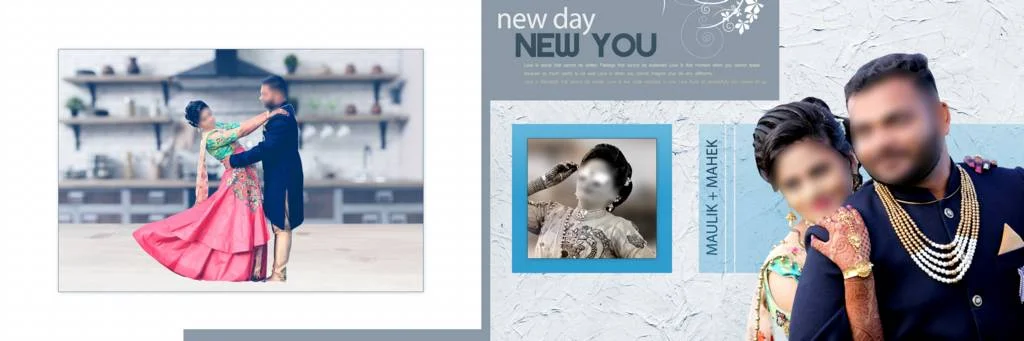
#22
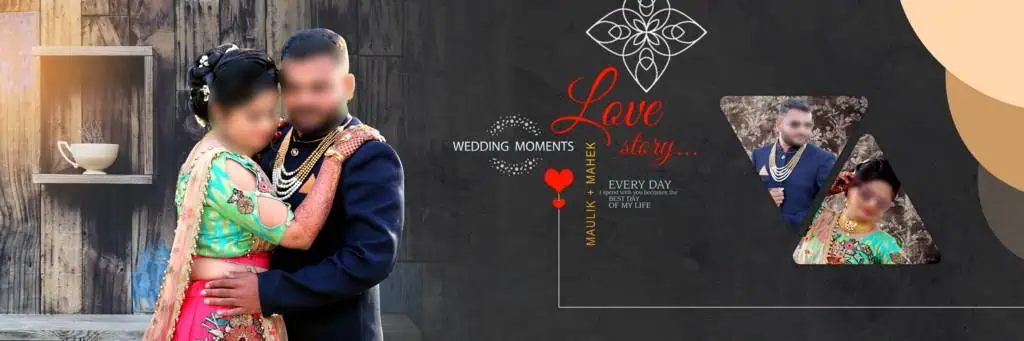
#23
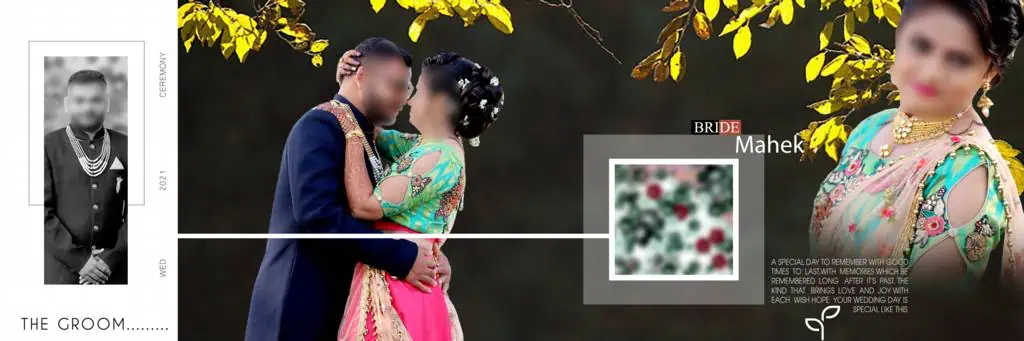
#24
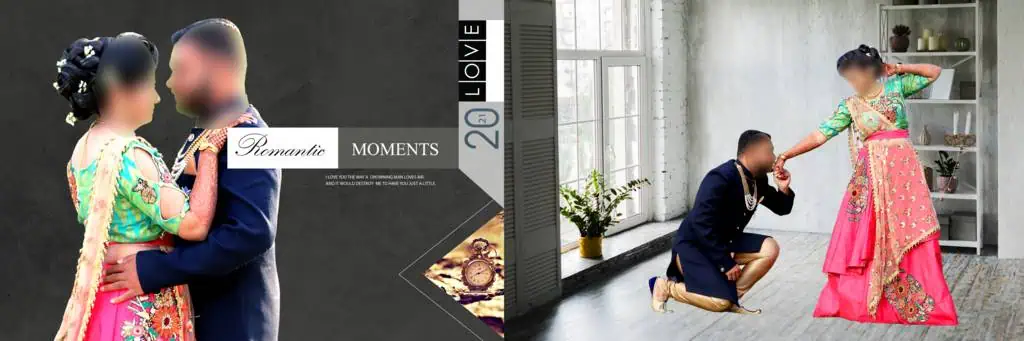
#25
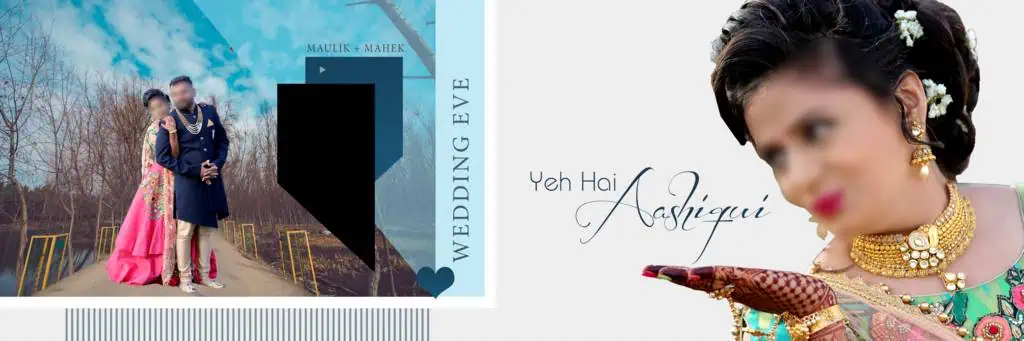
#26
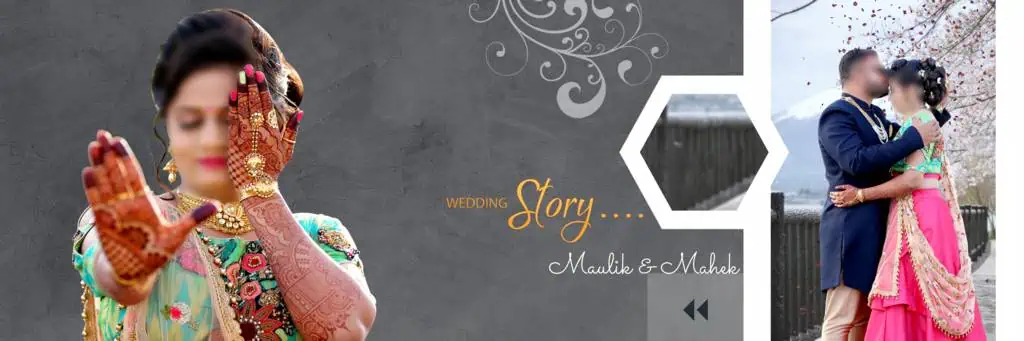
New Wedding Album Design
#27
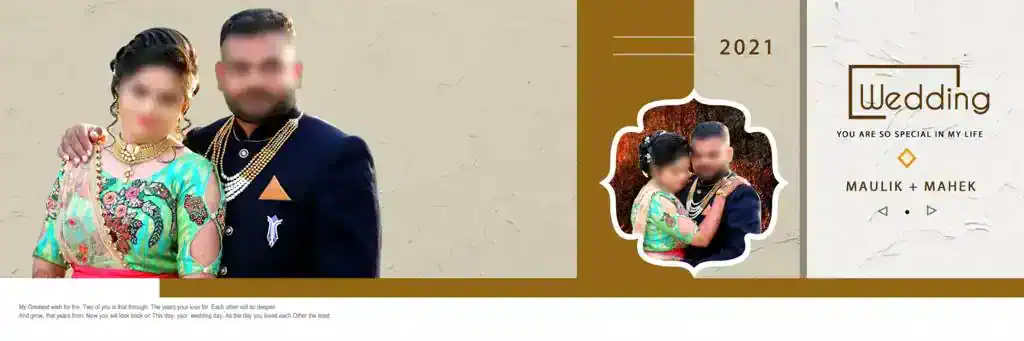
#28

#29
#30

Managing Wedding Album Projects Under Tight Deadlines
Wedding album designers often work with hundreds of photographs from different events. Sorting these images before opening Photoshop can reduce unnecessary editing and make it easier to maintain a clear story throughout the album.
Start by grouping photographs into sections, such as pre-wedding portraits, family photographs, ceremony highlights, and reception moments. Choose the strongest images for prominent positions and use supporting photographs to fill out the remaining layouts.
When exploring the latest wedding album design styles, focus on composition rather than adding decorative elements to every page. A large photograph paired with a few smaller images may communicate a moment more effectively than a crowded collage.
A reusable layout can also improve consistency across a multi-page album. Keep fonts, margins, and decorative treatments coordinated, but adjust individual pages when the photographs require a different composition. This approach helps designers work efficiently without making the entire album feel repetitive.
The keyword 12×36 album design new may be useful when searching for recently published resources. Always inspect the actual preview and file information instead of assuming a resource is newly released based on its title.
Practical Tips for Better Wedding Album Results
– Check the image resolution. Use photographs with enough pixel detail for the intended print size. Changing a document’s resolution setting cannot restore missing image detail.
– Confirm color requirements. Ask the printing provider which color profile and export settings are preferred. Do not assume every PSD template is configured for CMYK printing.
– Protect the binding area. Keep faces, important details, and text away from the center fold and any specified bleed or trim zones.
– Save an editable backup. Retain the original PSD and save a separate working copy before making major changes. This allows you to revise the layout without rebuilding it from scratch.
Frequently Asked Questions
Are these wedding album PSD resources free to download?
Download conditions depend on the individual resource. Check the relevant Freefile360.com page for availability and any applicable download requirements before using a file.
Which software is needed to edit a 12×36 album design?
Adobe Photoshop is a common choice for PSD editing. Compatibility with other applications depends on their support for the file’s layers, effects, fonts, and other features.
Can I use a wedding album design for paid client projects?
Commercial use depends on the resource’s license. Review the applicable terms and confirm that the intended client use is permitted before delivering a paid project.
Why is the 12×36 format useful for wedding albums?
Its wide layout provides room for a combination of portraits and supporting photographs across a spread. The final arrangement should account for the album’s binding and printing specifications.
How do I prepare a 12×36 PSD for printing?
Confirm the final dimensions, image detail, color profile, bleed, and binding margins with your printer. Export the file using the specifications provided by the printing service.
Conclusion
Choosing a suitable New Wedding Album Design can help photographers, studio owners, and graphic designers create organized, attractive wedding albums. A well-planned 12×36 layout gives you room to highlight important moments while keeping the overall composition balanced and readable.
Visit Freefile360.com to explore relevant graphic design resources and Wedding Album Design options. Review the individual file details, download conditions, and licensing terms before starting your project, then customize the selected layout to suit your photographs and printing requirements.
Get More: