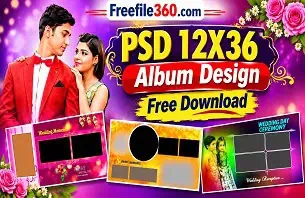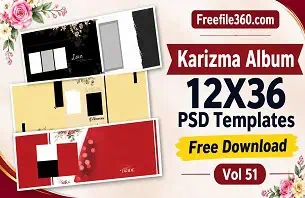
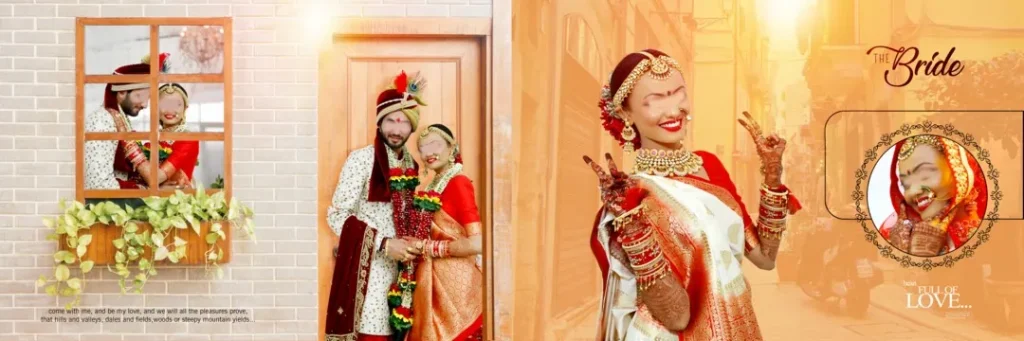
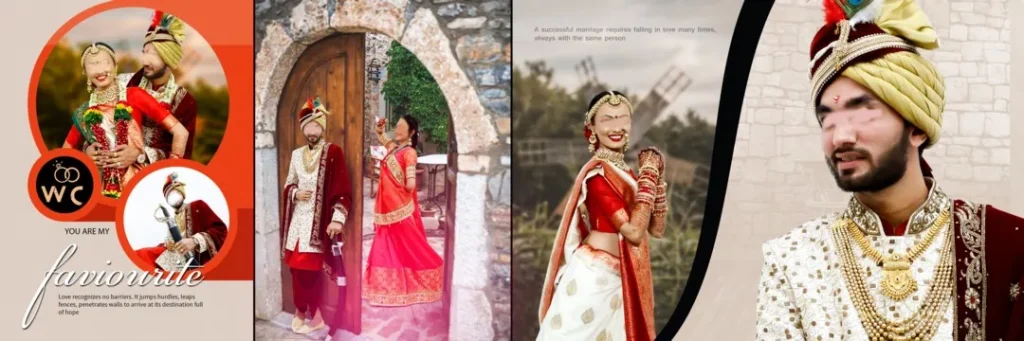
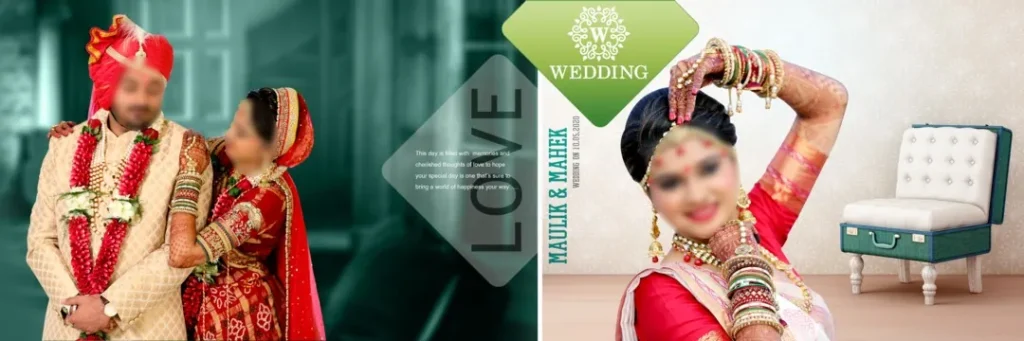
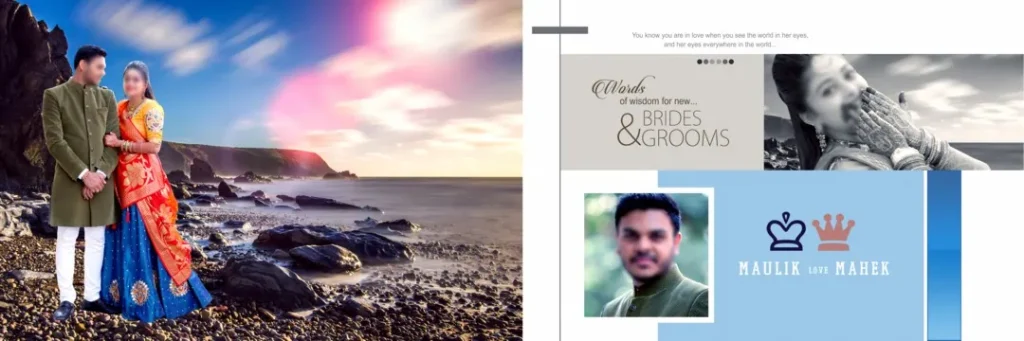
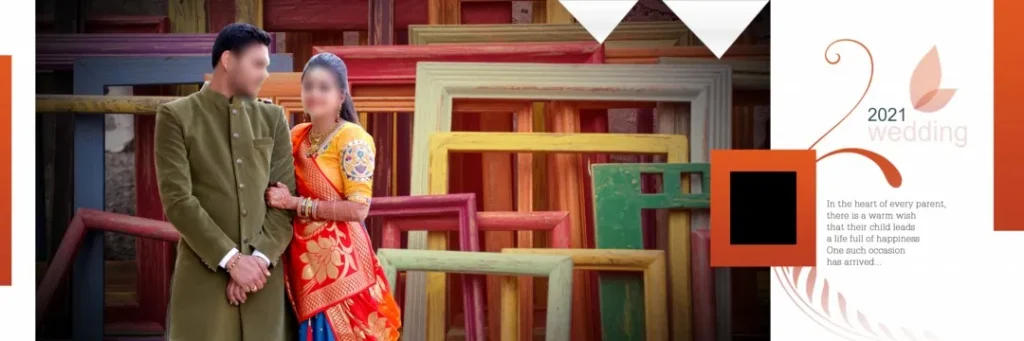
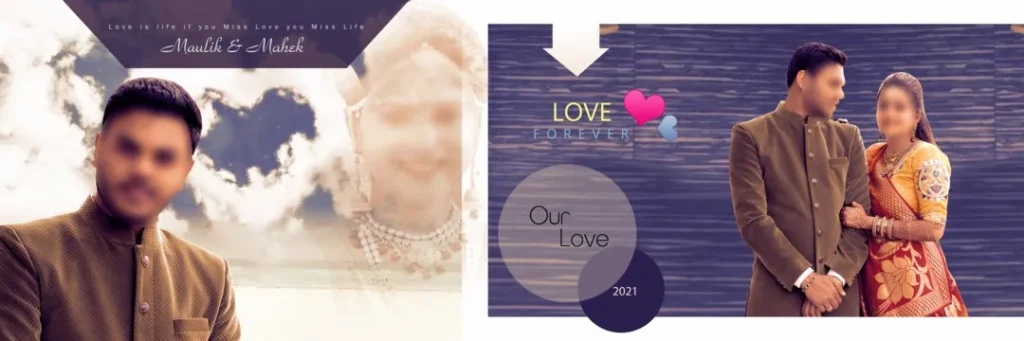
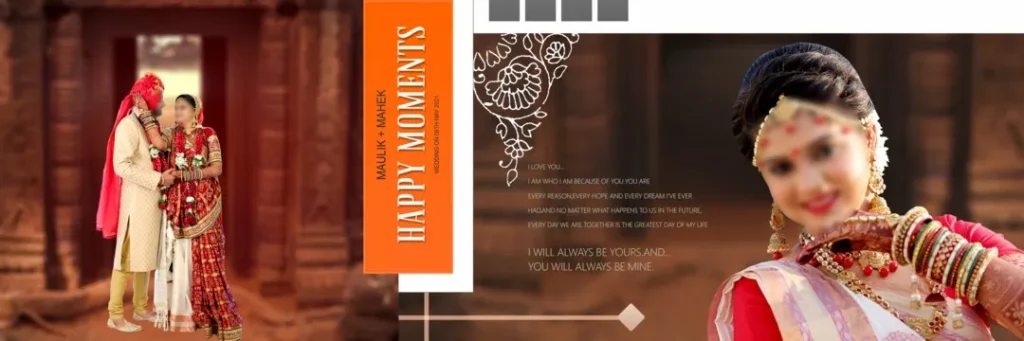
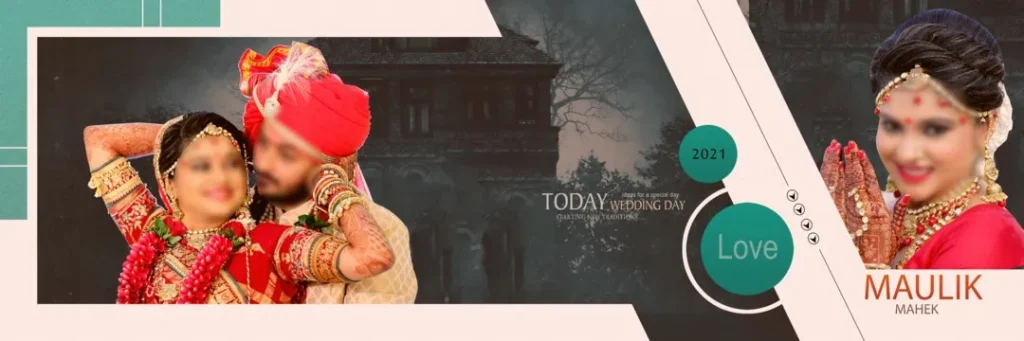
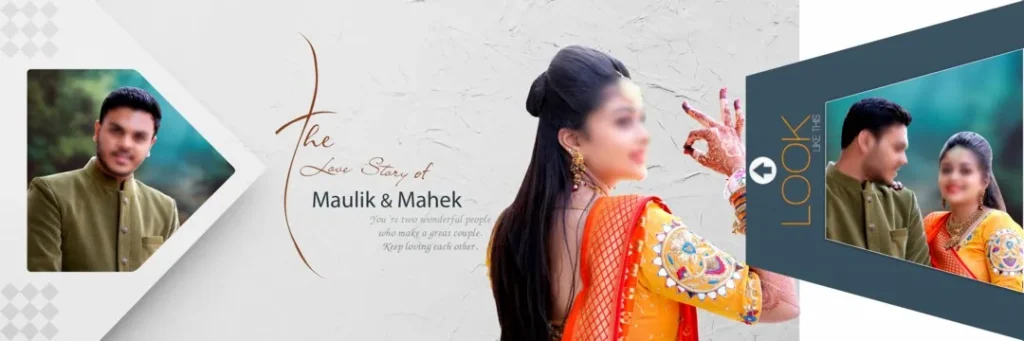
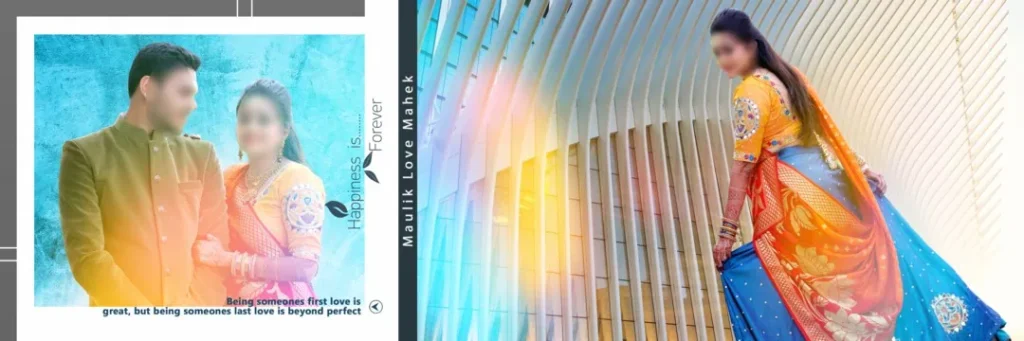
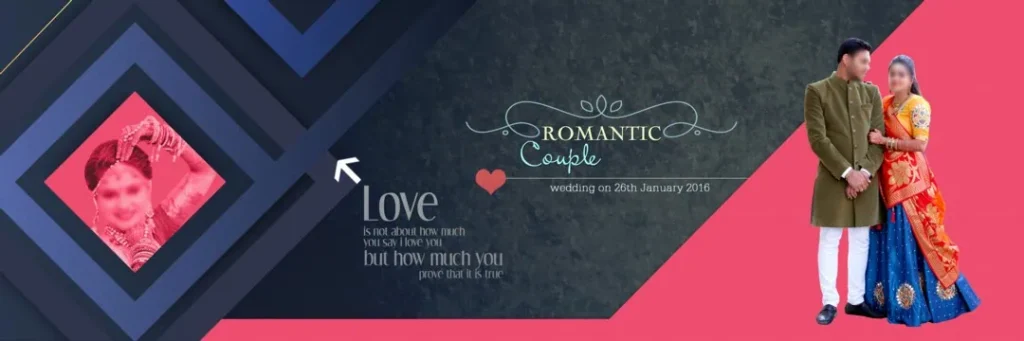
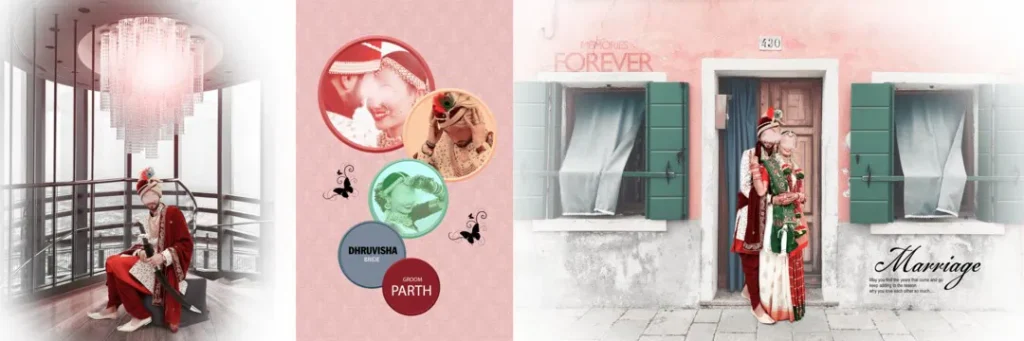
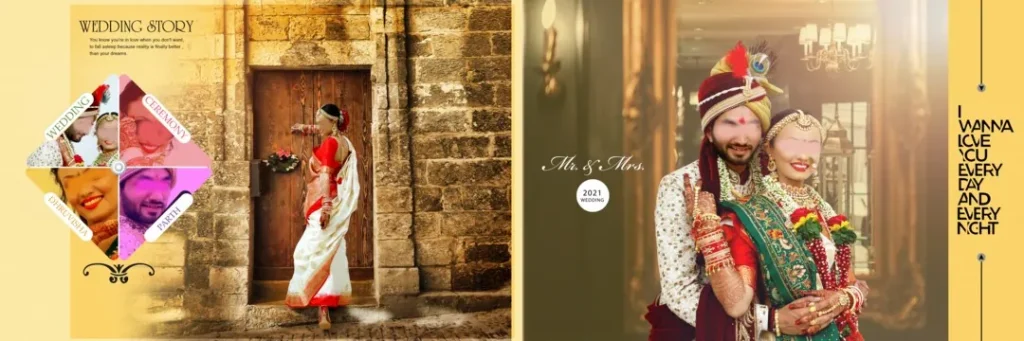
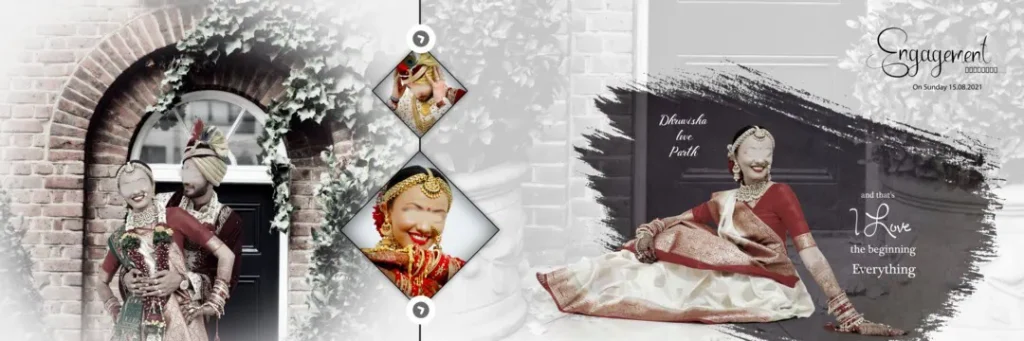
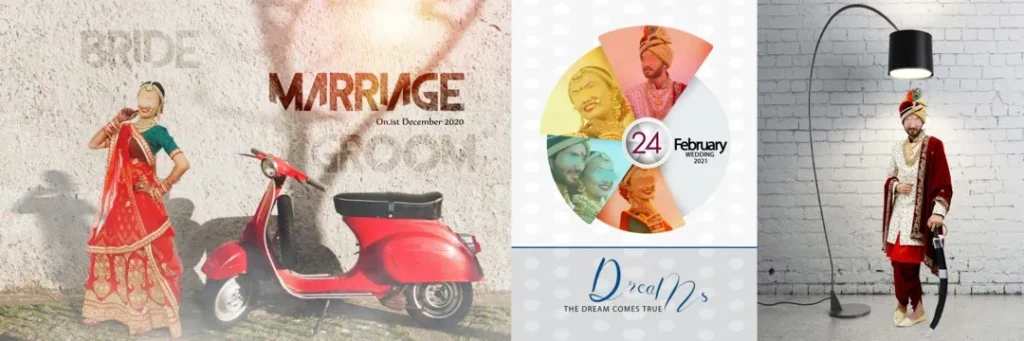
A 12X36 Wedding Album spread provides a wide canvas for presenting wedding photographs across two connected pages. This format is commonly used to create attractive album layouts featuring couple portraits, family photographs, wedding ceremonies, and special moments.
For graphic designers and wedding photographers, finding a suitable Wedding Album PSD Free Download 12X36 can make the album design process more organized. A suitable Photoshop template can provide a starting point for arranging photographs, adding decorative elements, and creating a consistent visual presentation.
At Freefile360.com, this topic is intended to help Photoshop users explore wedding album design resources and understand how to work with 12X36 layouts. Before using any downloadable PSD, check its actual dimensions, editing features, and license conditions.
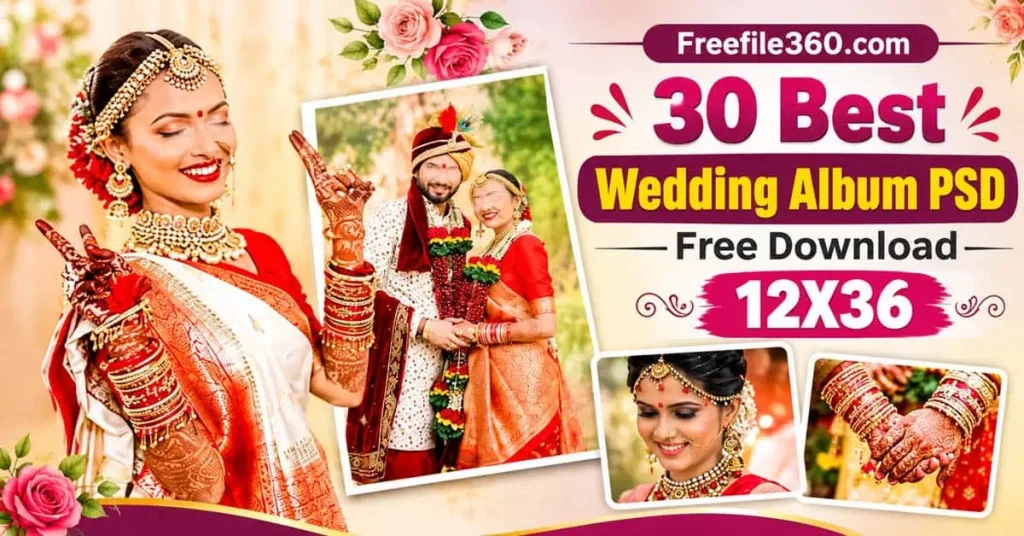
Wedding Album PSD Free Download 12X36
Table of Contents
Wedding Album PSD Free Download 12X36 – Understanding the Album Format
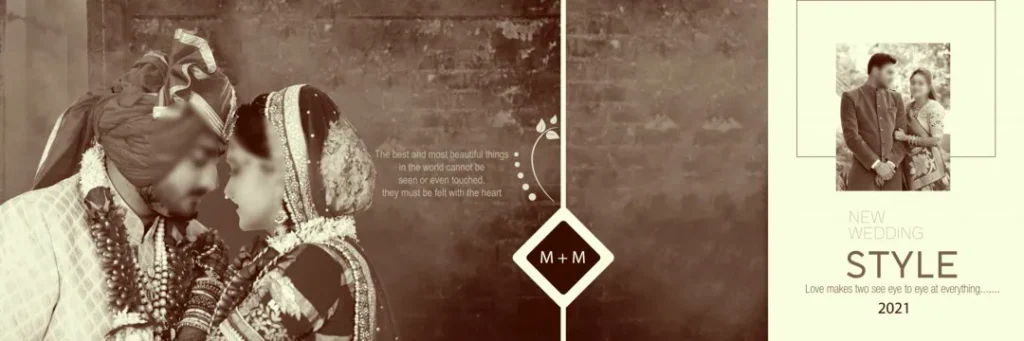
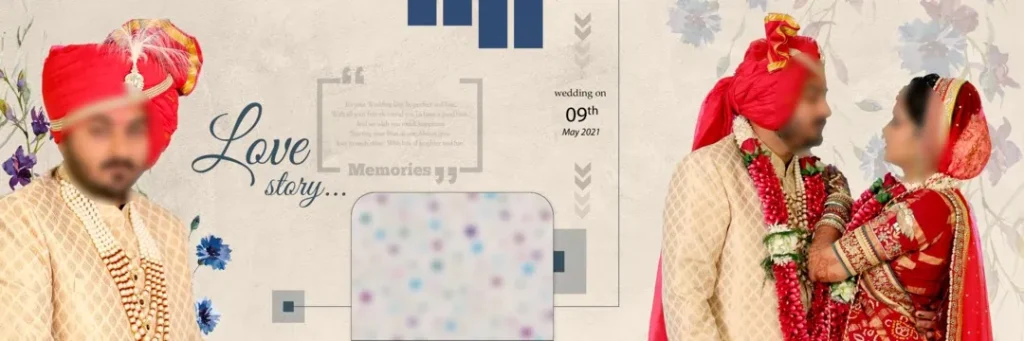
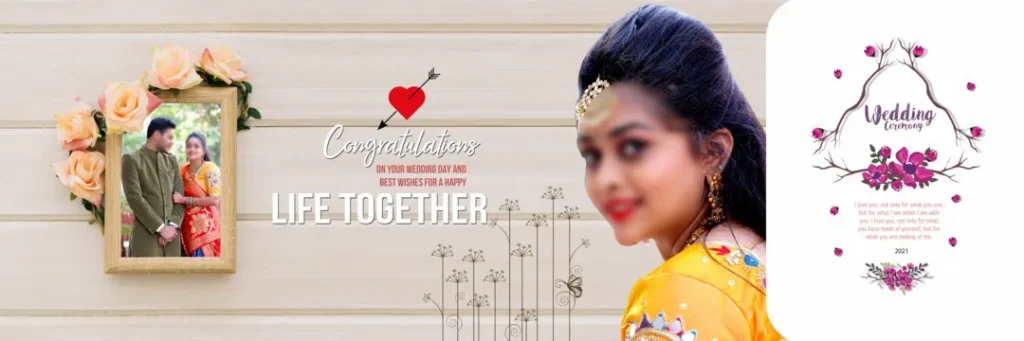
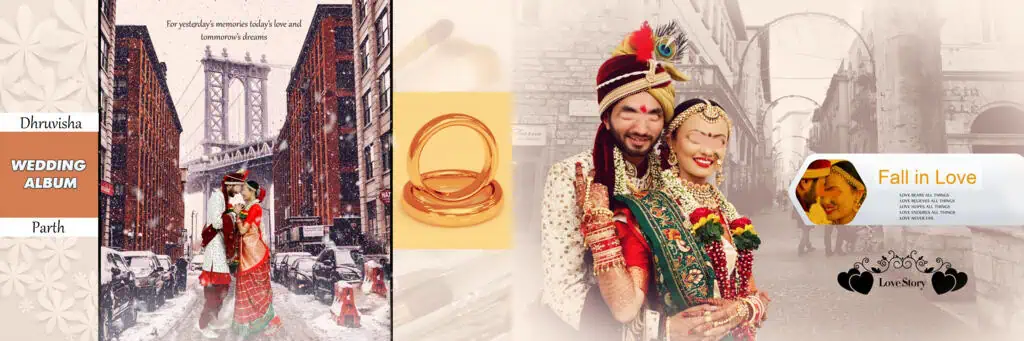
A 12X36 wedding album PSD is a Photoshop design document intended for creating a wide wedding album spread measuring 12 inches by 36 inches. It can be used to arrange wedding photographs, decorative backgrounds, text, and other visual elements across a connected album layout.
The 12X36 format is useful for displaying multiple photographs within one continuous composition. Designers can use the available space for large couple portraits, smaller supporting pictures, and important wedding moments without making the overall layout feel crowded.
A wedding album design PSD can also help designers maintain visual consistency throughout an album. However, actual editing options depend on the individual PSD file. Some documents may contain organized layers, while others may have a different structure.
#01
#02

#03
#04
Get More: 10 New Karizma Album Design PSD Files Free Download.
#05

#06

#07

#08
#09
Get More: Top 15 Pre Wedding Album Design 12X36 Sheet Download.
#10

Explore Wedding Album Design Resources on Freefile360.com
Freefile360.com focuses on graphic design resources, including Photoshop-related materials and Wedding Album Design topics. This article is intended for designers looking for 12X36 Wedding Album layouts and practical information about using PSD templates.
When choosing a Wedding Album PSD Free Download 12X36, consider the type of photographs you want to include. A layout for a couple’s pre-wedding portraits may require a different composition from one designed around Mehendi, Sangeet, Baraat, or reception photographs.
Before downloading a particular resource, check its individual page for important information such as:
- File format: Confirm whether the resource is supplied as a PSD file or another format.
- Document dimensions: Check whether the canvas matches your required 12X36 album size.
- Resolution: Review the document resolution and the actual quality of the photographs.
- Editing options: Check whether text, backgrounds, and photo placeholders can be edited.
- License conditions: Understand whether personal or commercial use is permitted.
The specific download URL, file specifications, and license details should be confirmed on the individual resource page before publication or use.
#11
#12

Wedding Album PSD Free Download 12X36
#13
#14
#15
#16
#17
#18
#19
#20
How to Download and Edit a 12X36 Wedding Album PSD
Once you have selected a suitable wedding PSD file, follow these steps to prepare it for your project.
1. Download the PSD file: Visit the relevant resource page on Freefile360.com when the download link is available. Follow the instructions provided on that page to access the file.
2. Extract the downloaded archive: If the resource comes in ZIP format, extract it using suitable archive software. Keep the original downloaded file as a backup.
3. Open the file in Photoshop: Launch Adobe Photoshop and open the PSD document. Check its canvas dimensions, resolution, and color mode before starting your work.
4. Replace the wedding photographs: Add your selected photographs to the document. If the template contains Smart Objects or photo placeholder layers, use the available editing method to replace the sample images.
5. Customize the album design: Adjust text, backgrounds, colors, photo positions, and decorative elements. Make sure the layout matches the wedding theme and the client’s preferences.
6. Prepare the final output: Review the document dimensions, image quality, color profile, and binding area. Save an editable PSD backup and export the final version according to your album printer’s requirements.
#21

#22

Get More: 20 New Wedding Album Design PSD Free Download | 12X36.
#23
#24

#25

#26
#27
#28

#29
#30
Learn Better Album Composition Through Photoshop PSD Files
Working with a 12X36 Wedding Album Design is also a useful way to understand photo composition and visual balance. The wide canvas gives designers room to experiment with different arrangements while maintaining a connection between the two pages.
For example, a large couple photograph can become the main visual element, while smaller pictures can highlight family moments and wedding ceremonies. This creates a natural visual flow without giving every photograph the same level of attention.
Studying editable wedding PSD files can also improve Photoshop skills. Designers can learn how layers are organized, how backgrounds support photographs, and how typography fits into a complete composition.
For beginners, practicing with different wedding album layouts can help develop an understanding of spacing, alignment, image placement, and color combinations. These skills are useful when creating custom albums for different clients.
Practical Tips for Better 12X36 Wedding Album Designs
Keep these points in mind when preparing your wedding album design for printing:
– Check the actual document dimensions: Make sure the complete spread matches the required 12X36-inch format. Confirm whether the printer needs additional bleed space.
– Use suitable photographs: Select clear, high-resolution wedding pictures. Increasing the DPI setting cannot restore image details that are missing from the original photograph.
– Consider the centre binding area: Avoid placing important faces, text, or other details directly across the centre fold. Follow the album printer’s binding guidelines.
– Save an editable backup: Keep the original PSD file before exporting the final design. This makes future corrections and client revisions easier.
Frequently Asked Questions
1. Are Wedding Album PSD Free Download 12X36 files available for free?
Download conditions depend on the individual resource. Check the relevant Freefile360.com download page to confirm whether a particular PSD file is available for free.
2. Which software is required to edit a 12X36 wedding album PSD?
Adobe Photoshop is the standard software for editing PSD documents. Compatibility with other applications depends on their support for the file’s features and layer structure.
3. Can I use wedding album PSD designs for paid client projects?
Commercial use depends on the license attached to the individual resource. Always review the usage conditions before including a downloaded design in a paid wedding album project.
4. Why is the 12X36 format useful for wedding album design?
The wide layout provides space for combining large photographs and smaller supporting images across two connected pages. It is suitable for presenting important wedding moments in one composition.
5. How can I prepare a 12X36 PSD file for album printing?
Check the canvas dimensions, image resolution, color profile, bleed requirements, and binding area. Follow your printing provider’s specifications before exporting the final document.
Conclusion
A suitable Wedding Album PSD Free Download 12X36 can provide a useful starting point for creating attractive wedding album spreads. Understanding the document size, photograph placement, Photoshop editing options, and printing requirements helps designers prepare more organized album layouts.
Explore Wedding Album Design PSD resources on Freefile360.com to find relevant design inspiration and improve your Photoshop workflow. Before using any resource, verify its download availability, technical specifications, and license conditions to ensure it meets your project requirements.
Get More: